Home
Blog
Find & Send Cold Emails to 500 Unique Prospects Every Month for FREE.
Home
Blog
Manasa Goli
Published February 9, 2026
8 min

Try Oppora AI
Create Self-Running Agentic Sales Workflows like N8N just by chatting with AI
Get Started for FREE
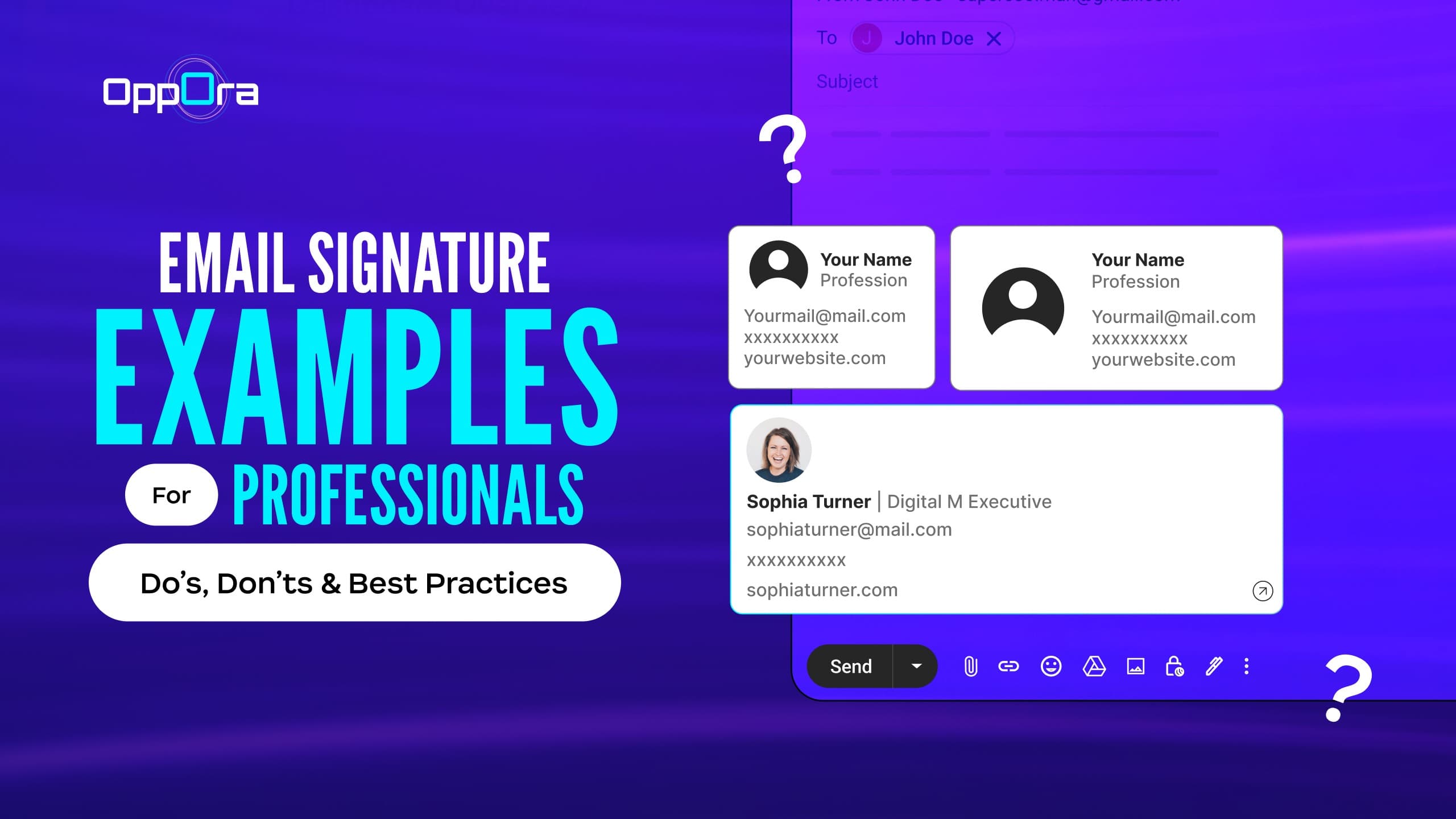
Your email signature might feel like a small detail — something you set once and forget.
But here’s the truth: every email you send is a branding opportunity. Whether you're reaching out to a client, applying for a job, closing a deal, or networking with industry peers, your signature quietly communicates professionalism, credibility, and trust.
Think about it — when you receive an email with a clean, well-formatted signature, it instantly feels more legitimate. On the other hand, a cluttered signature packed with quotes, oversized images, or five phone numbers can make even a serious message look unprofessional.
The good news? Creating a great email signature isn’t complicated. You don’t need flashy graphics or clever taglines — just the right structure, essential details, and a format that’s easy to read.
In this guide, we’ll walk through:
✔ What a professional email signature should include
✔ Common mistakes to avoid
✔ Best practices that actually make a difference
✔ 25+ email signature examples you can use immediately
Let’s start with the basics.
A professional email signature is a structured block of text placed at the end of your email that shares your key contact details and reinforces your identity.
At minimum, it should answer three questions:
Use this simple structure:
Full Name Job Title | Company Name
Phone Number
Website Optional:
LinkedIn or professional social profile
Example format:
Sarah Chen
Marketing Manager | Oppora.ai
+1 415 555 0182
www.opporai.ai
linkedin.com/in/sarahchen
Clean. Clear. Professional.
Now let’s look at what separates a good signature from a great one.
Aaron Blake
Operations Manager
+1 212 555 0187
Why it works: Extremely clean and distraction-free.
When to use it: Ideal for internal communication or traditional industries where simplicity signals professionalism.
Melissa Grant
Senior Financial Analyst | Crestview Capital
+1 646 555 0132
www.crestviewcap.com
Why it works: Structured and trustworthy.
When to use it: Perfect for corporate environments like finance, consulting, or insurance.
Ethan Cole
Head of Growth
[email protected]
linkedin.com/in/ethancole
Why it works: Adds credibility without clutter.
When to use it: Great for tech companies and modern workplaces.
Natalie Stone
Account Manager | Horizon Agency
+1 310 555 0192
Schedule a call: calendly.com/nataliestone
Why it works: Reduces back-and-forth emails.
When to use it: Excellent for sales, agencies, and customer success roles.
Robert Lang
Chief Operating Officer
Northstar Logistics
Why it works: Senior professionals don’t need excess detail — authority speaks for itself.
When to use it: Leadership roles and high-level communication.
Lena Morris
Freelance Copywriter
Portfolio: lenamorris.com
Book a call: calendly.com/lena-copy
Why it works: Directs recipients toward action.
When to use it: Freelancers and consultants who rely on inbound opportunities.
Not sure how to sign off an email in different situations?
Click here to see practical ways to sign-offJordan Patel
Content Strategist
Newsletter: jordanpatel.com
LinkedIn: linkedin.com/in/jordanpatel
Why it works: Builds authority beyond your inbox.
When to use it: Creators, marketers, and thought leaders.
Dr. Hannah Weiss
Clinical Psychologist
Evergreen Wellness Center
+1 503 555 0119
Why it works: Formal titles build trust instantly.
When to use it: Healthcare, academia, and regulated industries.
Tyler Brooks
Senior Sales Executive
Book a demo → calendly.com/tylerbrooks
+1 718 555 0176
Why it works: Encourages immediate conversion.
When to use it: Revenue-generating roles.
Ava Collins
Creative Director
Portfolio: avacollins.design
Instagram: @ava.creative
Why it works: Shows work visually.
When to use it: Designers, photographers, and brand professionals.
Noah Kim
Product Lead @ Fluxly
Let’s connect: linkedin.com/in/noahkim
Why it works: Casual yet credible.
When to use it: Startups with relaxed communication culture.
David Clarke
Business Consultant
[email protected]
www.clarkeconsulting.com
Why it works: Reinforces independence and expertise.
When to use it: Independent advisors and specialists.
Customer Support Team
[email protected]
Help Center: help.swifthelp.io
Why it works: Sets clear expectations for assistance.
When to use it: Shared inboxes and support desks.
Elena Ruiz
Partnerships Manager
linkedin.com/in/elena-ruiz
Why it works: Encourages long-term connections.
When to use it: Business development and partnerships.
Professor Daniel Kim
Department of Economics
University of Washington
Why it works: Institutional affiliation adds authority.
When to use it: Universities and research roles.
Lucas Meyer
Engineering Manager
Remote | Berlin
+49 30 555 0184
Why it works: Sets location context without oversharing.
When to use it: Distributed teams.
Priya Shah
MBA Candidate | Class of 2026
+91 98765 12345
linkedin.com/in/priyashah
Why it works: Signals professionalism early.
When to use it: Applications, networking, recruiter outreach.
Sophia Turner
Licensed Realtor
Browse listings: sophiaturnerrealty.com
+1 480 555 0191
Why it works: Guides prospects toward listings.
When to use it: High-touch client industries.
Jonathan Blake
Attorney at Law
Blake & Partners
+1 202 555 0147
Why it works: Formal and trustworthy.
When to use it: Legal communication.
Ryan Park
Senior Software Engineer
GitHub: github.com/ryanpark
LinkedIn: linkedin.com/in/ryanpark
Why it works: Highlights proof of work.
When to use it: Engineering and developer roles.
Maya Lopez
Account Director | NorthPeak Agency
www.northpeakagency.com
Why it works: Keeps focus on the brand.
When to use it: Agencies and client services.
Chris Nolan
Product Designer
chris.nolan.design
Why it works: Memorable and sleek.
When to use it: Modern industries that value brevity.
Rachel Green
Head of People
Careers: greenleaf.co/careers
Why it works: Directs talent immediately.
When to use it: Hiring-focused roles.
Mark Reynolds
Founder, ScaleForge
www.scaleforge.io
Why it works: Positions you as the decision-maker.
When to use it: Founder-led outreach.
Alex Rivera
alexrivera.co
[email protected]
Why it works: Simple yet polished.
When to use it: Personal brands and solo professionals.
If you’ve ever stared at your screen wondering how to finish an email, you’re not alone.
We’ve covered it — check this outA professional email signature should make your information easy to find — not harder to read. These best practices help you create a signature that looks polished and works across devices.
Your signature isn’t a biography. Include only what the recipient needs to identify and contact you quickly.
Focus on:
The shorter your signature, the more likely people are to actually read it.
Fancy styling might look appealing to you, but clarity should always come first. Use a simple font, standard size, and enough spacing so each line is easy to scan.
Remember — most professionals skim emails. If your signature requires effort to read, it’s already failing its purpose.
Your signature should match your professional identity and, if applicable, your company’s branding.
Use the same:
Consistency signals professionalism and attention to detail.
Every link in your signature should serve a purpose. Too many options can overwhelm the reader and dilute your message.
Good choices include:
If a link doesn’t help someone contact you, learn about you, or work with you — remove it.
A large portion of emails are opened on phones, so your signature must adapt to smaller screens.
Quick tips:
A mobile-friendly signature shows modern professionalism.
Just as important as what you include is what you leave out. These common mistakes can instantly make even a great email feel less professional.
Inspirational quotes, jokes, or philosophical lines often distract from the purpose of your email.
While they may feel personal, they can come across as clutter in professional communication. Let your message — not a quote — make the impression.
You don’t need to link every platform you’ve ever joined.
Too many icons create visual noise and can make your signature look promotional rather than professional.
Stick to one or two platforms that genuinely support your work — typically LinkedIn or a portfolio.
Professional emails are not the place for neon text, cursive fonts, or heavy styling.
Safe fonts like Arial, Calibri, Helvetica, or Times New Roman maintain readability across email clients and devices.
When in doubt, choose simplicity over decoration.
Including multiple phone numbers, fax lines, full office addresses, and secondary emails only clutters your signature.
Ask yourself: How do I actually want people to reach me? Then highlight that method clearly.
Heavy graphics can cause formatting issues and may not display properly in some email clients. In many cases, images are blocked by default.
If you use a logo, keep it small and optimized — otherwise, a clean text signature often looks more professional.
Your email signature may sit at the bottom of your message, but its impact is far from small. It quietly reinforces your professionalism, strengthens your credibility, and makes it easier for people to connect with you.
The best signatures aren’t flashy or complicated — they’re clear, intentional, and thoughtfully structured. When someone opens your email, every detail contributes to the impression you leave behind.
If your current signature feels outdated, cluttered, or inconsistent, consider this your reminder to refresh it. A few small improvements can instantly elevate how others perceive your communication.
Because in professional settings, it’s often the smallest details that create the strongest trust — and your email signature is one of them.
Ideally, an email signature should be 3–5 lines. Shorter signatures improve readability and look more professional across devices.
No. A clean text signature often looks more professional. If you use a logo, keep it small and optimized to prevent loading issues.
Only include social profiles that support your professional credibility, such as LinkedIn or a portfolio. Avoid adding too many icons.
Yes. A well-structured signature builds trust, reinforces your identity, and makes it easier for recipients to contact you.
Absolutely. Since many emails are opened on phones, your signature should be compact, readable, and properly formatted for smaller screens.
Summarize with AI
Share