Home
Blog
Find & Send Cold Emails to 500 Unique Prospects Every Month for FREE.
Home
Blog
Manasa Goli
Published December 31, 2025
6 min

Try Oppora AI
Create Self-Running Agentic Sales Workflows like N8N just by chatting with AI
Get Started for FREE
If you use LinkedIn even moderately, you’ve probably felt this frustration.
You find a great profile. The role is right. The company fits. The timing seems perfect.
But then:
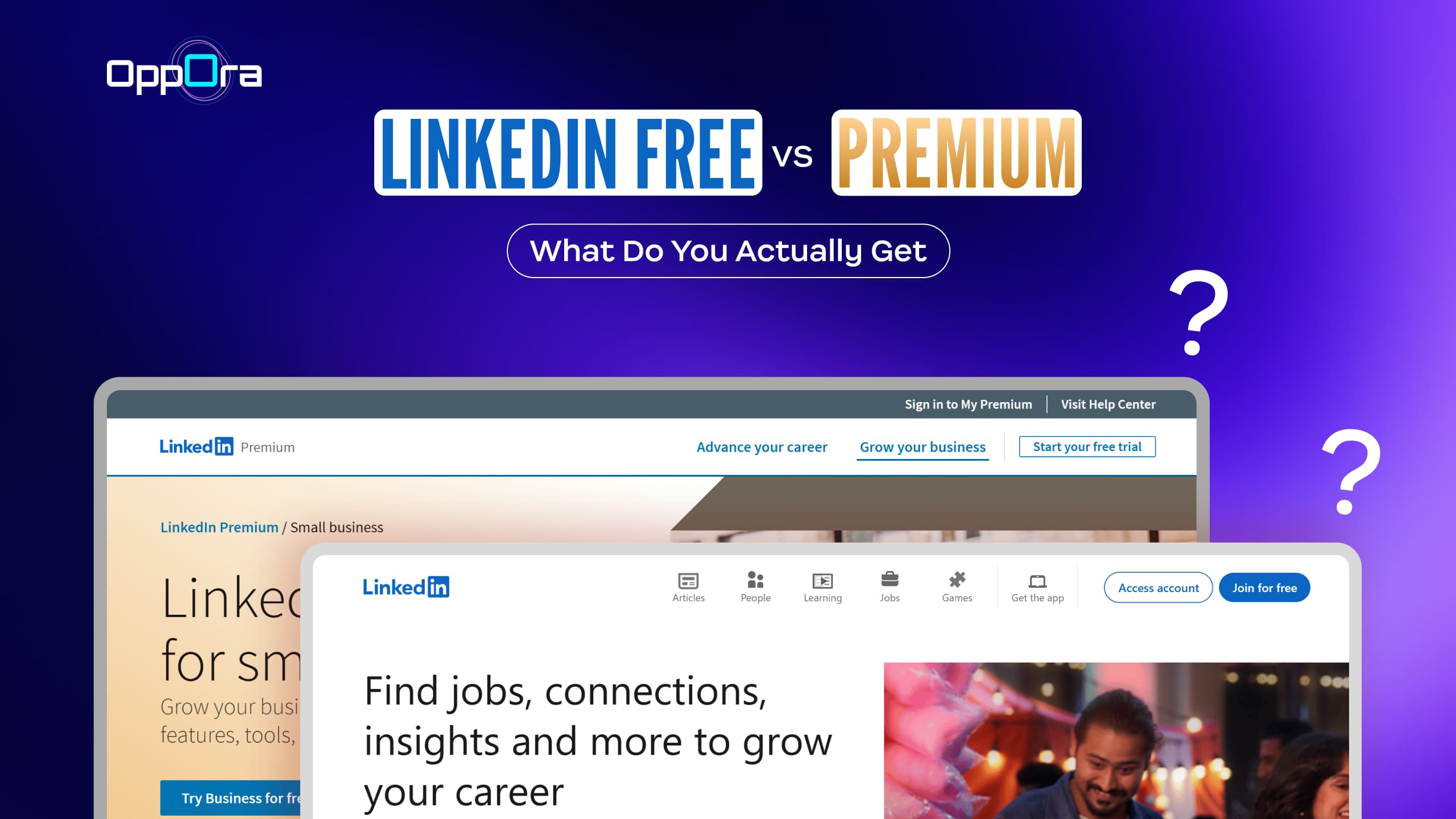
This is why the debate around LinkedIn Free vs Premium exists in the first place. Not because one is “good” and the other is “bad,” but because LinkedIn works very differently depending on what stage of action you’re in.
Most people don’t struggle with finding LinkedIn. They struggle with moving forward on LinkedIn.
This guide breaks down exactly:
LinkedIn Free is not a trial version. It’s a fully intentional product designed for passive, long-term use.
At its core, the free version supports visibility and participation, not speed or scale. It allows professionals to exist on the platform, grow slowly, and interact within natural limits.
With a free account, LinkedIn expects you to:
This makes LinkedIn Free suitable for:
The moment you try to act with intent, limitations appear.
LinkedIn Free deliberately introduces friction when:
These restrictions show up as:
This is not a flaw—it’s how LinkedIn controls usage behavior.
LinkedIn Premium removes visibility barriers, not workflow barriers.
When users upgrade, the experience immediately feels smoother because information becomes clearer and more accessible. You see more profiles, understand who’s viewing you, and gain context around people and companies.
LinkedIn Premium enhances:
This is why Premium feels most valuable during time-bound phases—job hunting, hiring sprints, lead research.
It helps you decide faster.
Here’s where expectations often break.
Even with Premium:
Premium makes LinkedIn clearer, but not complete.
This is why many users say:
“Premium helped me see more, but I still had to figure everything else out.”
Below is a reality-based comparison, not a marketing checklist.
Choosing between LinkedIn Free and Premium isn’t about upgrading to unlock more features. It’s about understanding where LinkedIn helps—and where it deliberately stops helping.
Most users don’t choose the wrong plan. They expect LinkedIn to solve problems it was never designed to solve.
Once that’s clear, the decision becomes much simpler.
Start with one honest question:
Is LinkedIn a supporting platform—or a core working tool for you right now?
If LinkedIn is something you:
Then LinkedIn Free already does its job well. It’s designed for passive participation, not speed or scale.
If LinkedIn is something you:
Then you’re already operating beyond what the free plan is optimized for.
This is where Free vs Premium truly differs.
LinkedIn Free is optimized for:
LinkedIn Premium improves:
Premium doesn’t change what LinkedIn is — it reduces friction while discovering people.
If your main issue is finding the right profiles, Premium helps. If your issue starts after you’ve found them, Premium alone won’t fix it.
This is the step most comparisons ignore.
Once you’ve identified someone relevant, LinkedIn gives you only a few options:
Both Free and Premium keep you inside these boundaries.
Even Premium users still face:
This is the point where many users feel stuck—not because of the plan they chose, but because LinkedIn intentionally stops at discovery.
Finding the right profile is only the starting point. Once you identify someone relevant on LinkedIn, the real work begins—moving that profile toward a conversation or follow-up.
LinkedIn offers limited options here:
This works at low volume, but becomes inefficient when reviewing many profiles or working toward hiring, outreach, or partnerships. Manual steps start to add up—copying profile data, searching for email addresses, validating contacts, and managing follow-ups outside LinkedIn.
To reduce this friction, many teams extend LinkedIn with tools like Oppora. The Oppora LinkedIn Extension captures profile details as you browse, the Email Validator confirms contact accuracy, and the Outreach Engine helps manage follow-ups. This keeps LinkedIn focused on discovery, while Oppora.ai supports what comes next.
This is where different users make different choices.
Some are comfortable staying entirely within LinkedIn. Others need to move faster, follow up externally, or organize contacts for later use. The plan you choose should support that next action.
For example:
In these workflows, LinkedIn—Free or Premium—handles discovery well. The gap appears when users need reliable contact details or a cleaner way to move from “profile viewed” to “conversation started.”
Tools like Oppora are built specifically for this part of the process. They support users who already know who they want to reach and are looking for a faster, more structured way to take the next step—without turning LinkedIn into an outreach tool it was never meant to be.
Once you look at LinkedIn this way, the decision becomes clearer.
The mistake isn’t choosing the wrong plan. The mistake is expecting one platform to handle every stage of the process.
The debate around LinkedIn Free vs Premium isn’t about which plan is better—it’s about what LinkedIn is designed to do, and where it intentionally stops.
LinkedIn Free works well for long-term visibility, light networking, and passive opportunities. LinkedIn Premium adds speed and clarity during active phases by improving search depth, profile visibility, and insights. But neither version is built to handle what comes after discovery—moving from profiles to conversations, follow-ups, and real outcomes.
Once you understand this boundary, choosing between Free and Premium becomes straightforward. Use LinkedIn for what it does best: discovering and qualifying people. When your work requires validated contact details, structured follow-ups, or faster execution beyond LinkedIn messages, that’s when adding focused tools like Oppora makes sense.
The goal isn’t to upgrade endlessly—it’s to build a setup that matches how you actually use LinkedIn.
Yes, but it becomes slow at scale. Free accounts are best for small volumes and organic networking. Hiring or sales workflows often require additional tools beyond LinkedIn.
Oppora helps after you’ve identified the right person. It allows you to capture profile details while browsing, check whether contact information is usable, and manage follow-ups in a more organized way—whether you’re using LinkedIn Free or Premium.
Summarize with AI
Share