Home
Blog
Find & Send Cold Emails to 500 Unique Prospects Every Month for FREE.
Home
Blog
Manasa Goli
Published December 17, 2025
8 min

Try Oppora AI
Create Self-Running Agentic Sales Workflows like N8N just by chatting with AI
Get Started for FREE
CRM integration with LinkedIn is no longer a “nice‑to‑have” for sales teams — it’s essential for pipeline visibility and revenue tracking. LinkedIn dominates B2B lead generation, with around 80% of all B2B social media leads coming from the platform, yet LinkedIn prospecting activity is often invisible to CRMs unless it’s captured and synced properly — meaning a significant portion of LinkedIn‑sourced lead activity never gets logged or acted on, leaving pipelines incomplete and opportunities slipping through the cracks.
The reason isn’t lack of tools. It’s broken workflows.
Leads get discovered on LinkedIn, conversations happen in DMs or connection requests, and CRMs get updated days later — if at all. By then, context is lost, follow-ups slip, and opportunities go cold.
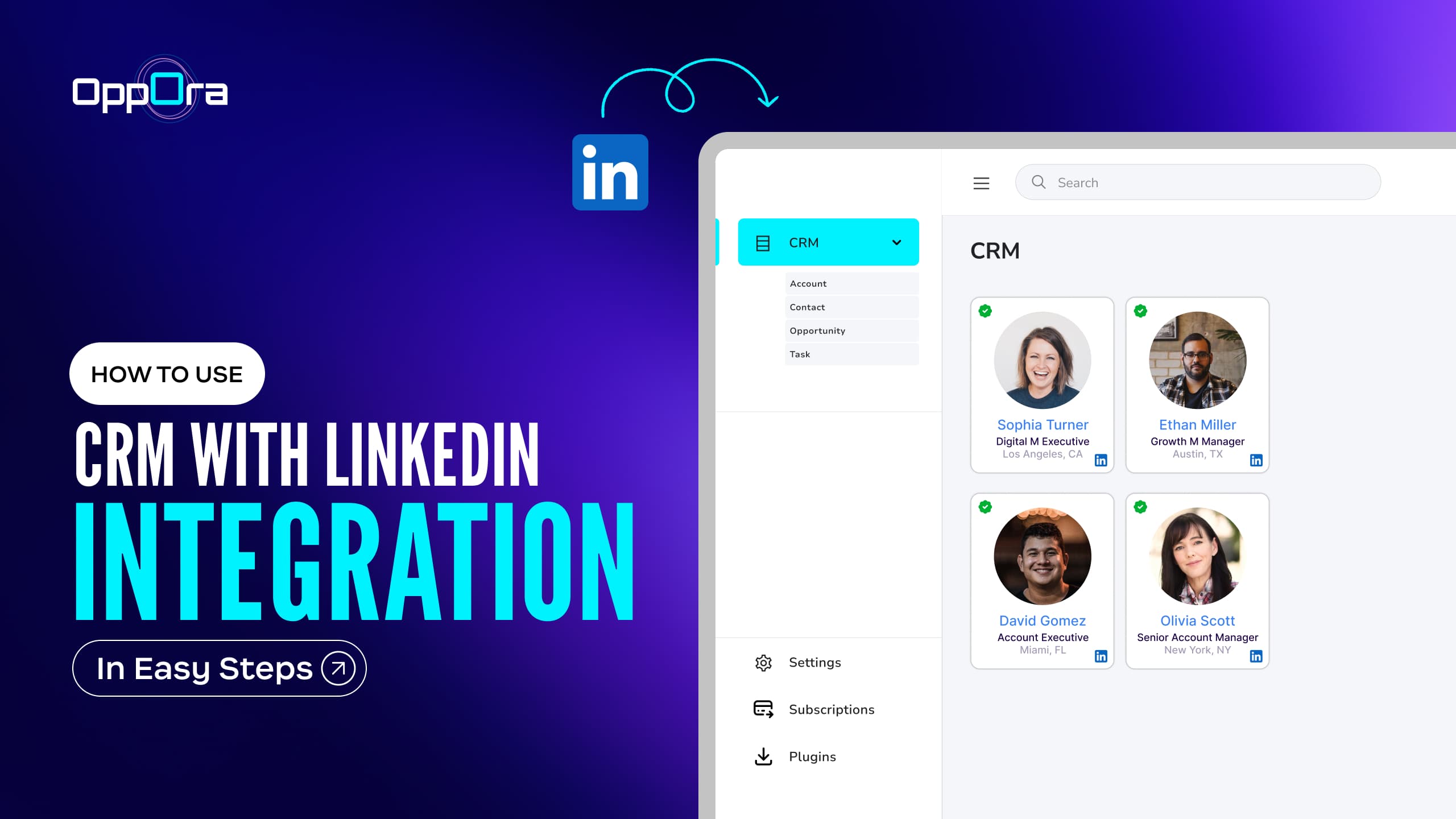
This guide breaks down how to use CRM with LinkedIn integration in 5 steps, so you can build a zero-leak system where every LinkedIn lead, action, and signal flows cleanly into your CRM — without manual work.
Let’s dive in!
This workflow is built for teams that rely on LinkedIn for discovery but need their CRM to reflect real progress, not just stored contacts. If LinkedIn is where conversations start and your CRM is where decisions are made, this setup ensures nothing gets lost in between.
It’s especially effective for:
In short: If LinkedIn is your primary source of leads or candidates, this workflow helps your CRM stay accurate, actionable, and up to date — without manual effort
Here are some of the most commonly used LinkedIn CRM tools, each serving a different type of team.
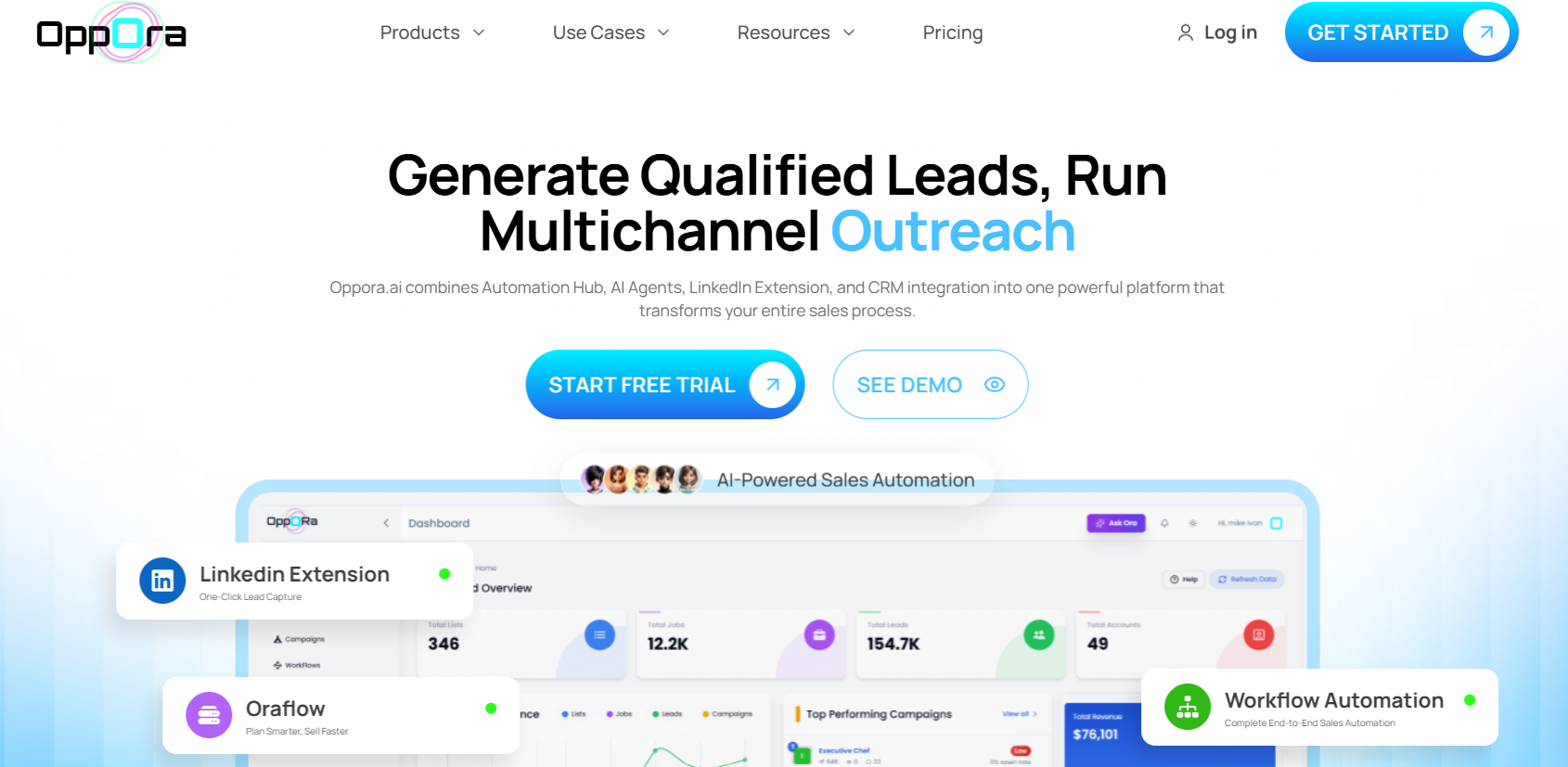
Oppora.ai is built specifically to solve the gaps most teams face with CRM sync from LinkedIn. Instead of pushing raw LinkedIn profiles straight into a CRM, Oppora.ai manages the entire flow — from capture to enrichment to CRM sync.
Oppora.ai is used when teams want LinkedIn actions to drive real CRM outcomes, not just create contact records.
With Oppora.ai, teams can choose how a LinkedIn profile moves through the workflow based on intent and response.
What teams can do with Oppora.ai:
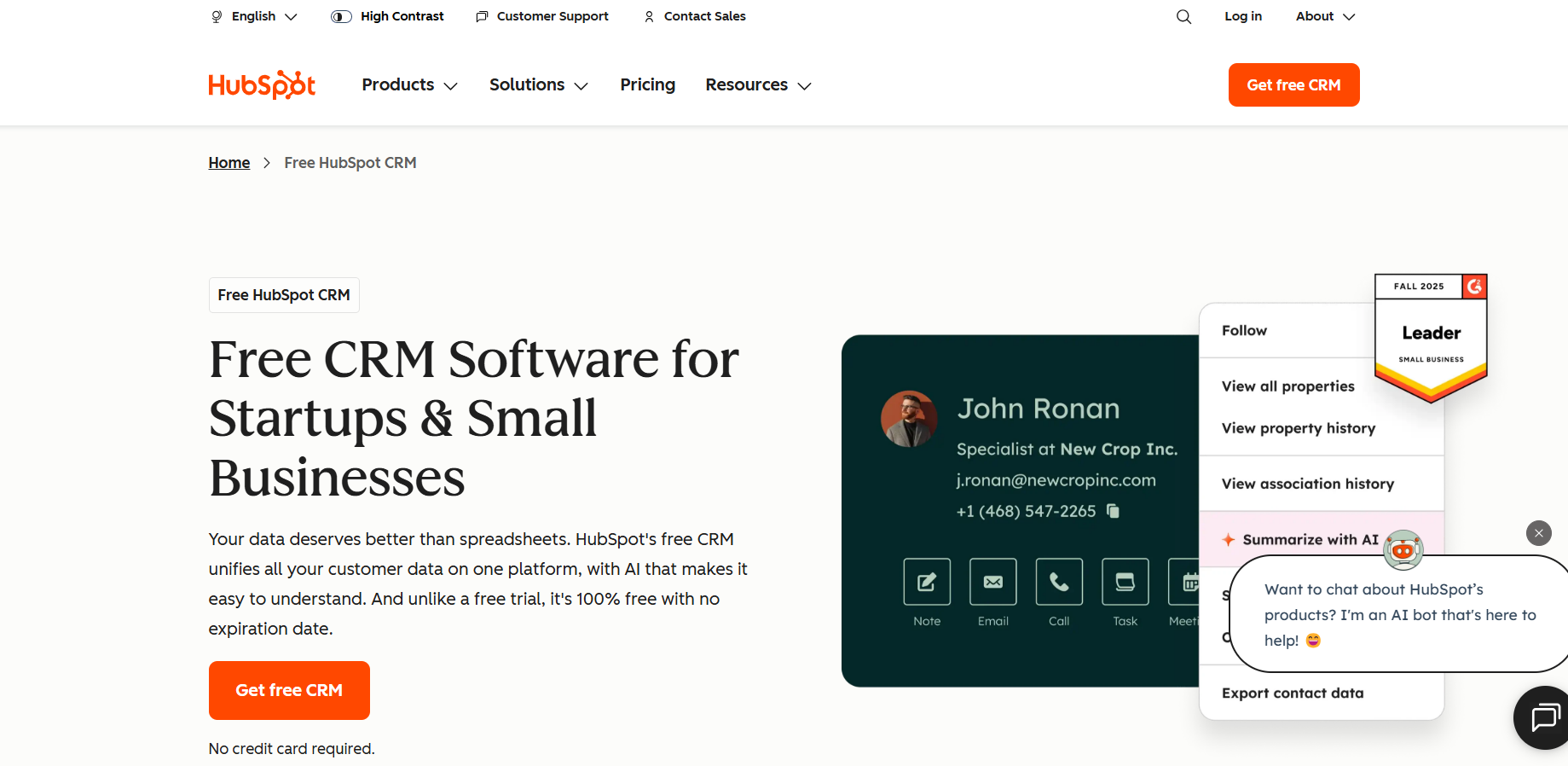
Category: CRM with native LinkedIn integration
HubSpot integrates with LinkedIn Sales Navigator, allowing users to save LinkedIn leads and view LinkedIn insights directly within CRM records. This setup works well for teams that already rely on HubSpot for sales and marketing alignment.
However, deeper LinkedIn activity tracking and workflow controls may require additional tools or manual processes.
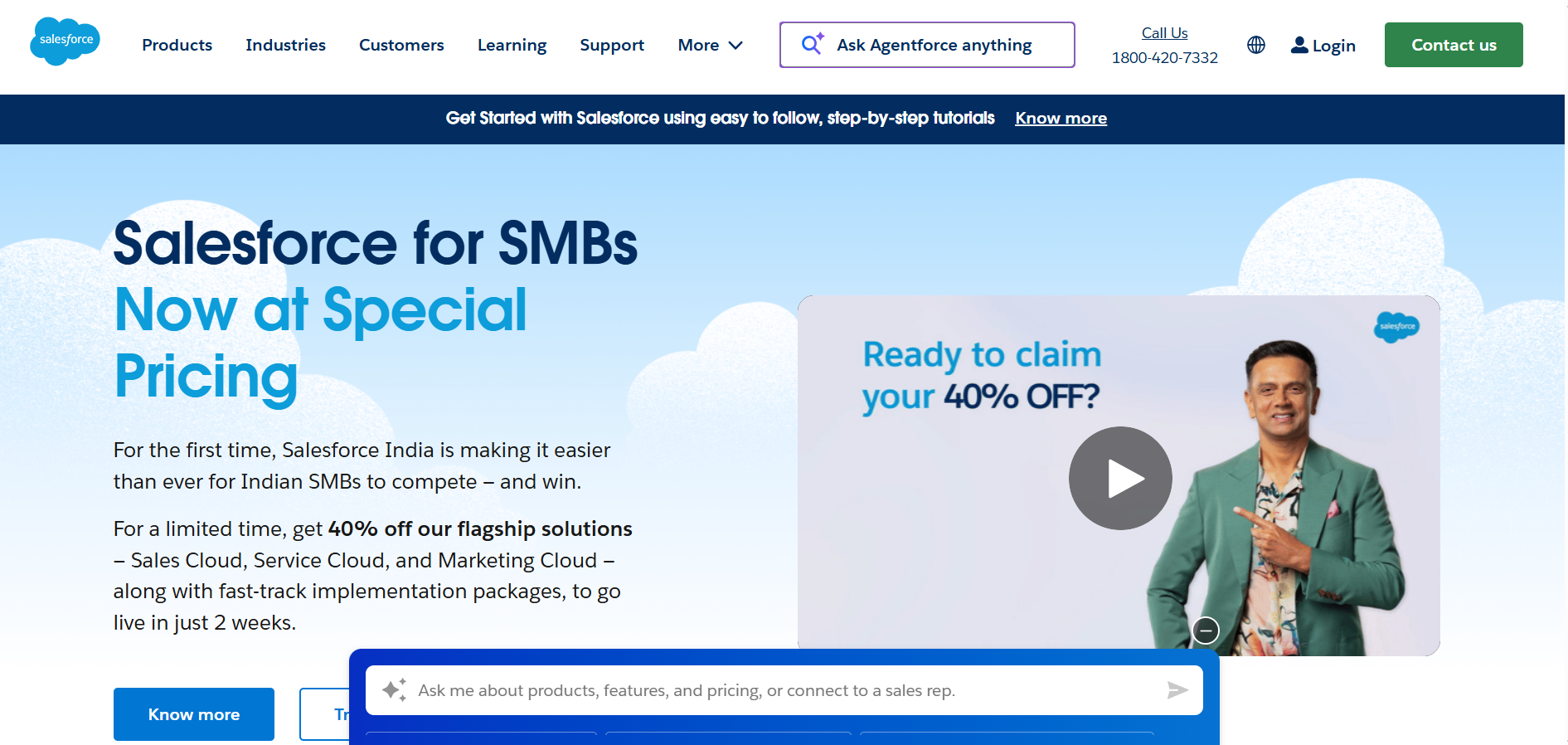
Category: Enterprise CRM with LinkedIn Sales Navigator sync
Salesforce offers native integration with LinkedIn Sales Navigator, enabling users to associate LinkedIn leads and accounts with CRM records and access account-level insights.
This approach is commonly used by enterprise teams but often depends on structured processes to maintain CRM data quality.
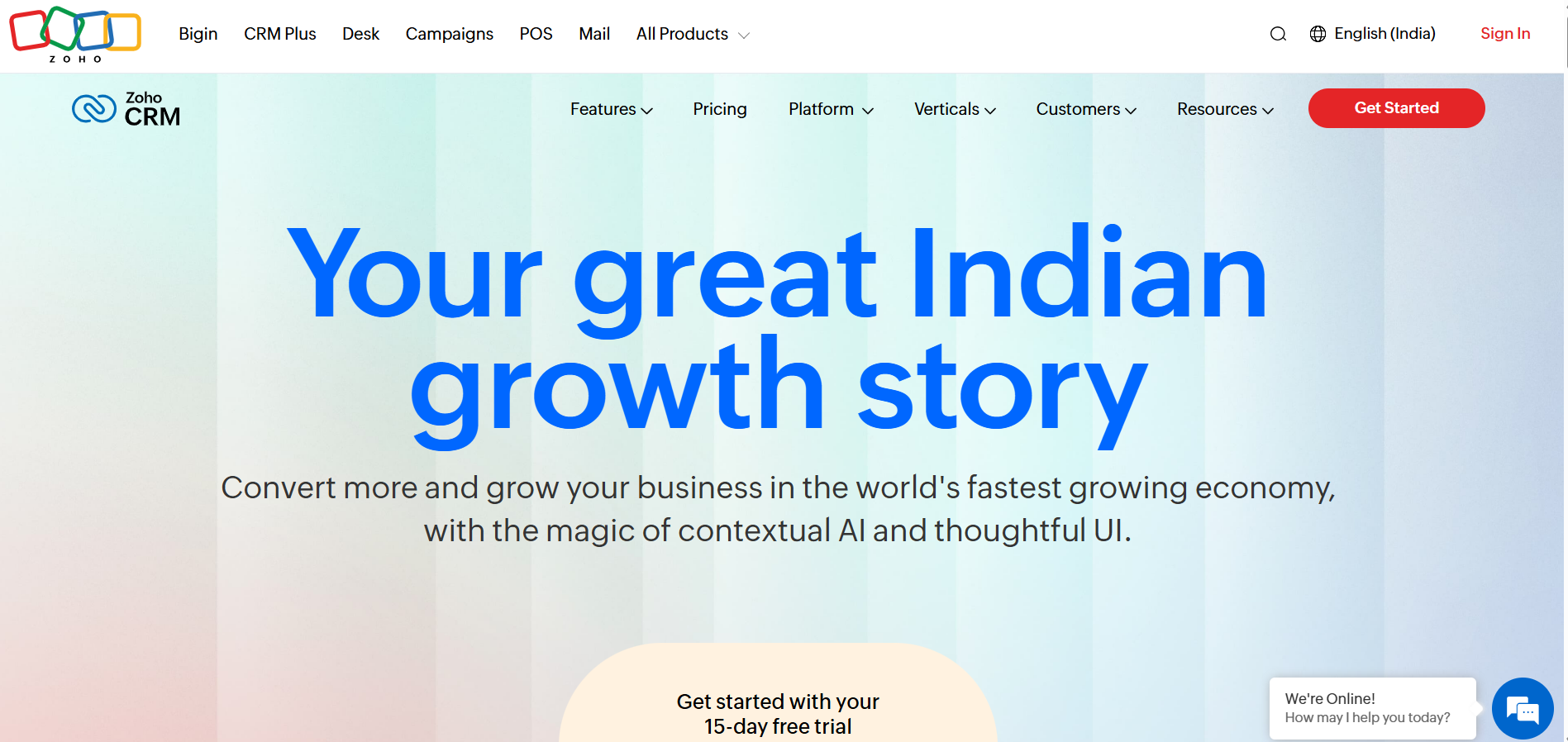
Category: Customizable CRM with LinkedIn connectors
Zoho CRM supports LinkedIn lead imports and profile visibility through Sales Navigator and third-party extensions. It’s a flexible option for teams that want CRM customization while still leveraging LinkedIn for prospecting.
LinkedIn activity tracking and automation depth may vary depending on the integrations used.
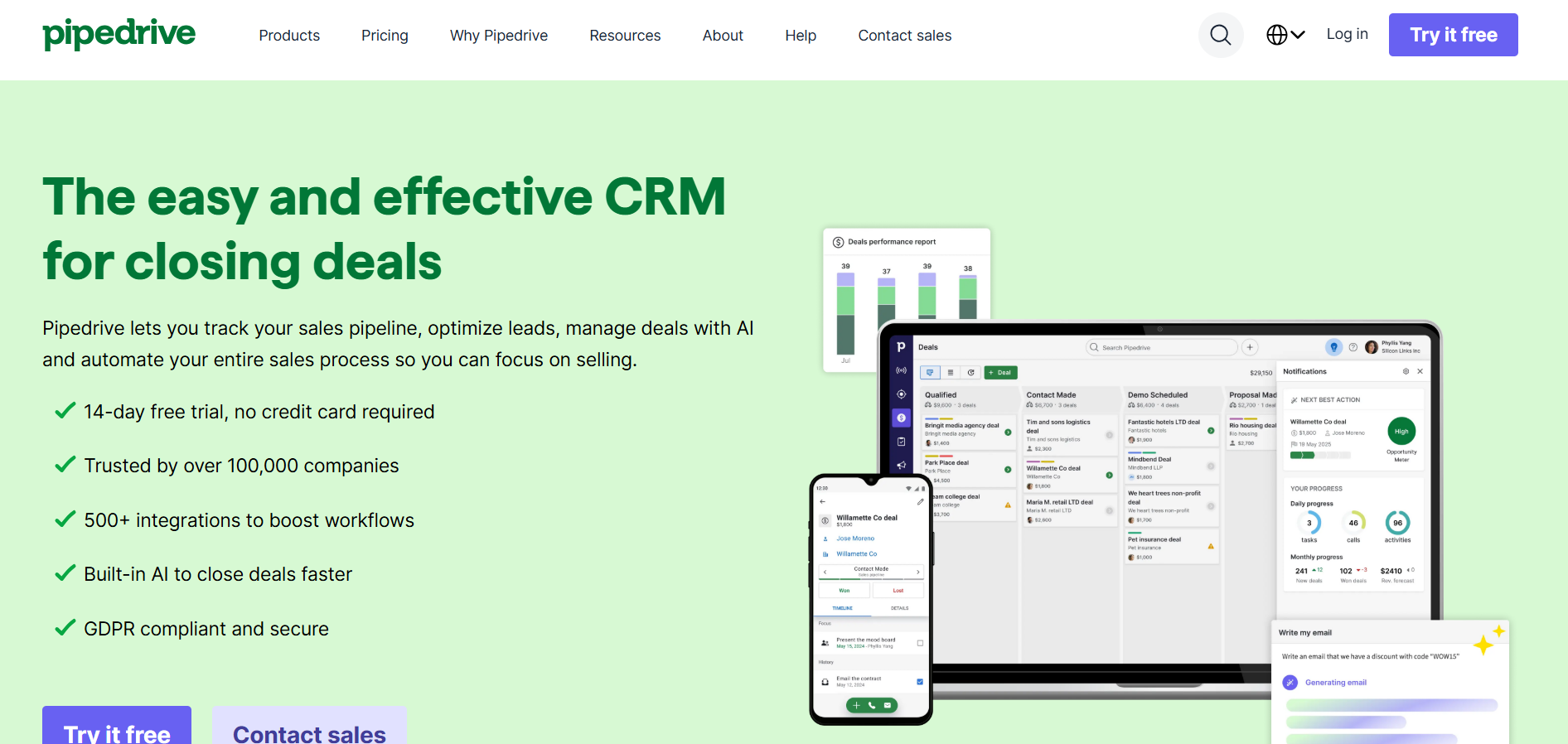
Category: Lightweight CRM with browser-based LinkedIn capture
Pipedrive does not offer native LinkedIn integration by default, but browser extensions allow users to capture LinkedIn contacts and push them into the CRM.
This setup is often used by smaller sales teams that want fast lead capture with minimal CRM complexity.
Here we go,
Not every LinkedIn profile belongs in your CRM. High-performing teams define clear qualification rules before syncing:
This prevents CRM clutter and keeps sales teams focused on real opportunities.
Why this matters: A CRM is a system of record, not a prospecting database.
Once you know what should be synced, the next challenge is capturing those leads at the right moment.
LinkedIn leads are discovered in real time:
The biggest mistake teams make is delaying capture — bookmarking profiles or relying on memory.
Modern CRM integration with LinkedIn starts at the discovery stage, not days later inside the CRM.
This is where LinkedIn extensions play a critical role.
Capturing leads is essential — but raw LinkedIn data still isn’t CRM-ready.
LinkedIn profiles often lack:
Syncing this raw data directly into your CRM leads to:
This is why modern teams enrich and filter data before syncing.
Once your data is clean, the next priority is tracking what actually drives deals — activity.
Most CRMs track contacts, not conversations.
But deals move forward because of actions:
If this activity stays inside LinkedIn, your CRM tells an incomplete story.The final step is connecting everything into a single automated workflow.
A proper crm that integrates with LinkedIn should not rely on manual steps.
The ideal workflow:
This is where point integrations fall short — and workflow automation wins.
Now that the process is clear, the next question is execution.
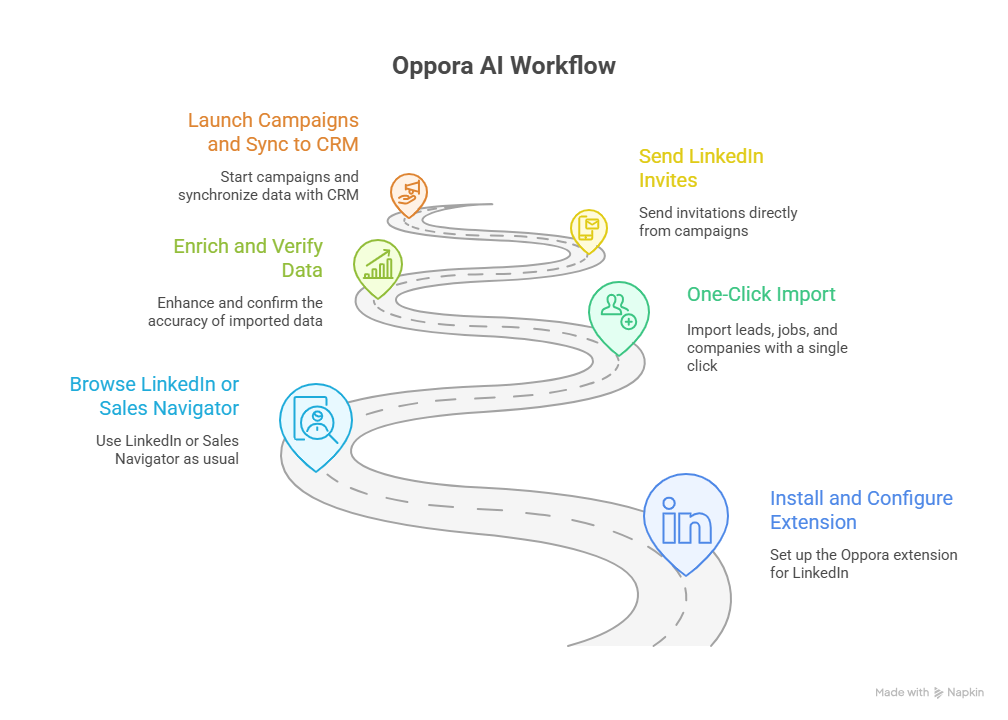
Below is how this LinkedIn → CRM workflow looks in practice when run as a single, connected system.
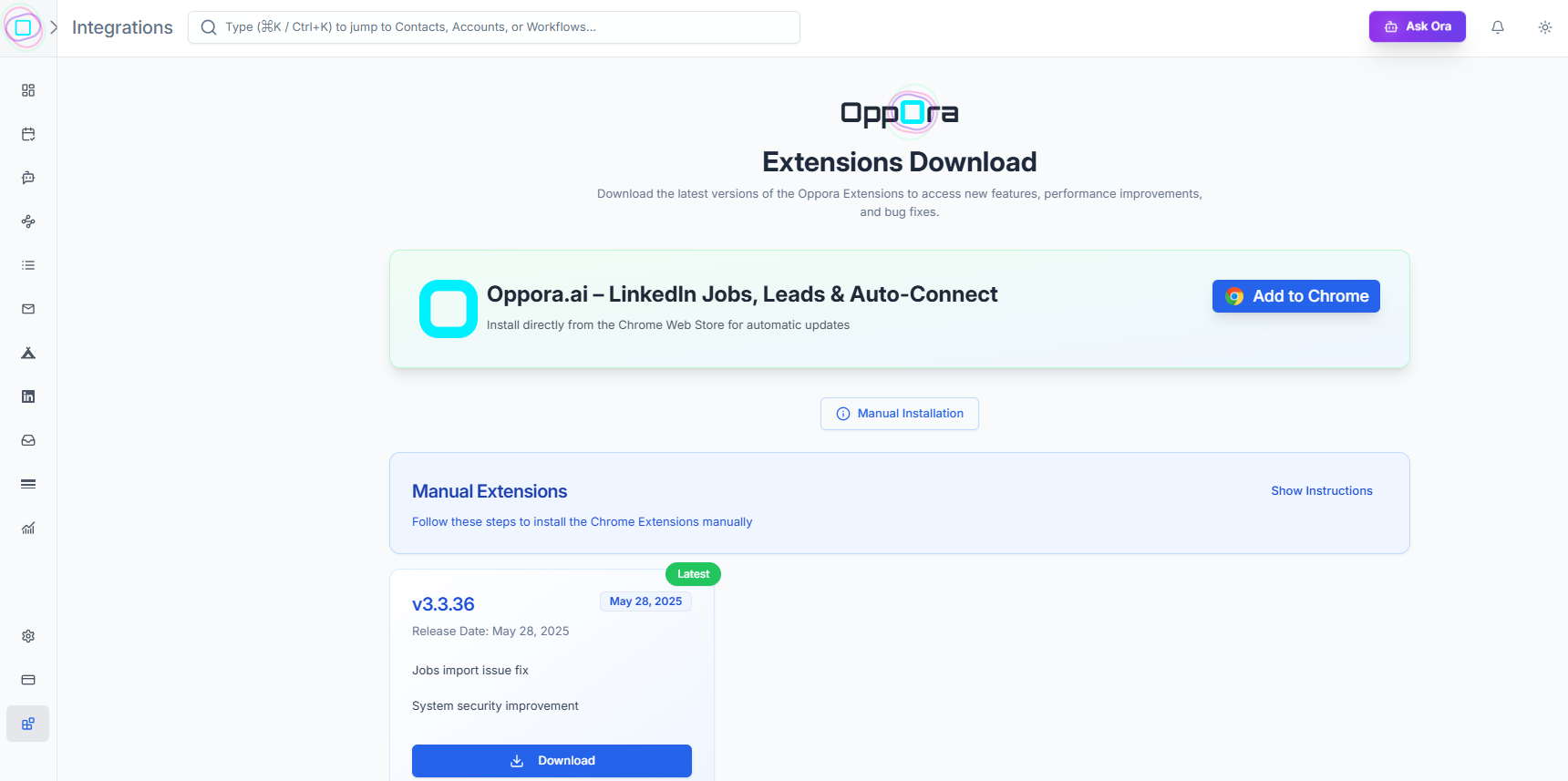
What happens in this step: You install the Oppora LinkedIn Extension and define basic guardrails before prospecting begins.
This includes:
Why this matters: Most CRM + LinkedIn setups fail because rules are applied after data enters the system. Oppora applies them upfront.
This ensures clean prospecting from day one.
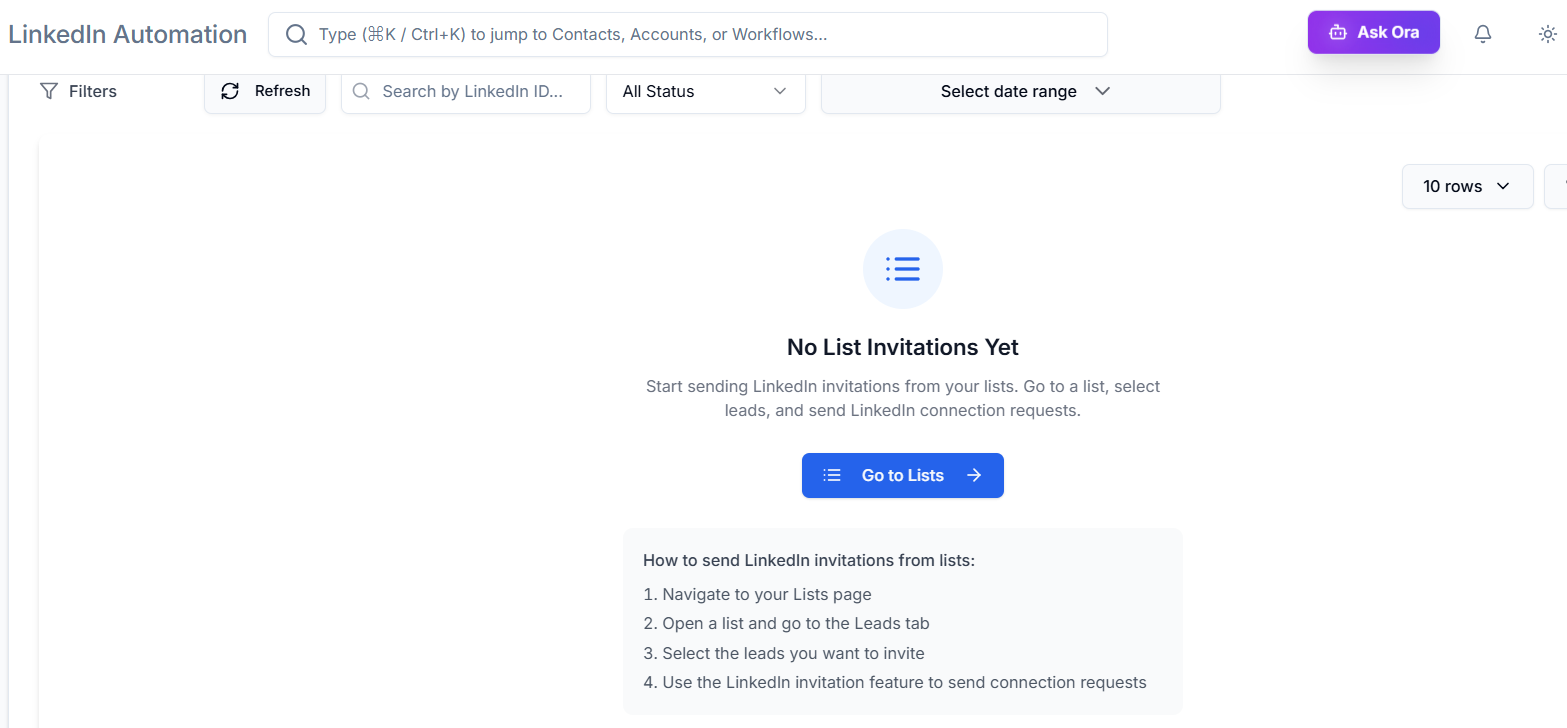
With one click, Oppora imports:
Oppora automatically:
This prevents bad data from ever reaching your CRM.
Instead of jumping back to LinkedIn, Oppora lets you:
This keeps LinkedIn outreach professional and compliant.
Once leads engage:
Instead of pushing raw data, Oppora ensures your CRM reflects real sales progress.
👉 Learn more: https://oppora.ai/product/linkedin-extension/
Most problems with CRM integration with LinkedIn don’t come from the tools themselves — they come from breaking the workflow at critical points. These mistakes cause lost context, poor follow-ups, and CRMs that no longer reflect real sales activity.
The most common issues include:
Most teams focus on finding a CRM that integrates with LinkedIn. High-performing teams focus on building a workflow that doesn’t leak data.
LinkedIn is where interest starts. Your CRM is where revenue decisions are made.
If leads are discovered on LinkedIn, contacted manually, and synced inconsistently, the CRM will never reflect reality — no matter how powerful it is.
A step-by-step LinkedIn → CRM workflow:
That’s what turns LinkedIn activity into a predictable pipeline — and why workflow design matters more than the integration itself.
Because most integrations sync contacts after outreach begins, not at the moment of discovery — causing lost context and delayed follow-ups.
Job postings signal hiring, growth, or tool adoption — making them strong indicators of buying intent when captured correctly.
In outbound sales, activity often predicts deal movement better than static contact fields.
Lack of filtering, duplicate records, and missing outreach visibility — not the CRM itself.
Summarize with AI
Share