10 Automated Email Triggers Every Business Should Use
Manasa Goli
Published May 29, 2026
6 min

Complete Agentic Email Outreach
AI agents find and enrich prospects, personalize emails, follow up, and handle replies with your meeting link.
Claim Your FREE Credits
Most businesses don’t struggle because they lack leads.
They struggle because they fail to follow up at the right time.
A visitor checks your pricing page, downloads a guide, signs up for a free trial, or abandons their cart — and then hears nothing from you.
That’s lost revenue hiding inside missed timing.
This is exactly where automated email triggers make a huge difference.
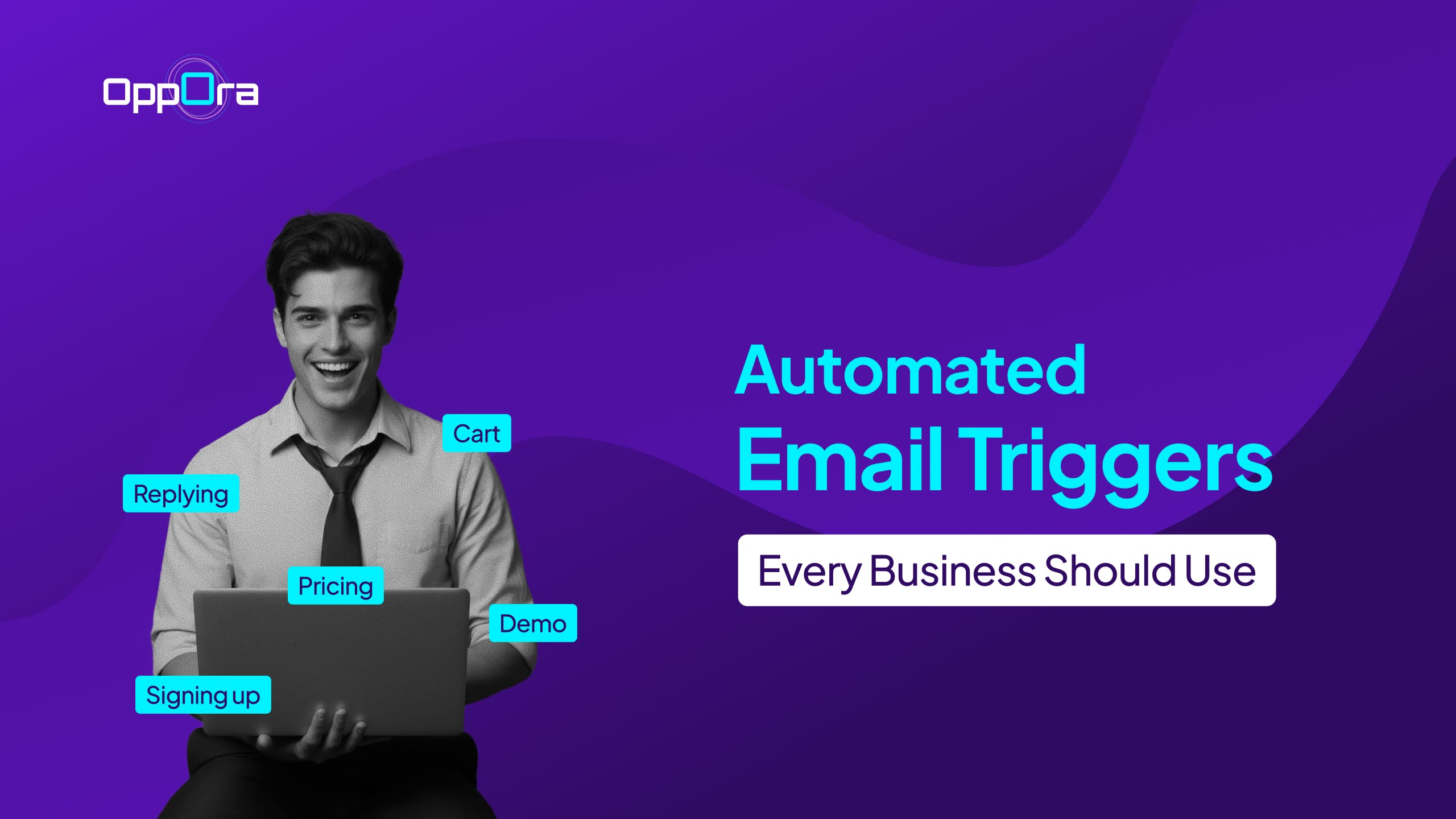
Instead of manually sending emails, trigger-based automation helps you send the right message the moment a customer takes action.
The result is faster responses, higher engagement, and more conversions without constant manual work.
In this guide, you’ll learn:
- What automated email triggers actually are
- Why businesses rely on email automation triggers for growth
- 10 high-performing automated triggers every business should use
- Common mistakes to avoid while setting up automation
- How AI-powered automation platforms simplify outbound workflows
What Are Automated Email Triggers?
Automated email triggers are emails sent automatically when a user performs a specific action.
Instead of blasting the same campaign to everyone, these emails react to customer behavior in real time.
A trigger could be:
- Signing up for a newsletter
- Booking a demo
- Visiting a pricing page
- Abandoning a cart
- Replying to a previous email
- Becoming inactive for a certain period
The biggest advantage is relevance.
When emails arrive exactly when users expect them, open rates and replies naturally improve.
That’s why modern businesses heavily depend on email automation triggers instead of traditional one-time campaigns.
Why Trigger-Based Email Automation Matters
Timing changes everything in email marketing.
A welcome email sent immediately after signup feels useful.
The same email sent three days later feels ignored.
Trigger-based workflows help businesses:
- Respond instantly to customer intent
- Reduce manual follow-up work
- Increase conversions consistently
- Improve customer experience
- Keep leads engaged automatically
And as businesses scale, automation becomes less of a convenience and more of a necessity.
Without it, teams spend hours manually following up, tracking replies, and managing sequences.
10 Automated Email Triggers Every Business Need to Use
1. Welcome Email Trigger
The welcome email is often the highest-opened email in any sequence.
When someone joins your list, signs up for a tool, or creates an account, they’re actively paying attention to your brand.
That makes this the perfect moment to:
- Introduce your business
- Set expectations
- Share next steps
- Highlight key resources
- Encourage the first action
A strong welcome sequence can shape the entire customer relationship from day one.
Best Practice
Keep the first email simple and action-oriented instead of overwhelming users with too much information.
2. Lead Magnet Download Trigger
If someone downloads an ebook, checklist, template, or guide, they’re showing intent.
This trigger should do more than simply deliver the file.
It should continue the conversation.
For example, after someone downloads a lead generation guide, your next email could:
- Share related strategies
- Offer a case study
- Recommend a tool
- Invite them to book a demo
This keeps momentum moving instead of letting the lead go cold.
3. Cart Abandonment Trigger
Cart abandonment emails are one of the most profitable email automation triggers for ecommerce businesses.
Customers often leave because they:
- Get distracted
- Want more time to decide
- Compare alternatives
- Face checkout friction
A timely reminder email can recover a large percentage of lost sales.
Effective Cart Recovery Emails Usually Include:
- Product reminder
- Social proof
- Limited-time incentive
- Urgency
- Easy return-to-cart CTA
The key is timing.
Sending the first email within a few hours usually performs best.
Suggested Reading:
25 Sales Trigger Events Every Sales Team Should Track4. Free Trial Signup Trigger
Free trial users are highly valuable because they already showed buying intent.
But many businesses lose them simply because onboarding stops after signup.
A trial onboarding sequence should guide users step by step.
Include Emails Like:
- Getting started instructions
- Feature walkthroughs
- Quick wins
- Customer success examples
- Trial expiration reminders
The goal is helping users experience value before the trial ends.
5. Pricing Page Visit Trigger
When someone repeatedly visits your pricing page, they’re often close to making a decision.
This is one of the strongest buying signals in B2B sales.
Instead of waiting, businesses can trigger emails that:
- Answer objections
- Compare plans
- Share ROI examples
- Offer consultations
- Highlight customer results
These automated email triggers help convert warm leads while interest is still high.
6. Inactive User Trigger
Silence is also customer behavior.
If subscribers stop opening emails or customers stop using your product, automation can help re-engage them before they churn completely.
A re-engagement workflow may include:
- “We miss you” emails
- New feature updates
- Personalized recommendations
- Special offers
- Feedback requests
Sometimes a simple reminder is enough to bring users back.
7. Post-Purchase Follow-Up Trigger
Most businesses focus only on getting the sale.
Smart businesses focus on what happens after it.
Post-purchase automation helps improve retention and repeat revenue.
These workflows can include:
- Order confirmations
- Product education
- Upsell recommendations
- Review requests
- Referral invitations
Customers who have already purchased are usually easier to convert again.
8. Event or Webinar Registration Trigger
When someone registers for an event or webinar, they need reminders and engagement before the session begins.
Without automation, attendance rates usually drop.
An effective webinar email sequence often includes:
- Confirmation email
- Reminder emails
- Calendar invite
- Pre-event resources
- Replay email after the event
These email automation triggers improve both attendance and follow-up conversions.
Suggested Reading:
45+ Trigger Words You Can Use in Sales, Marketing & Emails9. Reply-Based Trigger
Most automation stops after sending emails.
But modern systems can also react to replies.
For example, if a lead responds positively, workflows can:
- Notify sales teams instantly
- Book meetings automatically
- Send follow-up information
- Update CRM stages
This creates faster lead handling without manual effort.
10. Renewal or Subscription Expiry Trigger
Subscription-based businesses should never rely on customers remembering renewal dates themselves.
Automated reminders reduce churn significantly.
A good renewal sequence usually includes:
- Upcoming renewal reminders
- Usage summaries
- Value recap
- Upgrade suggestions
- Payment issue alerts
The earlier businesses communicate, the better retention usually becomes.
Common Mistakes Businesses Make With Email Automation
Automation works best when it feels human.
Unfortunately, many businesses over-automate and lose personalization completely.
Here are common mistakes to avoid:
- Sending Too Many Emails: Too much automation quickly becomes spam.
- Ignoring Timing: Poor timing can reduce engagement dramatically.
- Using Generic Messaging: Triggered emails should feel contextual and relevant.
- Not Segmenting Users: Different users need different workflows.
- Failing to Monitor Performance: Automation still needs optimization over time.
How AI Is Changing Email Automation Triggers
Traditional automation tools mostly rely on fixed rules.
Modern AI systems go further.
Instead of just triggering emails, AI can now:
- Identify buying intent
- Personalize messaging dynamically
- Reply automatically
- Qualify leads
- Schedule meetings
- Optimize sending behavior
This is where platforms like Oppora are changing outbound workflows.
Instead of manually managing separate tools for lead generation, email writing, replies, and CRM updates, Oppora’s AI sales agents automate the entire process inside one workflow.
Businesses can create trigger-based outbound systems that continue running automatically with minimal manual intervention.
That becomes especially useful for scaling personalized outreach without increasing operational workload.
Final Thoughts
The best automated email triggers don’t feel automated.
They feel timely, relevant, and helpful.
Whether you run an ecommerce brand, SaaS company, agency, or B2B business, trigger-based workflows help you stay connected with leads and customers without manually chasing every interaction.
Start simple.
Build a few high-impact triggers first, measure performance, and optimize over time.
Because in email marketing, timing often matters more than volume.
Frequently Asked Questions
What’s the biggest sign that a business needs email automation triggers?
If your team manually follows up with leads, forgets responses, or struggles to maintain consistent outreach, you already need automation.
The more customer interactions your business handles, the more valuable automated workflows become.
Can automated email triggers increase customer trust?
Yes — when done correctly.
Well-timed emails make businesses appear responsive, organized, and attentive.
For instance, sending onboarding guidance immediately after signup reassures users that they made the right decision.
Can automated emails feel personal?
Yes — if they’re based on user behavior and personalized properly.
Summarize with AI
Share