Home
Blog
Find 500 B2B Contacts for Free Every Month with Built-In Outreach.
Home
Blog
Manasa Goli
Published December 29, 2025
8 min

Try Oppora AI
Create Self-Running Agentic Sales Workflows like N8N just by chatting with AI
Get Started for FREE
Finding email addresses from Instagram isn’t as straightforward as it is on platforms like LinkedIn. Instagram is built for content and conversations, not direct professional outreach. Still, creators, founders, recruiters, and sales teams often need a legitimate way to contact people behind Instagram profiles—without scraping data illegally or violating platform policies.
That’s where Instagram email finder tools come in. These tools don’t “hack” Instagram. Instead, they use publicly available signals such as bios, linked websites, usernames, and domain patterns to surface business emails in a compliant way.
In this guide, we’ve curated the 7 best Instagram email finder tools & extensions that offer free options, follow legal data practices, and are genuinely useful for outreach.
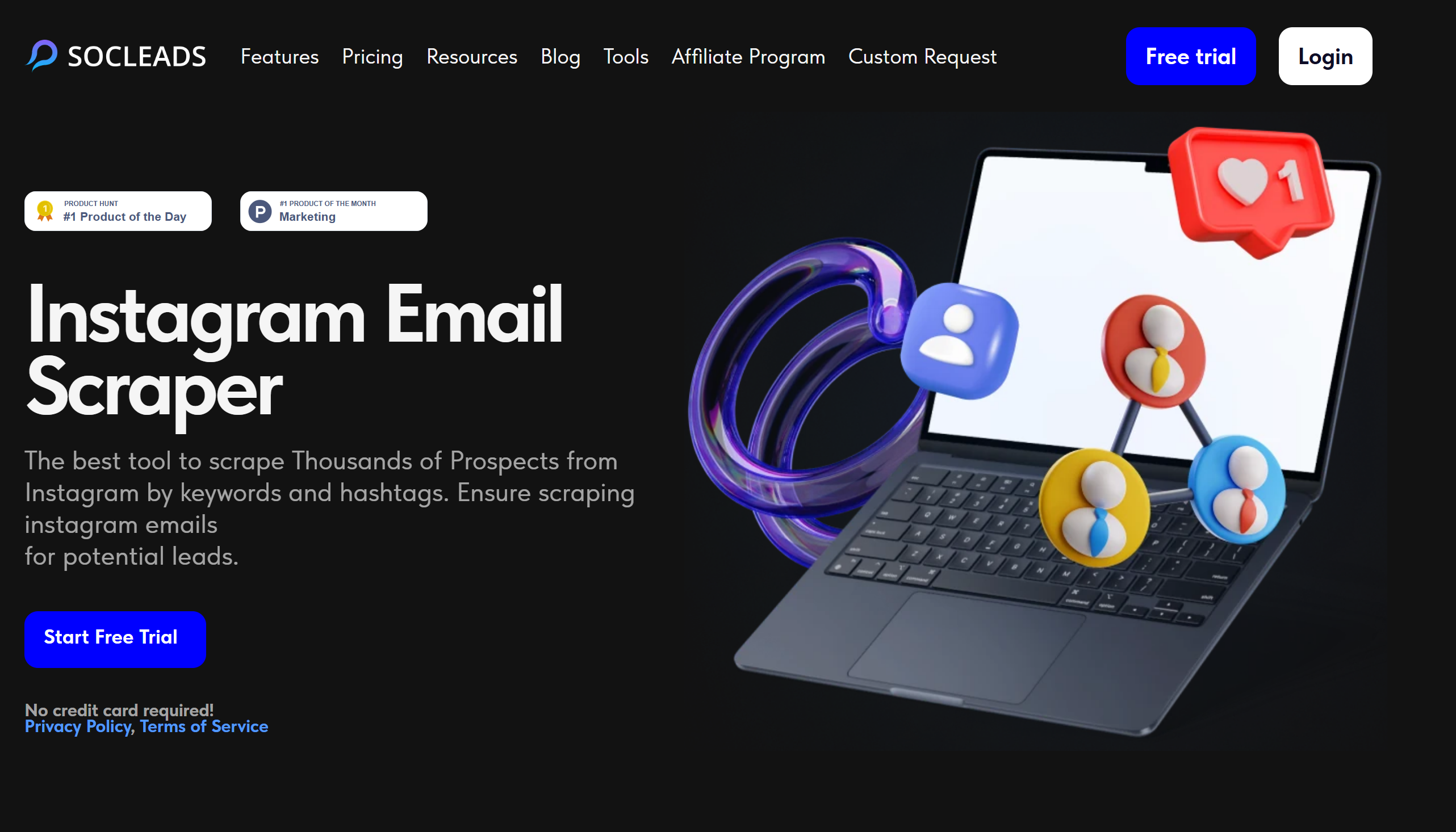
SocLeads helps you find public email addresses linked to Instagram profiles. Enter a username or profile URL, and the tool scans available public signals to surface any business or contact email associated with the account. Results can be viewed individually or exported for outreach.
SocLeads analyzes information that Instagram users make publicly available. By scanning bio fields and connected external links, it identifies contact details the profile owner has chosen to share. No private data is accessed.
Specifically, it looks at:
Bulk email find available - Yes
Chrome extension available - No
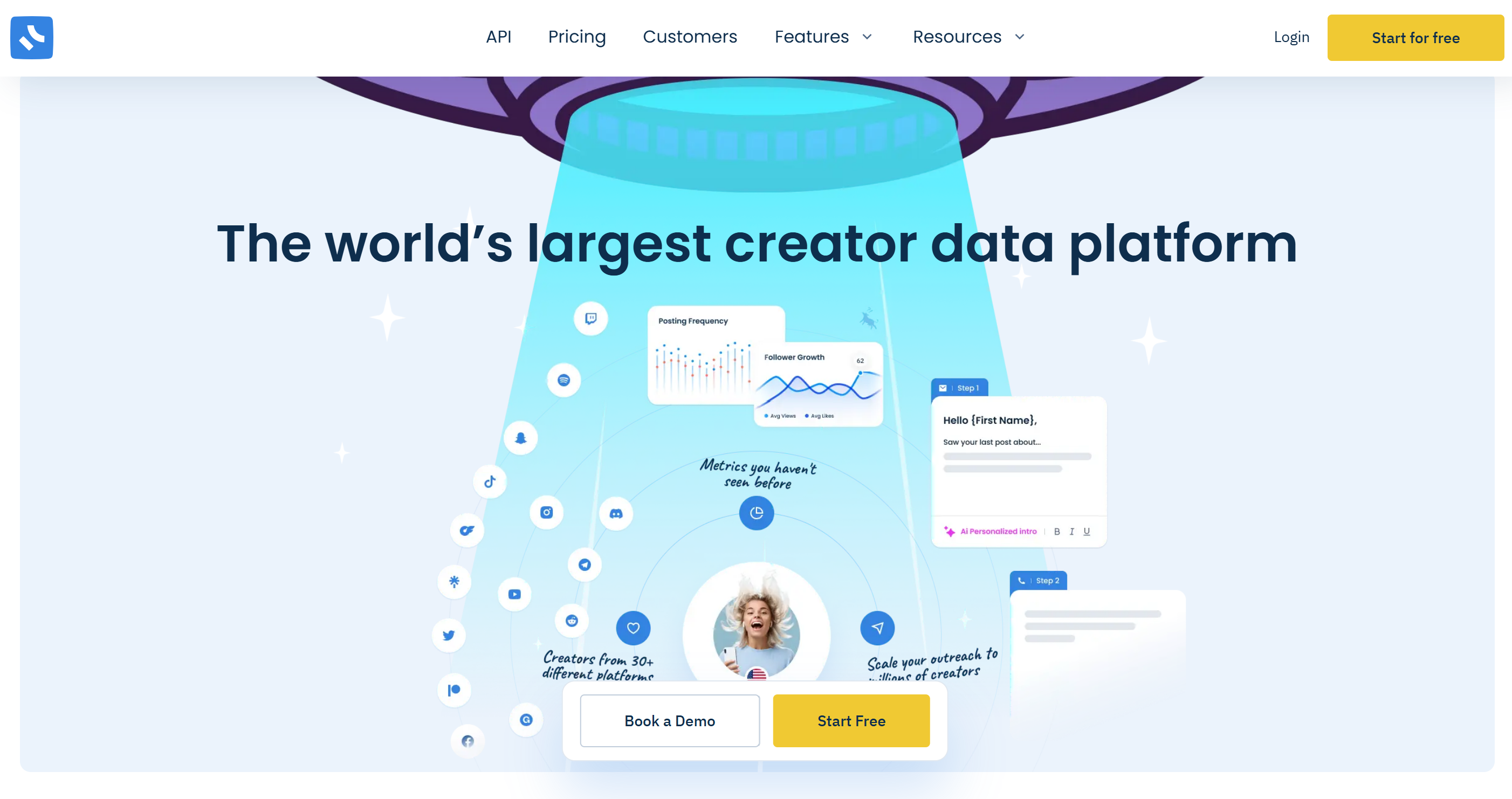
Influencers.Club’s Instagram Email Finder leverages a large creator-focused database to match Instagram usernames to verified emails and other profile metrics. It’s designed for creator outreach, partnerships, and social campaigns.
Influencers.Club matches Instagram usernames against publicly available creator data and its internal database to surface emails shared by creators for collaborations or business inquiries.
Specifically, it looks at:
Bulk email find available - Yes
Chrome extension available - No
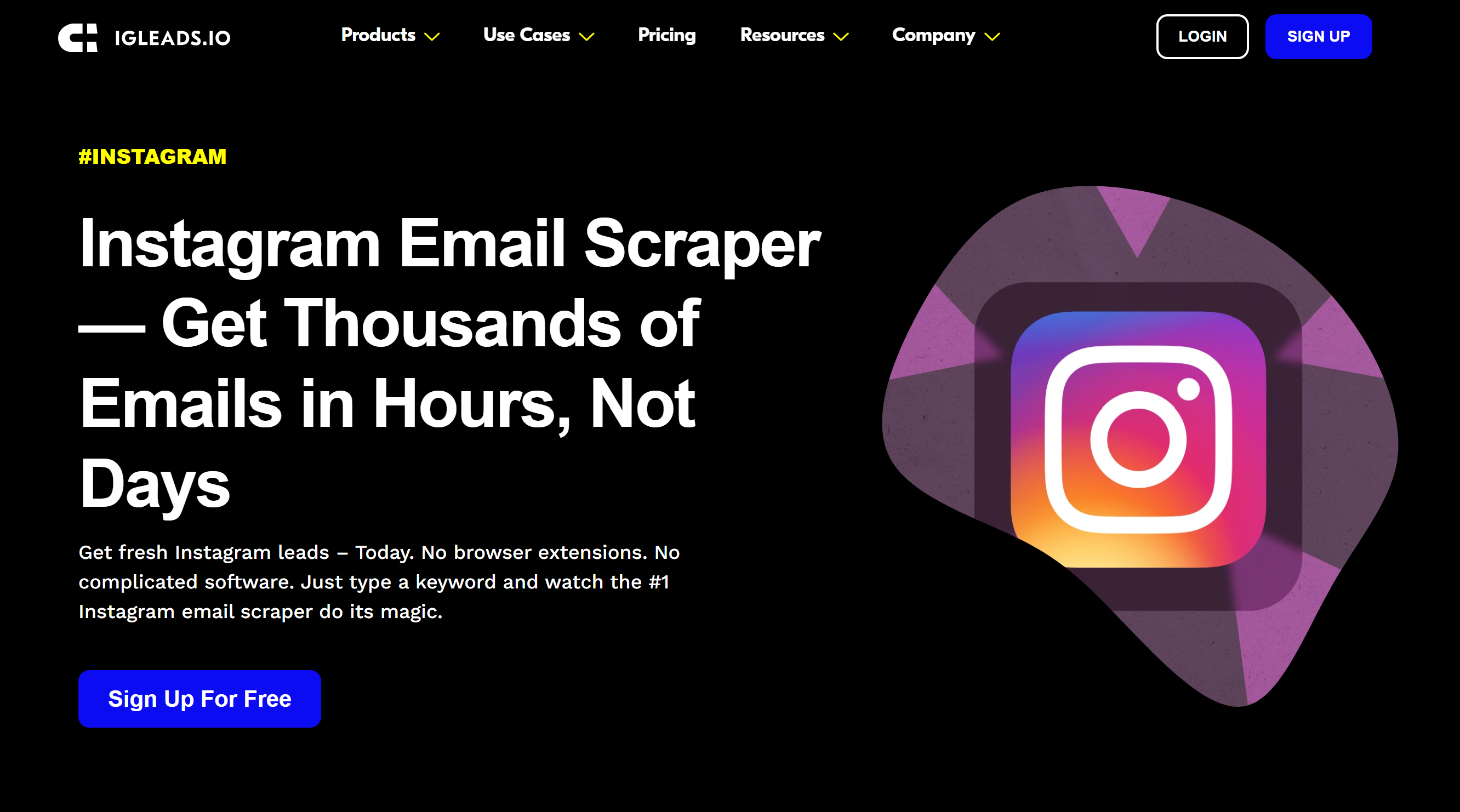
IGLeads.io is a no-code social scraping platform that collects Instagram emails and associated contact data by searching through hashtags, keywords, and locations. Results can be exported as clean lead lists.
Instead of single-profile lookups, IGLeads scans Instagram search results based on defined criteria and extracts emails from publicly available profile data.
Specifically, it looks at:
Bulk email find available - Yes
Chrome extension available - No
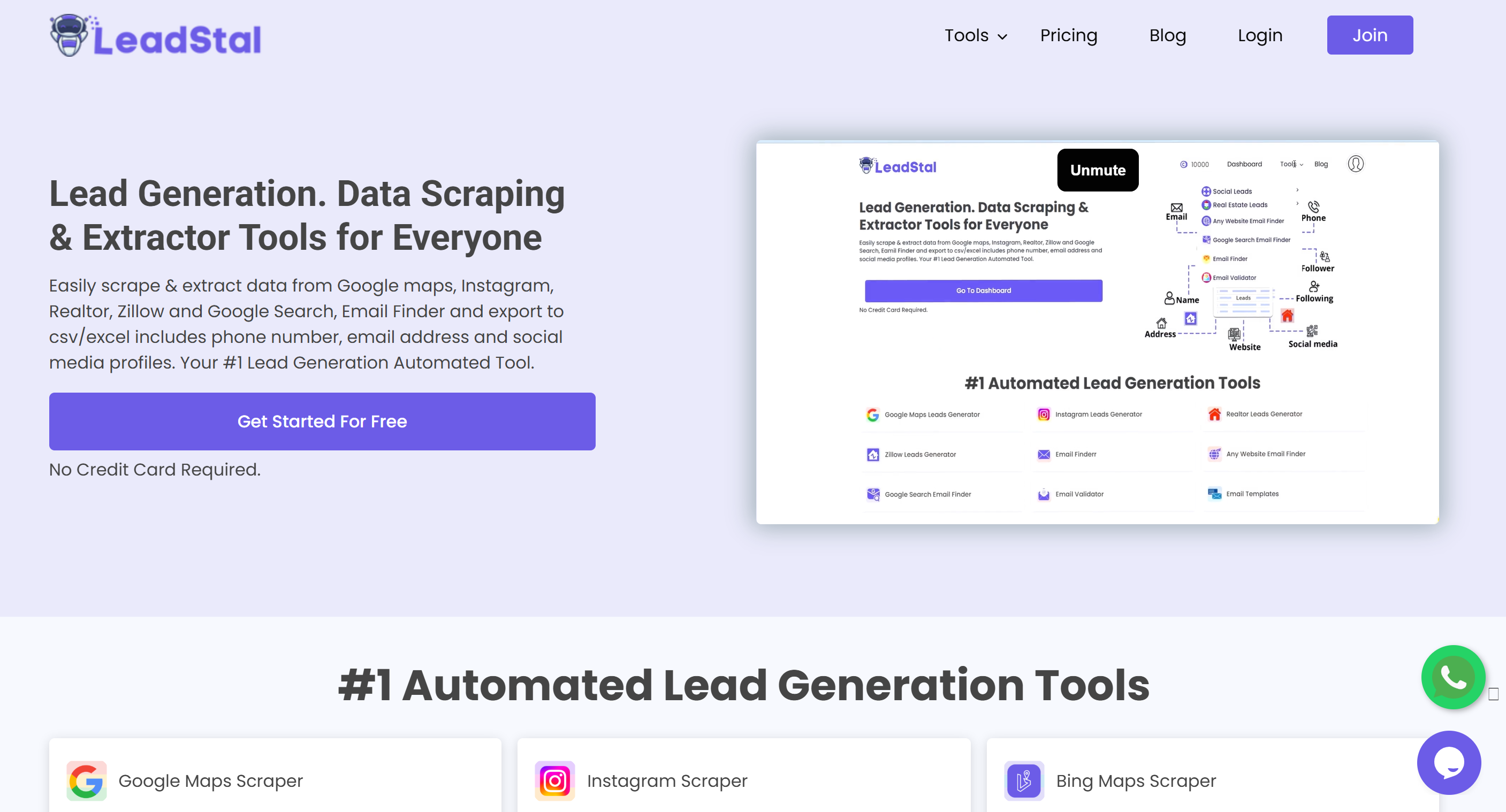
LeadStal’s Instagram tools help you scrape email contact info along with usernames, bios, and other profile metrics. It’s aimed at marketers and businesses seeking to generate lead lists directly from Instagram profile data.
LeadStal scans Instagram usernames, profiles, and follower lists to extract emails from public bios and linked information, which can then be exported for outreach.
Specifically, it looks at:
Bulk email find available - Yes
Chrome extension available - Yes
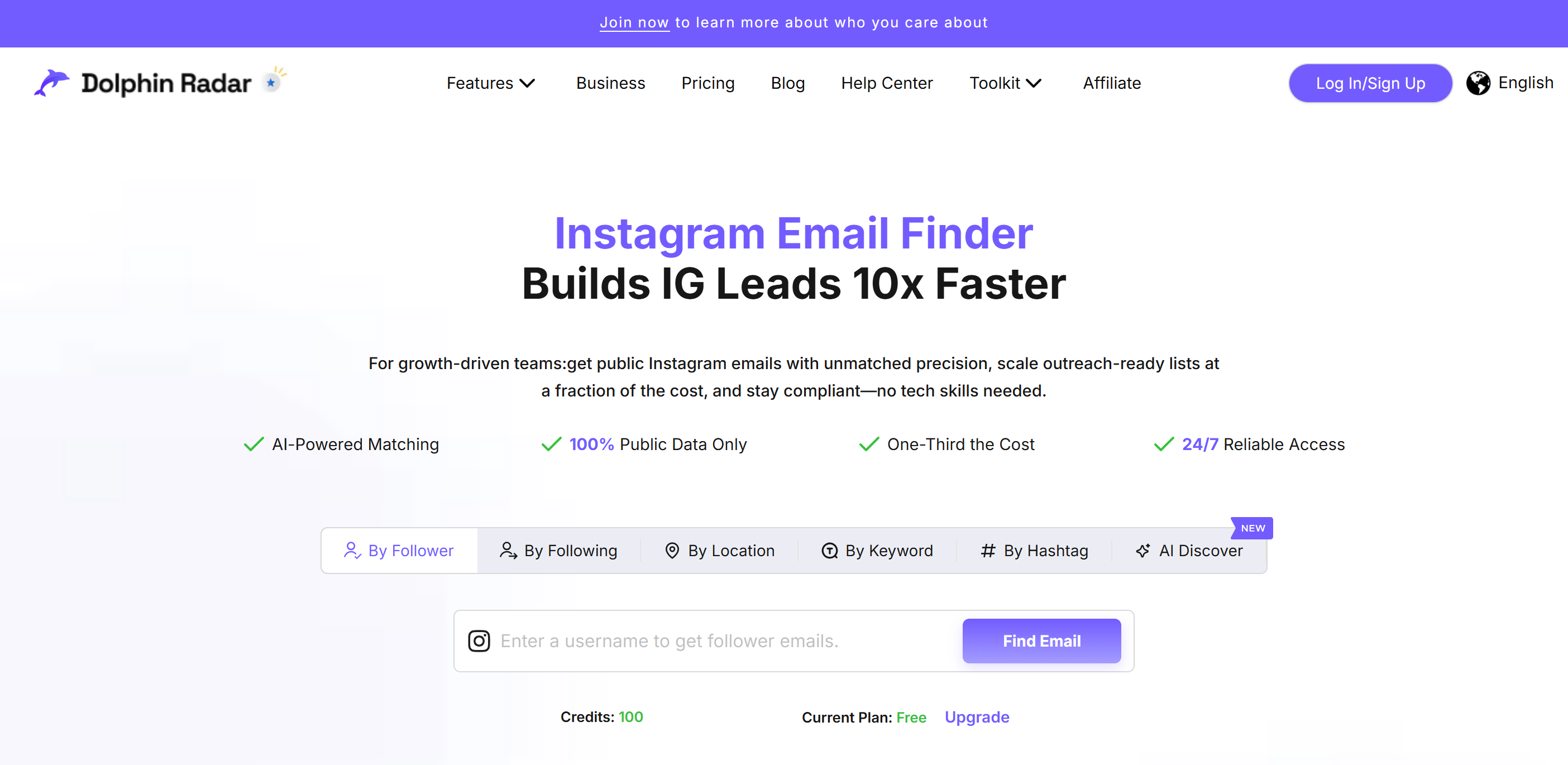
DolphinRadar’s Instagram Email Finder provides multiple ways to extract public email addresses — by keyword, hashtag, location, followers, and followings — all from Instagram-associated public data.
DolphinRadar scans Instagram profiles based on keywords, hashtags, locations, and follower data to collect emails shared publicly by users.
Specifically, it looks at:
Bulk email find available - Yes
Chrome extension available - No
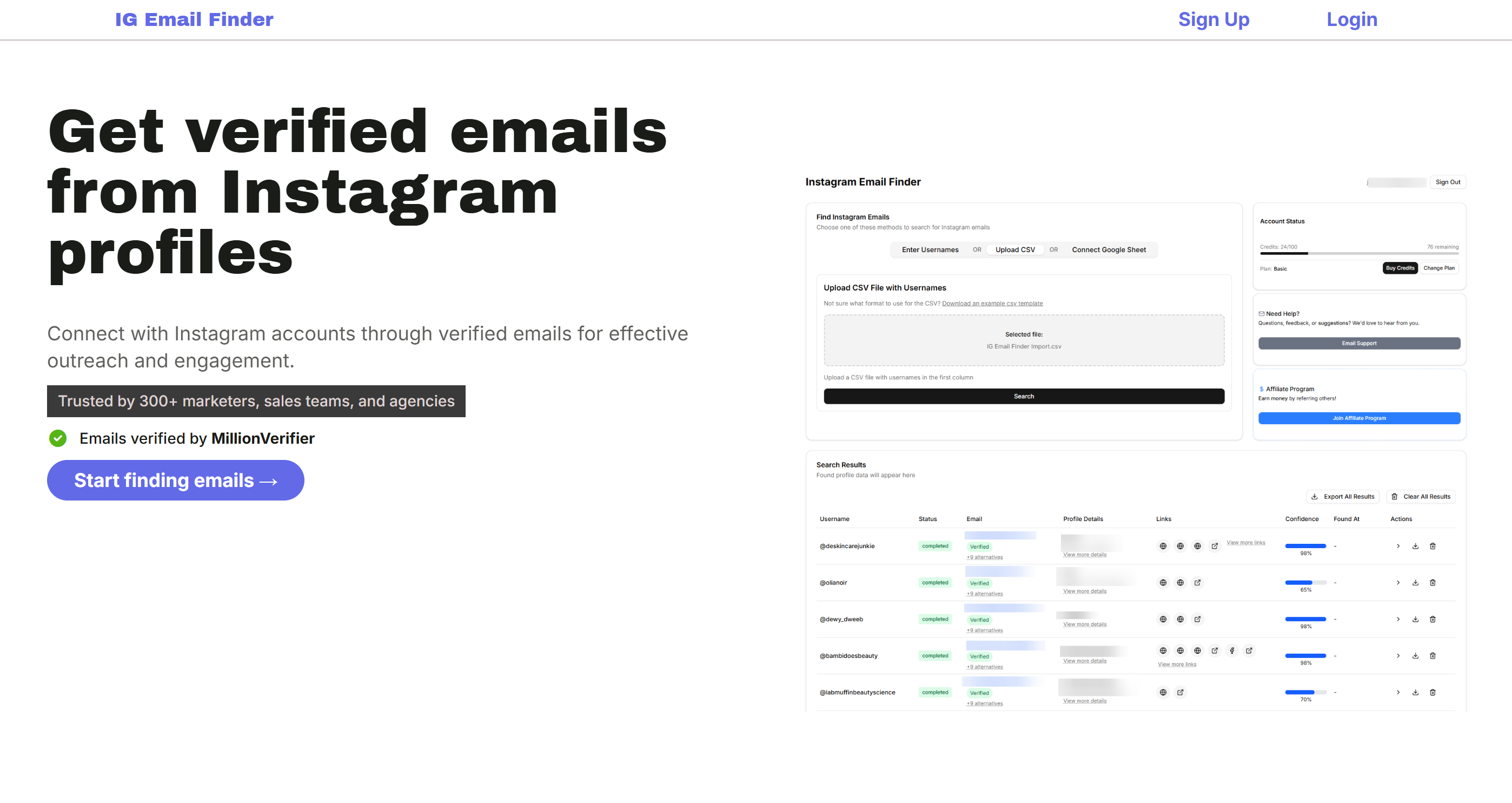
IG Email Finder is a standalone platform built to find verified email addresses from Instagram usernames or uploaded lists. It focuses on deep email research, verification, and easy export to CSV or Google Sheets.
The tool processes Instagram usernames or uploaded lists and applies email discovery and verification techniques to surface deliverable contact emails.
Specifically, it looks at:
Bulk email find available - Yes
Chrome extension available - No
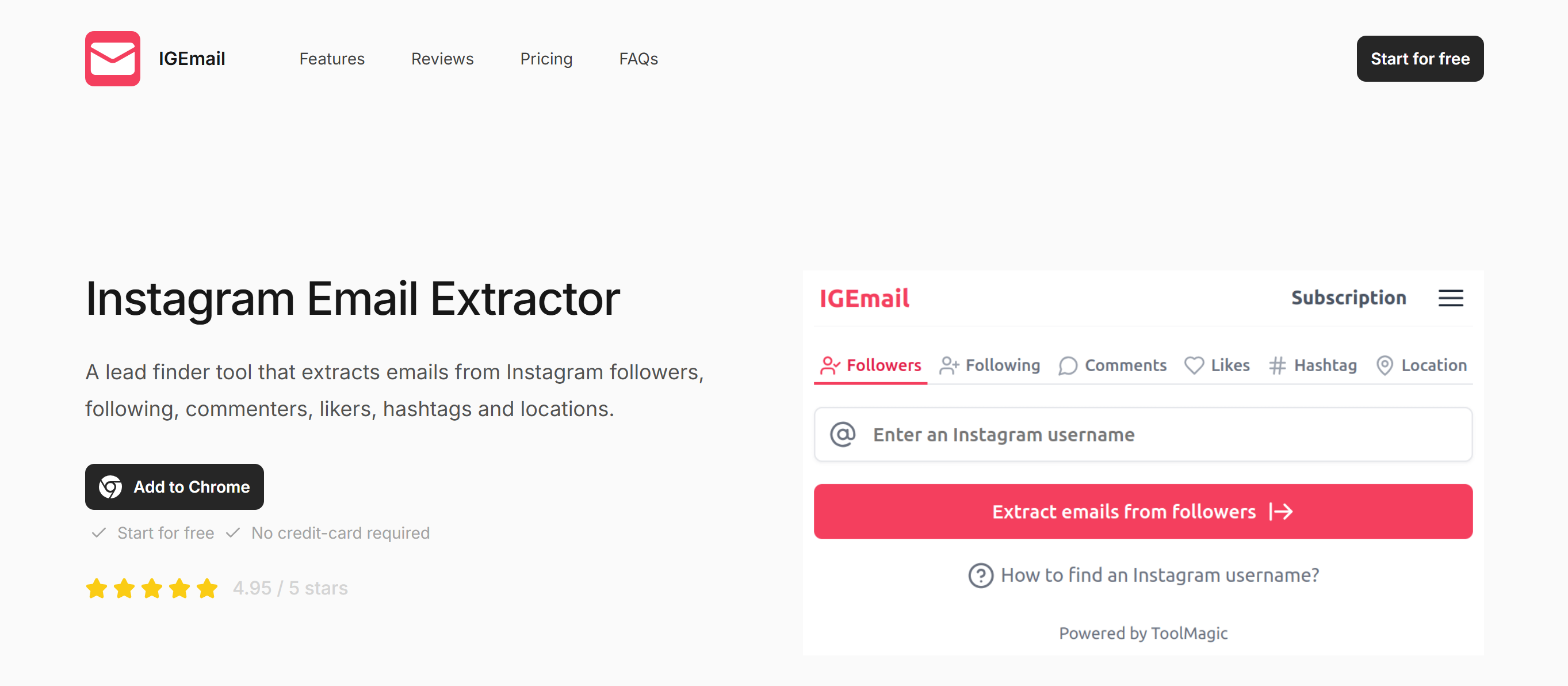
These browser tools and extensions let you scrape publicly available emails from Instagram profiles directly within your browser, typically by crawling profile pages or connected web data.
The extension scans visible Instagram profile pages in real time and captures emails shared in bios or linked public data.
Specifically, it looks at:
Bulk email find available - No (manual or small-scale use)
Chrome extension available - Yes (varies by tool; no single official extension)
For better understanding, tools at a glance
If you’re short on time, here’s a quick TL;DR of the tools covered in this article and what they offer at a glance.
*Ratings based on public G2/Capterra listings and user feedback.
Finding an email address from Instagram is only the first step. What actually determines results is how carefully you move from discovery to conversation. Strong outreach feels relevant, timely, and respectful of context—especially on a platform where people aren’t expecting cold emails.
Emails pulled from Instagram bios or linked websites aren’t always active. Some are outdated, some are generic inboxes, and others may quietly bounce. Sending emails blindly at this stage can hurt deliverability before a campaign even begins.
That’s why many teams verify Instagram-sourced emails before outreach. Running a quick validation step helps filter out risky addresses and keeps bounce rates under control. For example, Oppora’s Email Validator is often used at this stage to confirm whether an address is active and deliverable—so outreach efforts focus only on contacts that are actually reachable.
This step may feel small, but it saves time later by preventing follow-ups to emails that were never real in the first place.
Once the email is verified, personalization should come from Instagram itself—not generic templates. A profile’s content, tone, and audience tell you far more than a job title ever will.
Referencing a recent reel, campaign, or niche signals intent. It shows the message wasn’t sent at random. As replies start coming in, keeping track of conversations and adapting responses becomes just as important as the first email.
Some teams use reply intelligence tools like Oppora’s Reply Ora to understand engagement patterns—who responds quickly, who needs follow-up, and which messages resonate—so replies stay relevant without sounding scripted.
Good outreach doesn’t hide its purpose. Whether it’s a collaboration, partnership, or business inquiry, the recipient should understand the intent within the first few lines.
Clarity builds trust. It also reduces unnecessary back-and-forth and makes it easier for the other person to decide whether the conversation is worth continuing.
A lack of response doesn’t always mean lack of interest. Timing matters. Follow-ups work best when they add context—sharing a new idea, clarification, or reminder—rather than repeating the same message.
Two or three thoughtful follow-ups are usually enough. After that, stepping back is often the smarter move.
As Instagram lead lists grow, managing outreach manually becomes difficult. Messages lose consistency, follow-ups get missed, and it’s harder to track who’s engaged.
This is where structured outreach systems help. Platforms like Oppora are often used to bring verification, personalization, and outreach workflows into one place—so teams can scale conversations without turning them into mass emails.
The goal isn’t to send more emails. It’s to manage better conversations.
Instagram was never designed for traditional prospecting—but that doesn’t mean outreach from the platform has to be messy, spammy, or unethical. As this list shows, the right Instagram email finder tools make it possible to discover business contact details legally by relying on public signals like bios, usernames, and linked websites.
Whether you’re a creator manager, founder, recruiter, or sales team, the key is choosing a tool that matches your workflow.
Just as important as finding the email is what you do next. Thoughtful, intent-led outreach—supported by tools like Oppora—helps ensure your messages feel relevant, timely, and human. When discovery and outreach work together, Instagram becomes a practical channel for building real conversations, not just collecting contacts.
Accuracy varies depending on the tool and the data available on the profile. Tools that rely on verified domains and public business data tend to be more accurate than those guessing email formats. Always verify emails before outreach.
Yes, as long as you install extensions from official sources like the Chrome Web Store and choose reputable tools. Avoid extensions that promise access to private data or require Instagram login credentials.
These tools save time by automating what would otherwise require manual profile checks and website visits. However, reviewing profiles manually still helps add context for better outreach.
Summarize with AI
Share