Home
Blog
Oppora’s Claude MCP is Live. Connect our Email Database & Outreach features with any tool to build smart automations inside Claude.
Home
Blog
Stephen Parker
Published June 25, 2026
16 min

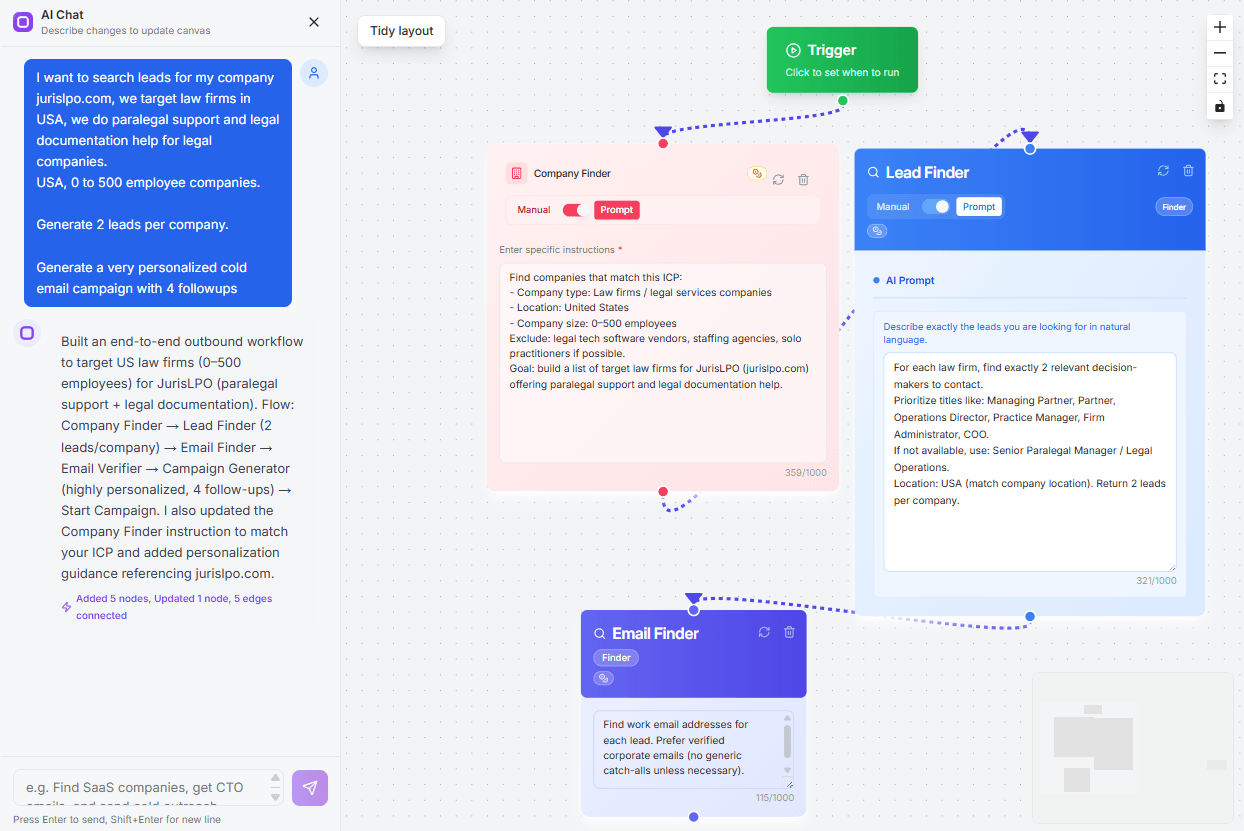
Try Oppora AI
Create Self-Running Agentic Sales Workflows like N8N just by chatting with AI
Get Started for FREE
LinkedIn is no longer just a place to send connection requests and hope someone replies.
If you are selling, hiring, networking, or building partnerships, you are dealing with more profiles, more messages, and more follow-ups than you can manage manually.
That is where AI extensions for LinkedIn are changing the workflow.
They do not just save contacts anymore. They help you understand prospects, write better outreach, enrich leads, and automate the next step.
In this guide, you will see:
Traditional LinkedIn Chrome extensions were useful when the goal was simple.
You visited a profile, scraped basic information, copied an email, saved the lead, and moved on.
That worked when sales teams only needed faster data collection.
But LinkedIn workflows have changed.
Now you are not just collecting profiles. You are trying to understand who is worth contacting, what to say, when to follow up, and how to move that person into your sales process without losing context.
That is where AI extensions are becoming more valuable.
A modern AI extension for LinkedIn does more than pull data from a profile. It can read profile context, understand the person’s role, generate personalized outreach, enrich contact details, score prospects, and help automate the next step.
So instead of switching between LinkedIn, spreadsheets, email finders, CRMs, and outreach tools, you can build a smoother workflow from one place.
Here is the basic difference:
This shift matters because LinkedIn prospecting is no longer about speed alone.
It is about sending the right message to the right person with enough context to make the outreach feel relevant.
Before comparing tools, it is important to look at what actually makes an AI LinkedIn extension useful.
A tool may look powerful on the surface, but if it only extracts emails or sends generic messages, it will not help much in a real sales or networking workflow.
So we evaluated each LinkedIn extension based on how well it supports the full process, from finding the right people to reaching out with context.
The main criteria included:
These factors help separate basic LinkedIn add-ons from AI extensions that can actually improve your sales workflow.
Before you choose a tool, think about the workflow you want to improve.
Some extensions are best for finding emails. Some are better for outreach automation. Others help you personalize messages, sync CRM data, or turn LinkedIn into a full sales system.
Here are the 12 best AI extensions for LinkedIn to consider in 2026.
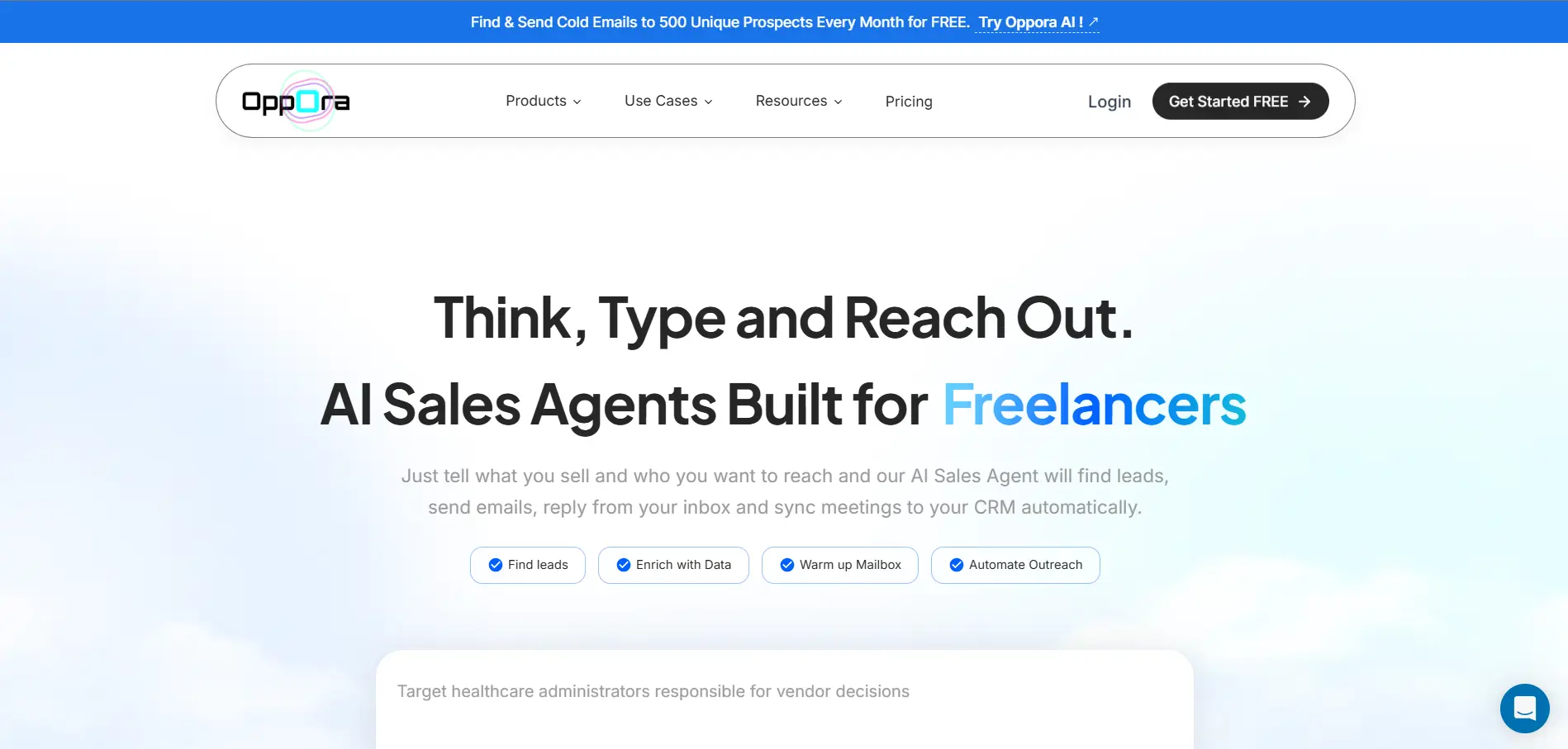
Oppora.ai is a strong choice if you want LinkedIn prospecting to connect with your complete outbound workflow.
Instead of only saving LinkedIn leads, Oppora.ai helps you collect prospects, companies, and job signals, enrich contacts, personalize outreach, manage replies, and sync sales activity with your CRM from one connected workflow.
Key AI features:
Oppora’s Chrome extension helps you capture leads, companies, and job-related data directly from LinkedIn and Sales Navigator.
You can save prospects, collect company information, track relevant job signals, enrich contact data, verify emails, and move everything into AI-powered outreach workflows without manually copying information between tools.
It also supports LinkedIn connection workflows, so you can send short connection messages automatically, monitor whether a prospect has accepted your request, and withdraw pending requests when they are no longer useful.
Pros:
Cons:
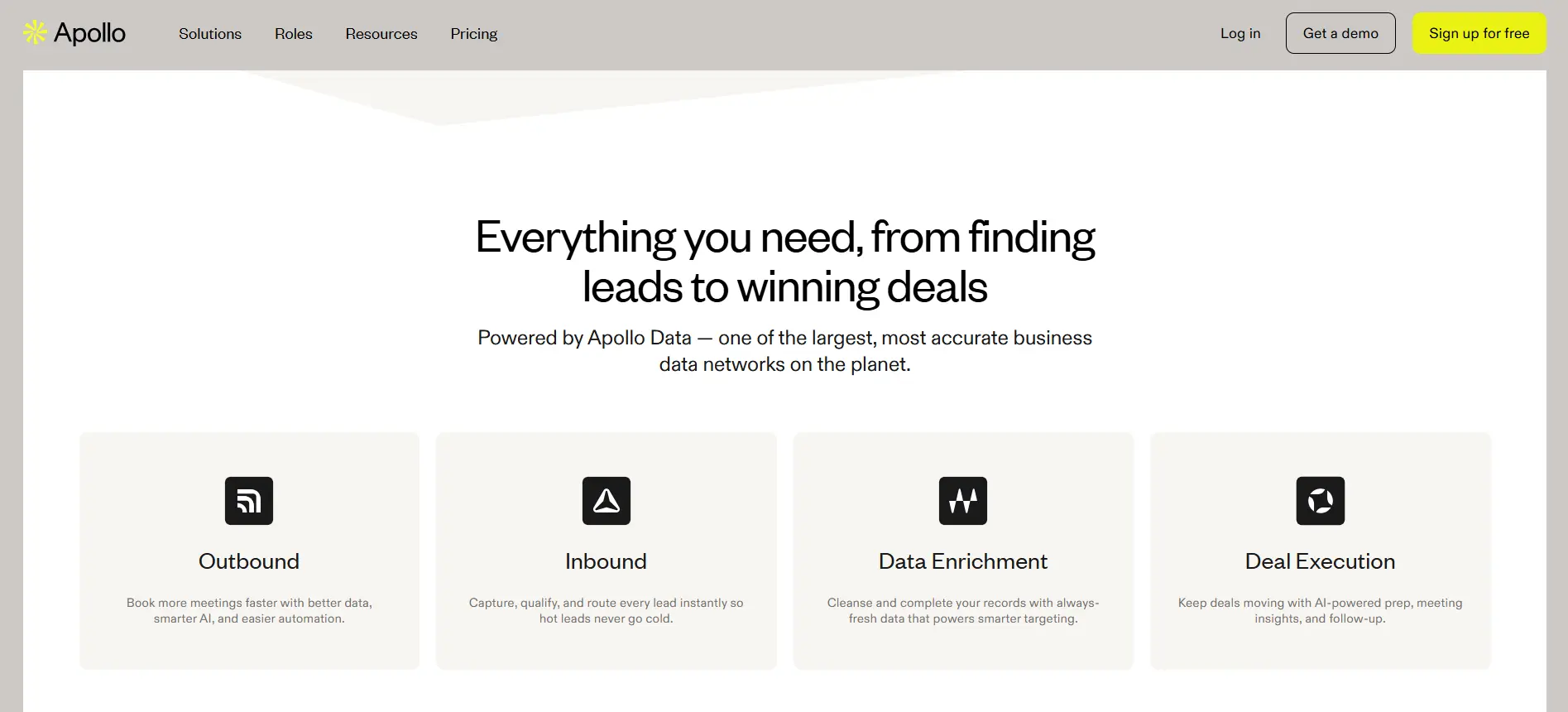
Apollo.io is a useful AI LinkedIn extension if you want contact discovery and outreach inside one sales platform.
Its Chrome extension works on LinkedIn, Gmail, Salesforce, HubSpot, and company websites, helping you find prospects without leaving the page.
You can save LinkedIn contacts, reveal verified emails or phone numbers, log notes, add leads to sequences, and continue outreach from Apollo.
Key features:
Pros:
Cons:
Overall, Apollo works well for sales teams that want LinkedIn prospecting connected to email outreach, CRM activity, and broader B2B data.
Suggested Reading:
5 Best Apollo.io Alternatives for B2B Lead Generation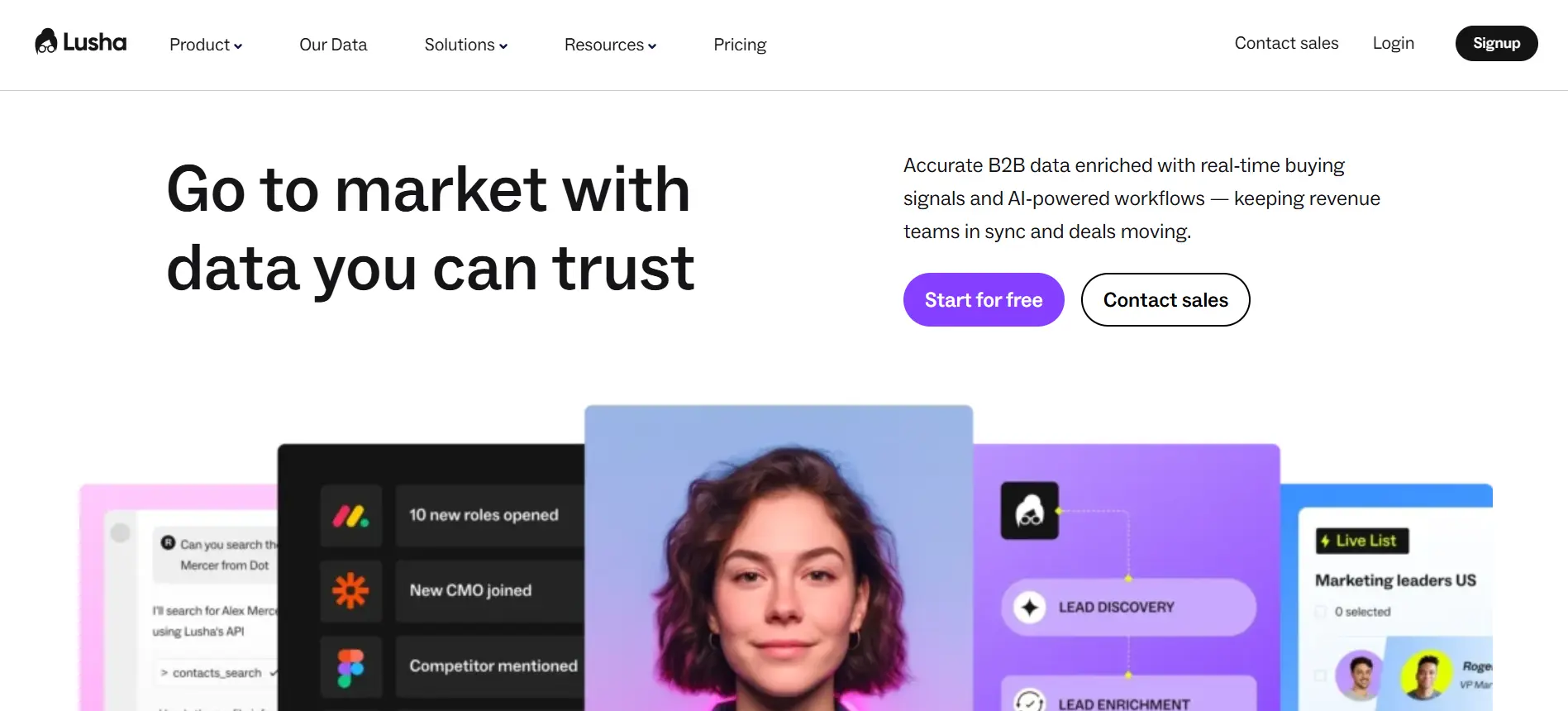
Lusha is a good choice if your main goal is to find verified contact details from LinkedIn quickly.
Its Chrome extension works on LinkedIn, Sales Navigator, CRMs, and supported company websites, helping you reveal prospect emails, phone numbers, and company details while you browse.
Lusha also includes buyer insights such as job changes, intent signals, funding, revenue, industry, and company specialties.
Key features:
Pros:
Cons:
Overall, Lusha works best when you want a reliable LinkedIn contact finder, not a complete AI sales workflow.
Suggested Reading:
11 Lusha Alternatives for 2026: Better Data, Pricing & Accuracy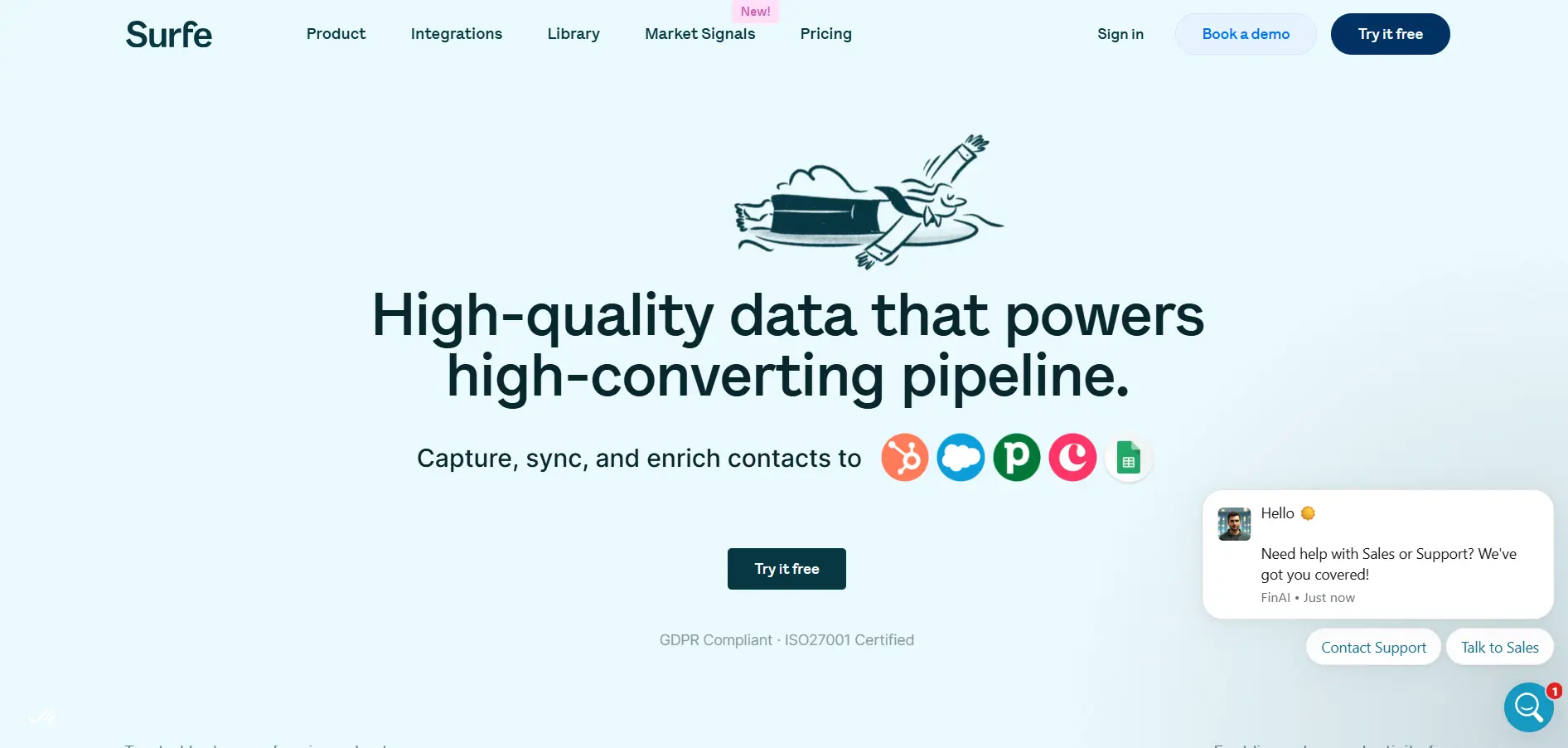
Surfe is a good fit if your LinkedIn prospecting depends heavily on CRM accuracy.
Instead of copying LinkedIn data into your CRM manually, Surfe helps you capture contacts and companies from LinkedIn, enrich them with verified emails and phone numbers, and sync the data directly into your CRM.
It is especially useful for teams that prospect on LinkedIn but manage pipeline in tools like HubSpot, Salesforce, or Pipedrive.
Key features:
Pros:
Cons:
Overall, Surfe is best when LinkedIn is your prospecting source, but your CRM is where deals actually move.
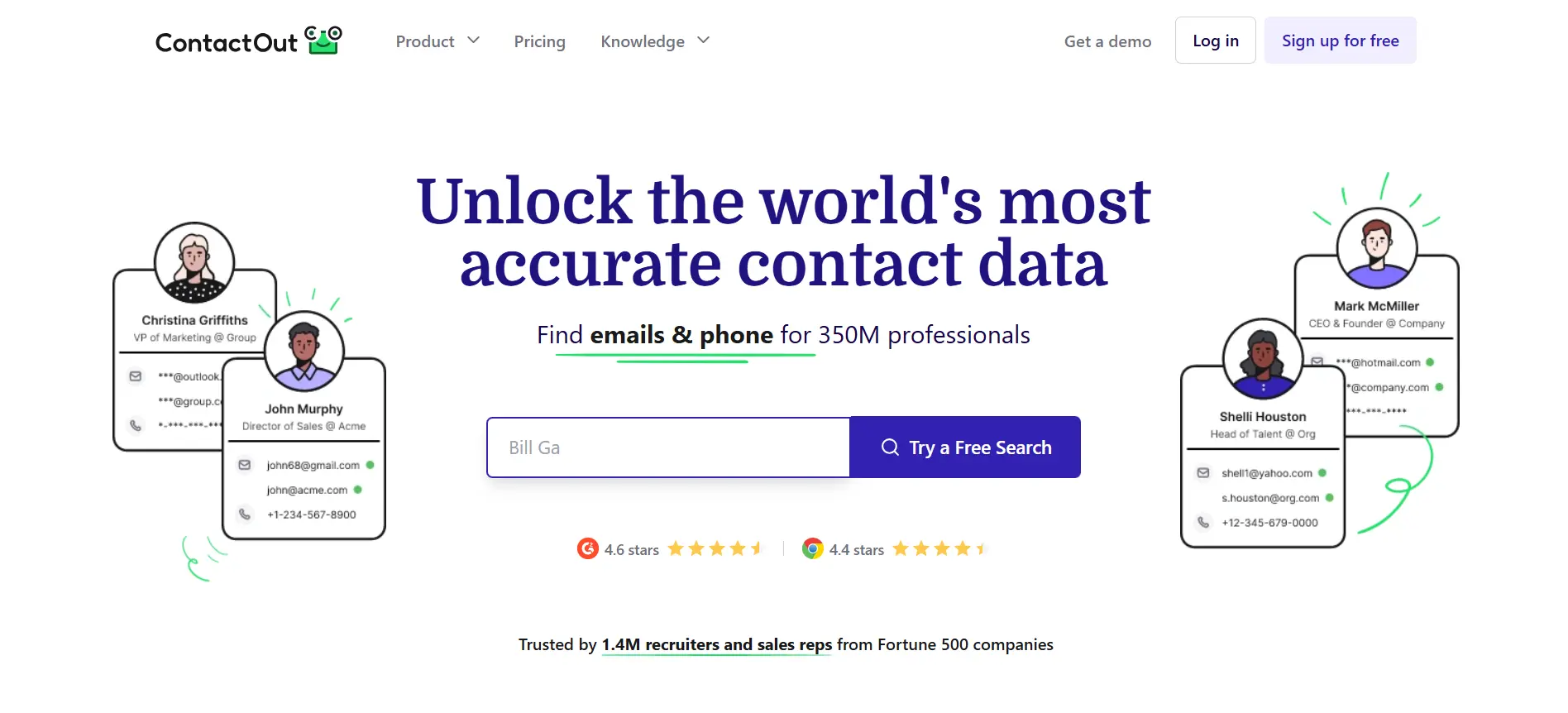
ContactOut works well if you use LinkedIn mostly for recruiting, sourcing, or direct prospecting.
Its Chrome extension helps you find emails and phone numbers from LinkedIn profiles and company websites.
You can also add prospects to email campaigns, save contacts to your CRM or ATS, and use its AI writing features to create comments or outreach messages.
ContactOut says its extension can find emails and phone numbers for 75% of people on LinkedIn.
Key features:
Pros:
Cons:
Overall, ContactOut is best when you need fast contact details from LinkedIn, especially for recruiting and talent sourcing.
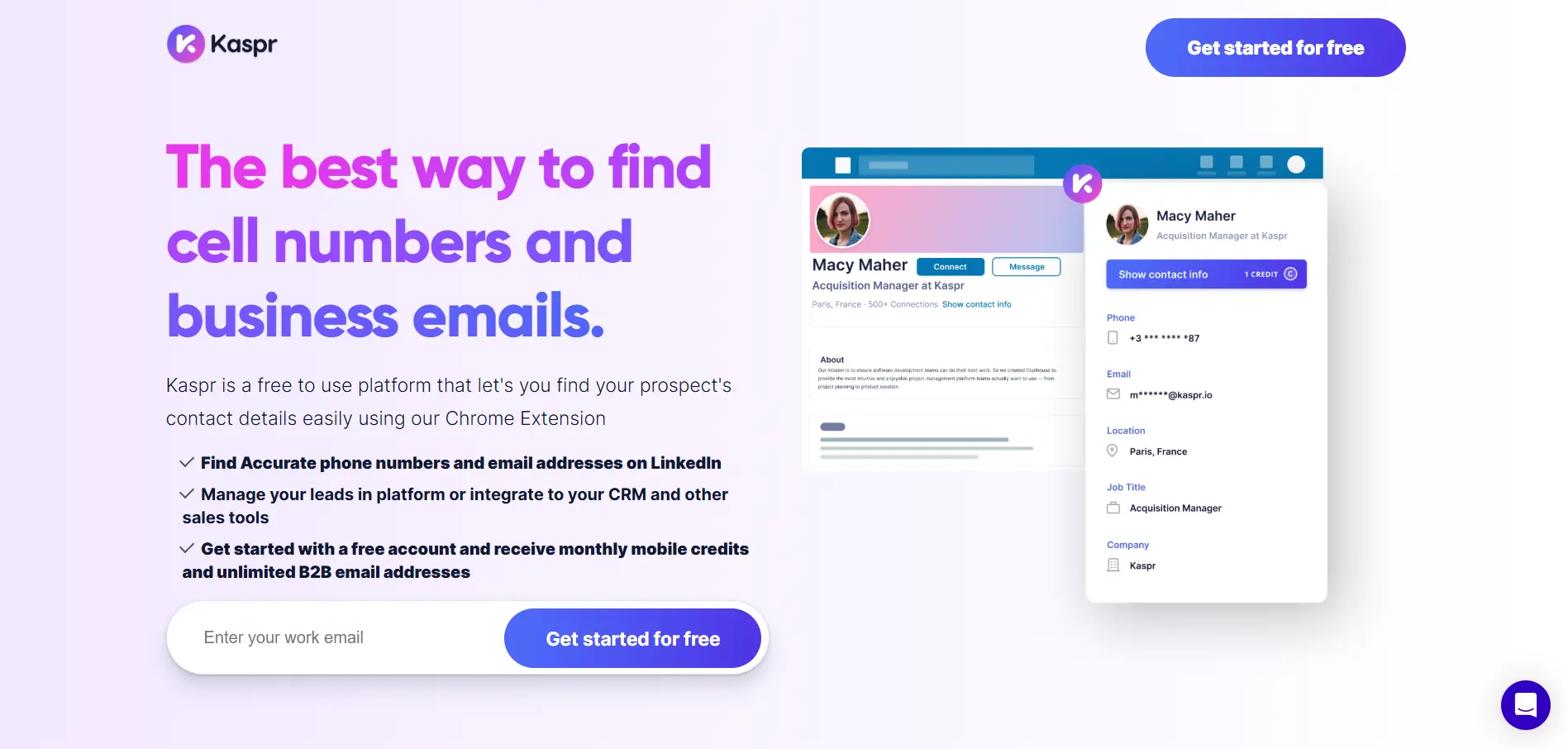
Kaspr is a useful LinkedIn extension if phone numbers are important in your outreach workflow.
It helps you reveal B2B emails, phone numbers, and company information directly from LinkedIn and Sales Navigator.
You can use it while browsing individual profiles or enrich contacts from LinkedIn search lists, which is helpful when you are building call-focused prospecting lists.
Key features:
Pros:
Cons:
Overall, Kaspr works best when you want to turn LinkedIn profiles into call-ready prospect lists quickly.
Suggested Reading:
10 Best Kaspr Alternatives for Better B2B Lead Generation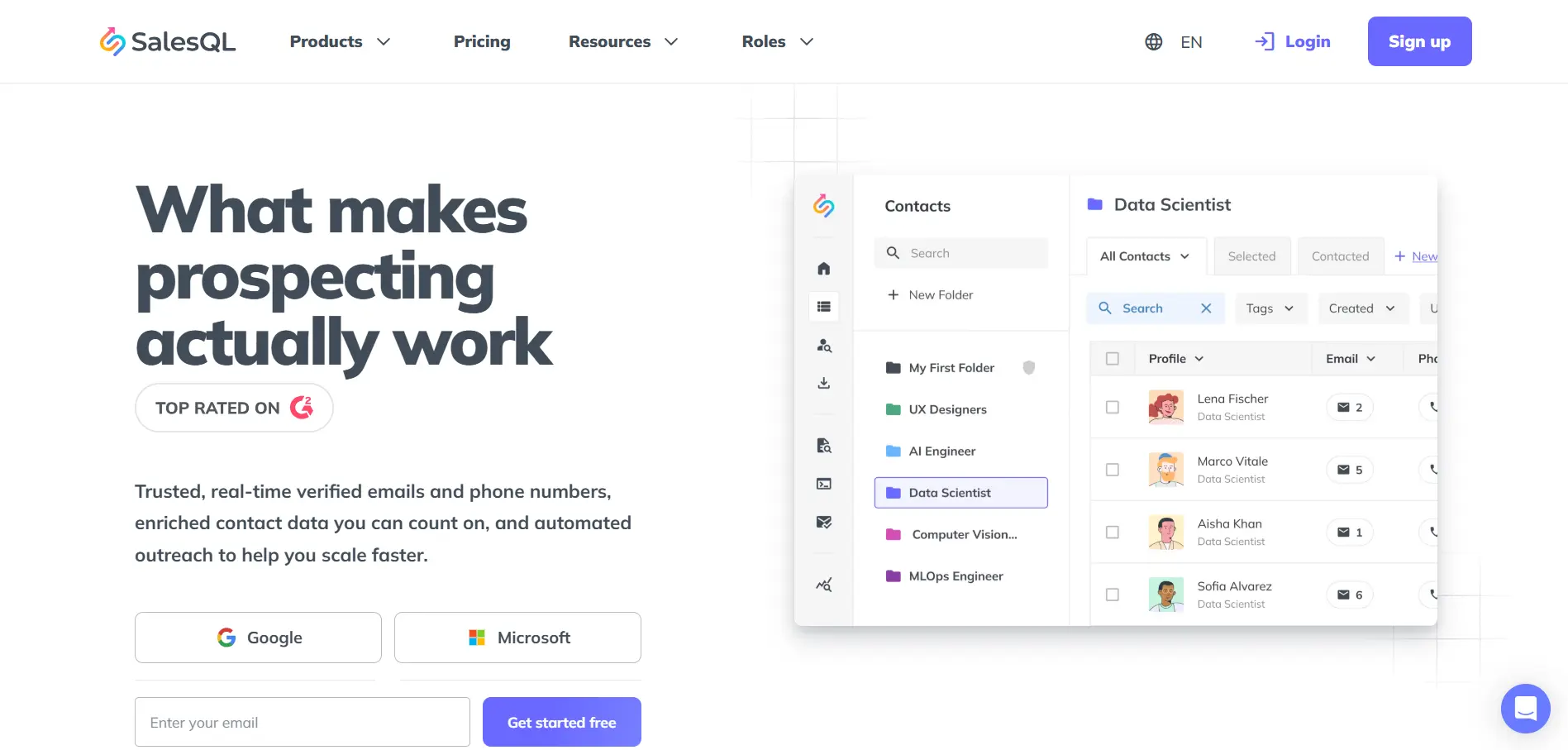
SalesQL is a simple LinkedIn extension for finding emails and phone numbers from prospect profiles.
It works with LinkedIn, Sales Navigator, Recruiter, and Recruiter Lite, which makes it useful for salespeople, recruiters, and freelancers who build lists directly from LinkedIn.
You can reveal verified emails, collect phone numbers, export leads, and move contacts into your prospecting workflow.
Key features:
Pros:
Cons:
Overall, SalesQL is best when you want a lightweight LinkedIn email finder without adding a complex sales platform.
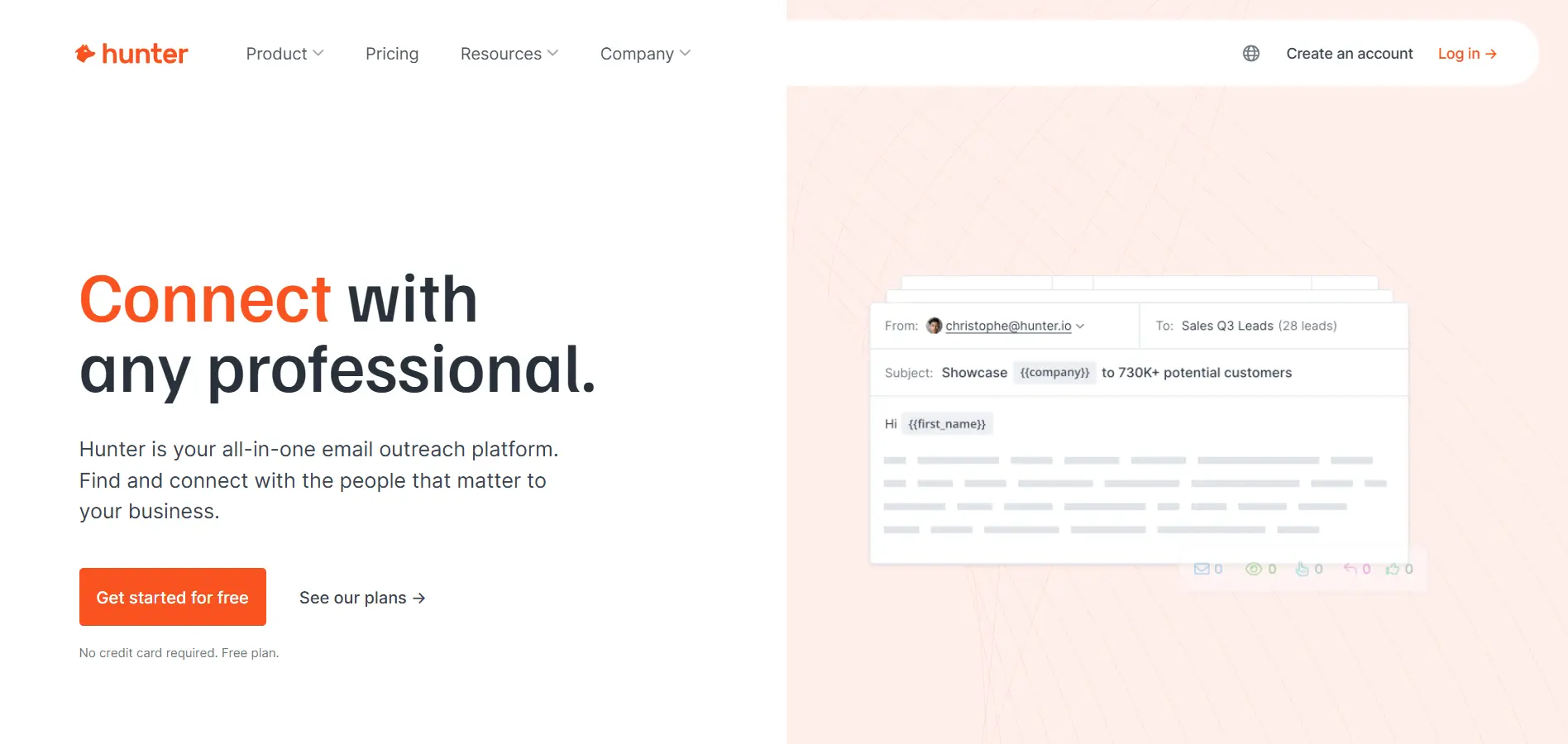
Hunter is a good option if your LinkedIn research often leads you to company websites.
Its Chrome extension helps you find email addresses connected to a company domain while you browse.
It also shows public sources, discovery dates, verification status, and confidence scores, which makes it useful when you want more context before adding an email to your list.
Key features:
Pros:
Cons:
Overall, Hunter works best when you already know the company and want to find reliable email contacts before starting outreach.
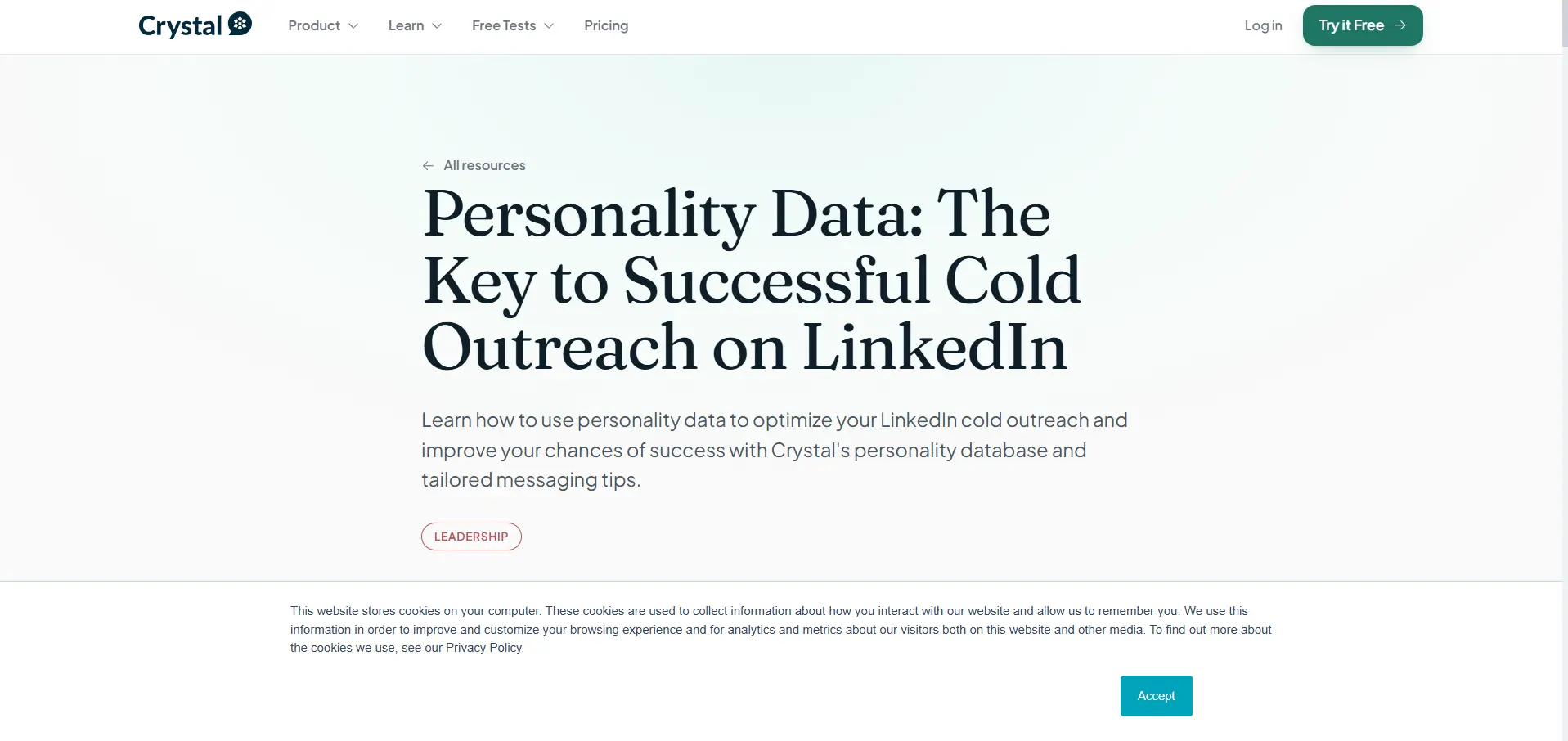
Crystal is useful when you want your LinkedIn outreach to feel more personal before you send the first message.
Instead of finding emails or automating sequences, Crystal focuses on personality insights.
Its Chrome extension works on LinkedIn, Sales Navigator, LinkedIn Recruiter, Salesforce, and HubSpot, helping you understand a prospect’s communication style before you reach out.
Key features:
Pros:
Cons:
Overall, Crystal is best when you already have the prospect and want to improve how you communicate with them.
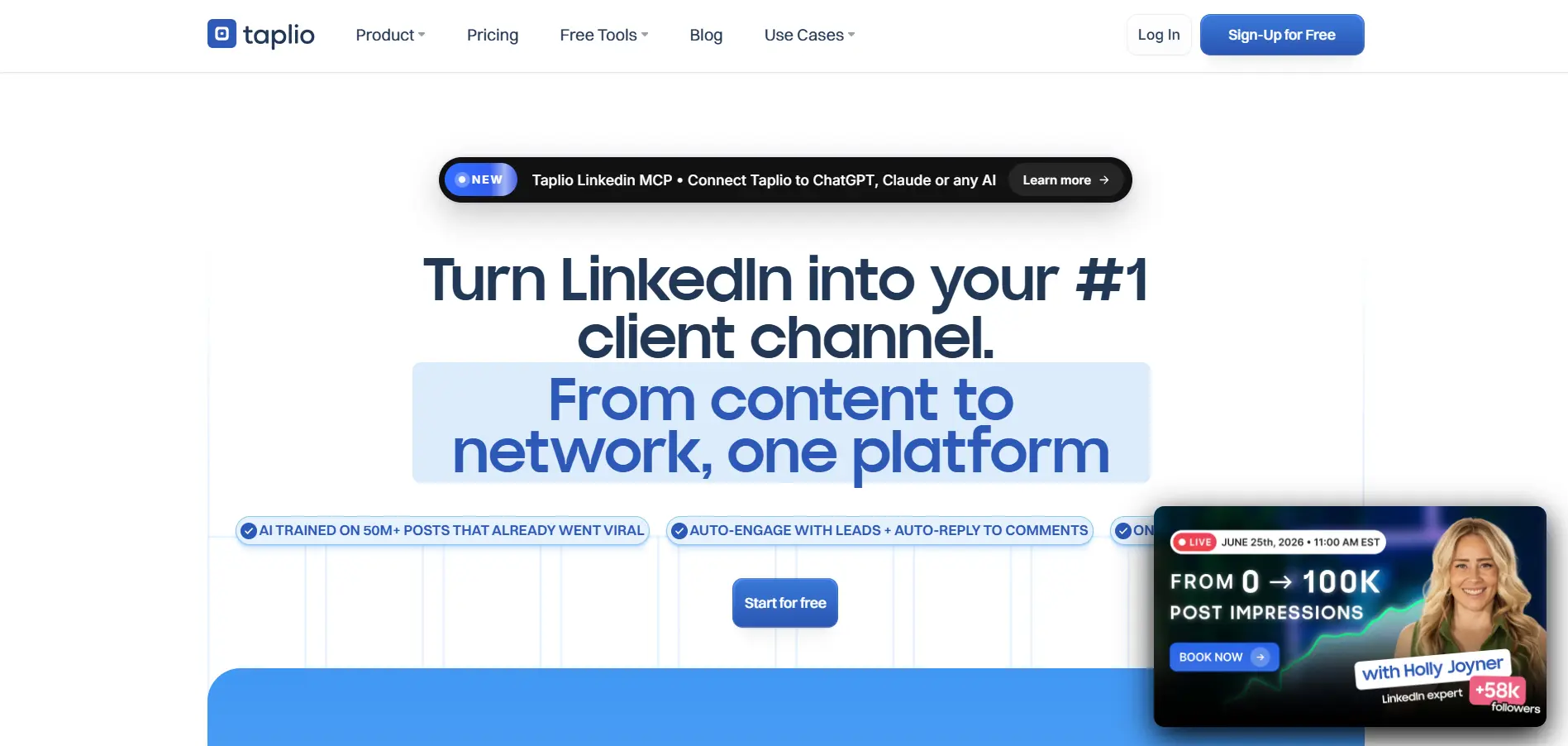
Taplio is a strong option if you use LinkedIn content to build authority, attract inbound leads, and start warmer conversations.
It is less of a classic email-finding extension and more of an AI LinkedIn growth tool.
Taplio helps you find content ideas, write posts with AI, schedule content, track performance, and understand what is working across your LinkedIn presence.
Its Chrome extension also helps you analyze LinkedIn profiles and top-performing posts.
Key features:
Pros:
Cons:
Overall, Taplio works best when LinkedIn content is part of your sales and networking strategy.
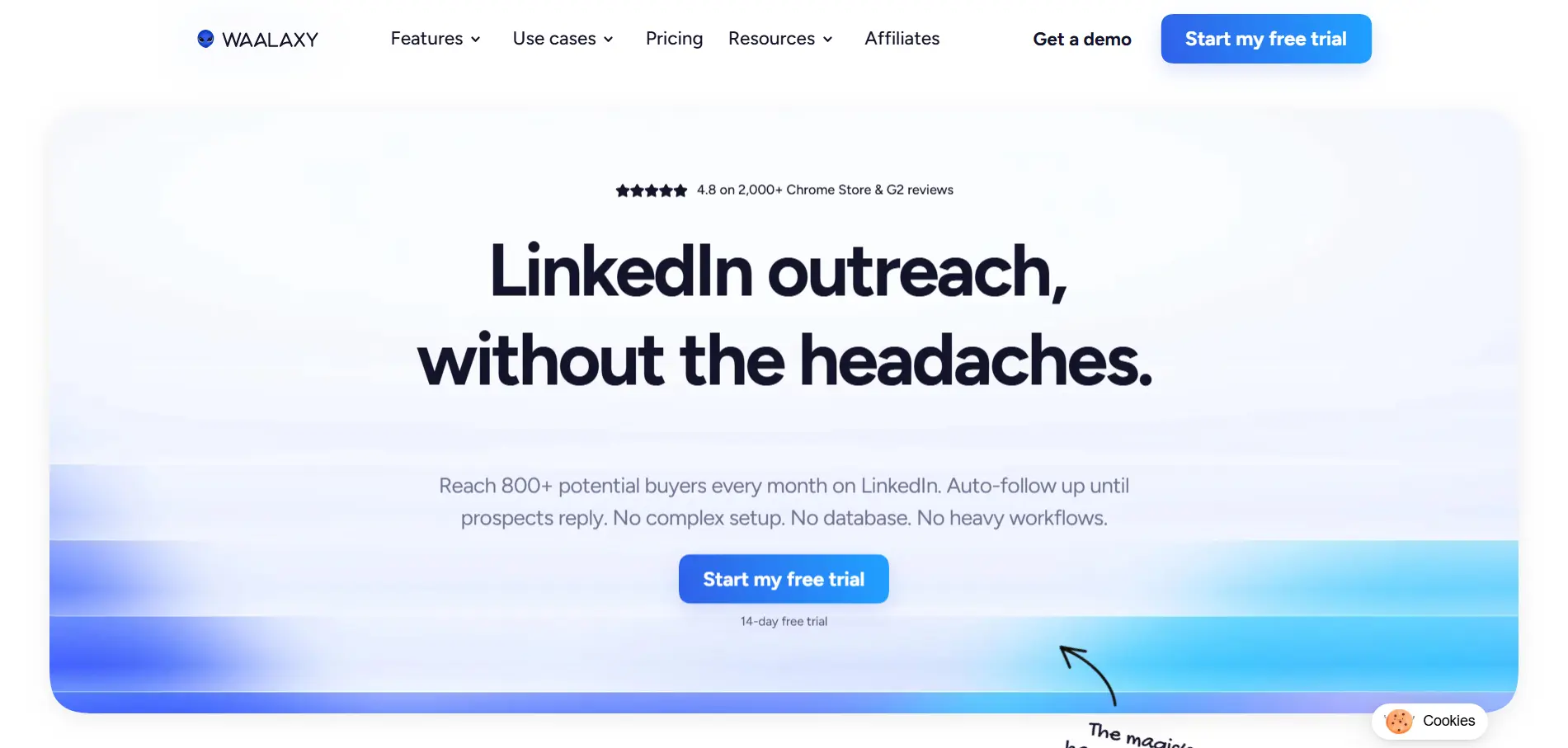
Waalaxy is a good option if you want to automate LinkedIn and email outreach without building a complex sales system.
It helps you create prospecting campaigns, send LinkedIn invitations, follow up automatically, add email steps, and manage outreach from one place.
You can also import prospects from LinkedIn, Sales Navigator, and Recruiter Lite, then enrich them with email data when needed.
Key features:
Pros:
Cons:
Overall, Waalaxy works best when you want simple LinkedIn outreach automation with email follow-ups added into the same campaign.
Dux-Soup is a long-running LinkedIn automation extension for users who want basic outreach tasks handled from their browser.
It helps automate profile visits, personalized connection requests, messages to first-degree connections, post likes, profile tagging, and activity tracking.
Higher plans also support more advanced LinkedIn campaign workflows.
Key features:
Pros:
Cons:
Overall, Dux-Soup works best when you want lightweight LinkedIn automation, not a full AI sales workflow.
The right AI LinkedIn extension depends on where your workflow gets stuck.
If you only need contact data, an email finder may be enough. But if you want to move from prospecting to personalized outreach, follow-ups, and CRM sync, you need a tool that supports more than one step.
Use this table to match each tool with the workflow it supports best.
If you want the broadest workflow, start with tools that combine AI writing, contact enrichment, Sales Navigator support, CRM sync, and outreach automation.
That is where full-workflow tools become more useful than simple browser add-ons.
AI LinkedIn extensions can save hours, but they can also create problems when you use them without control.
The goal is not to automate everything blindly. The goal is to make your prospecting smarter, faster, and still human.
Here are the mistakes you should avoid:
A good AI extension should help you scale thoughtfully, not make your outreach feel robotic.
AI LinkedIn extensions are no longer just small browser tools that help you copy profile data faster.
They now shape how you find prospects, understand context, personalize outreach, enrich contacts, and move leads into your sales workflow.
The right choice depends on your main goal.
If you only need emails, a simple contact finder may be enough. If you want better content, a LinkedIn growth tool can help.
But if you want LinkedIn prospecting to connect with enrichment, AI personalization, multichannel outreach, replies, and CRM sync, you need something more complete.
That is where Oppora.ai fits naturally.
It helps you turn LinkedIn from a manual prospecting channel into a connected AI sales workflow, without forcing you to manage every step yourself.
So if your team is ready to spend less time switching tools and more time starting real conversations, Oppora.ai is worth exploring.
An AI extension for LinkedIn is a browser add-on that helps you prospect, write messages, enrich contacts, or automate parts of your LinkedIn workflow using profile and company context.
AI LinkedIn extensions can be safe when you use trusted tools, avoid aggressive automation, respect data privacy, and keep your outreach activity natural.
LinkedIn may detect unusual activity patterns, especially if you send too many connection requests, visit profiles too quickly, or automate messages too aggressively.
Oppora.ai, Apollo.io, Lusha, Surfe, Kaspr, SalesQL, Crystal, Waalaxy, and Dux-Soup support Sales Navigator workflows in different ways.
Oppora.ai is a strong choice for sales teams that want LinkedIn prospecting, enrichment, AI personalization, outreach, replies, and CRM sync in one workflow.
Summarize with AI
Share