Home
Blog
Find 500 B2B Contacts for Free Every Month with Built-In Outreach.
Home
Blog
Stephen Parker
Published April 22, 2026
12 min

Try Oppora AI
Create Self-Running Agentic Sales Workflows like N8N just by chatting with AI
Get Started for FREE
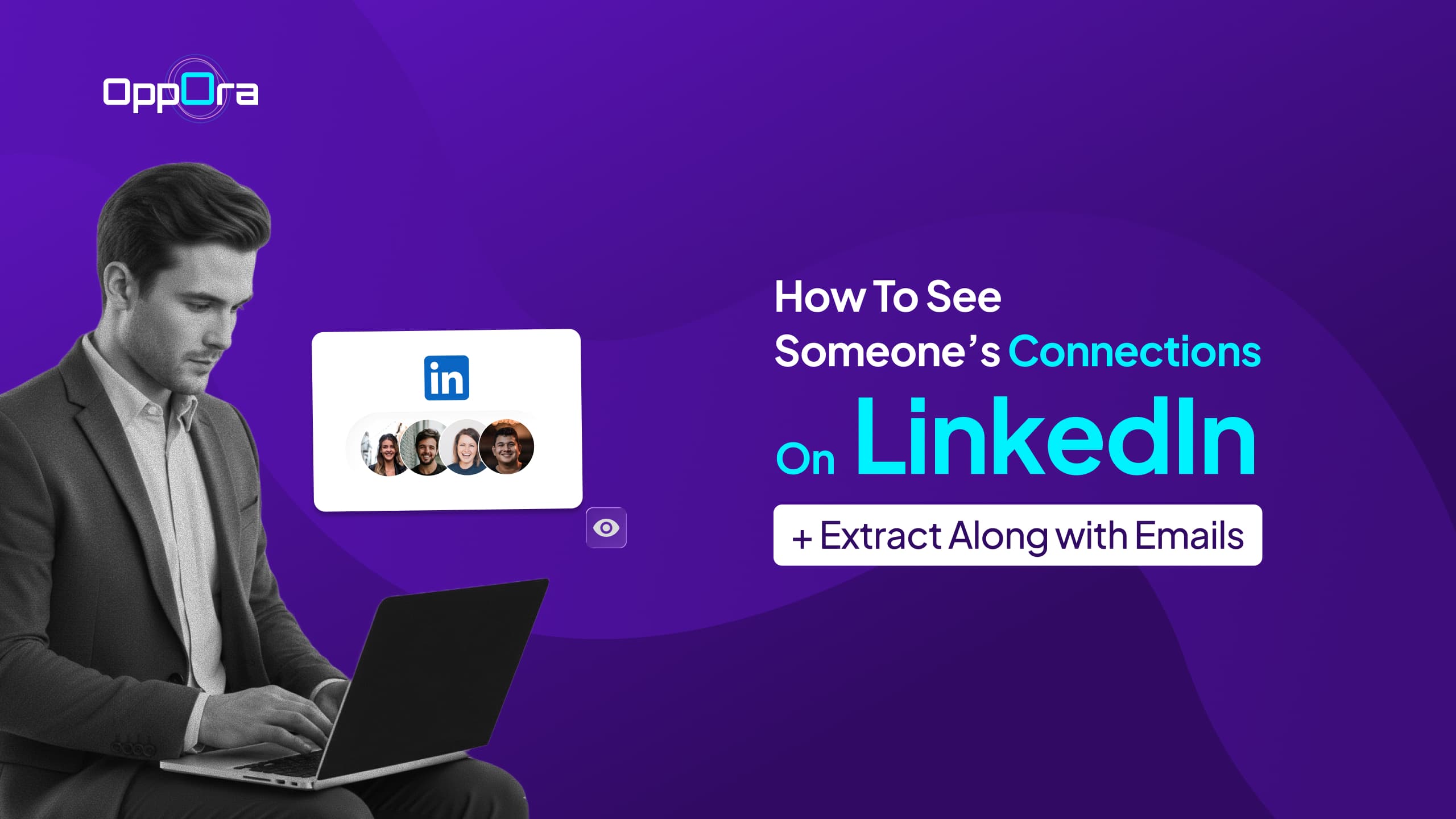
You try to figure out how to see someone’s connections on LinkedIn… and quickly hit a wall.
No full list. No clear visibility. Just limited profiles and scattered mutuals.
The problem isn’t your approach, it’s how LinkedIn is designed.
Most connections are private, and without the right methods, you’ll only see a small fraction of someone’s actual network.
That’s why many marketers and sales teams struggle to extract LinkedIn profile connections and followers for outreach or lead generation.
In this guide, you’ll learn how to work around those limits and uncover valuable connections.
Here’s what we’ll cover:
• Why LinkedIn hides most connections
• What you can actually see (and how to access it)
• Proven methods to discover and extract connections
• How to turn those connections into emails and qualified leads
Before you start crafting a strong LinkedIn connection message, you need to understand how LinkedIn visibility actually works.
Because what you think you can see vs what’s actually visible are very different things.
Here’s the breakdown 👇
LinkedIn gives users control over their connection visibility.
So when you send a linkedin connection request message, you’re usually reaching out without full network context.
That’s completely normal and expected.
There are only a few situations where connections become visible.
Mutual connections are the most useful signal here.
But beyond this, full visibility is very limited.
A lot of people approach LinkedIn with the wrong assumptions.
The biggest mistake?
Thinking you need access to connections to write the best LinkedIn connection request message.
You don’t.
What actually works is simple:
That’s what gets your linkedin connection message accepted not access to someone’s network.
Now that you know LinkedIn limits visibility, the next question is obvious.
How do you actually uncover useful connections without crossing privacy boundaries?
The answer is simple, you don’t “see everything,” but you can still discover a lot if you know where to look.
Here are the smartest and most practical ways to do it
Method 1: View Mutual Connections
This is the easiest and most reliable method.
Why this matters:
Even one shared connection can make your LinkedIn connection request message feel more relevant.
LinkedIn search is more powerful than most people realize.
This helps you map out indirect connections.
It’s not direct visibility but it’s strategic discovery.
This is one of the most underrated methods.
These interactions reveal their active network.
You’re not just finding connections you’re understanding relationships.
If you’re serious about outreach, this is a big upgrade.
It helps you go beyond basic LinkedIn search.
It doesn’t show everything but it shows enough to act strategically.
There are tools that help you extract publicly available data.
But this is where you need to be careful.
The goal isn’t just to collect data.
It’s to use that data to send better LinkedIn connection message examples that feel relevant and human.
Because at the end of the day, even the best tool won’t fix a bad message.
Your success still depends on how you connect not just who you find.
At this point, you already know LinkedIn doesn’t openly show full networks.
But that doesn’t mean the data isn’t there.
You just need to approach it differently by observing behavior, patterns, and shared spaces instead of relying on profile visibility.
Here are smarter ways to uncover connections that most people completely miss 👇
Company pages are one of the easiest ways to map connections.
Why this works:
It instantly makes your linkedin connection request message more relevant.
Content tells you more than profiles ever will.
These are often close connections or active relationships.
It’s like seeing their network in action.
Events are hidden goldmines for connections.
These people usually share interests or professional circles.
This is especially powerful for niche industries.
If you can’t see their network directly, look at similar profiles.
This helps you reverse-engineer their network.
In the end, it’s not about “seeing” connections.
It’s about understanding where those connections exist and how to reach them intelligently.
Suggested Reading:
Cold Email vs LinkedIn: Which Performs Better for B2B Outreach?Finding connections is one thing.
Turning those connections into actual outreach opportunities is where things get interesting.
Because without emails, your ability to follow up outside of LinkedIn stays limited.
Let’s look at how you can extract LinkedIn connections and take it one step further
The most basic way is doing everything manually.
This approach works but only at a very small scale.
And most importantly, it doesn’t scale if you’re serious about outreach.
That’s why relying only on manual work limits your ability to send effective linkedin connection messages at volume.
Suggested Reading:
Stop Wasting Time: How an AI Lead Finder Chrome Extension Replaces Manual ProspectingThis is where things start to become efficient.
This speeds up the entire process.
But there’s still one gap.
You have the profiles with unverified emails.
This is where everything comes together.
After extracting LinkedIn connections, you can import them into Oppora.
Oppora automatically enriches these profiles and finds verified emails, so you don’t have to hunt for them manually.
Instead of jumping between tools, you now have a clean pipeline.
This combination makes your LinkedIn message for connecting just the first step, not the only step.
Because once you have verified emails, you can follow up across channels and increase your chances of getting replies.
That’s how you turn simple LinkedIn connections into a real outbound system.
Getting connections is just the beginning.
The real value comes from turning those connections into actual, qualified leads you can engage and convert.
This is where most people stop, but this is exactly where your system should start.
Here’s how you move from random connections to a structured pipeline 👇
Once you’ve imported your LinkedIn connections into Oppora, the first step is organizing them properly.
This ensures you’re not sending the same LinkedIn connection message to everyone.
Instead, each group gets a message that actually fits them.
That’s what improves response rates.
Now comes the part that most people struggle with personalization.
Doing it manually doesn’t scale.
Oppora solves this by combining automation with real personalization.
So even when you’re reaching out at scale, your LinkedIn message for connecting doesn’t feel mass-sent.
It feels intentional.
Timing can make or break your outreach.
Reaching out at the wrong moment often leads to no response.
With Oppora.ai, you can use real-time signals to improve timing.
This helps you send your message for LinkedIn connection when it actually matters.
Not too early. Not too late.
Just at the right time.
And that’s how you turn simple connections into real opportunities by combining the right message, the right audience, and the right timing.
By now, you’ve seen how Oppora.ai fits into turning LinkedIn connections into real outreach.
But that’s just one part of what it can handle.
If you’re trying to build a complete outbound system, Oppora.ai goes far beyond just helping with a LinkedIn connection message.
Here’s what else you can do 👇
Searching LinkedIn manually takes hours and still feels incomplete.
Oppora removes that entire step.
Instead of hunting for people, you start with a ready-to-use list.
That means you can focus more on sending better LinkedIn connection messages rather than finding who to send them to.
Having leads is not enough if the data isn’t accurate.
Oppora ensures your contact data is clean and usable.
This reduces bounce rates and improves deliverability.
So your LinkedIn connection request message becomes just one touchpoint in a larger, reliable outreach flow.
Not every lead is ready to respond.
Timing and intent matter more than volume.
Oppora.ai helps you identify who is actually worth reaching out to.
This means your message for LinkedIn connection reaches people at the right moment.
And that dramatically improves your chances of getting replies.
The biggest shift comes when you stop doing outreach manually.
Oppora.ai turns your process into a system.
Instead of managing every step, you set up the workflow once.
And your outreach keeps running in the background.
That’s how you move from sending a few best LinkedIn connection messages…
To running a complete outbound engine that consistently generates conversations.
When using LinkedIn for outreach, it’s important to follow the platform's guidelines to avoid risks and account restrictions.
LinkedIn has strict policies on automation and scraping. Automating actions like sending connection requests or messages is restricted, and scraping data (e.g., emails) can lead to penalties. Oppora.ai adheres to LinkedIn's rules, optimizing outreach without violating these policies.
Suggested Reading:
LinkedIn Connection Limit: Daily, Weekly & Total Request Limits ExplainedTo avoid account restrictions, it's crucial to stay within LinkedIn's limits:
Data privacy regulations like GDPR and CCPA must be considered when using LinkedIn for outreach:
By following LinkedIn’s policies and using best practices, you can maintain a safe, compliant, and effective LinkedIn outreach strategy.
Mastering LinkedIn outreach requires a combination of personalization, strategy, and the right tools. By understanding LinkedIn’s best practices, you can build meaningful connections without falling into common pitfalls.
Crafting tailored messages, avoiding overly salesy language, and respecting the platform's limits are key to successful outreach.
With Oppora.ai, you can take your LinkedIn outreach to the next level by automating the process while ensuring it remains personalized and compliant. From finding targeted leads to automating follow-ups and meeting bookings, Oppora.ai helps you scale your outreach efforts effortlessly.
Ready to streamline your LinkedIn outreach and generate real conversations? Try Oppora.ai today and discover how automation can work for you.
An effective LinkedIn connection message should be personalized, concise, and provide clear context. Mention why you want to connect, whether it’s for networking, potential collaboration, or shared interests, while avoiding a direct sales pitch.
To avoid LinkedIn account restrictions, stay within the platform’s limits, such as sending a moderate number of connection requests (20-30 per day) and sending messages at a measured frequency. Personalize your outreach and avoid violating LinkedIn’s automation policies.
Oppora.ai automates LinkedIn outreach by sending personalized connection requests, follow-up messages, and even scheduling meetings. It also helps you find targeted leads, enrich and verify emails, and track outreach efforts—all in compliance with LinkedIn’s rules.
Your LinkedIn connection message should be short, personalized, and give context for why you want to connect. Avoid a sales-heavy approach and instead focus on a genuine reason for connecting, whether it’s for collaboration, networking, or shared interests.
Oppora.ai uses AI to personalize every message in your outreach sequence. It ensures that each connection request and follow-up feels unique and relevant, helping you engage with leads more effectively and increasing your response rate.
Summarize with AI
Share