Home
Blog
Find 500 B2B Contacts for Free Every Month with Built-In Outreach.
Home
Blog
Stephen Parker
Published April 24, 2026
12 min

Try Oppora AI
Create Self-Running Agentic Sales Workflows like N8N just by chatting with AI
Get Started for FREE
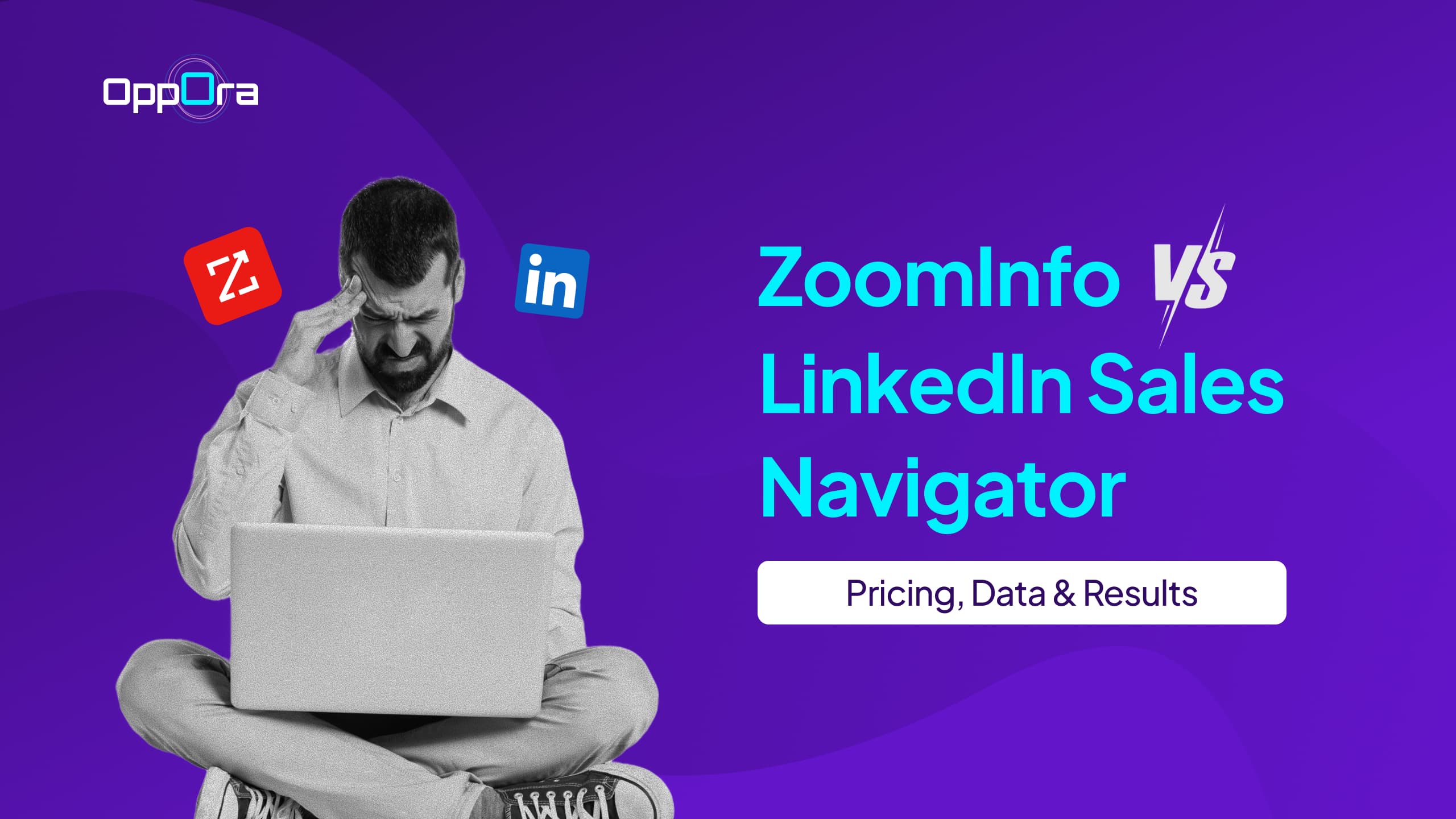
You’re not just picking a tool, you’re deciding how your entire sales process will run.
One focuses on deep contact data and scale, while the other leans heavily on relationships and network-driven insights.
That difference directly impacts how you find prospects, engage them, and close deals.
In this guide, you’ll get a clear breakdown of:
By the end, you’ll know exactly which platform fits your sales strategy best.
Before you dive deeper, it helps to see how pricing and positioning differ at a glance.
This updated comparison gives you a clearer picture of what you’re actually paying and what you’re getting in return.
Right away, you can see the biggest gap comes down to pricing vs data depth vs relationship insights.
Now that you’ve seen the high-level differences, it’s time to understand how these tools actually work in your day-to-day sales workflow.
Because at the end of the day, features only matter if they help you find better leads and close deals faster.
ZoomInfo is built for scale.
If your goal is to generate large volumes of leads with detailed contact data, this platform is designed exactly for that.
It gives you access to a massive database of companies and decision-makers, including verified emails and phone numbers.
You also get:
This makes ZoomInfo a strong choice when you need predictable pipeline generation at scale, especially in outbound-heavy teams.
Suggested Reading:
Linkedin Free vs Premium: What do You Actually GetLinkedIn Sales Navigator takes a completely different approach.
Instead of focusing on raw data volume, it helps you build relationships using LinkedIn’s professional network.
You can discover prospects based on their role, activity, and engagement on the platform.
Key capabilities include:
This makes it ideal if your sales strategy depends on warm outreach, social selling, and trust-building conversations.
When you compare ZoomInfo vs LinkedIn Sales Navigator side by side, the difference becomes very clear.
ZoomInfo gives you data-first prospecting, while LinkedIn Sales Navigator focuses on network-first prospecting.
Here’s how that plays out in practice:
So your choice depends on one simple question.
Pricing is where most decisions actually get made.
Because even if a tool looks powerful, it has to justify its cost over time based on results.
Let’s break down what you really pay for when comparing zoominfo vs linkedin sales navigator.
ZoomInfo is known for being one of the most expensive tools in the sales intelligence space.
Most plans typically start around $1,250+ per month, and pricing increases based on seats, credits, and add-ons.
Here’s what you should expect:
This means while ZoomInfo gives you powerful data, you’re also committing to a high upfront investment.
LinkedIn Sales Navigator is much more straightforward when it comes to pricing.
Plans typically start at around $99 per month per user, making it far more accessible for smaller teams.
What you get includes:
However, it’s important to remember that Sales Navigator is not a full data platform.
You may still need additional tools for email finding, enrichment, or automation, which adds to your total cost.
At first glance, LinkedIn Sales Navigator looks cheaper and ZoomInfo looks expensive.
But the real comparison comes down to total cost of ownership over time.
Here’s where things shift:
So the question isn’t just which tool is cheaper.
It’s which one gives you better ROI based on how you sell, how much you scale, and how many tools you need to combine to make it work.
Features and pricing matter, but your results ultimately depend on one thing data quality.
Because if your data is outdated or incomplete, even the best outreach strategy will fall apart.
Let’s break down how linkedin sales navigator vs zoominfo compare when it comes to data.
ZoomInfo clearly leads when it comes to sheer volume.
It offers a massive database of companies and contacts, including emails, phone numbers, and firmographic details across industries.
This makes it ideal if your strategy depends on high-volume outbound and list building.
LinkedIn Sales Navigator, on the other hand, doesn’t position itself as a traditional database.
Instead, it gives you access to LinkedIn’s professional network, which is huge but limited to profile-level data rather than direct contact details.
So while both have scale, ZoomInfo wins in terms of usable contact data for outreach.
Data accuracy is where things become more nuanced.
ZoomInfo verifies data through multiple sources, but users often report outdated emails or incorrect phone numbers, especially in fast-moving industries.
LinkedIn Sales Navigator benefits from self-reported data.
Since professionals regularly update their own profiles, details like job titles, companies, and roles tend to be more reliable.
However, it lacks direct contact info, which means you still need external tools to act on that data.
Fresh data is critical when you're targeting decision-makers.
ZoomInfo updates its database continuously, but there can still be delays depending on how quickly changes are captured.
LinkedIn Sales Navigator has an edge here.
Because users update their own profiles, you often get real-time insights like job changes, promotions, and activity signals.
This makes it especially useful for timing your outreach better.
Intent data is where ZoomInfo stands out.
It tracks buying signals based on online behavior, helping you identify prospects actively researching solutions like yours.
This gives your team a strong advantage when prioritizing leads.
LinkedIn Sales Navigator offers a softer version of intent.
You can see engagement signals like content interaction or profile activity, but it doesn’t provide deep intent insights tied to buying behavior.
So if your strategy depends on data-driven targeting and timing, ZoomInfo offers more structured insights.
But if you rely on context and engagement signals, LinkedIn Sales Navigator still plays a strong role.
By now, you’ve seen how both tools differ in pricing, data, and features.
But the real question is simple which one actually fits your business model?
Because the right choice depends less on the tool itself and more on how you sell.
If you’re a small or mid-sized business, budget and flexibility matter a lot.
LinkedIn Sales Navigator usually makes more sense here.
It’s affordable, easy to start with, and helps you build relationships without a heavy upfront investment.
You can:
ZoomInfo, on the other hand, can feel overwhelming for SMBs.
The cost alone can be hard to justify unless you’re doing high-volume outbound at scale.
For large teams, the priorities shift toward scale, data depth, and predictability.
This is where ZoomInfo becomes a stronger fit.
Enterprise teams benefit from:
LinkedIn Sales Navigator still plays a role here, but more as a supporting tool for relationship building, not the primary data engine.
For account based marketing, the decision depends on how you approach targeting.
ZoomInfo is useful if your campaigns rely on account-level targeting, segmentation, and intent signals.
It helps you identify which companies are actively in-market and align sales and marketing efforts.
LinkedIn Sales Navigator works better when your strategy is person-led and engagement-driven.
You can track prospect activity, understand interests, and personalize outreach based on real interactions.
In many cases, teams end up using both, but for very different reasons.
One drives data and targeting, while the other drives context and connection.
Suggested Reading:
10 Best Account-Based Marketing Tools for Smarter TargetingWhile both tools are powerful, they come with limitations that often show up once you start using them at scale.
Understanding these gaps early helps you avoid unexpected costs, compliance risks, and workflow inefficiencies.
Data privacy is becoming stricter, and this directly impacts how you use sales tools.
ZoomInfo gathers data from multiple external sources, which can sometimes raise concerns around compliance depending on your region and usage.
LinkedIn Sales Navigator feels safer in comparison because the data comes directly from users.
Data quality is where expectations often don’t match reality.
ZoomInfo provides a large volume of contact data, but accuracy can vary depending on how frequently records are updated.
LinkedIn Sales Navigator offers more reliable profile-level data because users update it themselves.
At first glance, pricing seems straightforward, but the real cost shows up over time.
ZoomInfo requires a significant upfront investment, which increases as you scale usage.
LinkedIn Sales Navigator looks more affordable initially, but it rarely works as a standalone solution.
In both cases, the real issue is not just pricing.
Even with strong data and networking capabilities, both tools fall short when it comes to automation.
This means your team still spends significant time managing tools instead of focusing on closing deals.
So the challenge isn’t choosing a perfect tool it’s understanding the trade-offs you’re signing up for.
By now, you’ve seen that both ZoomInfo and LinkedIn Sales Navigator solve parts of the sales process but neither covers everything end to end.
You either pay heavily for data or spend time stitching together multiple tools to make outreach work.
This is where Oppora.ai takes a different approach.
Instead of giving you isolated capabilities, Oppora connects the full outbound workflow into one system.
With Oppora, you can:
You’re not switching tools anymore.
Everything runs inside a single workflow powered by AI agents.
Pricing is where the difference becomes very clear.
ZoomInfo is one of the most expensive tools in this category.
LinkedIn Sales Navigator is more affordable upfront.
Oppora simplifies this completely with a more flexible model.
This means you’re not forced to upgrade just to access one feature.
This is where the biggest gap shows up.
ZoomInfo and LinkedIn Sales Navigator still require manual effort or additional tools to complete the workflow.
Oppora.ai removes that entirely.
Instead of managing multiple tools daily, you’re running a system that works in the background.
Your outreach becomes consistent, scalable, and far less dependent on manual effort.
So when you compare LinkedIn Sales Navigator vs ZoomInfo, the real upgrade isn’t choosing one over the other.
It’s moving to a system where data, outreach, and execution all happen together without extra tools or complexity.
Suggested Reading:
Best Sales Automation Tools with AI: Ora ChatChoosing between zoominfo vs linkedin sales navigator depends on how you want to sell.
ZoomInfo is built for scale with strong data, but comes at a high cost starting around $1,250+ per month.
LinkedIn Sales Navigator is more affordable at around $99 per month, but focuses on relationships and often needs extra tools to complete your workflow.
If you want everything in one place, tools like Oppora.ai offer a more complete system.
The real decision is simple do you want to manage tools, or run a system that handles outbound for you?
It depends on your sales approach ZoomInfo is better for large-scale lead generation with direct contact data, while LinkedIn Sales Navigator works best for relationship-driven outreach and engaging prospects through network insights.
ZoomInfo costs more because it provides verified emails, phone numbers, and intent data, whereas LinkedIn Sales Navigator mainly offers profile insights and engagement signals without direct contact details.
No, LinkedIn Sales Navigator cannot fully replace ZoomInfo since it doesn’t provide direct contact data, meaning you’ll still need additional tools for email discovery and outreach.
Many teams use both because ZoomInfo helps with data and lead generation, while LinkedIn Sales Navigator supports personalized engagement and relationship building.
If you want to avoid juggling multiple tools, platforms like Oppora combine lead generation, outreach, and automation into one system, simplifying your entire sales workflow.
Summarize with AI
Share