12 Best Outbound Marketing Software & Tools for High-Reply Campaigns
Stephen Parker
Published May 23, 2026
16 min

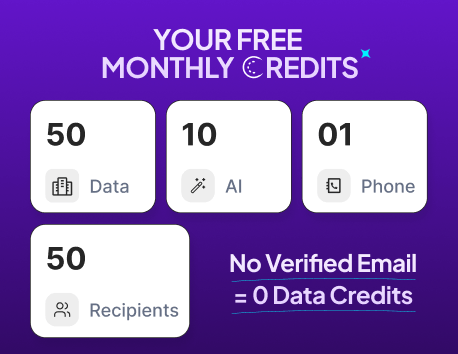
Complete Agentic Email Outreach
AI agents find and enrich prospects, personalize emails, follow up, handle replies, and book meetings automatically.
Claim Your FREE Credits
Choosing outbound marketing software sounds simple until you compare the options.
One tool helps you find leads. Another sends emails. Another handles LinkedIn. Then you still need deliverability, personalization, CRM syncing, reporting, and follow-ups that do not feel robotic.
That is why the best outbound marketing software is not just about sending more messages. It is about helping you reach the right people, stay out of spam, and turn cold outreach into real conversations.
In this guide, you will learn:
- What makes outbound marketing tools worth using
- How to compare tools beyond basic features
- Which platforms fit different teams, budgets, and campaign goals
What Makes a Great Outbound Marketing Tool?
A great outbound marketing tool should help you do more than send cold emails.
It should help you find the right leads, reach them safely, personalize your message, manage follow-ups, and track what is working.
Lead generation and targeting capabilities
Your campaign starts with the list.
The best outbound marketing software helps you find companies and decision-makers based on role, industry, location, company size, and other filters.
It should also help you enrich missing data and verify emails before you start outreach.
Outreach automation and workflow management
Manual outreach becomes difficult once you scale.
A strong tool should let you build email sequences, schedule follow-ups, pause outreach after replies, and manage campaigns from one place.
This keeps your process organized without making every step depend on manual work.
Email deliverability and inbox placement features
Even the best message fails if it lands in spam.
Good outbound marketing tools include email verification, inbox warm-up, sending limits, bounce tracking, mailbox rotation, and domain health checks.
These features help protect your sender reputation and improve your chances of reaching the inbox.
Suggested Reading:
How to Increase Cold Email Deliverability the Right WayAI personalization and reply handling
Personalization should feel specific, not like a copied template.
Modern tools use AI to research prospects, write relevant opening lines, adapt follow-ups, and help with replies.
Some outbound sales tools can also detect positive replies, handle objections, qualify interest, and route warm leads to your team.
CRM integrations and reporting capabilities
Outbound does not stop after sending.
You need to see reply rates, bounce rates, meetings booked, sequence performance, and campaign-level results.
The right tool should also sync with your CRM, inbox, and calendar so your team can track every lead without extra admin work.
Suggested Reading:
5 Best CRM With LinkedIn Integration + How To UseHow We Evaluated These Outbound Marketing Tools
Not every outbound marketing software is built for the same team or campaign style.
So, instead of looking only at feature lists, we evaluated each tool based on how useful it is for running real outbound campaigns.
Deliverability and reply rate optimization
First, we looked at whether the tool helps your emails actually reach the inbox.
This includes features like:
- Email verification
- Inbox warm-up
- Bounce control
- Sending limits
- Mailbox rotation
- Spam and domain health checks
A tool may offer powerful automation, but if deliverability is weak, reply rates will suffer.
Automation depth and workflow flexibility
Next, we checked how much of the process each tool can automate for outbound.
The best outbound marketing tools should help you manage prospecting, sequencing, follow-ups, reply routing, and task movement without constant manual work.
We also looked at whether teams can customize workflows based on campaign goals.
Lead quality and enrichment capabilities
A strong campaign depends on clean and relevant data.
So, we evaluated how well each platform helps you find leads, enrich missing details, verify emails, and target the right decision-makers.
Better data usually means better personalization and fewer wasted sends.
Pricing, scalability, and ease of use
Finally, we looked at how practical each tool is for different teams.
Some platforms are better for startups with small budgets. Others are built for enterprise teams that need deeper controls, integrations, and reporting.
We considered:
- Starting price
- Free trial or free plan availability
- Ease of setup
- Team collaboration
- CRM integrations
- Ability to scale campaigns over time
The goal was simple: find outbound marketing software that helps you grow without making the process harder to manage.
12 Best Outbound Marketing Software & Tools
There are many outbound marketing tools in the market, but each one solves a slightly different problem.
Some are better for lead data. Some are stronger for cold email sending. Others work best when you need enterprise workflows, CRM control, or AI-led personalization.
Oppora.ai — AI-Powered Outbound Marketing Software for End-to-End Automation
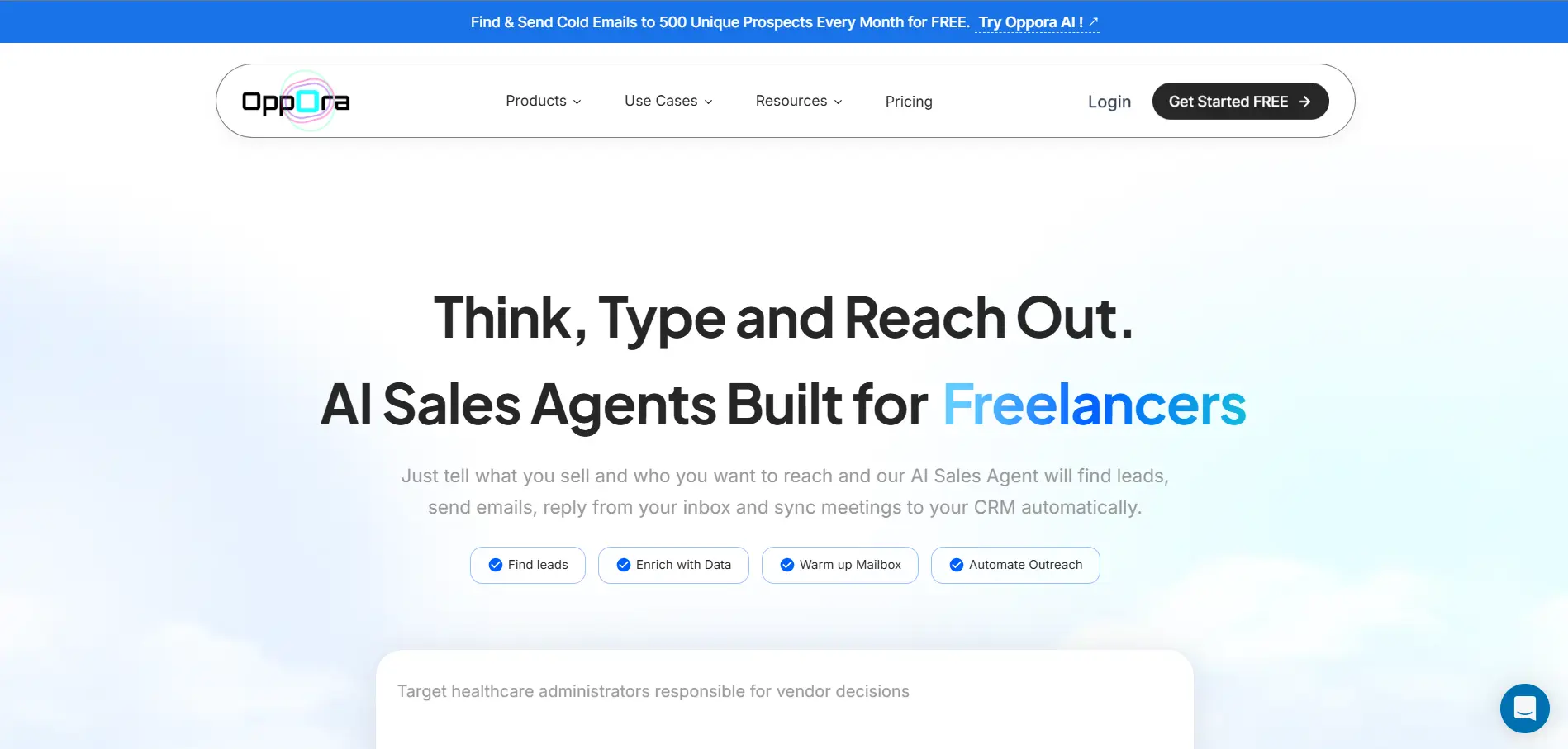
Oppora.ai is built for teams that want outbound to run as one connected workflow instead of managing separate tools for lead search, enrichment, email sending, replies, and CRM updates.
You can tell Oppora.ai what you sell and who you want to reach. Its AI sales agents then help create and run the outbound workflow across prospecting, contact verification, email outreach, reply handling, meeting booking, and CRM syncing.
It also gives you access to a 1B+ contact database, which helps you build larger prospect lists and reach more relevant decision-makers without depending on a single data source.
Key capabilities include:
- AI sales agents for prospecting, enrichment, outreach, replies, and CRM sync
- Access to a 1B+ contact database for lead discovery
- Verified contact sourcing and real-time email verification
- Inbox warm-up and mailbox rotation to support deliverability
- AI-personalized emails without relying on basic spintext
- LinkedIn outreach inside outbound sequences
- Shared inbox for managing replies across connected mailboxes
- CRM syncing with tools like HubSpot, Salesforce, and Pipedrive
Oppora.ai stands out because it focuses on execution, not just access to features.
Instead of giving you separate tasks to manage, it helps connect the full outbound process so your campaigns can move from lead discovery to booked meetings with less manual effort.
Apollo.io — All-in-One Outbound Platform for SMBs
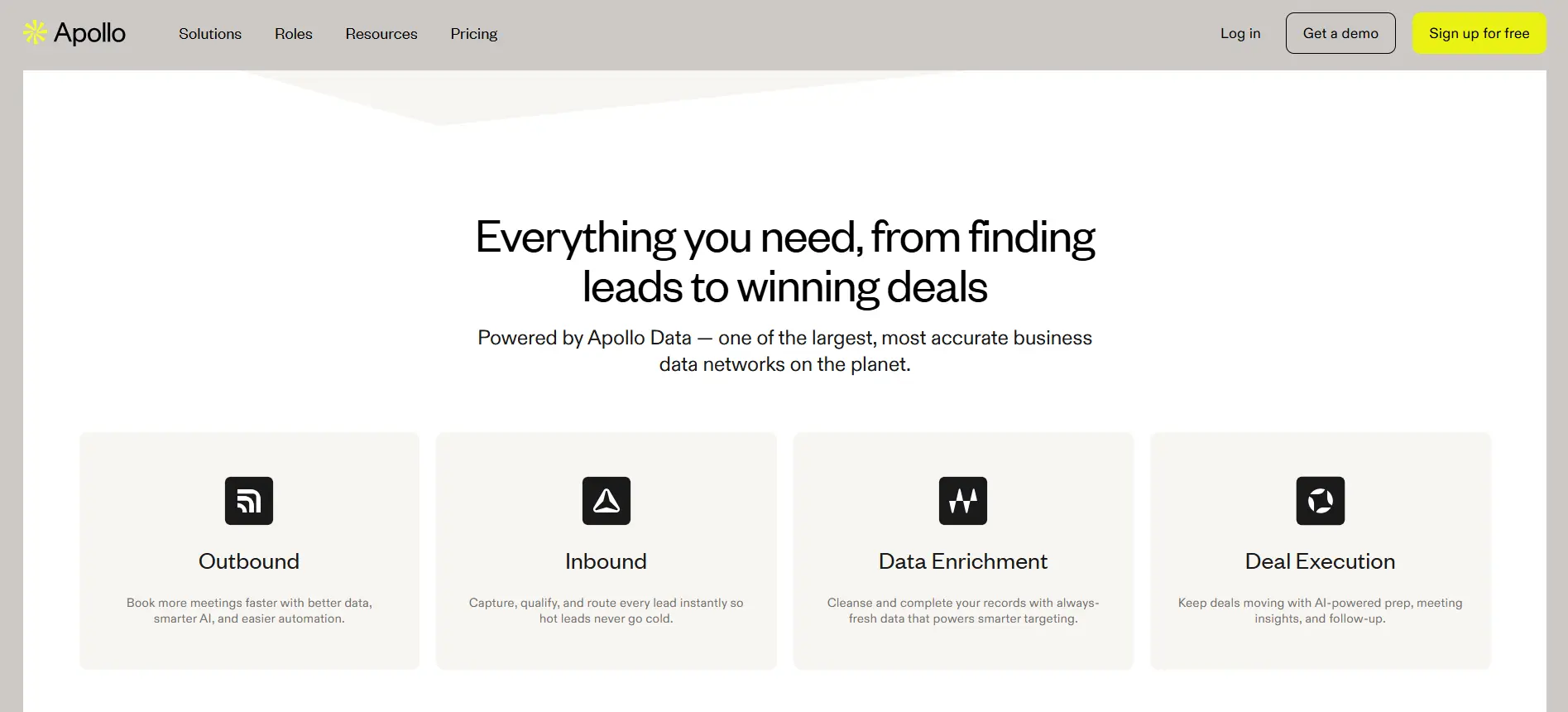
Apollo.io combines lead data and sales engagement in one platform.
You can use it to search for prospects, build lists, create sequences, personalize emails, track engagement, and sync activity with your CRM.
Its large contact database makes it useful for teams that want prospecting and outreach in the same tool.
Key capabilities include:
- B2B lead search and company targeting
- Email sequences and automated follow-ups
- AI-assisted email writing and personalization
- CRM integrations and activity syncing
- Dialer, call logging, and task management
- A/B testing and campaign analytics
- Deliverability tools, including scoring, warm-up, and inbox setup guidance
Apollo.io is a strong option when you want outbound marketing software that brings lead data and outreach execution together.
The main thing to watch is workflow depth. As your outbound process becomes more complex, you may still need additional tools for advanced enrichment, deliverability control, or deeper automation.
Outreach — Enterprise Sales Engagement Platform
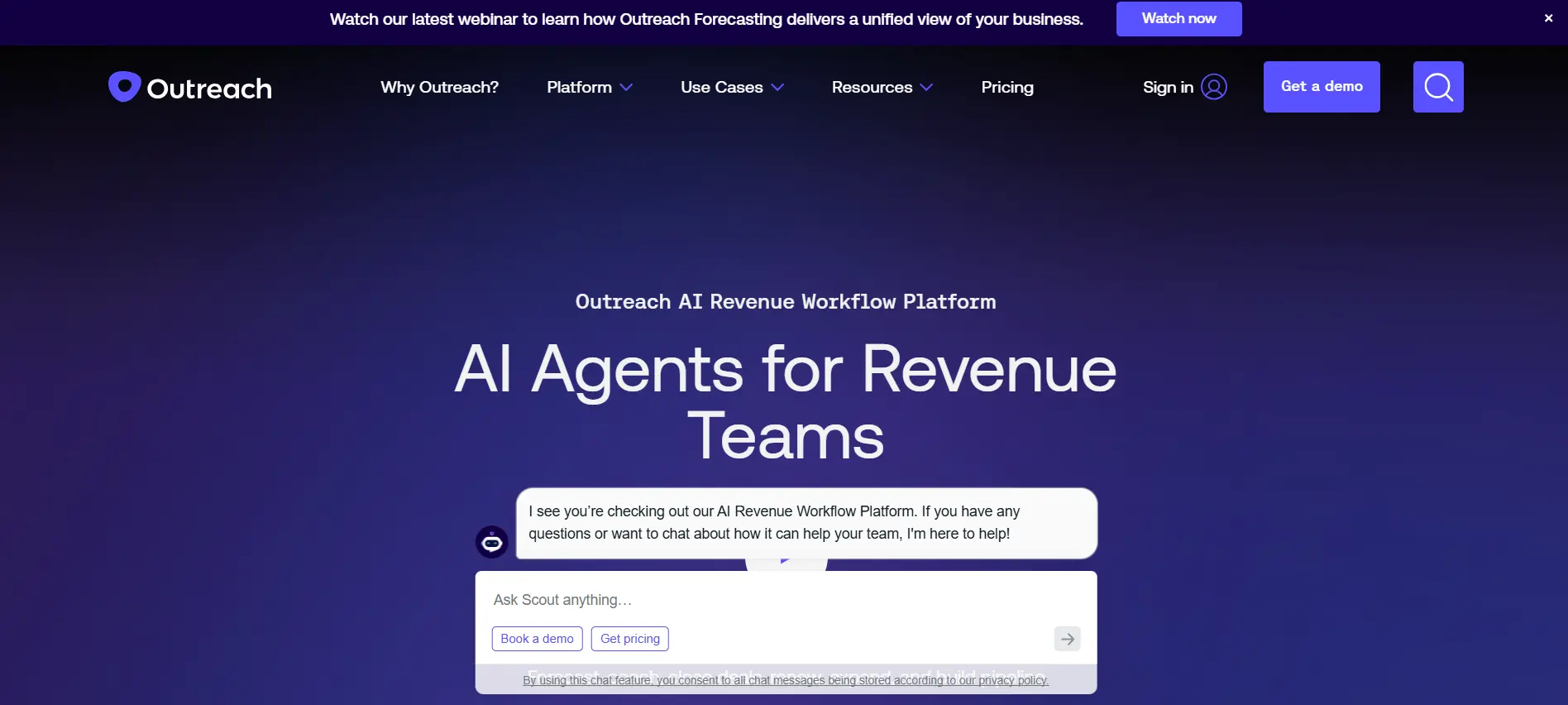
Outreach is designed for larger sales teams that need structure and visibility across outbound activity.
It helps reps manage sequences across email, calls, LinkedIn, SMS, and sales tasks.
Teams can also use templates, snippets, meeting scheduling, CRM syncing, and reporting to keep outreach consistent.
Key capabilities include:
- Multi-channel sales sequences
- Email, calls, SMS, LinkedIn, and task workflows
- AI-powered sequence and reply insights
- Buyer sentiment analysis
- Out-of-office detection and sequence pausing
- CRM activity syncing
- A/B testing and sales analytics
- Meeting scheduling and call support
Outreach works well when your outbound process needs more governance, reporting, and team-level consistency.
For smaller teams, it may feel heavier than simpler outbound marketing tools, especially if you mainly need lead search and basic email campaigns.
Salesloft — Structured Multi-Touch Sales Sequences
Salesloft helps sales teams manage organized outbound cadences across multiple touchpoints.
You can build sequences using email, calls, text, and LinkedIn-supported tasks.
It also helps reps prioritize activity, sync updates to the CRM, and follow up based on buyer engagement.
Key capabilities include:
- Multi-step sales cadences
- Email, call, text, and LinkedIn-supported workflows
- AI email support for faster personalization
- CRM syncing with tools like Salesforce, HubSpot, Zoho, and Microsoft Dynamics
- Buyer engagement reporting
- Task prioritization for sales reps
- Automation triggers based on prospect activity
Salesloft is useful when your outbound process needs consistency across reps, teams, and campaigns.
It may feel more sales-led than marketing-led, so teams that mainly need lead discovery or lightweight cold email sending may need a simpler or more data-focused outbound marketing software.
Lemlist — Personalized Cold Email Campaigns
Lemlist is built for teams that want cold outreach to feel more personal.
You can use it to find leads, enrich contact data, build email sequences, add LinkedIn actions, and track campaign performance.
Its personalization features help you go beyond basic first-name and company-name variables..
Key capabilities include:
- Cold email sequences and automated follow-ups
- LinkedIn actions inside outreach campaigns
- AI-powered personalization
- Custom variables and image personalization
- Lead database and enrichment credits
- Inbox rotation and deliverability support
- CRM integrations and campaign tracking
Lemlist stands out when you want outreach to feel less generic.
It may not be the lowest-cost option for teams sending at very high volume, but it works well when your campaign quality depends on relevant messaging, good timing, and personalized touchpoints.
Smartlead — High-Volume Cold Email Sending
Smartlead is built for teams that run outbound across multiple mailboxes.
It focuses heavily on cold email infrastructure, deliverability, and reply management.
You can connect inboxes, rotate senders, warm up mailboxes, manage replies, and control sending volume from one place.
Key capabilities include:
- Unlimited mailbox connections
- Automated email warm-up
- Sender rotation for safer sending
- Cold email sequences and follow-ups
- Unified inbox for reply management
- Reply categorization and lead intent tracking
- CRM-style pipeline view
- API and webhook support for custom workflows
Smartlead also includes deliverability-focused infrastructure, including reputation monitoring, bounce tracking, spam signals, and sending pattern controls.
It works well when email volume is a major part of your outbound strategy.
The main thing to watch is that Smartlead is more focused on sending and deliverability than deep lead discovery, so you may still need separate data or enrichment tools if list building is a big part of your workflow.
Instantly — Cold Email Platform for Agencies and Startups
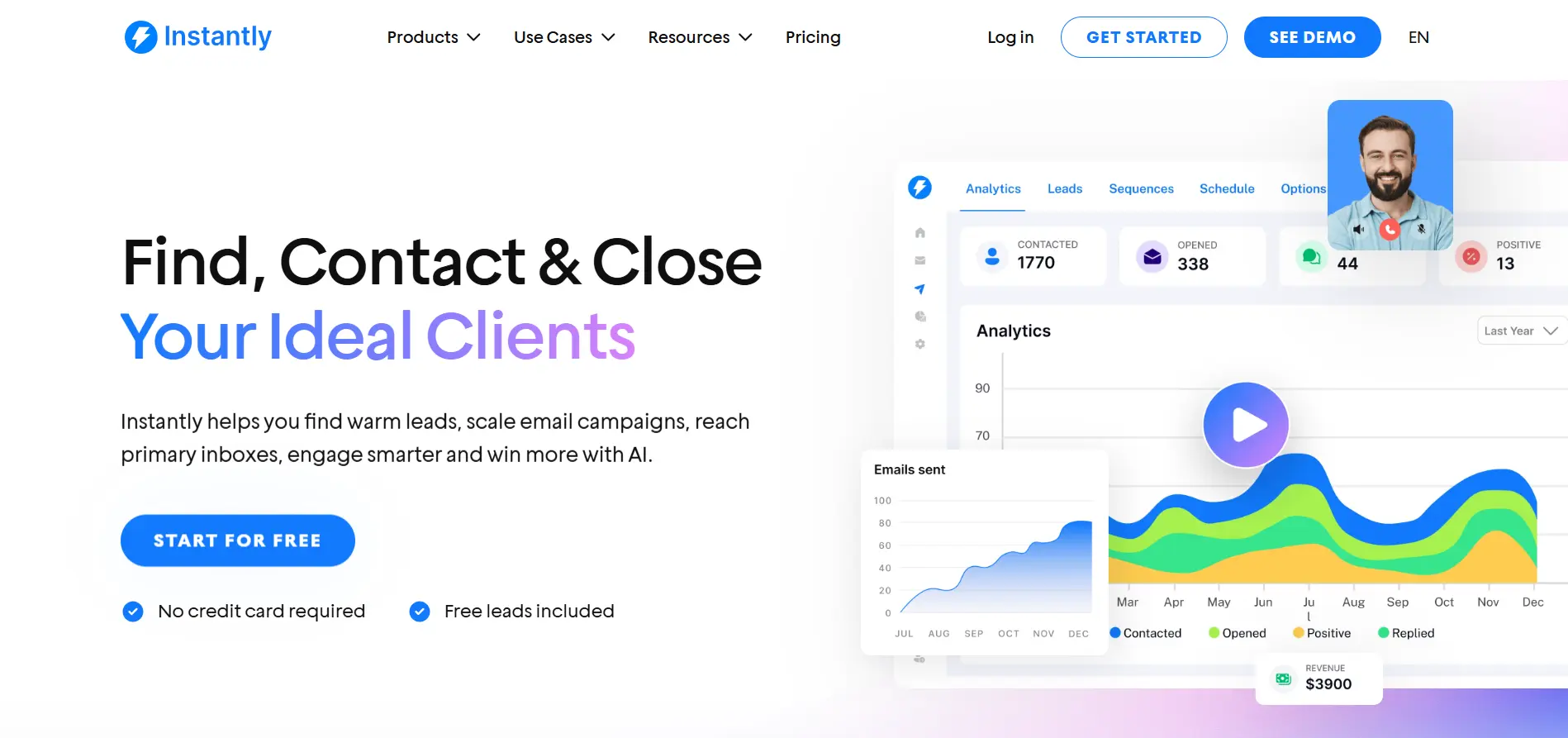
Instantly is a simple cold email platform for launching and scaling outbound campaigns.
It helps you connect mailboxes, warm up inboxes, upload leads, create campaigns, personalize emails, and manage replies.
It also includes a lead database, campaign analytics, inbox rotation, and AI features for campaign creation and reply handling.
Key capabilities include:
- Cold email campaign builder
- Unlimited email account connections on active outreach plans
- Automated email warm-up
- Inbox rotation and unified inbox
- B2B lead database and lead verification options
- AI sequence generator
- AI inbox manager and AI reply agent
- Campaign analytics and inbox placement testing
Instantly works well when you want a simple cold email system that can support multiple inboxes and campaign volume.
The main thing to watch is pricing structure. Some features, such as credits, CRM, inbox placement, and AI agents, sit under separate plan categories, so you should check what is included before choosing a plan.
Clay — Data Enrichment and AI-Powered Prospecting
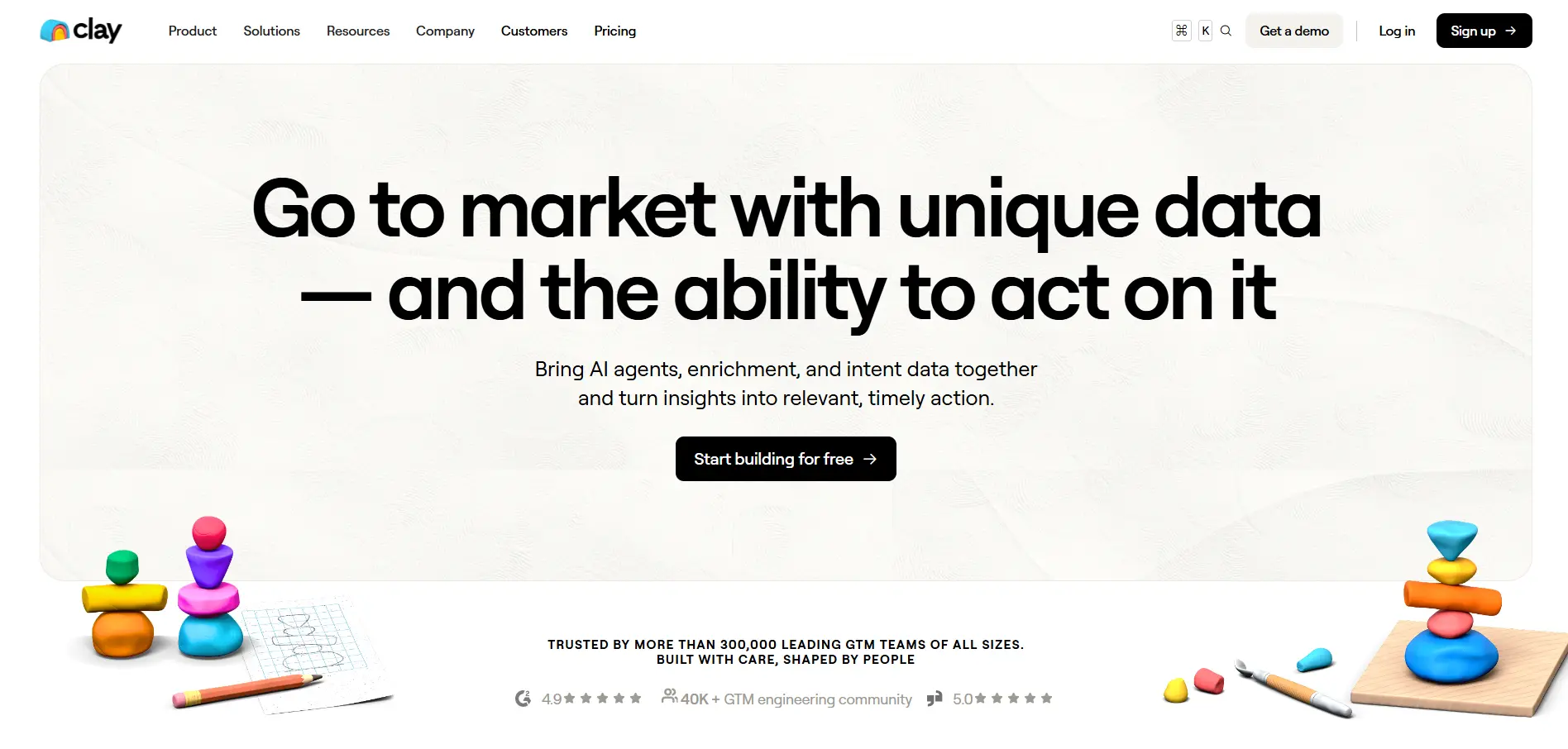
Clay is different from most outbound marketing tools.
It focuses on data workflows, enrichment, and AI-powered prospect research before outreach begins.
You can use Clay to combine data sources, enrich accounts, research companies, build custom lists, and create highly targeted outbound workflows.
Key capabilities include:
- Lead and company enrichment from multiple data providers
- Waterfall enrichment for better data coverage
- AI research through Claygent
- Custom prospecting workflows
- Job change, hiring, company news, and web intent signals
- CRM enrichment and auto-sync on higher plans
- Integrations with sales engagement and email tools
Clay works well when your outbound strategy depends on precise targeting, custom data points, and advanced enrichment before sending.
The main thing to watch is complexity. Clay is powerful, but it can take more setup than simpler outbound marketing software, especially if your team only needs basic lead lists and email sequences.
Suggested Reading:
10 Best Clay Alternative & Competitors for AI Outreach & Lead EnrichmentHubSpot Sales Hub — CRM and Outbound in One Platform
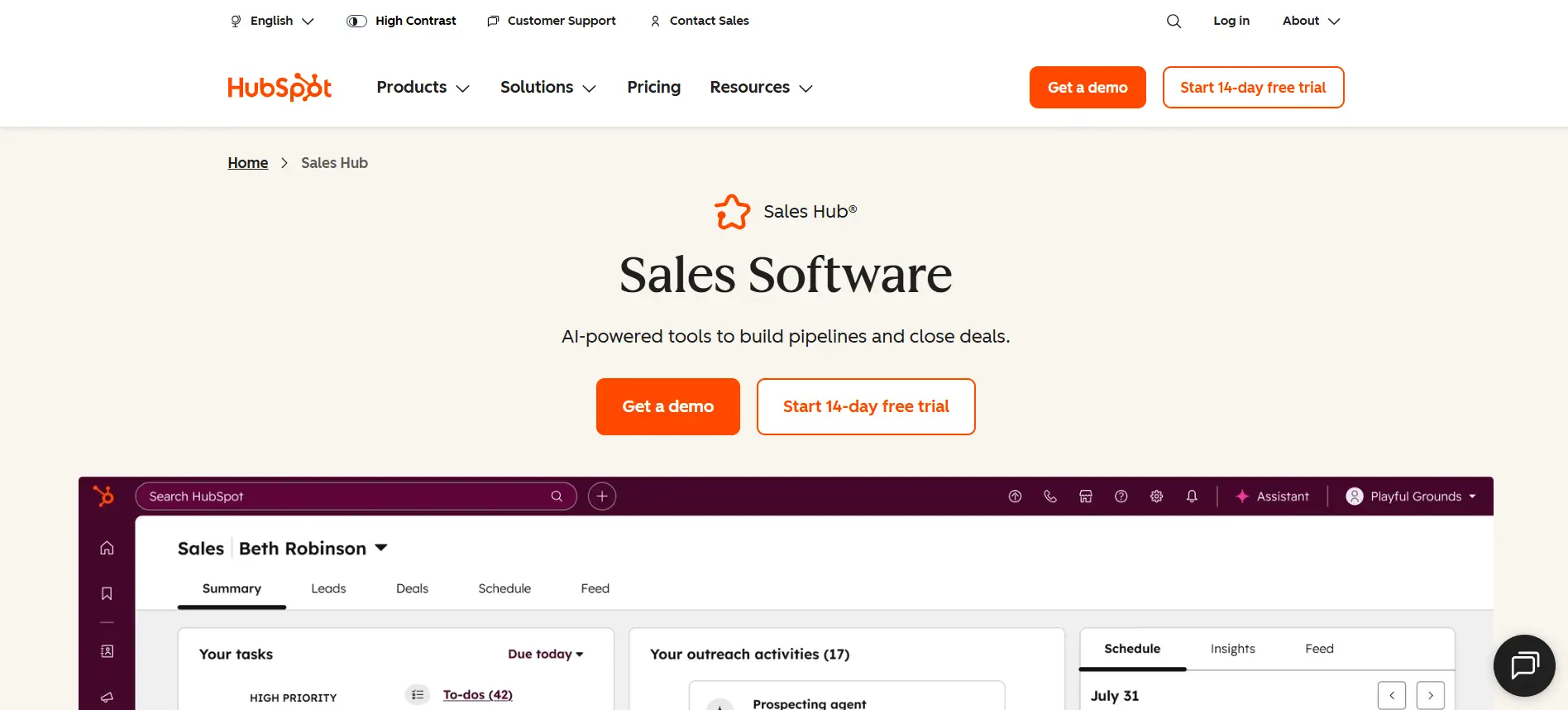
HubSpot Sales Hub works well when outbound needs to stay close to your CRM.
Your team can manage leads, emails, calls, meetings, tasks, pipeline updates, and reporting in one workspace.
It also includes sales automation, email templates, meeting scheduling, deal tracking, and AI-guided selling features.
Key capabilities include:
- Built-in CRM and deal pipeline management
- Sales sequences and automated outreach workflows
- Email templates and meeting scheduling
- Call tracking and CRM activity logging
- AI-guided selling and lead management
- Prospecting workspace for sales teams
- Reporting dashboards and forecasting
- Integrations across the wider HubSpot ecosystem
HubSpot Sales Hub is useful when outbound is closely tied to your CRM, pipeline, and revenue reporting.
The main thing to watch is that advanced sales automation and sequences are usually tied to higher-tier plans, so smaller teams should check what is included before choosing it as their main outbound marketing software.
c — AI SDR Workflows
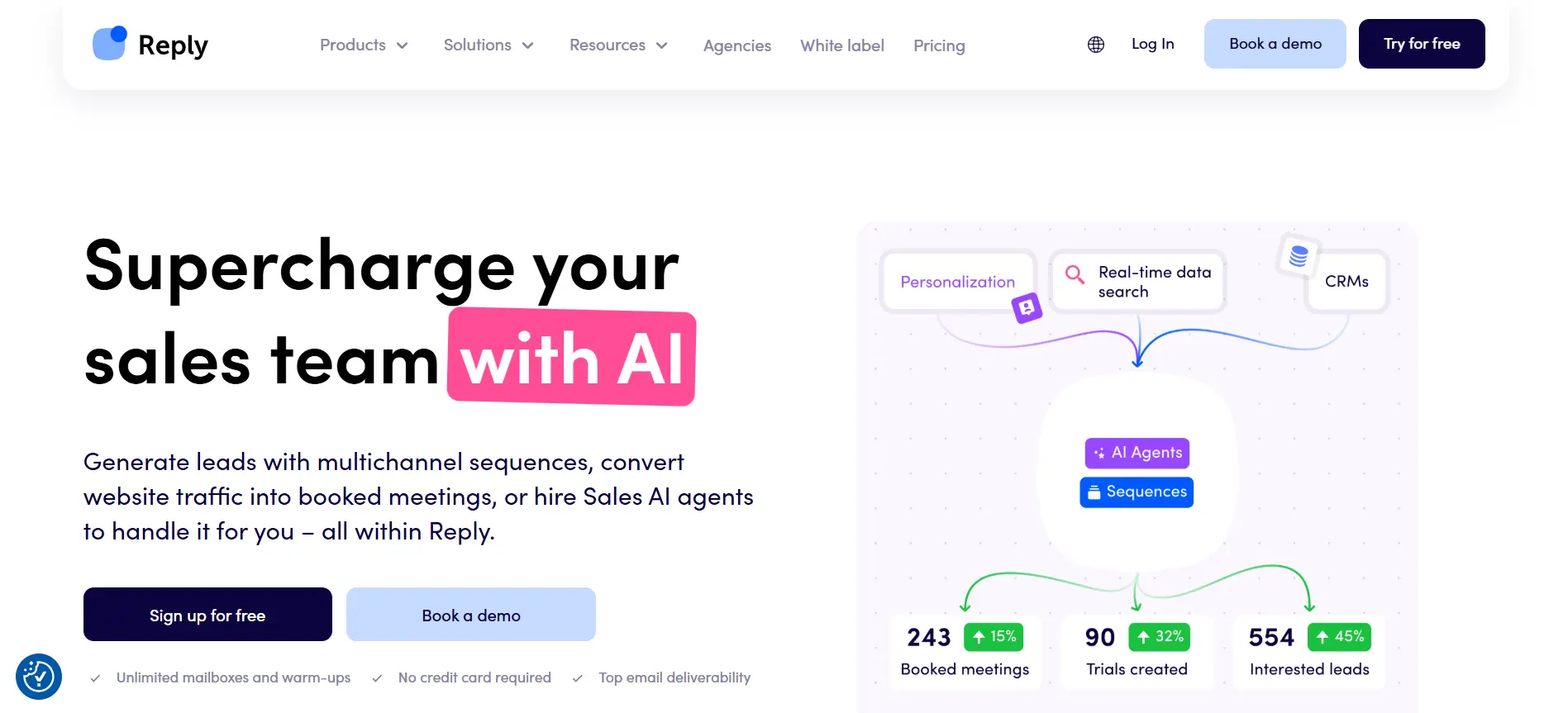
Reply.io helps teams run outbound across email, LinkedIn, calls, SMS, and WhatsApp.
It combines multichannel sequences with AI support for prospecting, email writing, reply handling, and meeting booking.
Its AI SDR features make it useful when you want automation beyond basic cold email sending.
Key capabilities include:
- Multichannel sequences across email, LinkedIn, calls, SMS, and WhatsApp
- AI-assisted email writing and sequence creation
- Built-in B2B contact database
- Reply classification and intent detection
- AI response handling and meeting booking
- A/B testing and campaign analytics
- CRM integrations and workflow automation
Reply.io works well when you want a balance between traditional sales engagement and AI SDR automation.
The main thing to watch is depth. It may not offer the same enterprise-level governance or reporting as larger platforms, so bigger teams should check whether its analytics and integrations match their sales process.
Cognism — GDPR-Compliant B2B Data
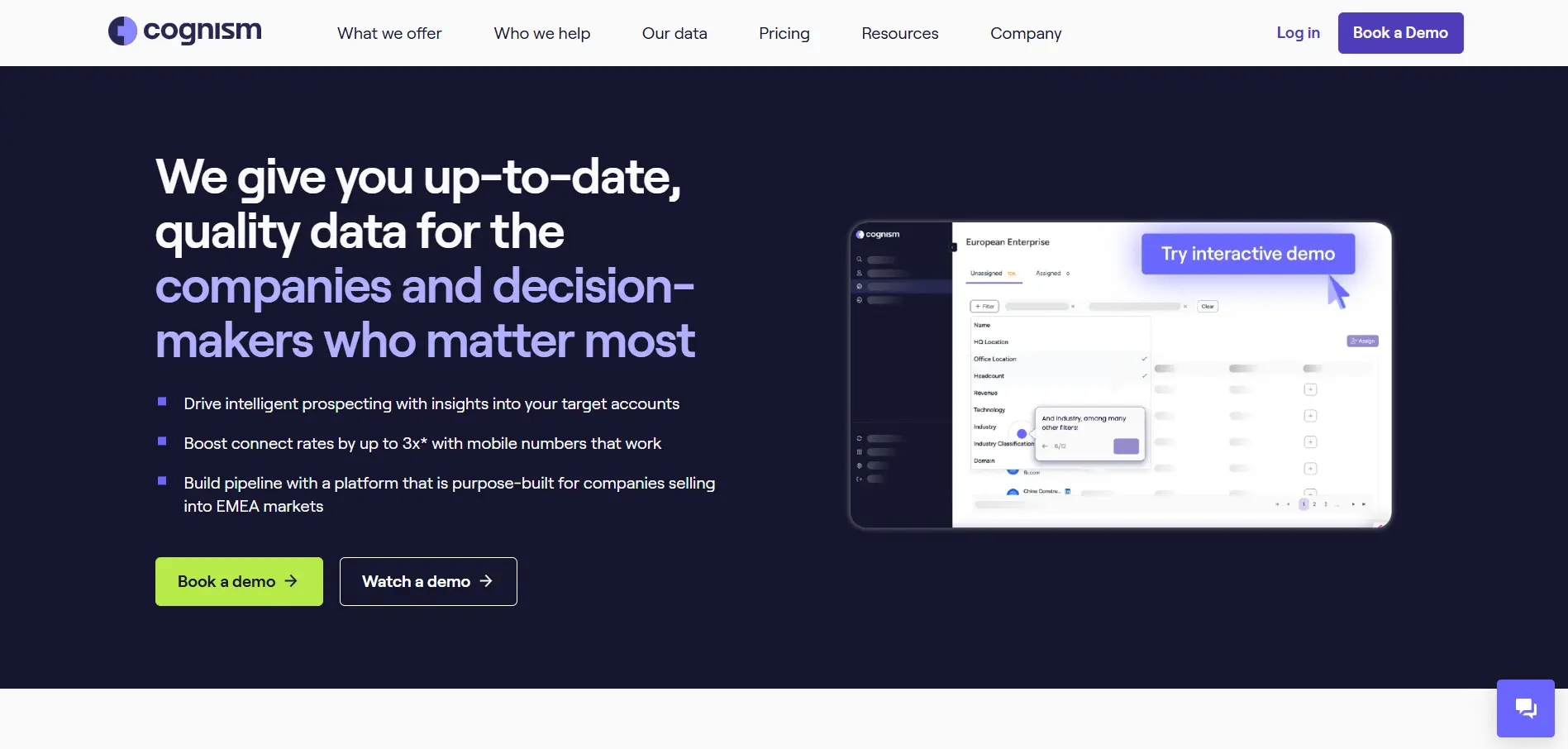
Cognism is mainly a B2B data and sales intelligence platform.
It helps outbound teams find contacts, build account lists, enrich records, and prioritize prospects using signals like hiring, funding, job changes, and intent data.
Its compliance-first positioning makes it useful for teams that care about data quality and privacy standards.
Key capabilities include:
- B2B contact and company data
- Firmographic, technographic, and signal-based filters
- Phone-verified mobile numbers
- Intent data and buying signals
- CRM enrichment and CSV enrichment
- AI company research and AI persona builder
- API and bulk data delivery options
- Compliance-focused data sourcing
Cognism works well when your outbound marketing software stack already has a sending tool, but you need stronger data quality before outreach begins.
The main thing to watch is that Cognism is more focused on data than campaign execution. You may still need a separate platform for email sequences, multichannel outreach, inbox warm-up, and reply management.
ZoomInfo — Enterprise Contact Data and Intent Signals
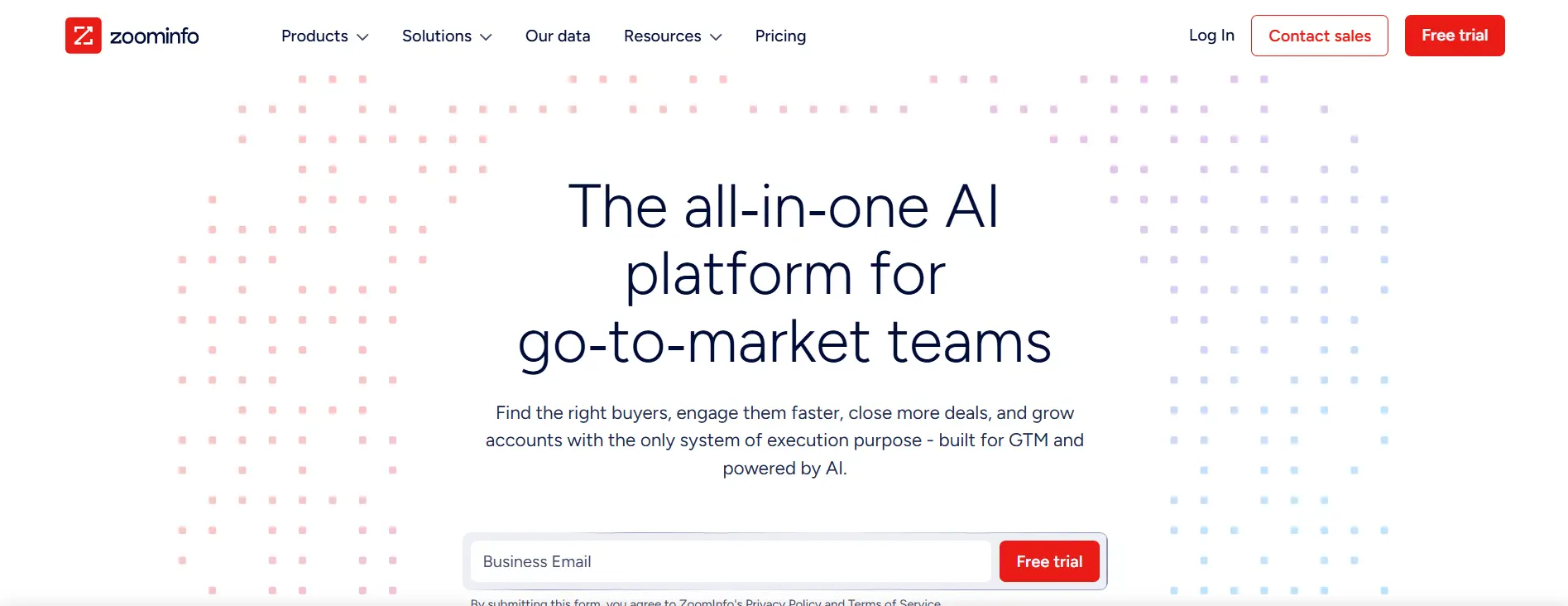
ZoomInfo is built for teams that need a large B2B data source with contact details, company insights, and buying signals.
You can use it to search accounts, find decision-makers, segment prospects, and enrich CRM records.
It also helps you identify companies showing intent around topics related to your offer.
ZoomInfo’s intent data can help teams find accounts that may already be researching relevant problems, tools, or solutions.
Key capabilities include:
- Company and contact search
- B2B lead generation and segmentation
- Buyer intent signals
- CRM enrichment
- Account and territory planning
- Sales automation features
- Data integrations with GTM tools
- Alerts for account and market activity
ZoomInfo is useful when your outbound marketing software stack needs enterprise-grade contact data and account intelligence.
The main thing to watch is cost and complexity. Smaller teams may find it more than they need, especially if they mainly want simple cold email campaigns rather than a full GTM intelligence platform.
Which Outbound Marketing Software Is Best for Your Use Case?
The right outbound marketing software depends on how your team sells.
Instead of choosing the tool with the longest feature list, match the platform to your workflow, team size, budget, and outreach channel.
How to Choose the Right Outbound Marketing Tool
Choosing the right outbound marketing tool is easier when you start with your workflow, not the feature list.
A tool may look powerful, but it only works if it fits how your team finds leads, sends messages, tracks replies, and manages the sales pipeline.
Questions to Ask Before Buying
Before choosing outbound marketing software, ask what problem you are really trying to solve.
Do you need better lead data, safer email sending, more personalization, or full workflow automation?
Also ask:
- Who will use the tool every day?
- How many contacts will you reach each month?
- Do you need email only, or multi-channel outreach?
- Will your team manage replies manually or with AI?
- What reporting does your sales team actually need?
These questions help you avoid paying for features you will not use.
Must-Have Integrations & Workflow Compatibility
Your outbound tool should work with your existing sales stack.
At minimum, check for CRM, inbox, calendar, enrichment, and automation integrations.
If your team uses HubSpot, Salesforce, Pipedrive, Gmail, Outlook, or LinkedIn, make sure the tool connects smoothly.
Otherwise, your team may spend more time moving data than talking to prospects.
Scalability Considerations for Growing Teams
Think beyond your first campaign.
As your team grows, you may need more mailboxes, higher contact limits, better permissions, team reporting, inbox rotation, and stronger deliverability controls.
A tool that works for 500 leads may not work for 50,000.
When to Use an All-in-One Platform vs a Specialized Stack
Use an all-in-one platform when you want simplicity and fewer tools to manage.
Use a specialized stack when you need deeper control over data, enrichment, deliverability, or multichannel outreach.
The best choice is the one your team can use consistently.
Conclusion
The right outbound marketing software should help you do more than send more messages.
It should help you find better leads, protect deliverability, personalize outreach, manage replies, and understand which campaigns are actually creating conversations.
That is why the “best” tool depends on your use case.
Some teams need a simple cold email platform. Others need stronger data, enterprise reporting, or multi-channel sales engagement.
But if you want outbound to feel less manual from start to finish, Oppora.ai is worth considering.
Oppora.ai helps you build AI-powered outbound workflows that can find leads, verify contacts, send personalized emails, handle replies, book meetings, and sync activity to your CRM. It is built for teams that want the workflow to keep moving without managing every step manually.
FAQs
What is outbound marketing software?
Outbound marketing software helps you find prospects, send cold emails, automate follow-ups, personalize messages, track replies, and connect outreach activity with your CRM.
What are the most important features in outbound marketing tools?
The most important features include lead generation, email verification, outreach automation, inbox warm-up, AI personalization, reply management, CRM syncing, and campaign reporting.
Are outbound marketing tools only for cold email?
No, many outbound marketing tools support multiple channels, including email, LinkedIn, phone calls, SMS, WhatsApp, and sales tasks, depending on the platform.
How do outbound marketing tools improve reply rates?
They improve reply rates by helping you target better leads, verify contacts, personalize messages, automate follow-ups, and improve deliverability so more emails reach the inbox.
Which outbound marketing tool is good for end-to-end automation?
Oppora.ai is a strong option for end-to-end automation because it uses AI sales agents to help with prospecting, enrichment, email outreach, reply handling, meeting booking, and CRM syncing.
Summarize with AI
Share