7 Cold Email Infrastructure Providers + How to Choose One
Manasa Goli
Published April 18, 2026
9 min

Complete Agentic Email Outreach
AI agents find and enrich prospects, personalize emails, follow up, and handle replies with your meeting link.
Start Your 7-Day Free Trial
Cold email sounds simple on the surface — write a message, hit send, get replies.
But once you actually start doing it at scale, things break fast.
Your emails land in spam, domains get burned, inboxes get flagged, and suddenly nothing works the way you expected.
That’s where most people realize something important.
Cold email success is not just about copy or targeting — it’s about infrastructure.
If your backend setup isn’t solid, even the best campaigns won’t survive.
And this is exactly why cold email infrastructure providers have become essential in 2026.
They handle everything behind the scenes — from domain setup and inbox rotation to deliverability optimization — so your emails actually reach the inbox.
In this guide, you’ll understand:
- What cold email infrastructure really means
- Why it directly impacts your deliverability
- Key features you should look for in a provider
- 7 best cold email infrastructure providers in 2026
- How to choose the right one for your needs
Let’s start with the basics.
What Is Cold Email Infrastructure?
Cold email infrastructure is the technical setup that allows you to send cold emails safely and at scale.
It includes everything working behind the scenes, like:
- Sending domains
- Email inboxes (Gmail, Outlook)
- Authentication (SPF, DKIM, DMARC)
- Warm-up processes
- Inbox rotation and sending limits
In simple terms, it’s what decides whether your email lands in the inbox… or spam.
Without proper infrastructure, even great emails won’t get seen.
Suggested Reading:
Gmail's Email Sending Limit Breakdown by Daily, Hourly, & Business EmailWhy Cold Email Infrastructure Matters for Deliverability
Now that you know what infrastructure is, let’s connect it to what actually matters — deliverability.
Email providers like Gmail and Outlook don’t just read your email content.
They evaluate how you send emails before deciding where they land.
If your infrastructure is weak, your emails will:
- Land in spam instead of inbox
- Get ignored due to low trust
- Damage your sender reputation over time
And once your reputation drops, every future campaign becomes harder.
On the other hand, a strong cold email infrastructure helps you:
- Build trust with inbox providers through warm-up
- Distribute sending across multiple inboxes safely
- Avoid spam triggers and sending patterns
- Maintain consistent inbox placement
In simple terms, infrastructure decides one thing.
Whether your email gets seen or never opened at all.
Key Features to Look for in a Cold Email Infrastructure Provider
Now that you understand why infrastructure impacts deliverability, the next step is choosing the right provider.
But not all tools are built the same.
Some only handle sending, while others manage the entire backend for you.
Here are the key features you should look for.
- Deliverability & warm-up system: Automatically warms up domains and inboxes to build sender reputation over time
- Inbox & domain rotation: Lets you connect multiple inboxes and distribute sending to avoid spam flags
- Email authentication setup (SPF, DKIM, DMARC): Ensures your emails are trusted and not marked as suspicious
- Personalization at scale: Helps you send unique, human-like emails instead of repetitive templates
- Built-in email verification: Removes invalid emails to reduce bounce rates and protect your domain
- Scalability & automation: Supports higher sending volume with automated campaigns and follow-ups
- Reporting & deliverability insights: Gives you data on open rates, replies, and overall email performance
These are the features that keep your cold email setup stable as you scale.
7 Best Cold Email Infrastructure Providers in 2026
Now that you know what cold email infrastructure looks like, let’s look at the tools that actually help you build and manage it.
Each of these tools plays a different role — some focus purely on infrastructure, while others combine it with outreach.
1. Oppora.ai (Best for All-in-One Cold Email Infra + Outreach)

Oppora is not a traditional infrastructure provider.
It doesn’t just give you domains or inboxes.
Instead, it handles infrastructure as part of a complete outbound system — including setup, warm-up, rotation, sending, and even replies.
This makes it relevant if you want to avoid managing infrastructure manually.
Key features
- Connect and manage up to 50 mailboxes with smart rotation
- Match sender email provider (Gmail-to-Gmail, Outlook-to-Outlook) for higher deliverability
- Automatically avoid sending to unverified or risky email addresses
- Built-in safeguards to prevent sending to flagged or invalid domains
- AI-generated personalized emails
- Auto-replies and meeting booking
- CRM integrations
Pros
- Connect multiple mailboxes centralize outreach workflows in one platform
- Strong deliverability safeguards built-in
- Fully automated outbound workflow
Limitations
- Not a standalone infra provisioning tool
Best use case
- Teams that want deliverability handled with outbound execution
2. Mailforge
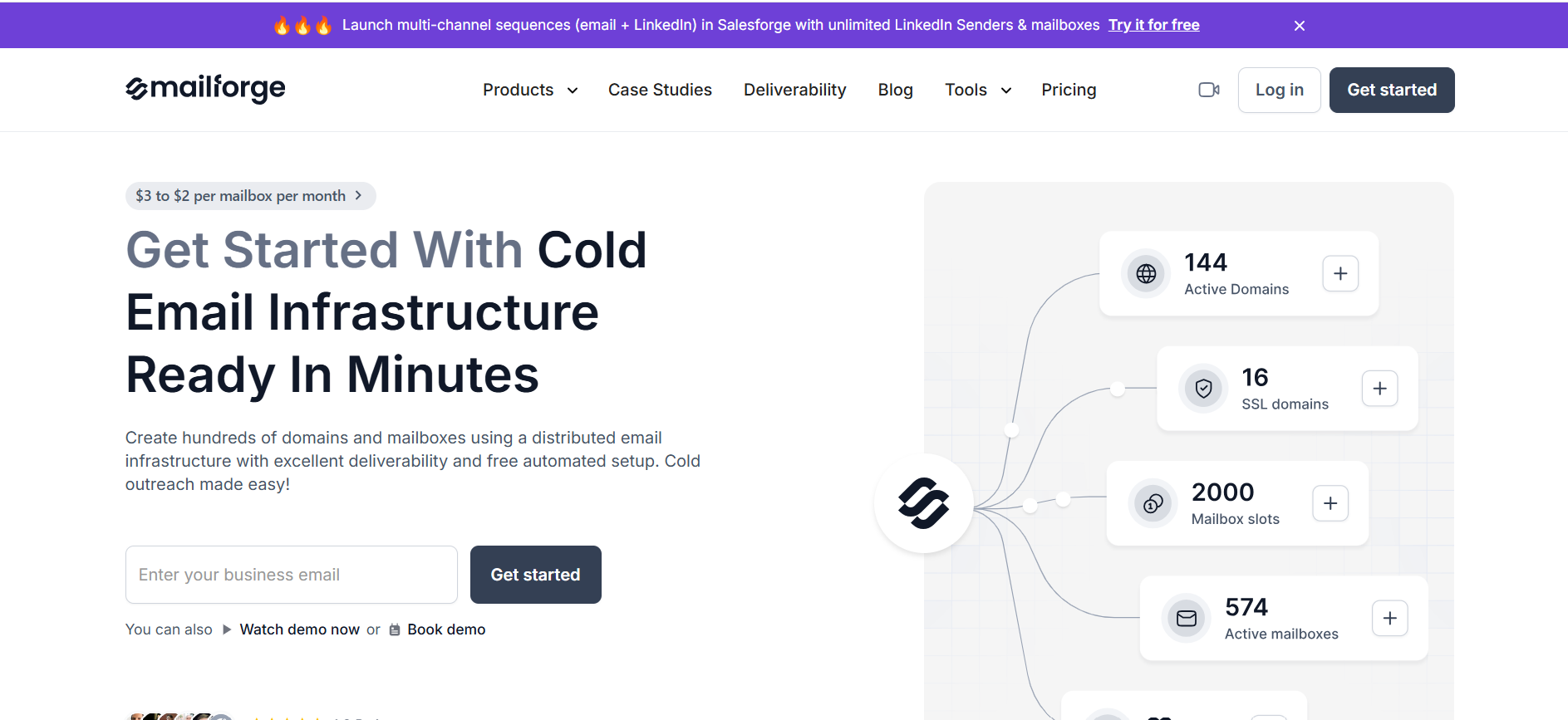
Mailforge is a dedicated cold email infrastructure provider focused on setting up domains and inboxes at scale.
It simplifies the technical side of outbound setup.
Key features
- Bulk domain purchasing
- Automated DNS setup (SPF, DKIM, DMARC)
- Google Workspace inbox provisioning
- Centralized infrastructure management
Pros
- Fast and simple setup
- Designed specifically for cold email infra
- Scales domain creation easily
Limitations
- No outreach or campaign features
- Requires external tools for sending
Best use case
- Teams needing quick, scalable infrastructure setup
3. Infraforge

Infraforge is an infrastructure-focused tool built for teams that want more control over their setup.
It allows you to customize and scale infrastructure based on your needs.
Key features
- Domain and inbox provisioning
- Automated technical configuration
- Flexible infrastructure management
- Integration-ready setup
Pros
- More control than plug-and-play tools
- Suitable for advanced users
- Scales well for large operations
Limitations
- Requires technical understanding
- No built-in outreach system
Best use case
- Teams managing custom or large-scale infra setups
4. Zapmail (Best for Pre-Warmed Inbox Infrastructure)
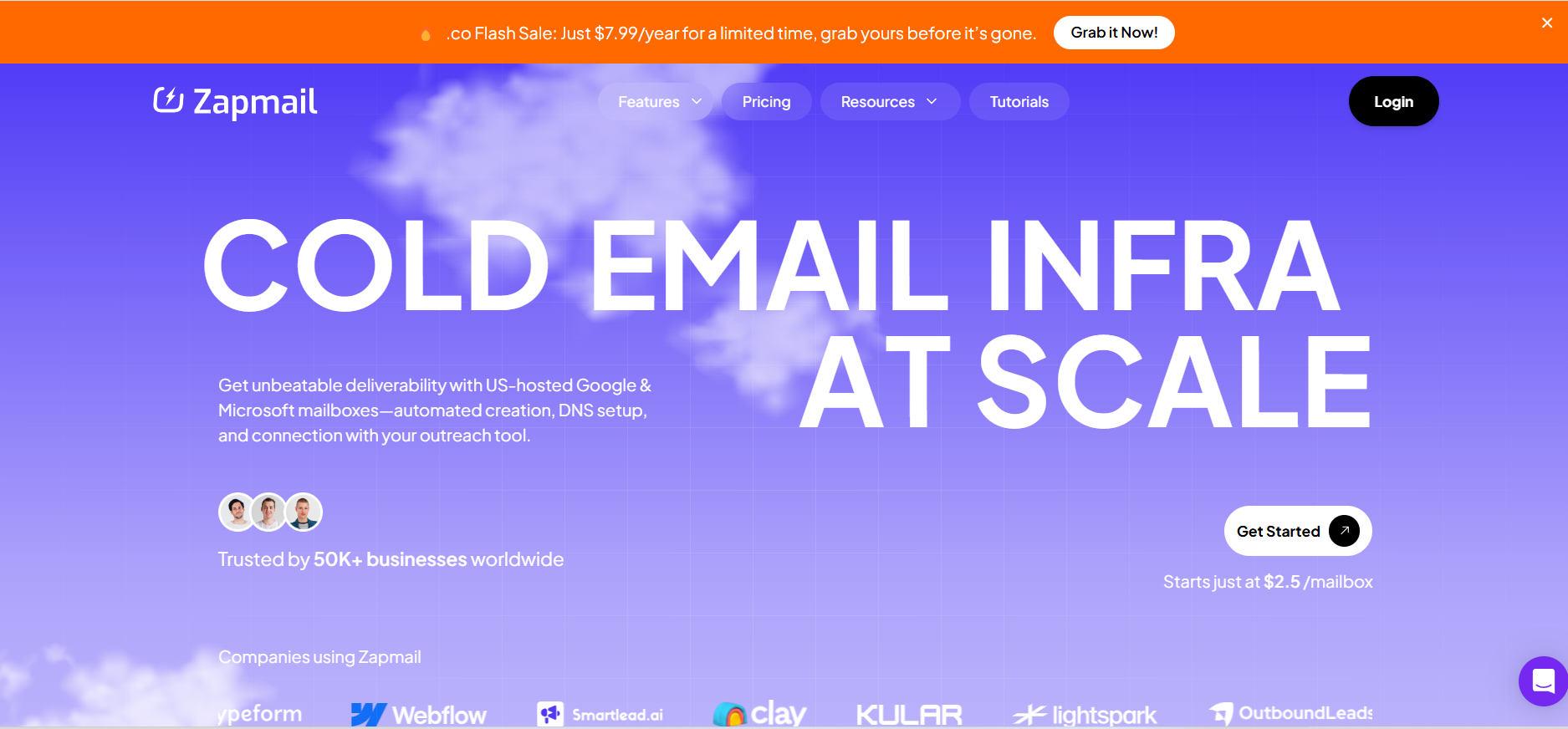
Zapmail focuses on providing ready-to-use, pre-configured inbox infrastructure.
Instead of building everything from scratch, you get inboxes that are already optimized for sending.
Key features
- Pre-configured and ready-to-use inboxes
- Domain and mailbox setup handled
- Warm-up optimized infrastructure
- Fast deployment
Pros
- Saves time on setup and warm-up
- Reduces technical complexity
- Quick start for outbound campaigns
Limitations
- Less control over customization
- Ongoing dependency on provider
Best use case
- Teams that want plug-and-play infrastructure without setup effort
5. Maildoso (Best for Automated Infra Scaling)
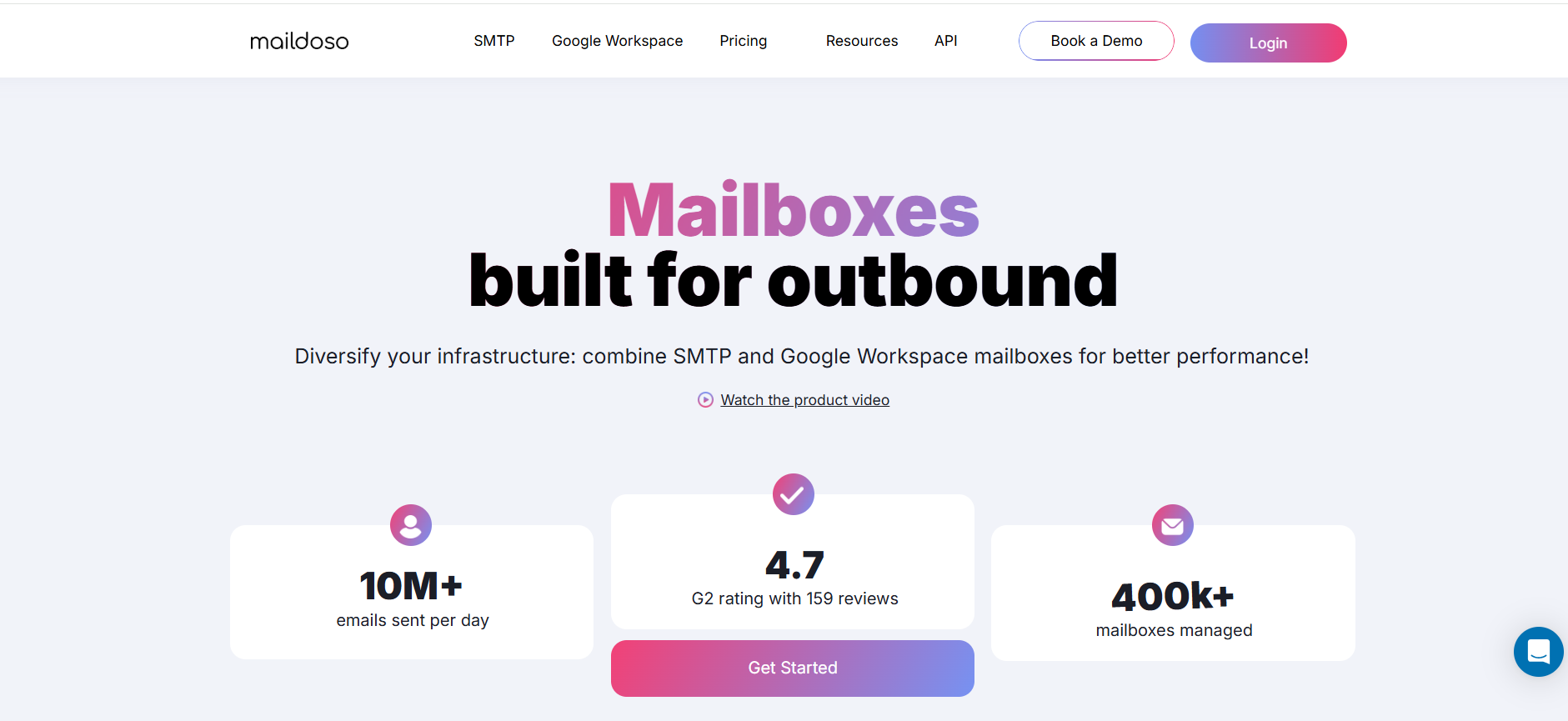
Maildoso is built to automate domain and inbox creation at scale.
It’s designed for teams that need to continuously expand their sending capacity.
Key features
- Automated domain purchasing and setup
- Inbox creation at scale
- DNS configuration handling
- Infrastructure scaling tools
Pros
- Great for scaling outbound quickly
- Reduces manual setup work
- Handles repetitive infra tasks
Limitations
- No outreach capabilities
- Requires external sending tools
Best use case
- Teams scaling high-volume cold email infrastructure
6. Mailreef (Best for Simplified Infra Management)
Mailreef focuses on making cold email infrastructure simple and manageable.
It provides essential setup without overwhelming complexity.
Key features
- Domain and inbox setup
- DNS configuration support
- Basic infrastructure management
- Clean interface
Pros
- Easy to use
- Good for beginners
- Covers core infra needs
Limitations
- Limited advanced features
- Not ideal for very large scale
Best use case
- Beginners needing simple infrastructure setup
7. Warmup Inbox (Best for Deliverability Support)
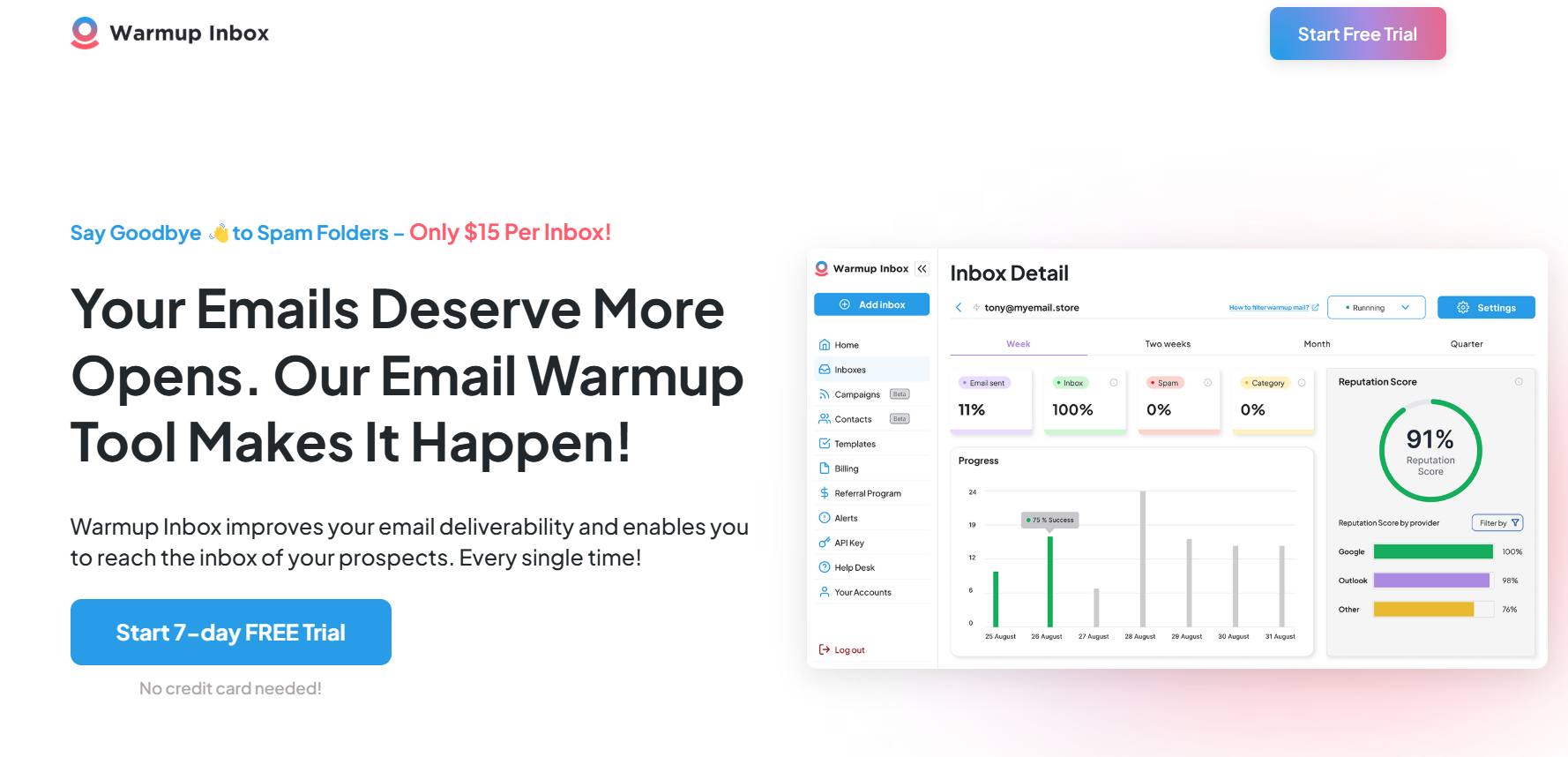
Warmup Inbox is not a full infrastructure provider.
Instead, it supports your setup by improving deliverability through email warm-up.
It plays a critical role in maintaining infrastructure health.
Key features
- Automated email warm-up
- Inbox reputation building
- Deliverability monitoring
- Spam placement testing
Pros
- Improves inbox placement
- Easy to integrate with existing setup
- Helps maintain domain health
Limitations
- Not a full infra solution
- Requires existing domains and inboxes
Best use case
- Teams looking to protect and improve deliverability
Comparison Table: Cold Email Infrastructure Providers
How to Choose the Right Cold Email Infrastructure (Step-by-Step)
Now that you’ve seen the top tools, the real question is — how do you pick the right one for your setup?
Because the “best” tool depends entirely on how you plan to run your outbound.
Here’s a simple way to decide.
Step 1: Define Your Sending Volume
Start by understanding how many emails you plan to send.
Low volume needs a simple setup, but higher volume requires:
- More domains
- Multiple inboxes
- Better rotation
Your infrastructure should match your scale from day one.
Step 2: Decide Between DIY vs Managed Infra
Do you want full control or less work?
- DIY tools give you control but need effort
- Managed systems handle setup and scaling for you
If you want speed and simplicity, managed is the better choice.
Step 3: Check Deliverability Features
This is where most setups fail.
Make sure your provider includes:
- Email warm-up
- Inbox rotation
- Spam protection
- Authentication
Without these, your emails won’t reach the inbox.
Step 4: Evaluate Scalability
Your needs will grow quickly.
Choose a tool that can:
- Add inboxes easily
- Handle more volume
- Run multiple campaigns
Switching later is always harder.
Step 5: Consider Integration Needs
Your system should connect with:
- CRM tools
- Lead sources
- Other channels
Better integration means less manual work.
Step 6: Budget vs ROI
Don’t just compare pricing.
Think about:
- How many tools it replaces
- How much time it saves
- Whether it improves results
The right choice gives you better outcomes, not just lower cost.
Conclusion
Cold email success doesn’t start with writing a better copy.
It starts with building the right infrastructure.
If your setup isn’t strong, your emails won’t reach the inbox — no matter how good your messaging is.
That’s why choosing the right cold email infrastructure provider is not just a technical decision.
It directly impacts your deliverability, scalability, and overall outbound results.
Some tools help you set up the backend.
Others help you run the entire outbound system.
The key is to pick one that matches how much control you want and how fast you plan to scale.
If you want full control, infrastructure-focused tools can work.
But if you want a system that handles everything — from setup to sending to replies — an all-in-one approach makes scaling much easier.
That’s where platforms like Oppora stand out by combining infrastructure, outreach, and automation into one system, so you don’t have to manage multiple tools.
At the end of the day, the goal is simple.
Build a setup that keeps your emails landing in inboxes, protects your domains, and lets you scale without constant manual effort.
Frequently Asked Questions
Is cold email infrastructure a one-time setup?
No. It requires ongoing monitoring, warm-up, and adjustments to maintain deliverability over time.
What’s the biggest mistake in cold email infrastructure?
Sending too much too quickly. Scaling without proper warm-up and rotation is the fastest way to damage your domain.
Does email copy affect infrastructure performance?
Yes, indirectly. Spammy language or repetitive templates can trigger filters even if your infrastructure is solid.
Summarize with AI
Share