Home
Blog
Find 500 B2B Contacts for Free Every Month with Built-In Outreach.
Home
Blog
Adam Hossain
Published March 29, 2026
13 min

Try Oppora AI
Create Self-Running Agentic Sales Workflows like N8N just by chatting with AI
Get Started for FREE
Finding the right LinkedIn Sales Navigator alternatives can feel overwhelming when your current setup starts slowing you down.
You might be dealing with rising costs, limited features, or the need for multiple tools just to manage outreach.
That’s where exploring better options becomes important.
In this guide, you’ll discover free and paid alternatives that help you simplify prospecting, improve outreach efficiency, and build a more consistent lead generation process without relying on disconnected tools.
As your outbound process grows, you start noticing where LinkedIn Sales Navigator alternatives can fit better into your workflow.
What works early on often becomes limiting when you try to scale efficiently.
No outreach execution
Sales Navigator helps you find prospects. But it doesn’t help you engage them.
You still need separate tools for email campaigns, follow-ups, and sequencing. This breaks your workflow and slows execution.
Example discussion:User questions the real value of Sales Navigator, mentioning that its usefulness stops after finding leads, requiring extra tools for actual outreach.
You don’t get verified email data, especially beyond your connections.
This makes it hard to run cold outreach directly. Most teams end up using additional tools just to find and verify emails.
Example discussion:Users discuss missing email access, highlighting that email addresses are not provided, limiting direct outreach outside LinkedIn.
Prospecting, outreach, and tracking are not connected in one place.
You move between tools for data, campaigns, and replies. This adds manual work and slows down your process.
Example discussion:User highlights workflow inefficiency, mentions spending more time switching tools than actually doing outreach.
Outreach inside LinkedIn is limited.
InMail credits, connection caps, and activity limits make it hard to scale conversations consistently.
Example discussion:Discussion on InMail limits points out monthly caps that restrict outreach volume.
Sales Navigator may feel affordable at the start.
But as your team grows, costs increase with more seats and feature upgrades. You end up paying more just to maintain your existing workflow.
Once you start exploring LinkedIn Sales Navigator alternatives, you’ll notice they are built to solve different parts of your outbound workflow.
Some focus on data, while others combine prospecting, outreach, and automation into one system.
Many alternatives give you access to large B2B databases with verified emails and direct dials.
This means you don’t have to rely only on LinkedIn profiles to reach prospects.
You can directly connect with decision-makers faster and build more targeted lead lists.
Unlike Sales Navigator, some tools come with built-in outreach features.
You can run email sequences, automate follow-ups, and manage campaigns from one place.
This removes the need for multiple tools and helps you execute faster without switching platforms.
Another key advantage is flexibility.
You get more control over how you manage prospecting, outreach, and follow-ups.
Instead of juggling disconnected tools, you can create a smoother workflow that fits your process.
This improves consistency, reduces manual effort, and helps you scale your outbound efforts more efficiently.
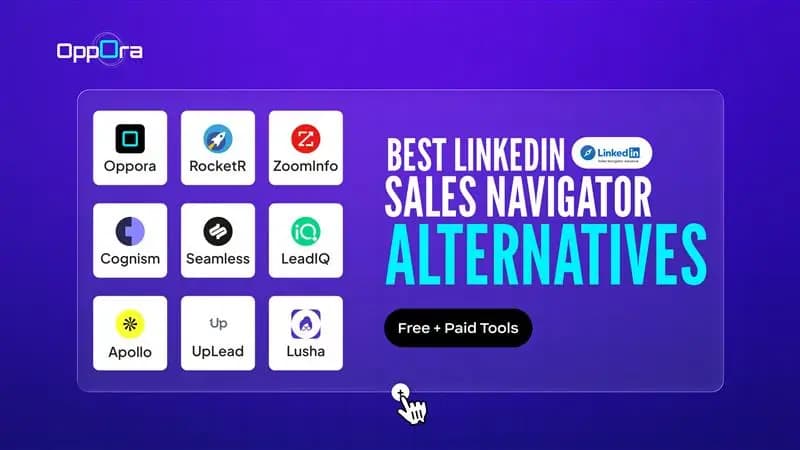
Now that you know what to expect, let’s explore the best LinkedIn Sales Navigator free alternatives and paid tools available today.
Each platform solves a different part of the outbound process whether it’s better data, built-in outreach, or full workflow automation.
The goal isn’t to replace one tool with another, but to find a solution that fits how you prospect, engage, and scale your lead generation efficiently.
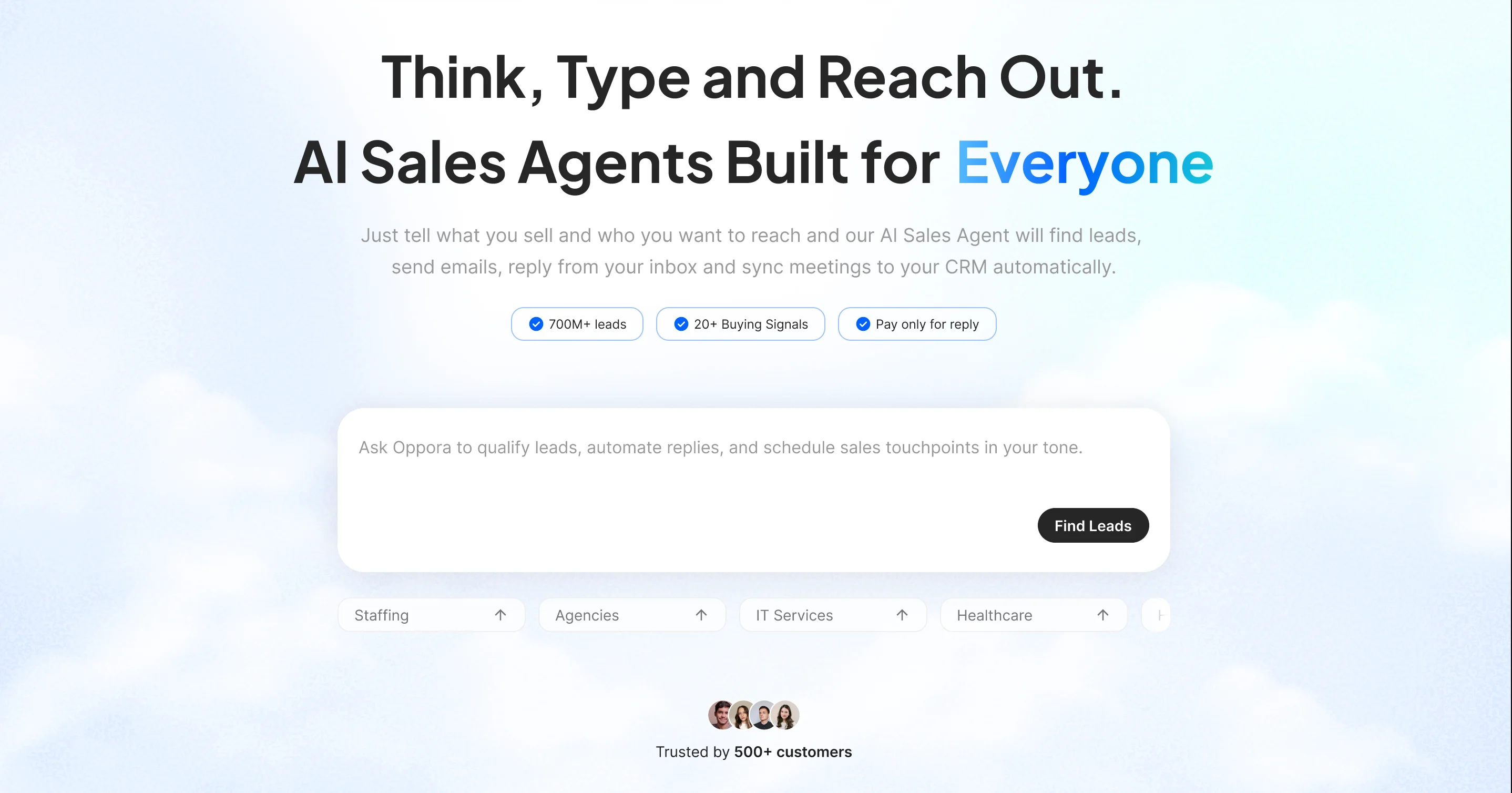
Oppora AI combines lead generation, enrichment, and outreach in one system, removing the need for multiple tools.
It works strongly with LinkedIn prospecting. You can find companies, capture contact data, and move leads directly into your workflow.
Built for fast, targeted prospecting, it lets you pull data from LinkedIn and start outreach without complex setup.
You can automate your entire outbound process and manage replies using AI
With its agentic approach, you define your audience, and it builds, runs, and optimizes campaigns.
A strong choice for scaling LinkedIn prospecting and outbound execution.
Oppora AI is built as a complete outbound engine, combining data, automation, and AI execution in one system:
Oppora uses a simple, scalable pricing approach designed for predictable growth:
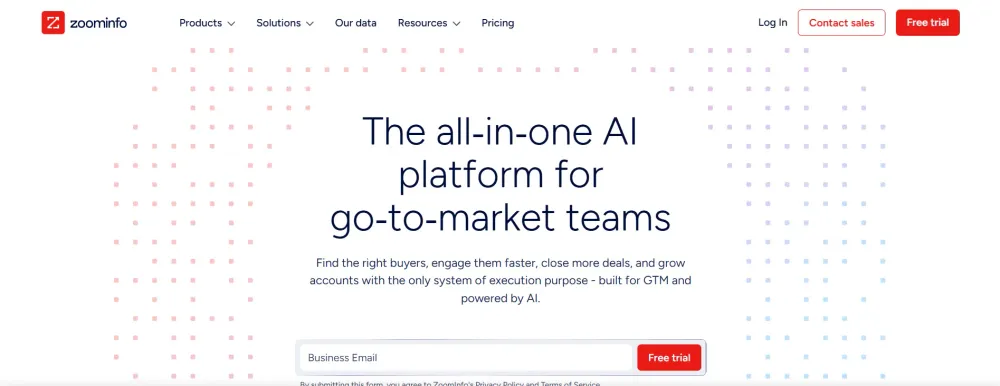
ZoomInfo is built for teams that rely on data-driven prospecting and precise targeting.
It helps you identify the right accounts and decision-makers using detailed company insights, verified contact data, and intent signals, so you can focus on high-quality prospects more likely to convert and scale outreach efficiently.
ZoomInfo provides access to a large B2B contact database with advanced filtering options.
You can:
This makes it especially useful for teams that rely on data-driven targeting.
Instead of guessing who to reach out to, you can focus on high-intent prospects more likely to convert.
ZoomInfo is typically positioned as a premium solution.
Pricing is custom and depends on factors like features, data access, and team size.
While it can be expensive for smaller teams, it offers strong value for organizations that prioritize data accuracy, scale, and advanced targeting capabilities.
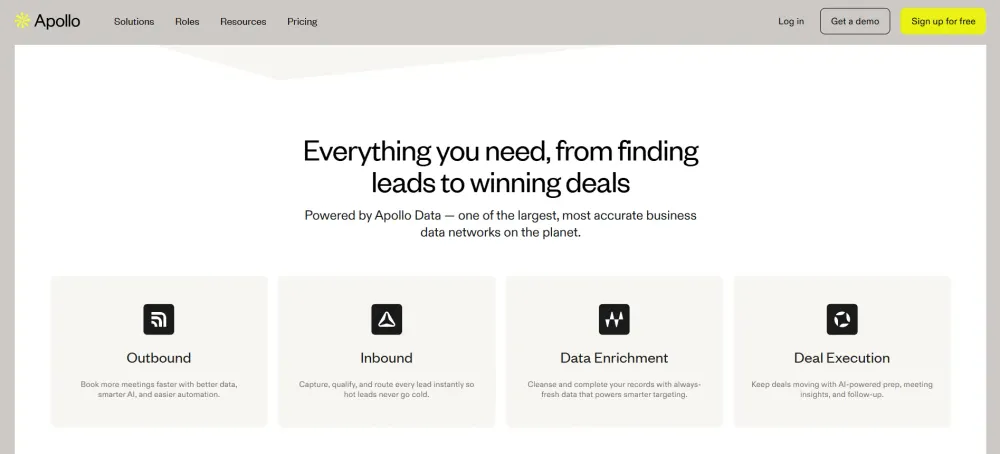
Apollo.io combines lead data with built-in outreach tools, making it a practical choice for outbound teams.
It helps you find prospects, verify emails, and run campaigns in one place, so you can manage prospecting and engagement without relying on multiple disconnected tools or complex workflows.
Apollo.io gives you access to a large database of B2B contacts along with built-in engagement tools.
You can:
This makes it a strong option if you want both prospecting and outreach in one place.
Instead of relying on separate tools, you can manage your entire outbound process from a single dashboard.
Apollo.io offers flexible pricing, including a free plan with limited credits.
Paid plans scale based on features and usage, making it suitable for both small teams and growing businesses.
Overall, it’s a cost-effective choice for teams looking to streamline prospecting and outreach without overspending.
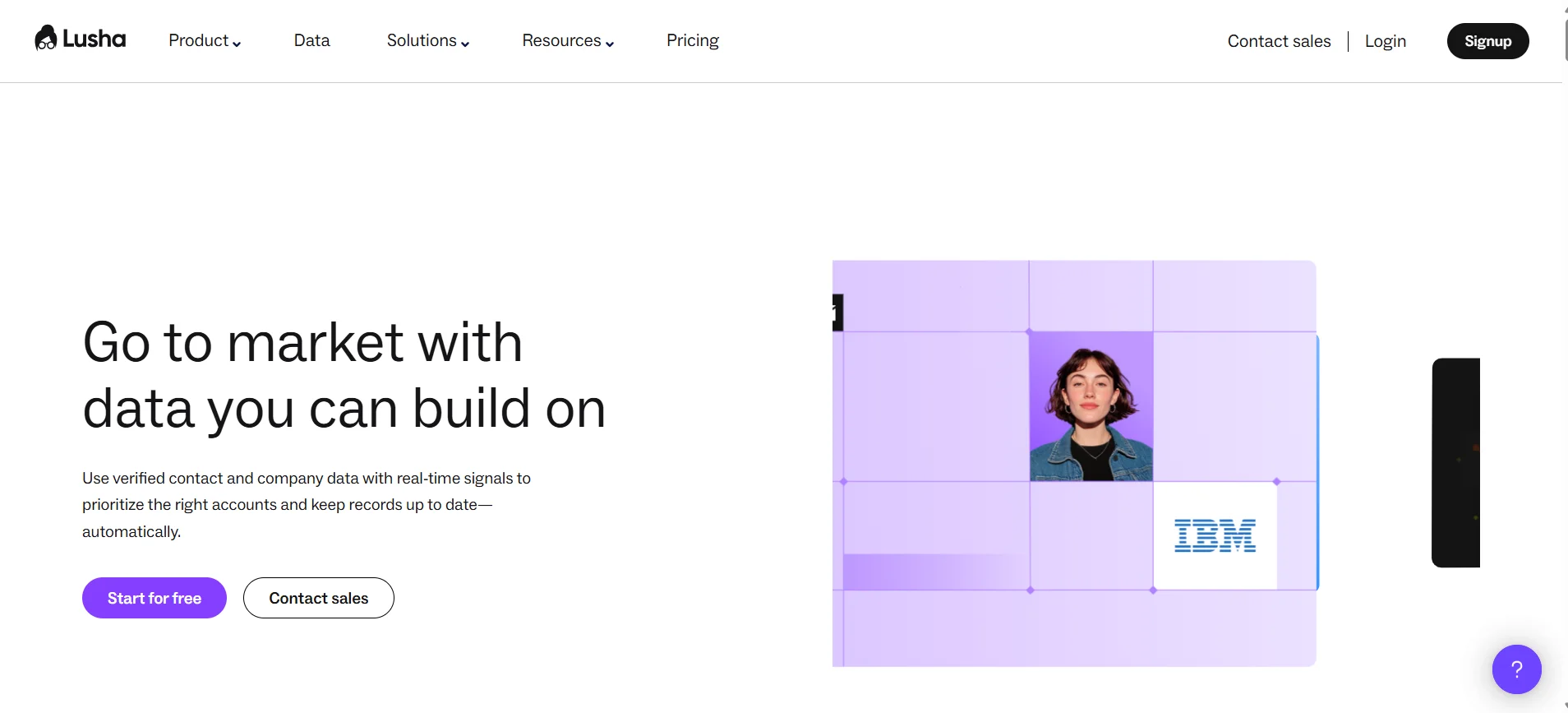
Lusha helps you quickly access verified emails and phone numbers for decision-makers.
It’s designed for fast, targeted prospecting, allowing you to capture contact data directly from LinkedIn and move into outreach faster without complex setup or relying on multiple tools.
Lusha specializes in providing clean and reliable contact data for outbound teams.
You can:
This makes it especially useful for teams that rely on fast, targeted prospecting.
Instead of spending time verifying contacts manually, you can quickly gather the information you need and move straight to outreach.
Lusha offers a credit-based pricing model with a limited free plan.
Paid plans scale based on how many contacts you access each month.
It’s a good fit for small to mid-sized teams that prioritize data accuracy and want a straightforward tool for finding contact information without investing in a full outbound platform.
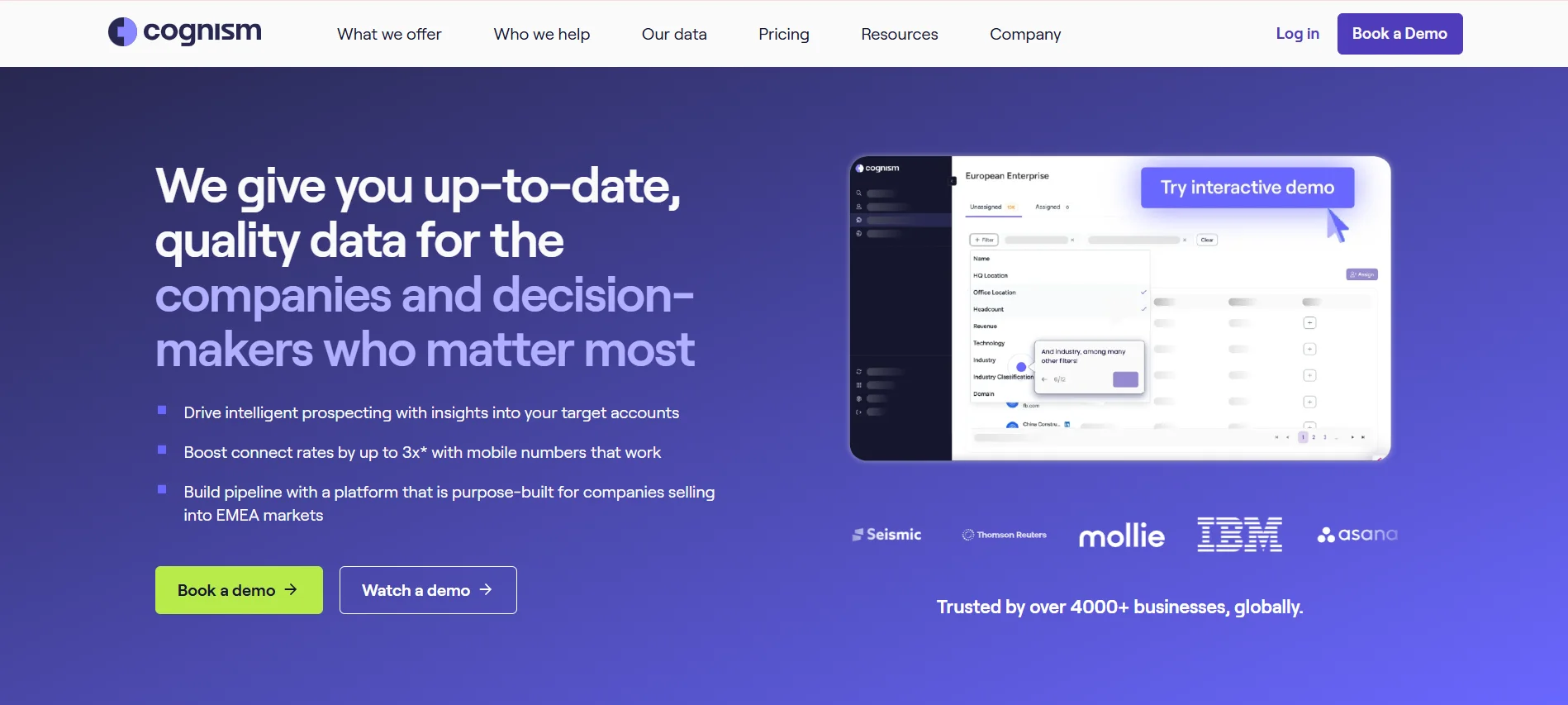
Cognism is built for teams that prioritize accurate and compliant contact data.
It helps you reach decision-makers with verified emails and phone numbers, especially across international markets, while ensuring data privacy standards are met and improving the quality of your outbound targeting.
Cognism provides access to a large database of verified B2B contacts with strong coverage in Europe and beyond.
You can:
This makes it especially useful if you’re targeting multiple regions and need reliable, regulation-friendly data.
Instead of worrying about compliance risks, you can focus on building quality prospect lists.
Cognism typically follows a custom pricing model based on your data needs and team size.
It’s positioned as a premium solution, similar to other enterprise-grade platforms.
While it may not be the cheapest option, it delivers strong value for teams that need accurate, compliant data and consistent performance across global markets.
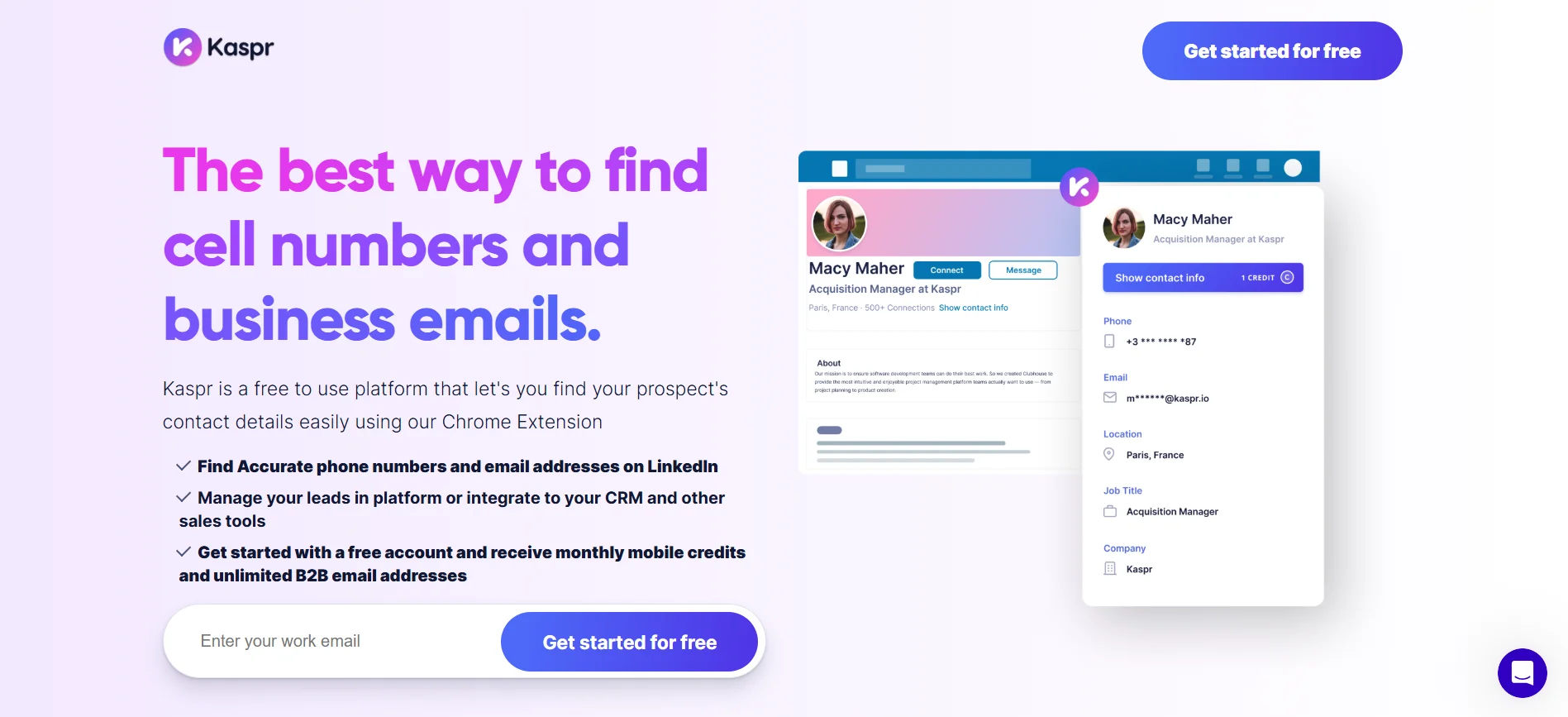
Kaspr helps you capture contact details directly from LinkedIn profiles.
It’s designed to speed up prospecting by extracting verified emails and phone numbers in real time, allowing you to build lead lists and move prospects into your outreach workflow without manual data entry or switching between tools.
Kaspr works mainly as a LinkedIn extension that captures and enriches lead data in real time.
You can:
This makes it ideal if your workflow is already centered around LinkedIn.
Instead of manually searching and copying data, you can collect and organize leads with minimal effort.
Kaspr offers a free plan with limited credits for contact data.
Paid plans are based on credit usage and additional features.
It’s a cost-effective option for individuals and small teams that want to improve LinkedIn prospecting without investing in a full-scale outbound platform.
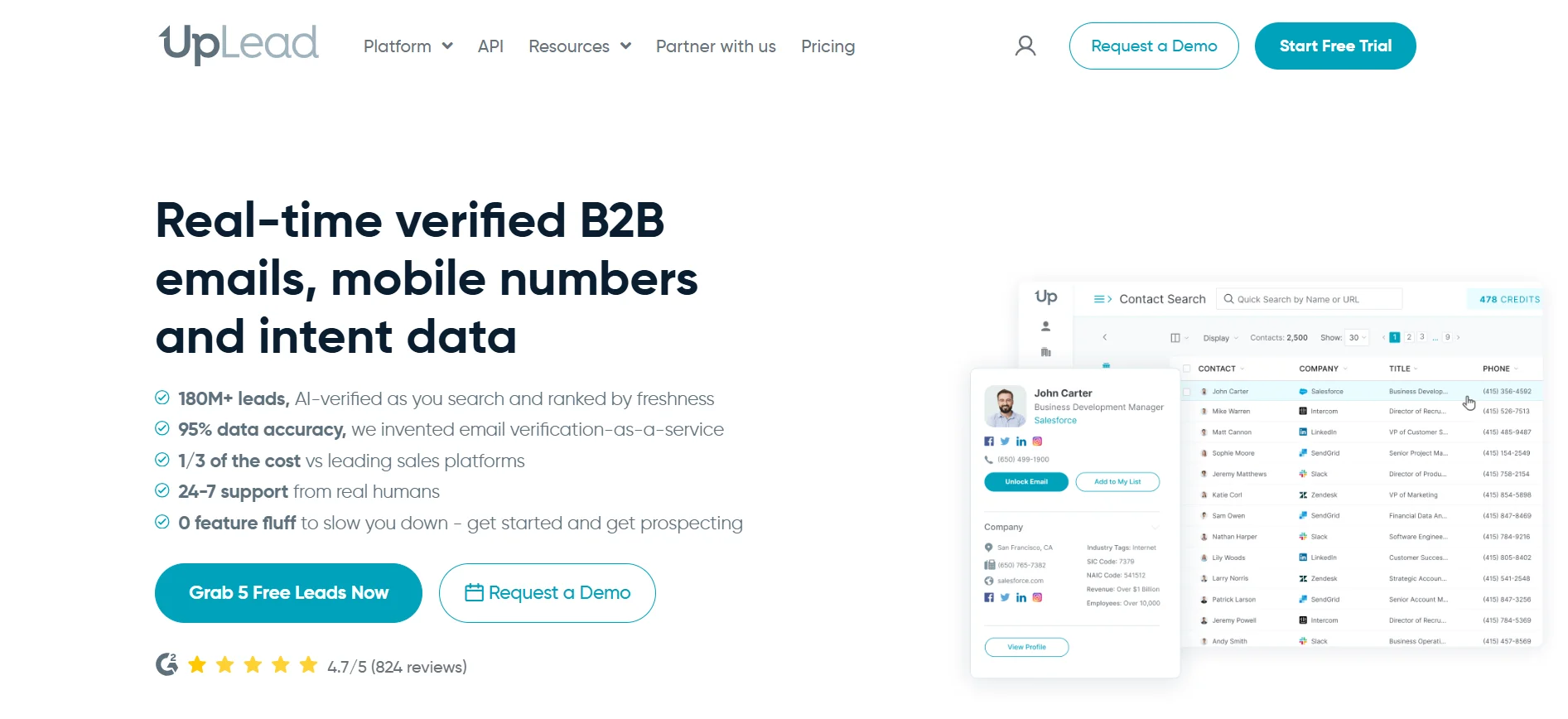
UpLead focuses on delivering real-time verified contact data for accurate prospecting.
It helps you build clean lead lists with verified emails and detailed filters, ensuring better targeting, fewer bounced emails, and more effective outreach without relying on outdated or incomplete contact information.
UpLead provides access to a large database of B2B contacts with strong filtering capabilities.
You can:
What sets it apart is its emphasis on data quality.
Instead of dealing with outdated or inaccurate contacts, you get verified information that improves deliverability and response rates.
UpLead offers a subscription-based pricing model with monthly credit limits.
There is also a free trial available, allowing you to test data quality before committing.
It’s a strong option for teams that want dependable data without investing in more complex, all-in-one sales platforms.
Seamless.AI helps you find leads quickly using AI-powered search.
It’s built for speed, allowing you to discover contact details, build prospect lists, and move into outreach without complex setup.
You can search companies, access emails and phone numbers, and push data into your CRM.
It works best for teams that want fast prospecting without heavy workflows or advanced configuration.
Seamless.AI uses AI-driven search to discover prospects and their contact details in real time.
You can:
The platform is designed for speed.
You don’t need to spend time setting up filters or workflows before getting results.
Seamless.AI offers a free plan with limited credits for basic usage.
Paid plans are based on credit consumption, features, and access to data.
It works well for individuals and small teams that want a straightforward tool for lead generation without investing in a more complex, all-in-one outbound system.
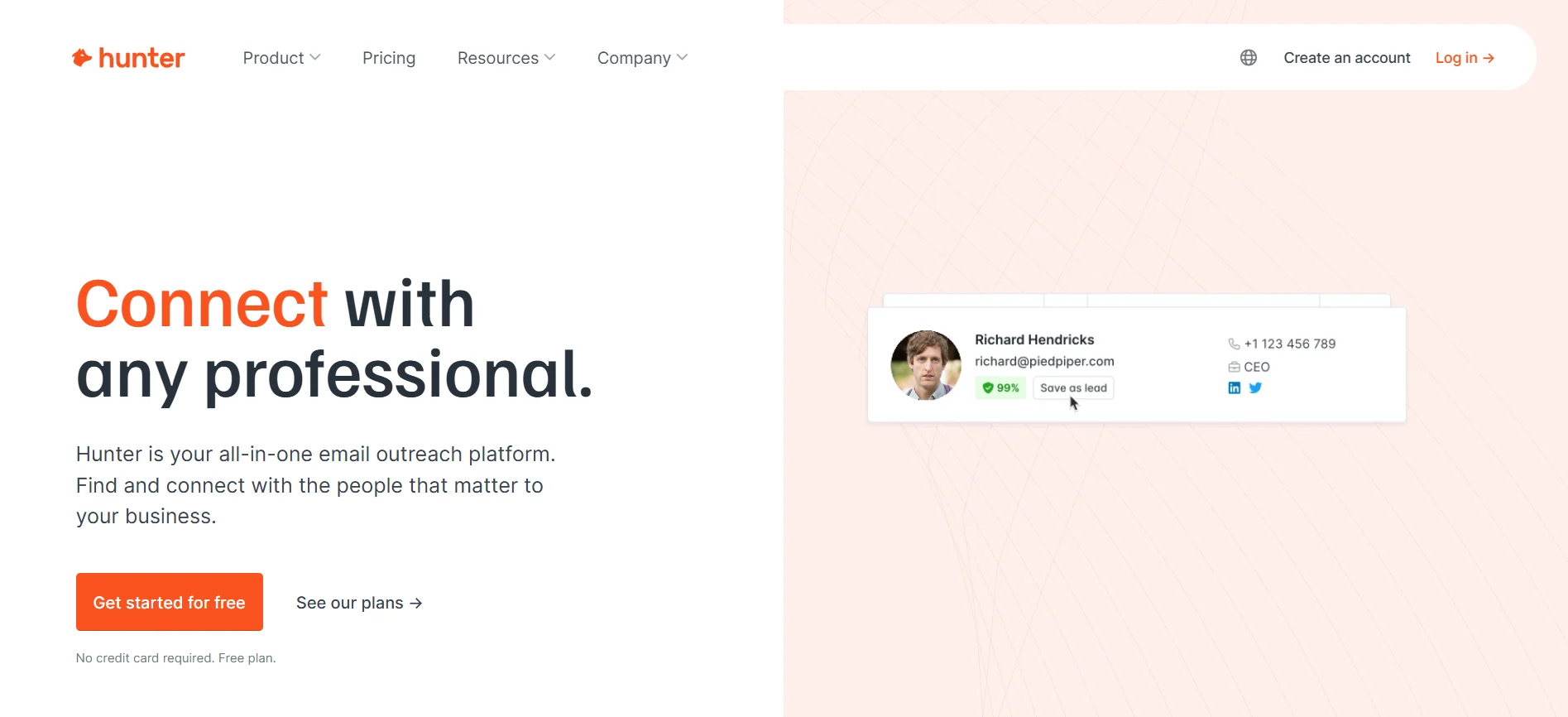
Hunter.io focuses on email discovery and verification.
It helps you find professional email addresses using domain search and ensures they are valid before outreach.
You can also use its browser extension and run simple campaigns.
It’s ideal if your workflow is centered around email outreach rather than full-scale prospecting systems.
Hunter.io helps you discover and validate emails using domain-based search.
You can:
The strength of Hunter.io lies in its simplicity.
You don’t get complex workflows or advanced automation, but you do get reliable email discovery and verification.
Hunter.io offers a free plan with limited monthly searches and verifications.
Paid plans scale based on usage, including the number of searches and email checks.
It’s a great fit for freelancers, marketers, and small teams that need a straightforward tool for finding and validating emails without investing in a larger outbound platform.
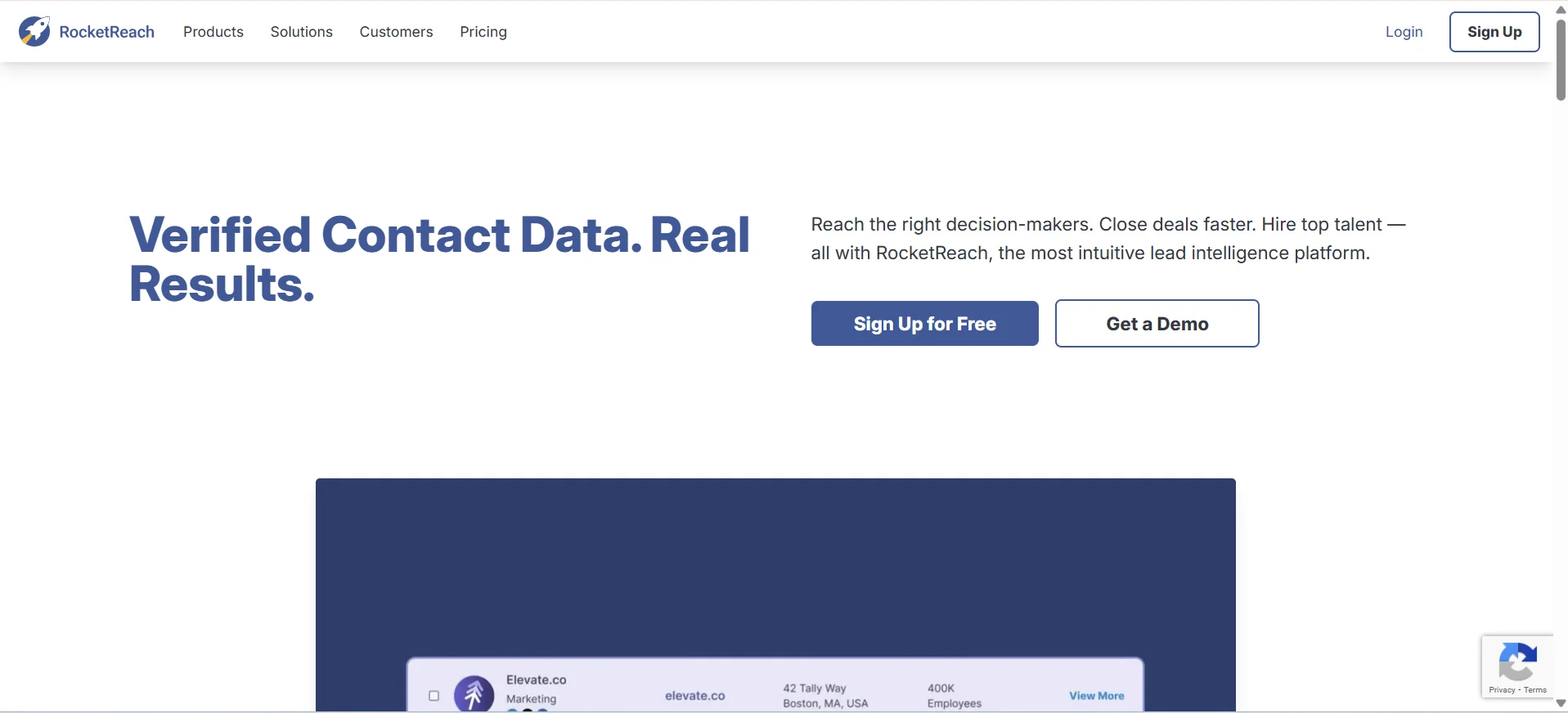
RocketReach provides access to a wide range of professional contact data.
You can find emails and phone numbers across industries and use its extension while browsing LinkedIn or company sites.
It’s flexible and works well for both sales prospecting and recruitment use cases.
RocketReach provides access to a large database of professionals along with their contact details.
You can:
The platform focuses on making contact discovery straightforward and accessible.
You don’t need complex workflows to get started, which makes it easy to adopt.
RocketReach offers a free plan with limited lookups each month.
Paid plans are based on the number of searches and contact exports.
It’s a practical choice for individuals and teams that need reliable contact data without committing to a full outbound automation platform.
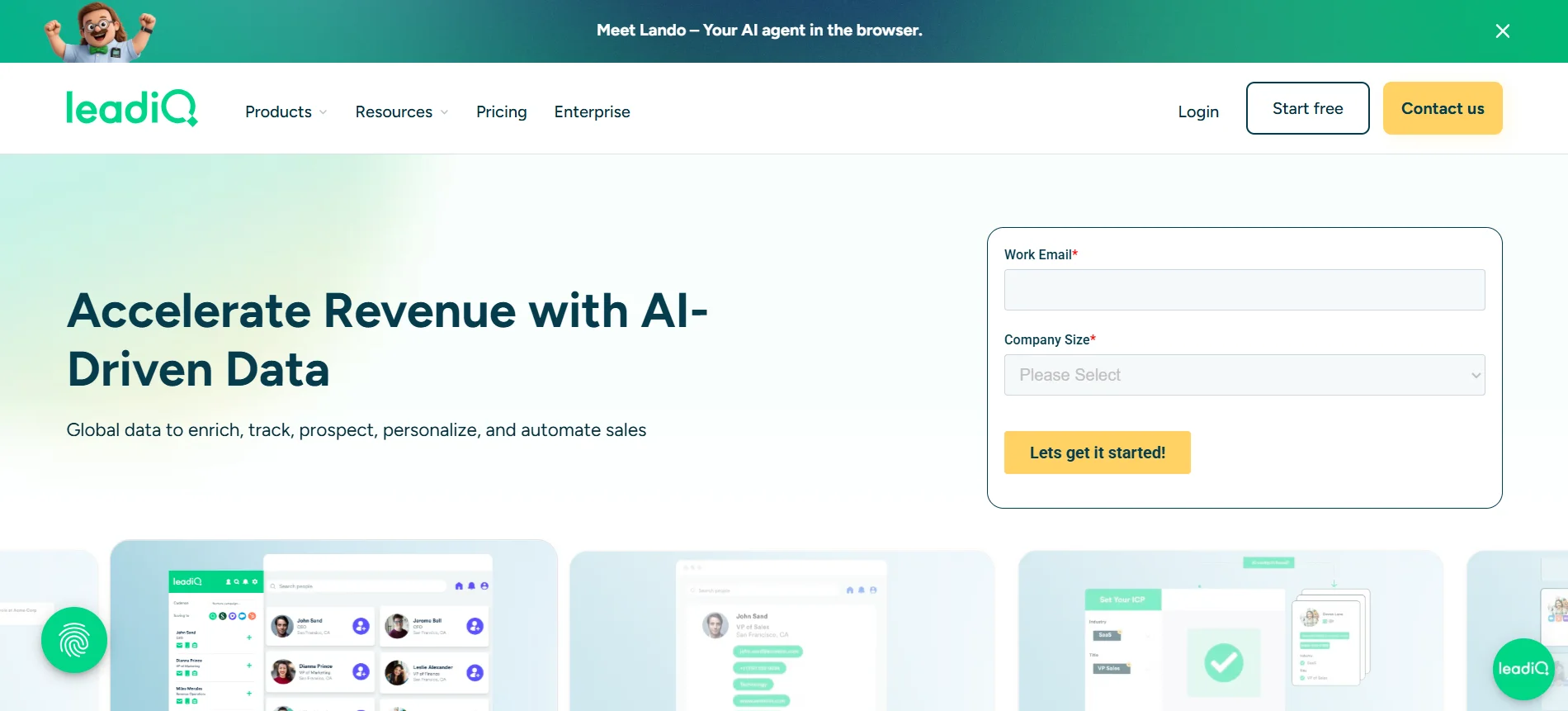
LeadIQ simplifies capturing leads from LinkedIn and pushing them into your workflow.
It reduces manual data entry by syncing contacts directly to your CRM.
This helps your team move faster and manage prospecting more efficiently without switching between tools.
LeadIQ helps you collect and organize lead data while prospecting.
You can:
The platform is built around speed and efficiency.
Instead of manually copying data between tools, you can capture and push leads into your workflow in just a few clicks.
LeadIQ offers a free plan with limited credits for capturing contacts.
Paid plans scale based on features, integrations, and usage limits.
It’s a good fit for sales teams that rely on LinkedIn for prospecting and want a smoother way to move leads into outreach without adding complexity to their existing process.
Now that you’ve explored different LinkedIn Sales Navigator alternatives, the next step is choosing the one that actually fits how you work.
Instead of going with the most popular tool, focus on what solves your specific bottlenecks.
Start by identifying your core need.
Are you focused on lead generation, outreach, or managing the entire outbound process?
Choosing a tool that aligns with your primary workflow helps you avoid unnecessary complexity and keeps your execution smooth.
Pricing can vary significantly across tools.
Some platforms are affordable at the start but become expensive as your team grows.
Look for a solution that fits your current budget while still supporting long-term scaling without sudden cost spikes.
Your results depend heavily on data quality.
Tools with verified emails, direct dials, and strong database coverage help you target the right prospects.
Better data means fewer bounces and higher response rates.
Finally, evaluate what features actually matter for your workflow.
Look for capabilities like filtering, enrichment, sequencing, and automation.
The right tool should simplify your process, not force you to rely on multiple disconnected platforms.
Choosing the right LinkedIn Sales Navigator alternatives comes down to how you want to build and scale your outbound workflow.
Instead of relying on multiple disconnected tools, focus on solutions that simplify prospecting, outreach, and follow-ups in one system.
When your workflow is streamlined, execution becomes faster and more consistent.
If you’re looking to move beyond tool-stacking and build a complete outbound engine, Oppora can help you set up and automate your entire process so you can focus on closing, not managing tools.
Not always.Some tools replace LinkedIn entirely with large databases, while others enhance LinkedIn-based workflows.The right choice depends on whether you rely on LinkedIn for prospecting or prefer independent data sources for outreach and lead generation.
Many tools update their databases regularly, but not all offer true real-time data.Platforms with real-time verification or enrichment features tend to provide more accurate and up-to-date contact information, which helps improve deliverability and targeting.
Free tools can be useful for basic prospecting, especially for individuals or small teams.However, they usually come with limitations like credit caps or restricted features, which can make scaling outreach difficult compared to paid solutions.
Integrations play a key role in keeping your workflow smooth.A tool that connects with your CRM, email platform, or automation tools helps reduce manual work and ensures your data stays organized across your outbound process.
Most alternatives are built for outbound prospecting, but some can support inbound workflows through CRM integrations and lead tracking.They help manage and organize incoming leads, but their primary strength remains outbound lead generation and outreach.
Summarize with AI
Share