16 Best Cold Email Software in 2026: Features, Pricing & Reviews
Manasa Goli
Published December 16, 2025
23 min

Complete Agentic Email Outreach
AI agents find and enrich prospects, personalize emails, follow up, handle replies, and book meetings automatically.
Claim Your FREE Credits
Every minute, more than 23 million emails are sent for B2B outreach, but less than 2% of those ever get a reply. That’s because most cold email campaigns fail before they begin — not because cold email doesn’t work, but because teams use the wrong tools, unverified lists, and disconnected workflows.
Whether you’re a lead generation specialist, agency owner, SDR team lead, or founder doing outbound yourself, the right cold email software can dramatically change results. The difference between a 0.5% and a 12% reply rate often comes down to selecting the right platform and following modern best practices.
In this guide, we cover the 16 best cold email tools in 2026, what they actually do, and how they differ — so you can choose the right one and start booking meetings faster.
What Modern Cold Email Software Needs to Do in 2026
Cold email in 2026 isn’t about blasting more messages — it’s about reliability, relevance, and control. With stricter inbox rules, smarter spam filters, and crowded inboxes, modern cold email software needs to work quietly in the background without constant manual intervention.
At a minimum, today’s platforms should:
- Prioritize inbox safety with real warm-up, throttling, and sender reputation monitoring
- Adapt messaging to context instead of relying on static templates
- Support multi-inbox and multi-domain setups without operational overhead
- Make it easy to respond quickly to interested leads while filtering out noise
- Stay predictable as volume grows, without forcing teams into complex stacks or surprise costs
In short, modern cold email platforms should reduce risk and effort — not add more tools, tabs, or processes to manage.
Very few tools do all of this well.
TL;DR: Which Is the Best Cold Email Software in 2026?
The best cold email software depends on where your biggest outbound bottleneck is.
Some tools are built mainly for sending at scale. Others help you find leads, while a few cover the complete workflow from prospecting to replies.
Here’s a quick breakdown of the best options from this list:
If you only need a sending platform, tools like Instantly or Smartlead may be enough.
If your priority is finding prospects and building lists, Apollo.io, Hunter.io, or Snov.io may be a better fit.
But if you want to manage the full workflow without stitching together separate tools for lead search, verification, outreach, replies, and CRM updates, an end-to-end platform like Oppora makes more sense.
Below, we’ll break down all 16 tools so you can compare their features, limitations, and ideal use cases.
16 Best Cold Email Software Options in 2026
Not all cold emailing software is built the same. In 2026, the best email outreach software focuses on deliverability, automation, and real replies and not just volume.
Here are the top cold email platform options to evaluate.
1. Oppora.ai
G2 Rating: 4.5/5
Best For: Founders, agencies, SDR teams, and B2B businesses that want to automate the entire outbound workflow.
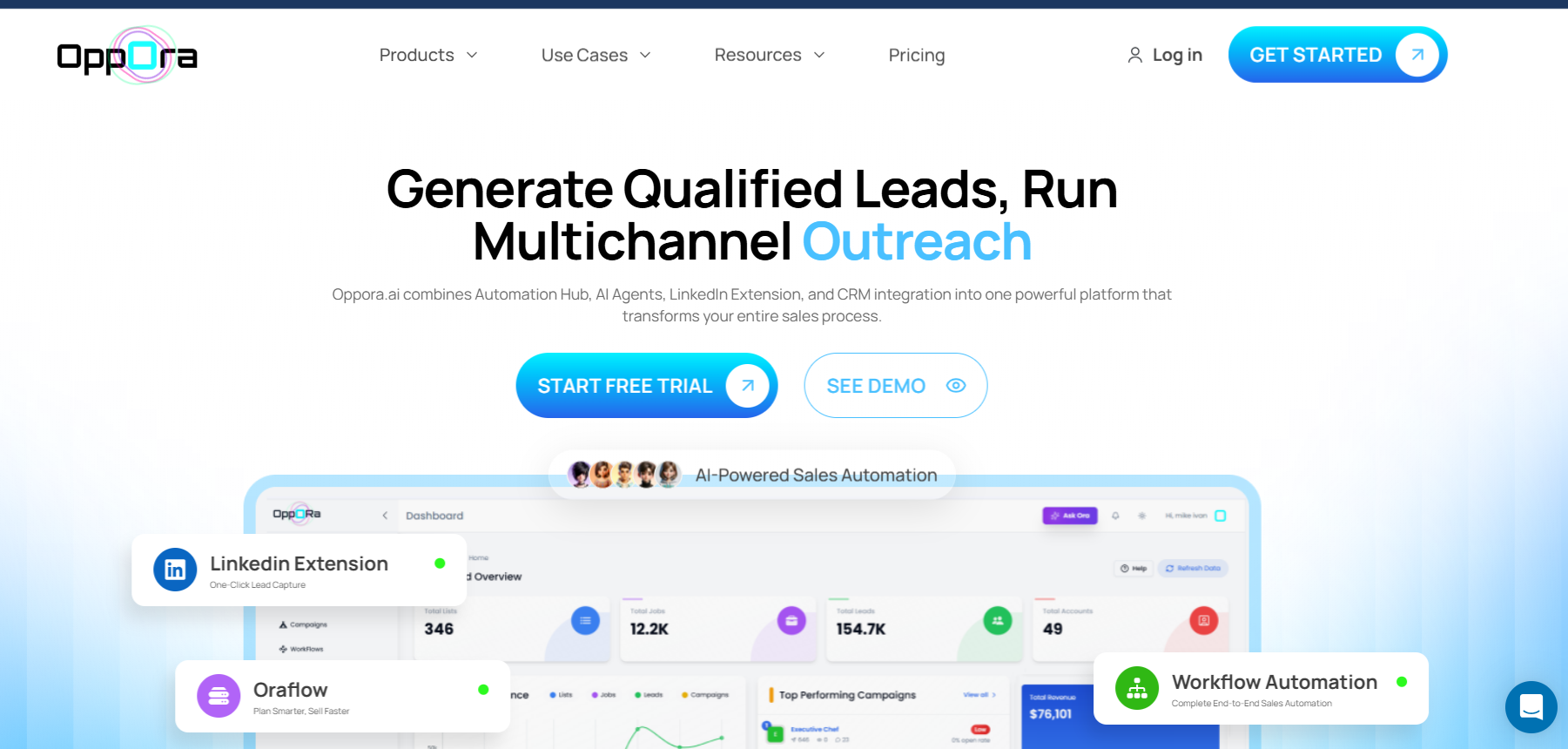
Oppora is an AI-powered outbound sales platform built for businesses that want to do more than just send cold emails.
Instead of using separate tools to find leads, enrich data, verify emails, write campaigns, manage replies, and update a CRM, Oppora brings these activities into one workflow.
What makes it different is its agentic approach to outbound sales. You can build self-running workflows where AI agents handle different stages of the process, from prospecting and enrichment to outreach, replies, and meeting booking. Once your workflow is set up, it can continue running without requiring you to manage every step manually.
Key Features of Oppora
- AI Sales Workflows: Oppora uses eight AI sales agents that can work together across different stages of your outbound process, helping automate workflows instead of simply assisting with individual tasks.
- Lead Search and Enrichment: You can search for companies and decision-makers, enrich prospect data, and work with separate credits for email search, verification, and enrichment rather than using one shared credit pool.
- AI-Powered Email Personalization: Oppora generates personalized outreach content rather than relying on traditional spintext, helping you create unique messaging at scale.
- Email Deliverability Features: The platform supports inbox warm-up, multiple connected mailboxes, mailbox rotation, and sender-provider matching to help manage cold email sending more safely.
- AI Reply Handling: Its AI can handle incoming responses, answer questions, qualify interest, send attachments, and help move interested prospects toward booking a meeting.
- LinkedIn Outreach: You can add LinkedIn connection and outreach steps alongside email campaigns as part of a broader outbound workflow.
- Unified Inbox and CRM Sync: Oppora brings replies from connected inboxes into one place and can sync contacts, replies, meetings, and other activity with platforms such as HubSpot, Salesforce, and Pipedrive.
Pros
- Covers multiple stages of outbound, from lead generation to meeting booking.
- AI workflows can reduce the need to manage every task manually.
- Separate credits for different data-related tasks can provide more flexibility.
- Includes email and LinkedIn outreach capabilities.
- Offers a free plan, a seven-day trial, and credit add-ons.
Cons
- The workflow-based approach may take some time to understand if you are new to outbound automation.
- Some users may only need a simple cold email sending tool, making its broader feature set unnecessary.
Pricing
Oppora offers a Free Forever plan, while paid plans start at $34/month, with a Max plan at $79/month. It also offers separate credit add-ons, so you can purchase additional credits without necessarily moving to a higher plan.
Our Take: Oppora is best suited for you if you want to automate the complete outbound process rather than manage separate tools for prospecting, data enrichment, cold email, replies, and sales workflows.
2. Instantly
G2 Rating: 4.8/5
Best For: Agencies, founders, and sales teams that want to send cold emails at scale while managing multiple email accounts.
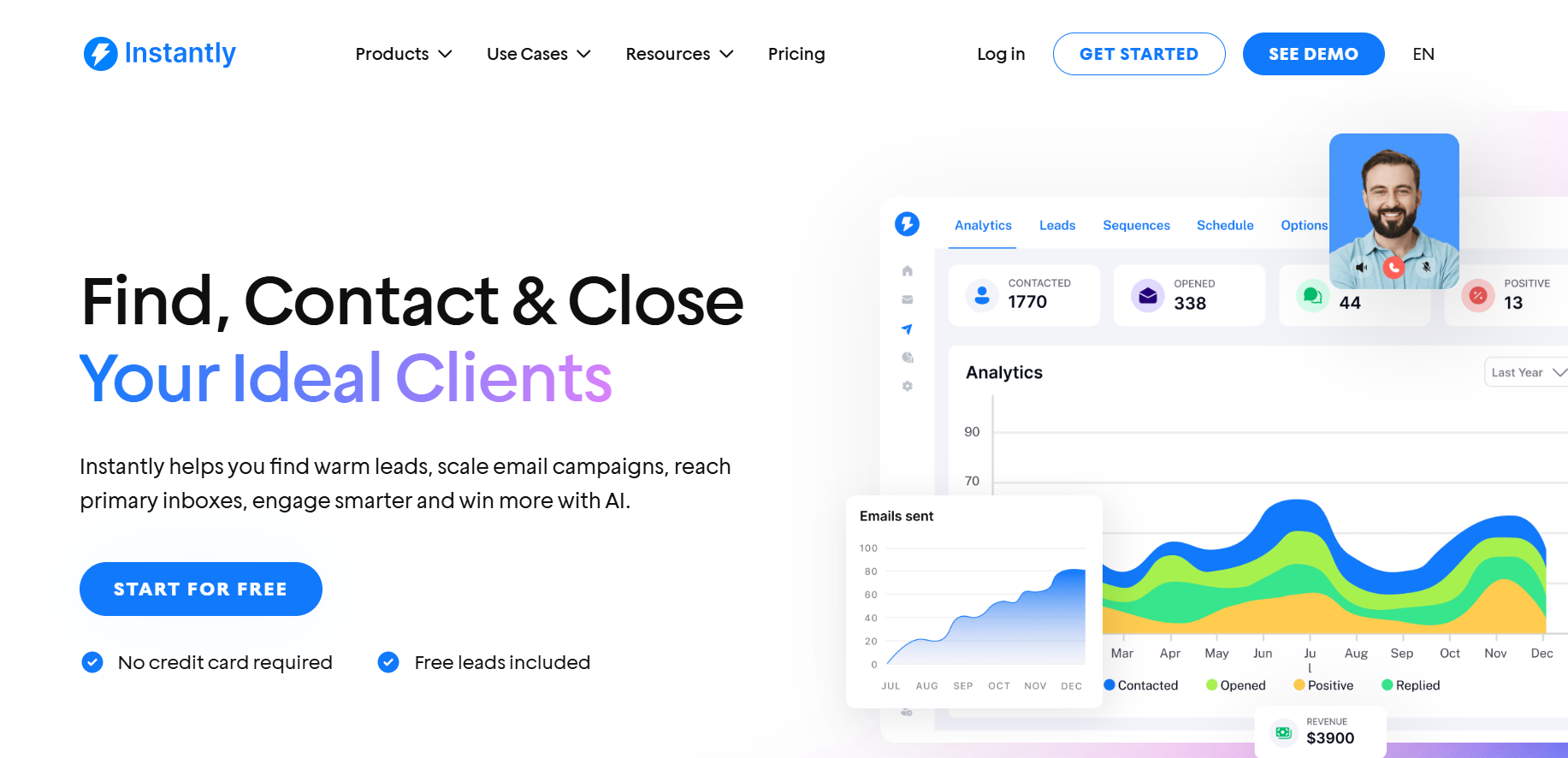
Instantly is a popular cold email platform focused on helping you scale outreach without managing every mailbox separately.
Its biggest strength is cold email infrastructure. You can connect multiple sending accounts, rotate them across campaigns, warm up inboxes, and manage large-scale outreach from one dashboard.
Instantly has also expanded beyond email sending with lead generation and AI-powered features. This makes it a useful option if you want to combine prospecting and outreach, although its core strength remains scaling cold email campaigns.
Key Features of Instantly
- Unlimited Email Accounts: You can connect and manage multiple sending accounts, making it easier to scale campaigns without working from individual inboxes.
- Email Warm-Up: Helps prepare sending accounts for cold outreach and supports ongoing warm-up to maintain sending activity.
- Automated Inbox Rotation: Distributes emails across connected accounts, helping you spread your sending volume instead of relying heavily on one mailbox.
- Cold Email Campaigns: Lets you create multi-step sequences with automated follow-ups based on whether a prospect opens, replies, or does not respond.
- B2B Lead Database: Instantly provides access to a prospect database, allowing you to find potential contacts before moving them into outreach campaigns.
- AI-Powered Features: Includes AI capabilities that can help with writing and personalizing outreach messages.
- Unibox: Brings replies from multiple connected email accounts into one inbox so you can manage conversations more easily.
Pros
- Strong option for scaling high-volume cold email campaigns.
- Supports multiple email accounts and inbox rotation.
- Built-in email warm-up helps support deliverability.
- Combines lead generation with cold email outreach.
- Unified inbox makes managing replies from multiple accounts easier.
Cons
- More focused on email infrastructure and sending than complete end-to-end sales automation.
- Some features, such as lead data, may require additional usage costs depending on your plan and activity.
Pricing
Instantly offers multiple plans based on the features and sending capacity you need. Its pricing generally separates cold email sending from some of its broader lead intelligence and data capabilities.
Our Take: Instantly is a strong choice if your biggest priority is scaling cold email outreach and managing multiple sending accounts. It is particularly useful when you need robust email infrastructure, warm-up, rotation, and campaign automation in one place.
3. Apollo.io
G2 Rating: 4.7/5
Best For: B2B sales teams that need a large prospect database alongside outreach and sales engagement tools.
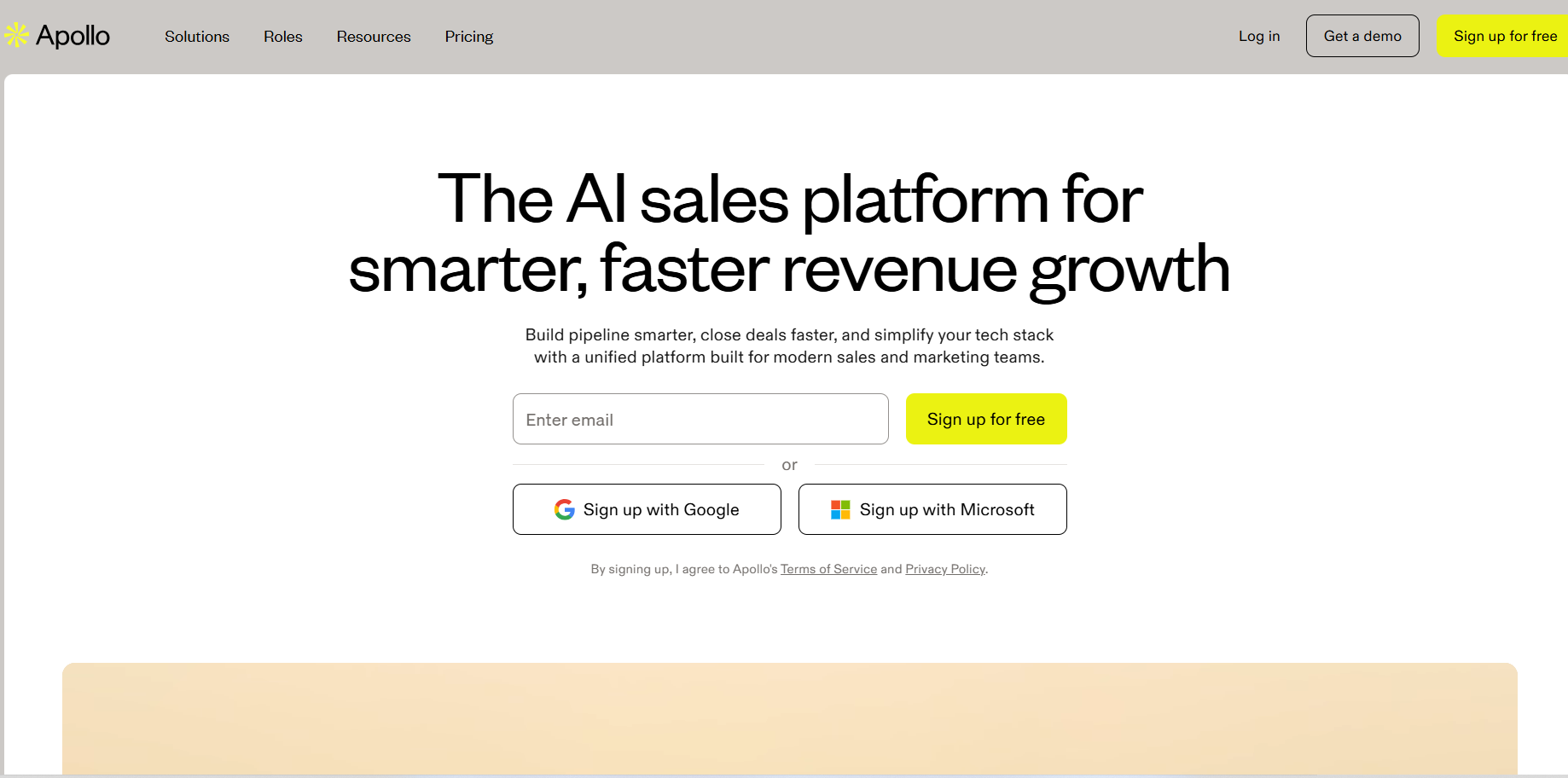
Apollo.io is best known as a B2B sales intelligence and prospecting platform. Its main strength is helping you find potential buyers using its large contact and company database.
You can search for prospects using filters such as job title, company size, industry, location, and other criteria. Once you build a prospect list, Apollo also lets you engage those leads through sequences and sales workflows.
This makes Apollo a good option if finding and targeting the right prospects is your biggest challenge. However, some teams may find that they need to manage costs carefully as database usage, credits, and advanced features increase.
Key Features of Apollo.io
- B2B Contact and Company Database: Search for decision-makers and companies using a wide range of filters to build targeted prospect lists.
- Advanced Prospecting Filters: Narrow down your search based on factors such as job title, industry, company size, location, and other ICP criteria.
- Email Sequences: Create multi-step outreach campaigns and automate follow-ups to prospects.
- Email and Contact Data: Access prospect information, including work emails and other available contact details.
- Sales Engagement Tools: Manage outreach activities and follow-up workflows from within the platform.
- AI Assistance: Use AI-powered capabilities to support prospecting, research, and outreach activities.
- CRM Integrations: Connect Apollo with your existing sales tools to move prospect and activity data between platforms.
Pros
- Strong B2B database for prospecting and list building.
- Advanced filters help you target specific ICPs.
- Combines prospecting and outreach in one platform.
- Useful CRM integrations for existing sales workflows.
- Suitable for teams that rely heavily on sales intelligence.
Cons
- Costs can increase depending on data usage and feature requirements.
- The large number of features can create a learning curve for new users.
- Cold email infrastructure may not be its primary strength compared with tools focused specifically on high-volume sending.
Pricing
Apollo.io offers a free plan and paid plans with additional features, credits, and usage limits. Pricing depends on the plan you choose and the level of prospecting and sales engagement capabilities you need.
Our Take: Apollo.io is a strong choice if your priority is finding the right B2B prospects first and then engaging them through outreach. It is particularly useful for sales teams that want detailed prospecting filters and a large contact database in the same platform.
4. Snov.io
G2 Rating: 4.5/5
Best For: Small and growing sales teams that want lead generation, email verification, and outreach tools in one platform.
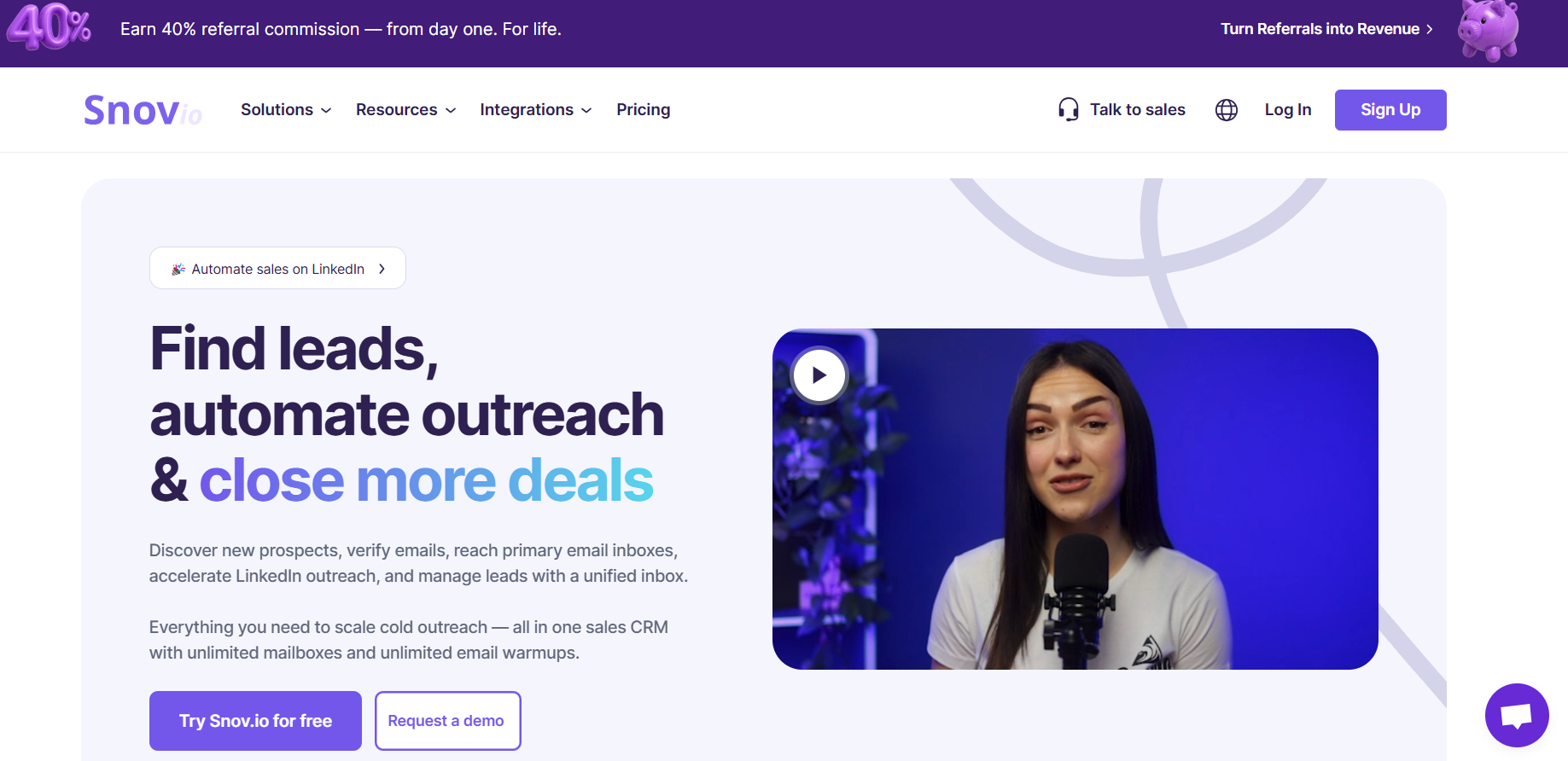
Snov.io is an all-in-one sales platform that combines prospecting, email verification, cold outreach, and basic sales workflow features.
Its biggest advantage is that it gives you several essential outbound tools without requiring you to start with separate platforms. You can find prospects, verify email addresses, create campaigns, and track outreach from one place.
This makes Snov.io particularly useful if you are building your outbound process and want a simpler all-in-one setup rather than investing in multiple specialized tools from the beginning.
Key Features of Snov.io
- Email Finder: Find professional email addresses using prospect names, companies, and domains.
- Email Verifier: Check email addresses before adding them to your campaigns, helping you reduce the risk of sending to invalid contacts.
- Prospect Search: Build targeted lists using available prospect and company data.
- Email Drip Campaigns: Create automated cold email sequences and follow-ups based on your campaign strategy.
- Email Warm-Up: Supports mailbox warm-up to help prepare your sending accounts for outreach.
- CRM Features: Lets you manage prospects and track sales activity without immediately needing a separate CRM.
- LinkedIn Prospecting: Provides tools that can support prospect discovery and lead collection from LinkedIn.
Pros
- Combines lead generation, verification, and outreach in one platform.
- Useful for smaller teams looking for an all-in-one outbound tool.
- Email verification can help improve list quality before campaigns.
- Includes campaign automation and warm-up capabilities.
- Offers CRM functionality for managing prospects.
Cons
- The credit-based system may require careful usage management.
- Larger teams with complex outbound operations may need more advanced automation or infrastructure.
- Some capabilities may feel less specialized than dedicated tools focused on one area.
Pricing
Snov.io offers a free plan with limited credits and paid plans that increase your access to prospecting, verification, and outreach features. Your overall cost can depend on how many credits you need for finding and verifying contact data.
Our Take: Snov.io is a good option if you want to build and manage a complete outbound workflow without using several separate tools. It is especially suitable for small and growing teams that need prospecting, email verification, and cold outreach in one platform.
5. Lemlist
G2 Rating: 4.4/5
Best For: Sales teams that want highly personalized cold email and multichannel outreach campaigns.
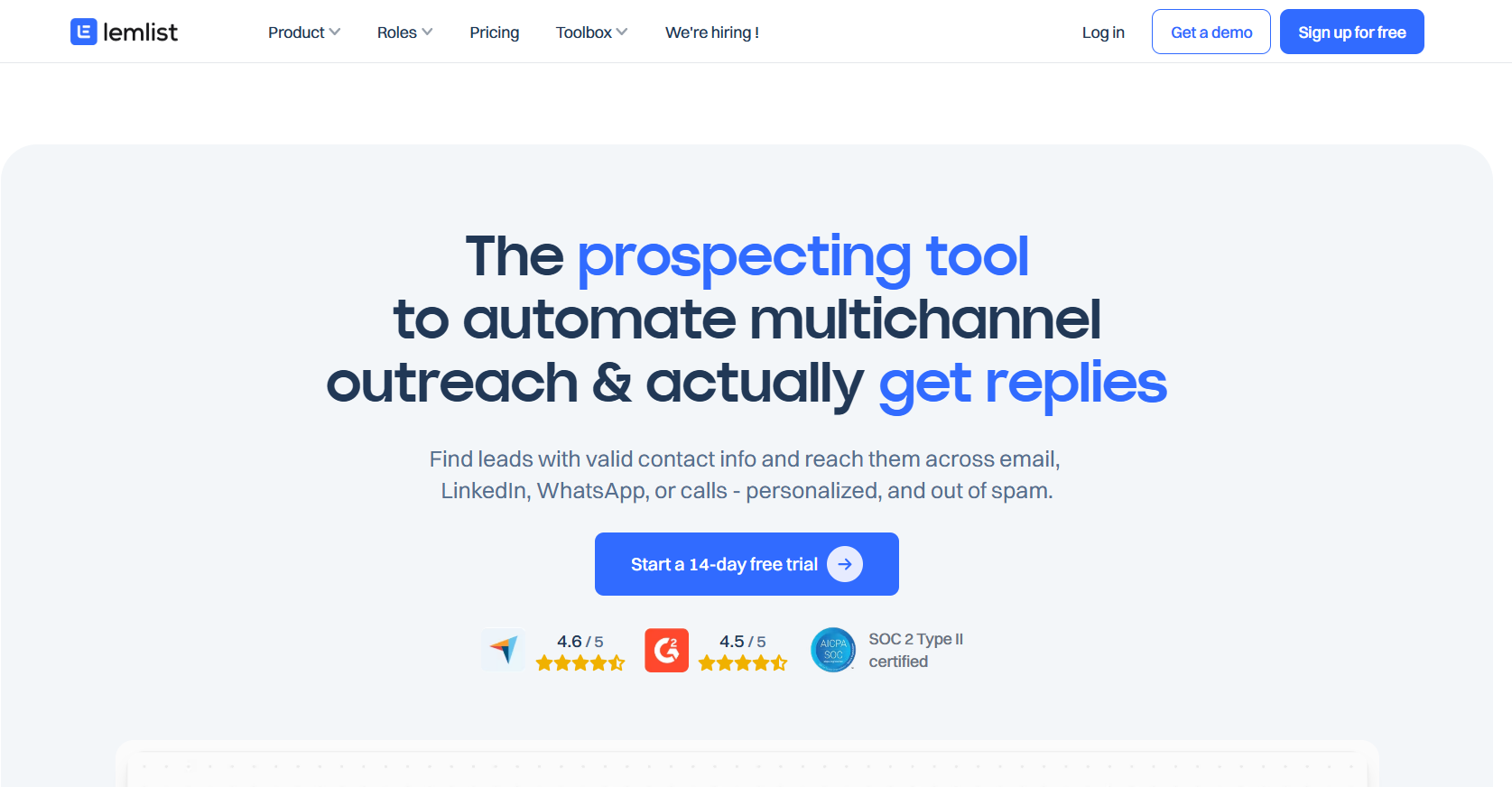
Lemlist is a sales engagement platform known for making cold outreach feel more personalized. Its focus is not just on sending sequences but on helping you create campaigns with dynamic personalization across email and other channels.
You can use it to build automated sequences, personalize messages at scale, manage follow-ups, and combine multiple outreach channels. This makes it useful if your strategy depends heavily on making each prospect interaction feel more relevant.
Key Features of Lemlist
- Personalized Cold Email: Create dynamic emails using custom variables and AI-powered personalization.
- Multichannel Sequences: Combine email with LinkedIn and other outreach steps in one campaign.
- Email Warm-Up: Helps prepare and maintain your sending accounts for cold outreach.
- Automated Follow-Ups: Build multi-step sequences that continue based on your campaign settings.
- Campaign Personalization: Customize outreach with prospect-specific details instead of relying only on basic mail merge fields.
- Lead Management: Organize prospects and manage outreach activity from within the platform.
Pros
- Strong personalization capabilities for cold outreach.
- Supports multichannel sales engagement.
- Includes email warm-up and campaign automation.
- Useful for teams that want more creative and customized campaigns.
Cons
- Can be more expensive than simpler cold email tools.
- Advanced personalization features may require additional setup time.
Pricing
Lemlist offers different plans based on the level of outreach, personalization, and multichannel capabilities you need.
Our Take: Lemlist is a good choice if your cold email strategy depends on deep personalization and multichannel outreach rather than simply sending high volumes of emails.
6. Smartlead
G2 Rating: 4.7/5
Best For: Agencies and outbound teams that need to scale cold email while managing deliverability across multiple mailboxes.
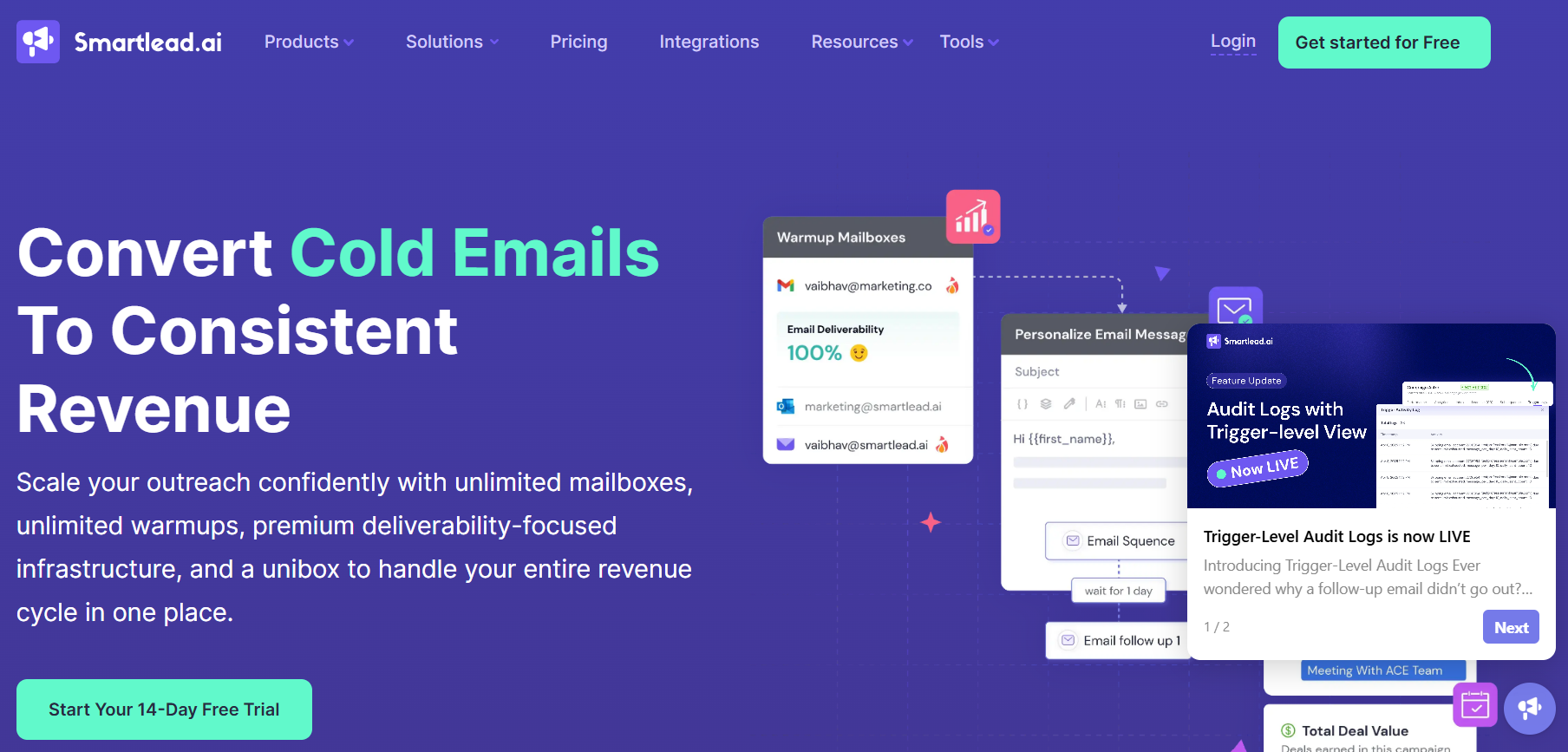
Smartlead is primarily built for teams running cold email campaigns at scale. Its biggest focus is email infrastructure, allowing you to manage multiple sending accounts and distribute campaign volume across them.
This makes it particularly useful when you are handling large campaigns and want more control over mailbox rotation, warm-up, and deliverability.
Key Features of Smartlead
- Unlimited Mailboxes: Connect and manage multiple sending accounts for your outreach campaigns.
- Mailbox Rotation: Distribute sending activity across different email accounts to avoid concentrating volume on one inbox.
- Email Warm-Up: Supports automated warm-up to help maintain healthy sending activity.
- Smart Sending: Manage campaign sending and follow-ups across connected mailboxes.
- Unified Master Inbox: View and manage replies from multiple campaigns and inboxes in one place.
- Campaign Automation: Build sequences with multiple steps and automated follow-ups.
- Agency Features: Manage multiple clients and outreach campaigns from a centralized platform.
Pros
- Strong infrastructure for high-volume cold email.
- Useful for managing multiple mailboxes and clients.
- Focuses heavily on email deliverability.
- Unified inbox simplifies reply management.
- Suitable for agencies and larger outbound teams.
Cons
- More focused on email sending than complete prospecting and sales workflows.
- You may need additional tools for lead generation and data enrichment.
Pricing
Smartlead offers plans based on email-sending requirements and the number of mailboxes or outreach capabilities you need.
Our Take: Smartlead is best if your priority is scaling cold email safely across multiple mailboxes and managing deliverability as your outreach volume grows.
7. Woodpecker
G2 Rating: 4.5/5
Best For: Small businesses and sales teams looking for a straightforward cold email automation platform.
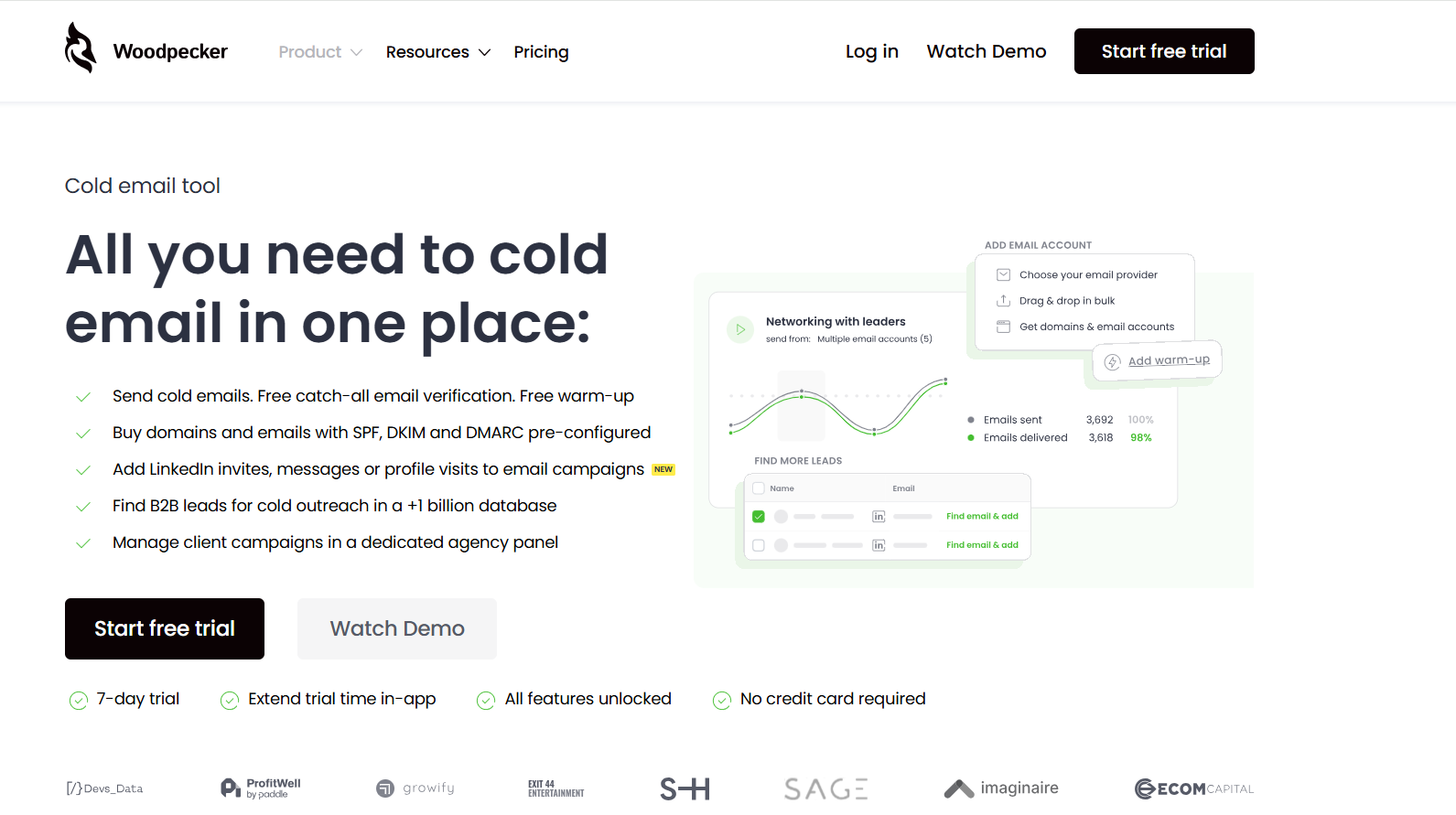
Woodpecker is a cold email tool designed to simplify automated outreach without overwhelming you with a highly complex setup.
You can create personalized campaigns, automate follow-ups, and manage replies while using deliverability-focused features to support your sending activity. Its relatively straightforward approach makes it suitable for teams that want cold email automation without building a complicated outbound stack.
Key Features of Woodpecker
- Cold Email Campaigns: Create personalized email campaigns for individual prospects or larger contact lists.
- Automated Follow-Ups: Build sequences that automatically follow up with prospects who do not respond.
- Personalization: Use custom fields and prospect data to make outreach more relevant.
- Email Warm-Up: Supports warm-up capabilities for connected sending accounts.
- Reply Detection: Automatically stops or adjusts campaigns when prospects respond.
- Campaign Analytics: Track campaign performance and monitor engagement.
Pros
- Easy-to-understand cold email workflow.
- Supports personalization and automated follow-ups.
- Includes useful campaign management features.
- Suitable for small and growing sales teams.
Cons
- May not offer the same breadth of prospecting features as all-in-one platforms.
- Can become less cost-effective as sending requirements grow.
Pricing
Woodpecker offers paid plans based on your outreach needs and contact volume.
Our Take: Woodpecker is a good fit if you want a simple and focused cold email automation tool without needing a large number of advanced sales features.
8. Mailshake
G2 Rating: 4.7/5
Best For: Sales teams that want to combine cold email with other sales engagement activities.
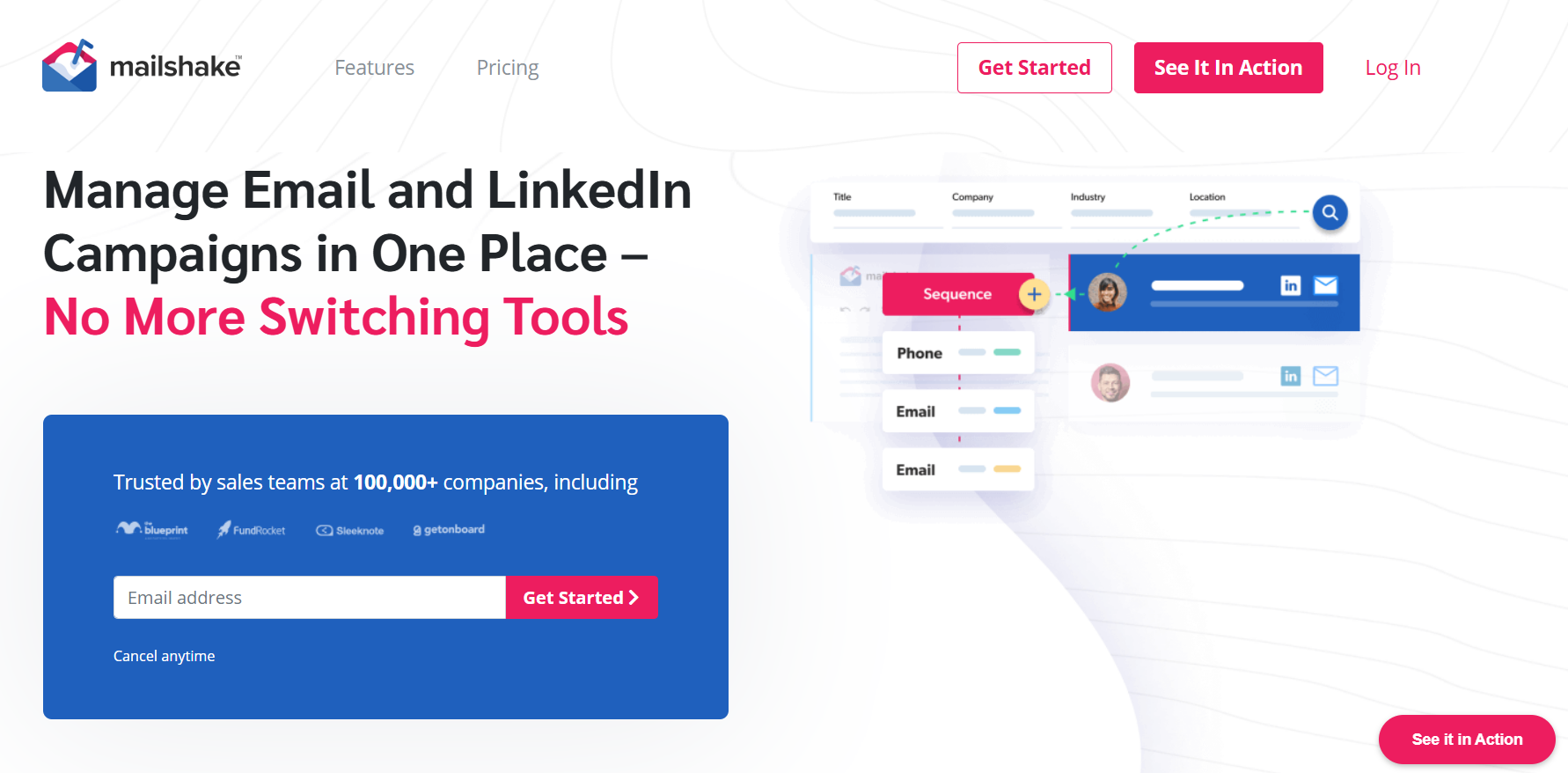
Mailshake is a sales engagement platform that helps you automate cold outreach and follow-up activities. It is designed for teams that want a structured way to manage prospect communication rather than manually tracking every email.
Beyond email sequences, Mailshake supports broader sales engagement workflows, making it useful when you want to combine email outreach with calls and other prospecting tasks.
Key Features of Mailshake
- Email Sequences: Build multi-step cold email campaigns with automated follow-ups.
- Personalization: Add prospect-specific details to make your emails more relevant.
- Lead Catcher: Helps identify and organize prospects who show interest in your campaigns.
- Sales Engagement: Add calls and other tasks to your outreach workflow.
- Campaign Analytics: Monitor campaign activity and track outreach performance.
- AI Assistance: Use AI-powered tools to help create and improve outreach content.
Pros
- Easy to create and manage cold email sequences.
- Supports broader sales engagement workflows.
- Lead Catcher helps organize interested prospects.
- Useful for teams combining email with calls and tasks.
Cons
- Does not offer the same level of built-in lead data as prospecting-focused platforms.
- Advanced capabilities may require higher-priced plans.
Pricing
Mailshake offers plans based on the sales engagement features and level of automation you require.
Our Take: Mailshake works well if you want to combine cold email automation with a more structured sales engagement process.
9. QuickMail
G2 Rating: 4.6/5
Best For: Agencies and B2B teams focused on cold email deliverability and personalized outreach.
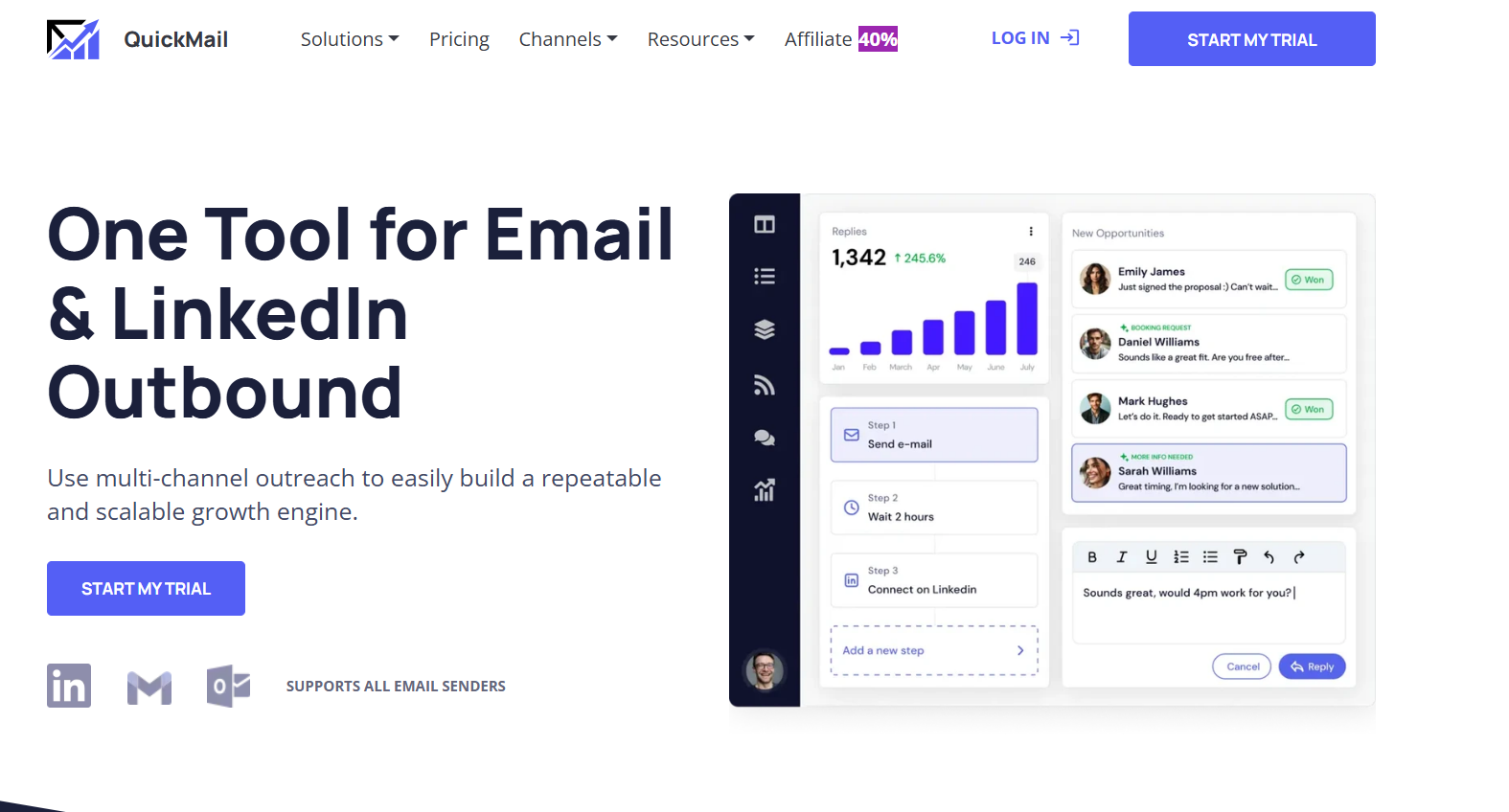
QuickMail is a cold email platform built around campaign automation and deliverability. It helps you create personalized sequences while managing follow-ups and multiple sending accounts.
The platform is particularly relevant for agencies and teams that need a focused cold email solution without necessarily requiring a large built-in prospect database.
Key Features of QuickMail
- Automated Cold Email Sequences: Create multi-step campaigns and schedule automated follow-ups.
- Email Warm-Up: Helps maintain sending activity and supports deliverability efforts.
- Inbox Rotation: Distributes campaign sending across connected email accounts.
- Personalization: Use custom fields to tailor messages to individual prospects.
- Reply Detection: Automatically detects responses and prevents unnecessary follow-ups.
- Team and Agency Management: Manage outreach across multiple campaigns and team members.
Pros
- Strong focus on cold email and deliverability.
- Supports multiple inboxes and sending accounts.
- Automated follow-ups reduce manual work.
- Suitable for agencies managing client campaigns.
Cons
- Built-in prospecting capabilities are more limited than data-focused platforms.
- Pricing may be less attractive if you only need basic cold email functionality.
Pricing
QuickMail offers paid plans based on your team size and outreach requirements.
Our Take: QuickMail is a solid choice if you need a focused cold email platform with strong automation and deliverability features.
10. Outreach.io
G2 Rating: 4.3/5
Best For: Mid-market and enterprise sales teams that need advanced sales engagement and workflow management.
Outreach is a sales engagement platform designed for larger sales organizations. It goes beyond cold email by helping teams manage prospect engagement across the sales process.
You can use it to build outreach sequences, automate sales tasks, analyze activity, and give sales teams more visibility into their pipeline. Because of its broader feature set, it is generally better suited to established sales teams than solo users looking for a simple cold email tool.
Key Features of Outreach
- Sales Sequences: Build structured outreach workflows with automated emails and follow-up activities.
- Multichannel Engagement: Manage prospect engagement across email, calls, and other sales touchpoints.
- Sales Automation: Reduce repetitive sales tasks through automated workflows.
- Conversation Intelligence: Analyze sales interactions and gain insights into prospect conversations.
- Pipeline Management: Give teams greater visibility into sales activities and opportunities.
- Analytics and Reporting: Track sales engagement and team performance.
Pros
- Comprehensive platform for larger sales teams.
- Strong automation and workflow capabilities.
- Supports multichannel sales engagement.
- Advanced analytics and conversation intelligence.
- Integrates with broader enterprise sales workflows.
Cons
- Can be complex for smaller teams.
- Generally more expensive than dedicated cold email tools.
- May offer more functionality than you need for basic cold outreach.
Pricing
Outreach uses business-focused pricing, with costs typically based on your organization's requirements and selected features.
Our Take: Outreach is best suited for you if you need enterprise-level sales engagement and workflow management, not just a tool for sending cold email campaigns.
11. Salesloft
G2 Rating: 4.5/5
Best For: Mid-market and enterprise sales teams looking for structured sales engagement and revenue workflows.
Salesloft is a sales engagement platform that helps teams organize and automate how they communicate with prospects throughout the sales process.
It allows you to build structured outreach cadences, manage sales activities, and give reps guidance on what actions to take next. The platform is designed more for managing an entire sales engagement process than simply running standalone cold email campaigns.
Key Features of Salesloft
- Sales Cadences: Create structured sequences that combine emails, calls, and other sales activities.
- Email and Outreach Automation: Automate repetitive follow-ups while maintaining a consistent sales process.
- Conversation Intelligence: Analyze sales conversations to identify useful insights and coaching opportunities.
- Sales Analytics: Monitor rep activity, engagement, and other sales performance metrics.
- Pipeline and Revenue Insights: Help sales teams understand deal progress and potential risks.
- CRM Integration: Connect sales activity with your existing CRM and sales workflows.
Pros
- Strong platform for structured sales engagement.
- Supports multichannel cadences and sales activities.
- Useful conversation intelligence and coaching features.
- Designed for larger sales teams with established processes.
- Strong CRM and revenue workflow integration.
Cons
- Can be too complex for simple cold email campaigns.
- Pricing is generally better suited to larger organizations.
- Requires time and setup to get the most value from its broader feature set.
Pricing
Salesloft offers customized pricing based on your team's requirements, platform configuration, and selected features.
Our Take: Salesloft is a strong option if you need a full sales engagement platform for managing reps, outreach activities, and revenue workflows. If your only requirement is cold email automation, a more focused and affordable tool may be a better fit.
12. Klenty
G2 Rating: 4.6/5
Best For: Sales teams that want to automate personalized outreach across multiple channels.
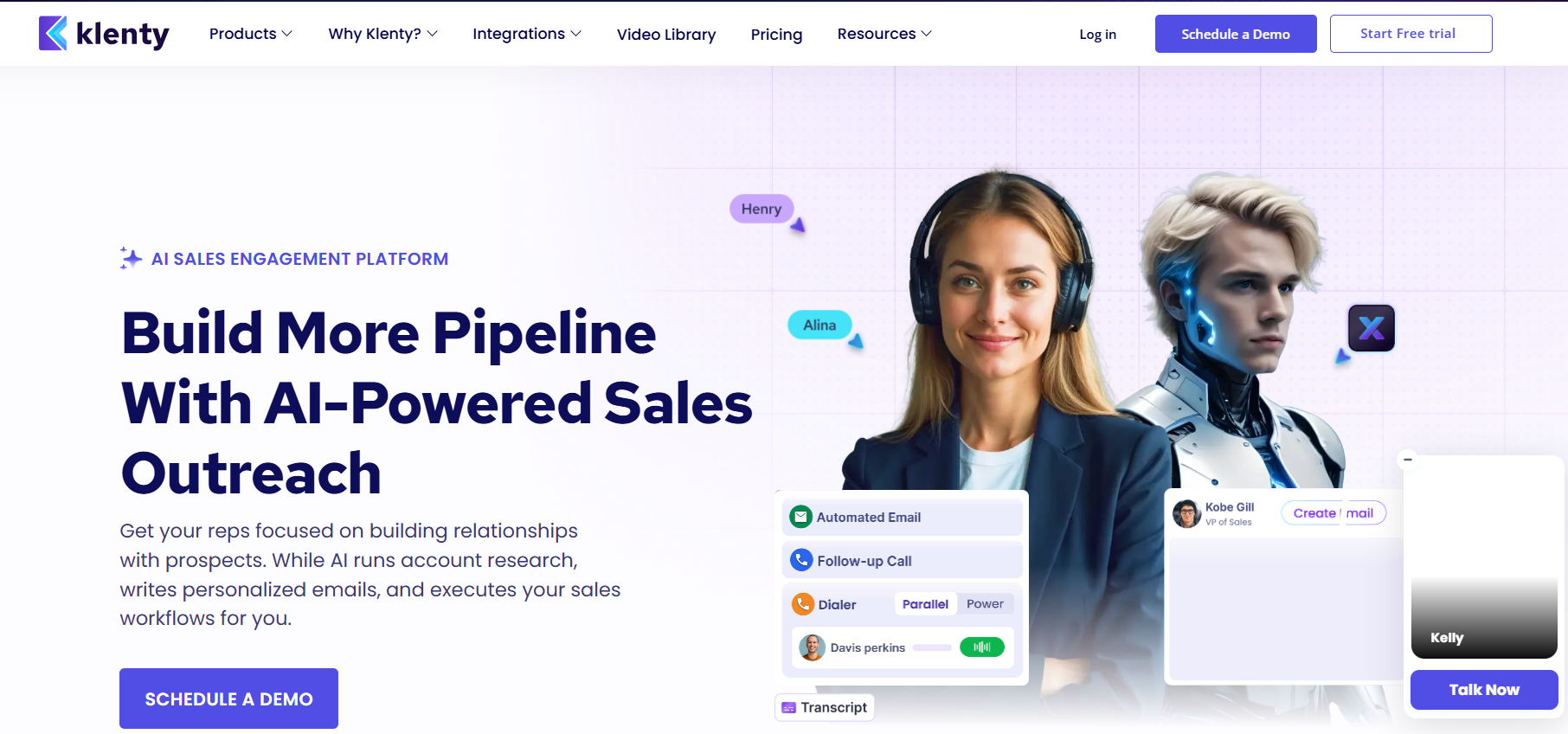
Klenty is a sales engagement platform that helps you build structured outreach sequences and automate repetitive follow-ups.
It is designed for SDR and sales teams that need to manage email outreach alongside calls, LinkedIn activities, and other prospect touchpoints. Rather than treating cold email as a standalone campaign, Klenty helps you organize multiple actions into one sales cadence.
Key Features of Klenty
- Multichannel Cadences: Create outreach sequences that combine email, calls, LinkedIn tasks, and other touchpoints.
- Email Automation: Automate follow-ups based on your campaign settings and prospect activity.
- Personalization: Use prospect information and custom fields to make outreach more relevant.
- Parallel Dialer: Helps sales reps make calls more efficiently as part of their outbound workflow.
- CRM Integrations: Sync prospect and activity data with popular CRM platforms.
- Sales Analytics: Track outreach activity and engagement to understand campaign performance.
Pros
- Supports multichannel sales engagement.
- Useful for SDR teams with structured outreach processes.
- Helps automate repetitive follow-ups and sales tasks.
- Includes calling capabilities alongside email outreach.
Cons
- May feel complex if you only need a simple cold email tool.
- More focused on sales engagement than built-in prospecting data.
Pricing
Klenty offers different plans based on your team's outreach requirements and the sales engagement features you need.
Our Take: Klenty is a good choice if you want to build structured multichannel sales cadences instead of managing cold email as an isolated activity.
13. Hunter.io
G2 Rating: 4.6/5
Best For: Finding and verifying professional email addresses for targeted cold outreach.
Hunter is best known for helping you find professional email addresses and verify them before starting outreach.
Unlike a full sales engagement platform, Hunter's biggest strength is prospect data. You can search for contacts associated with a company, find emails using names and domains, and verify addresses to reduce the risk of sending campaigns to invalid contacts.
It also offers campaign capabilities, making it useful if you want a simpler workflow from finding an email address to sending outreach.
Key Features of Hunter
- Domain Search: Find email addresses associated with a specific company or domain.
- Email Finder: Search for a professional email address using a person's name and company information.
- Email Verifier: Check whether an email address is likely to be valid before sending outreach.
- Bulk Search: Find and process multiple prospects when building larger lists.
- Cold Email Campaigns: Create outreach campaigns and automated follow-ups.
- Lead Management: Organize contacts and prospect lists before launching campaigns.
Pros
- Strong and straightforward email discovery tools.
- Email verification helps improve list quality.
- Easy to use for targeted prospecting.
- Combines email finding with basic outreach capabilities.
Cons
- Not as comprehensive as platforms built for complete outbound automation.
- May require additional tools for advanced multichannel sales workflows.
Pricing
Hunter offers a free plan with limited searches and paid plans based on the number of searches, verifications, and other usage requirements.
Our Take: Hunter is a strong option if your biggest challenge is finding and verifying professional email addresses before running cold email campaigns.
14. NeverBounce
G2 Rating: 4.5/5
Best For: Businesses that need to clean and verify email lists before sending campaigns.
NeverBounce is an email verification platform designed to help you identify invalid, risky, or outdated email addresses.
It is not a complete cold email platform. Instead, it focuses on one critical part of outreach: ensuring your contact list is clean before you start sending emails.
This makes it particularly useful if you already use another platform for prospecting and outreach but want an additional layer of email verification.
Key Features of NeverBounce
- Bulk Email Verification: Upload a list and verify large numbers of email addresses.
- Real-Time Verification: Check email addresses individually or through integrations before adding them to your campaigns.
- Automated List Cleaning: Identify invalid and potentially risky addresses to help improve list quality.
- Integrations: Connect verification capabilities with other sales and marketing platforms.
- API Access: Add email verification directly to your existing workflows or applications.
Pros
- Focused specifically on email verification and list cleaning.
- Useful for processing large contact lists.
- Real-time verification supports automated workflows.
- Can help reduce invalid emails before campaigns are launched.
Cons
- Does not provide cold email campaign automation.
- You need separate tools for prospecting, sending, and reply management.
Pricing
NeverBounce primarily uses usage-based pricing, where your cost depends on the number of email addresses you verify.
Our Take: NeverBounce is best if you already have your outreach tools and need a dedicated solution for cleaning and verifying email lists.
15. Clay
G2 Rating: 4.8/5
Best For: Teams that want advanced data enrichment and highly customized prospecting workflows.
Clay is a prospecting and data enrichment platform that helps you build detailed lead research workflows.
Its main strength is flexibility. You can combine data from different sources, enrich prospect records, run research tasks, and use AI to generate additional insights about companies and contacts.
Clay is especially useful for teams that want to create highly customized outbound workflows. However, it usually works best alongside a separate cold email platform because its core focus is enrichment and workflow automation rather than email sending infrastructure.
Key Features of Clay
- Data Enrichment: Add additional company and contact information to your prospect lists.
- Multiple Data Sources: Pull information from different providers into a single workflow.
- AI Research: Use AI to research prospects, companies, and relevant data points.
- Custom Workflows: Build enrichment workflows based on your own targeting and research requirements.
- Personalization Support: Generate research insights that can be used to create more relevant outreach.
- Integrations: Connect enriched data with other tools in your outbound stack.
Pros
- Highly flexible for advanced prospect research.
- Strong enrichment and workflow customization capabilities.
- Can combine multiple data sources.
- AI features support personalized prospect research.
Cons
- Not primarily a cold email sending platform.
- Can require time to learn and configure effectively.
- Costs can grow depending on enrichment and data usage.
Pricing
Clay offers plans based on the features and credit usage you need, with costs influenced by the amount of data enrichment and automation you run.
Our Take: Clay is best suited for you if data enrichment and deep prospect research are the biggest parts of your outbound strategy.
16. Reply.io
G2 Rating: 4.6/5
Best For: Sales teams that want AI-assisted multichannel outreach and sales engagement.
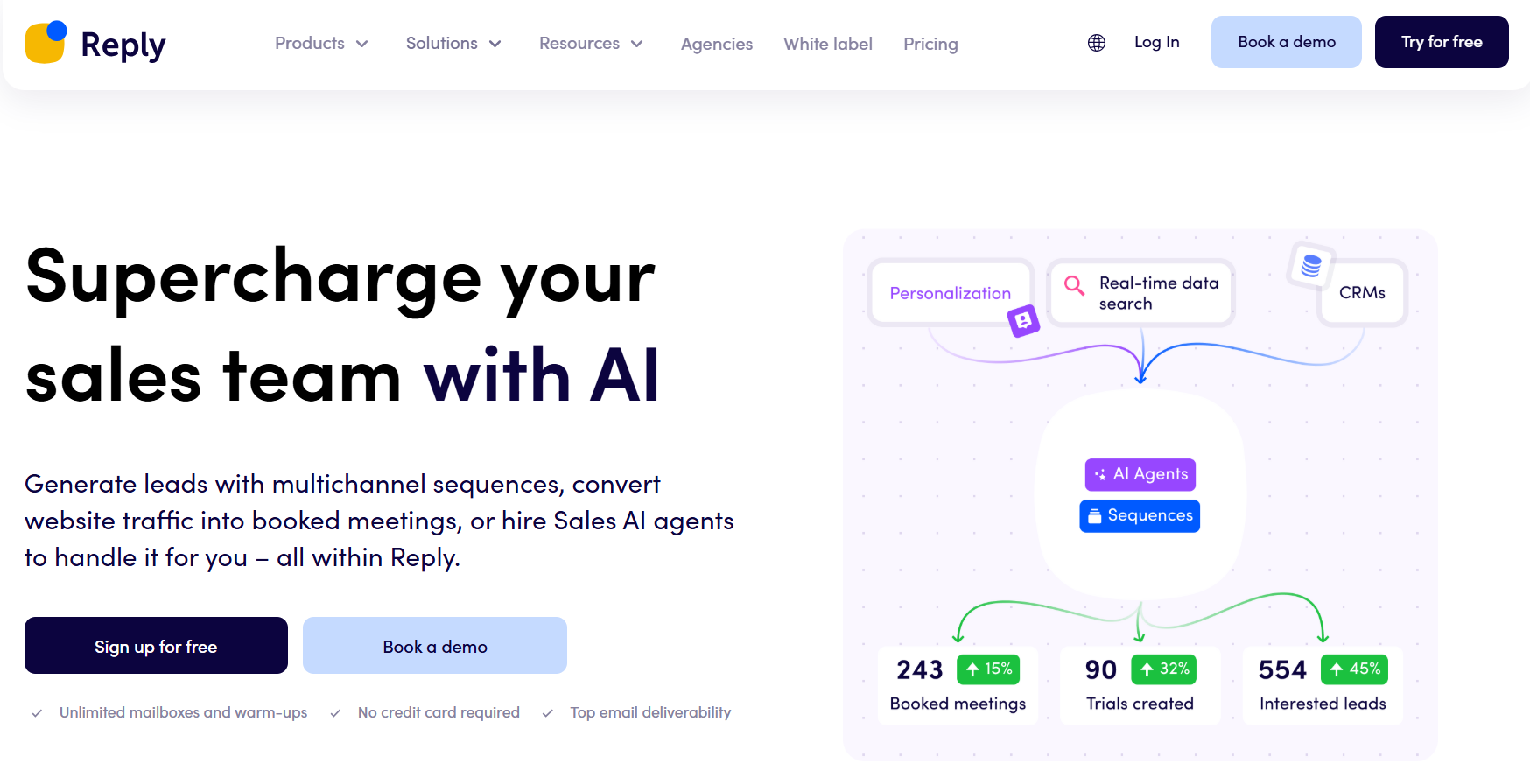
Reply.io is a sales engagement platform that helps you manage outreach across multiple channels from one place.
You can build sequences that include email, LinkedIn, calls, and other touchpoints. Its AI capabilities also help with outreach creation and sales workflow automation.
This makes Reply.io useful for teams that want a broader engagement platform rather than a tool focused only on sending cold emails.
Key Features of Reply.io
- Multichannel Sequences: Build outreach workflows across email, LinkedIn, calls, and other sales activities.
- Email Automation: Create sequences and automate follow-ups based on your outreach strategy.
- AI Assistance: Use AI to support prospecting, email creation, and sales engagement tasks.
- Meeting Booking: Help prospects move from outreach conversations toward scheduled meetings.
- Sales Engagement: Manage multiple prospect touchpoints from a centralized workflow.
- CRM Integrations: Sync sales activity and prospect information with your existing CRM.
Pros
- Supports multichannel outreach from one platform.
- AI features can reduce manual work across outreach tasks.
- Useful for teams managing structured sales engagement.
- Combines email automation with calls and LinkedIn activities.
Cons
- The broader feature set may be unnecessary if you only need cold email sending.
- Advanced capabilities can require additional setup and configuration.
Pricing
Reply.io offers multiple plans based on your sales engagement and automation requirements, with pricing varying according to the features and usage levels you need.
Our Take: Reply.io is a good fit if you want to combine cold email with LinkedIn, calls, and AI-assisted sales engagement in a single outbound workflow.
How to Choose the Best Cold Email Software for Your Services
The best cold email software is the one that matches how you actually run outreach & not how a tool expects you to work. Different services have different needs: agencies manage multiple clients, SaaS teams care about repeatability, and solo operators value speed and simplicity. A good platform adapts to these realities instead of forcing rigid workflows.
When making a final decision, focus on whether the software helps you operate consistently over time. That means fewer manual steps, fewer moving parts, and fewer risks as volume increases. If a tool requires constant monitoring, add-ons, or workarounds just to stay deliverable, it will eventually slow you down.
The right platform should feel less like a sending tool and more like a dependable system — one that supports your service model, grows with your outreach, and stays out of the way while work gets done.
That’s where modern, all-in-one platforms like Oppora.ai fit naturally, especially for teams that want outbound to run smoothly without juggling multiple tools.
Ready to simplify your cold outreach?
👉 Log in to Oppora.ai and start running campaigns with confidence.
FAQ’s
What is the difference between cold email software and email marketing tools?
Cold email tools are designed for one-to-one outreach and sales conversations, while email marketing tools focus on newsletters and bulk campaigns sent to opt-in lists. Cold emailing software prioritizes deliverability, personalization, and reply tracking rather than open rates and designs.
How many follow-ups should I send in a cold email campaign?
Most campaigns perform best with 3 to 5 follow-ups. Many replies come after the first or second follow-up, but sending too many messages can hurt engagement and sender reputation.
Is cold emailing legal?
Cold emailing is legal in many regions when done correctly. This typically means including accurate sender information, offering a clear opt-out option, and following local regulations such as CAN-SPAM or GDPR where applicable.
Summarize with AI
Share