Home
Blog
Oppora’s Claude MCP is Live. Connect our Email Database & Outreach features with any tool to build smart automations inside Claude.
Home
Blog
Stephen Parker
Published June 30, 2026
15 min

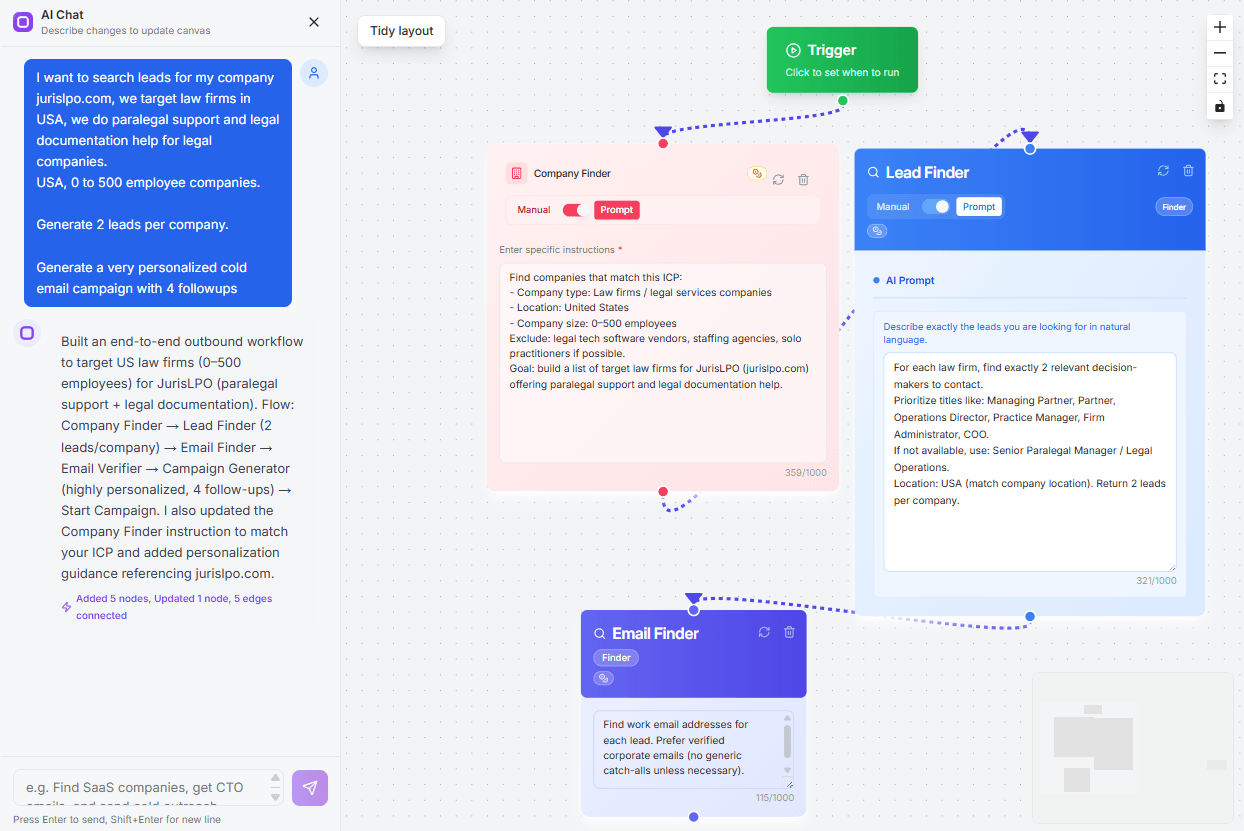
Try Oppora AI
Create Self-Running Agentic Sales Workflows like N8N just by chatting with AI
Get Started for FREE
Finding local businesses on Google Maps is easy.
Finding the right contact person with a verified email is where the real work starts.
You may scrape hundreds of business listings, but if the emails are missing, outdated, or unverified, your outreach still slows down. That is why choosing the right Google Maps email scraper matters.
The best tools do more than pull names, phone numbers, and websites. They help you build clean lead lists you can actually use.
In this guide, you will see:
Before you compare tools, it helps to know what actually matters.
A good Google Maps email scraper should not only collect business listings. It should help you move from raw local data to usable leads without spending hours cleaning spreadsheets.
The main goal is to find email addresses you can trust.
Some tools only extract emails shown on websites or public profiles. Better tools go further by enriching business records with verified contacts, so you are not stuck with generic or outdated emails.
Email is important, but it is not the only useful contact detail.
A strong scraper should also collect phone numbers, websites, business names, addresses, categories, ratings, and other local business data. This gives you more context before outreach.
Suggested Reading:
9 LinkedIn Phone Number Extensions That Reveal Verified ContactsIf you are targeting one city, manual collection may work.
But if you need hundreds or thousands of leads across multiple locations, bulk scraping becomes essential. The tool should let you search by keyword, industry, location, and radius.
Duplicate records waste credits, clutter your CRM, and make outreach messy.
A good tool should automatically detect and remove duplicate companies or contacts before you export or launch campaigns.
Your lead list should be easy to use after scraping.
Look for tools that support CSV export, CRM export, or direct integration with outreach platforms.
Built-in email verification saves time and protects deliverability.
It helps you avoid bounced emails before you start sending.
Suggested Reading:
13 Cheapest Email Verification Tools That Don't Sacrifice AccuracyFinally, filtering should feel simple.
You should be able to narrow leads by business type, city, country, rating, website availability, or niche without complex setup.
Once you know what makes a scraper useful, comparing tools becomes much easier.
Some tools are built only to extract business listings and emails. Others help you find emails, verify contacts, export leads, or automate outreach after your list is ready.
Here are the best Google Maps email scraper tools to consider.
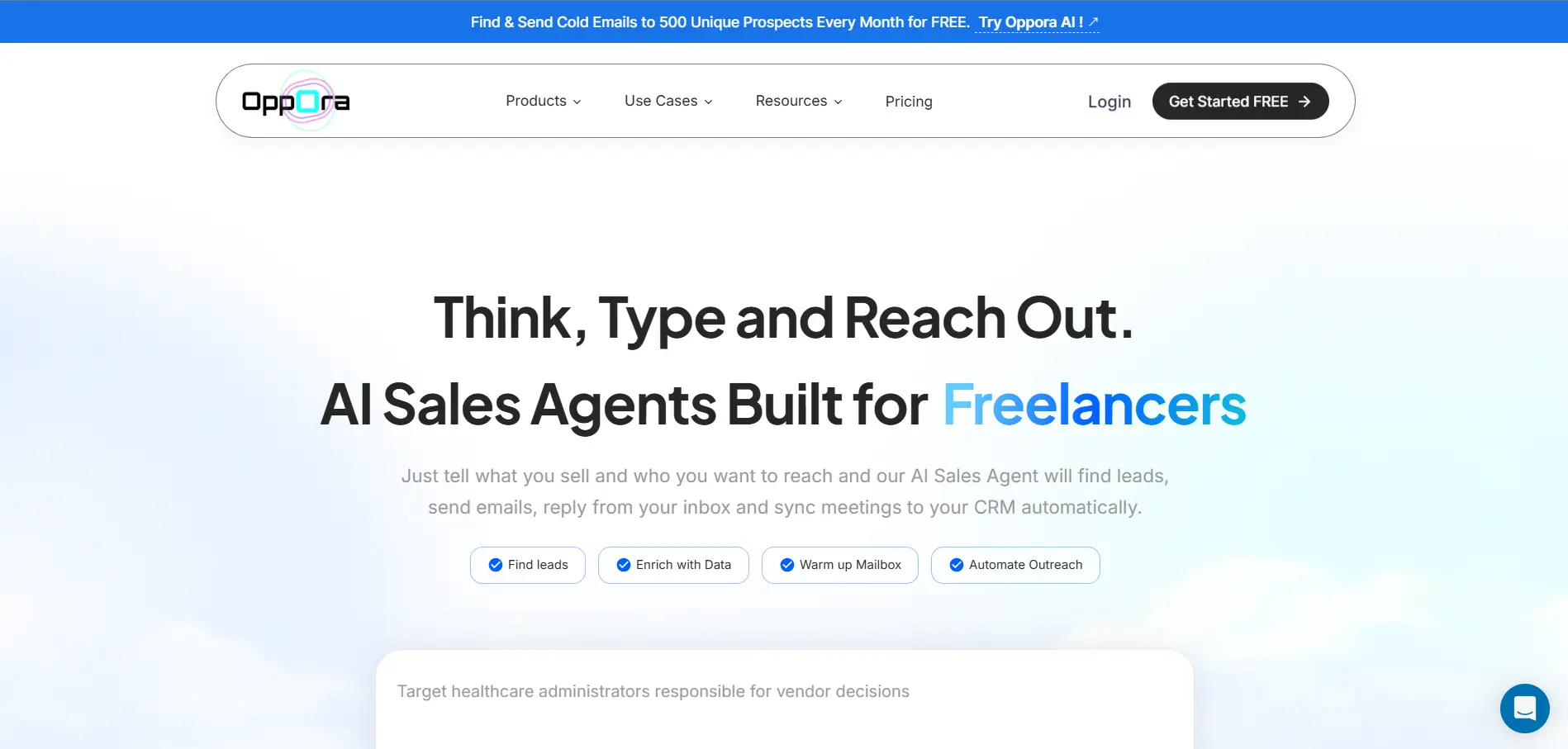
Unlike traditional Google Maps email scrapers that only extract business listings, Oppora.ai helps you turn local businesses into verified sales opportunities. It combines Google Maps business discovery, a 1B+ contact database, email verification, and AI-powered outreach in one platform.
With Local Business Finder, enter a business type, industry, or keyword, then choose your target region and search radius. Oppora.ai finds businesses listed on Google Maps, including companies without a LinkedIn page.
Each result includes key business details like company name, address, website, and phone number. This gives you a clean, targeted list for local B2B prospecting.
Next, enrich those companies with verified decision-makers from Oppora.ai's 1B+ contact database. You can enrich business profiles, verify email addresses, and build qualified prospect lists in minutes.
Once your list is ready, launch AI-personalized cold email campaigns, automate follow-ups, and manage conversations from a shared inbox. Everything from prospect discovery to outreach happens in a single workflow.
Key Features
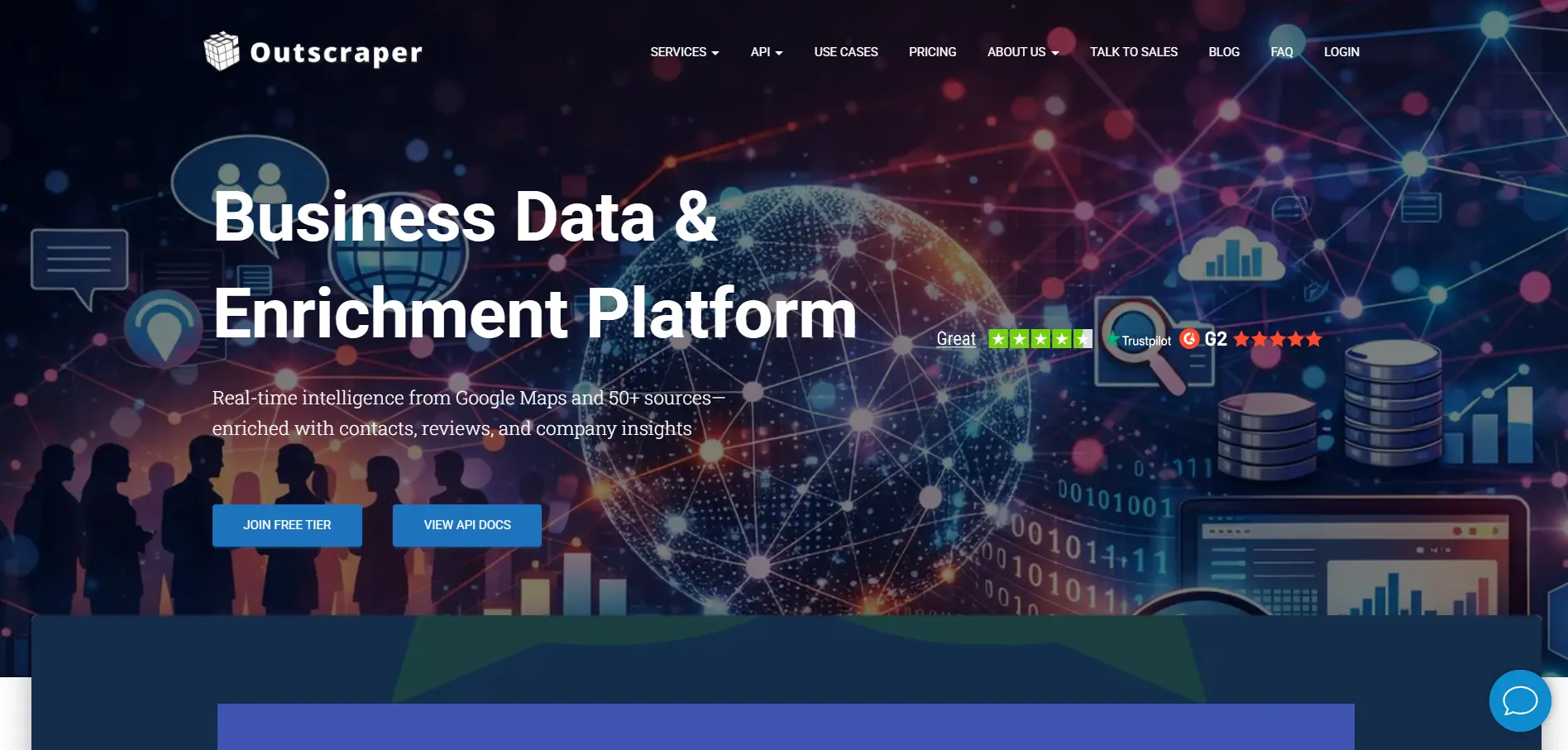
Outscraper is a strong option if your main goal is to collect large amounts of Google Maps business data.
It helps you extract company names, phone numbers, websites, addresses, ratings, reviews, categories, and other local business details from Google Maps.
Where Outscraper works well is volume.
If you are building large local lead lists across many cities, industries, or search terms, it gives you a more scalable way to collect business records instead of copying them manually.
You can also use Outscraper with additional enrichment workflows when you need emails or contacts connected to those businesses.
Key Features
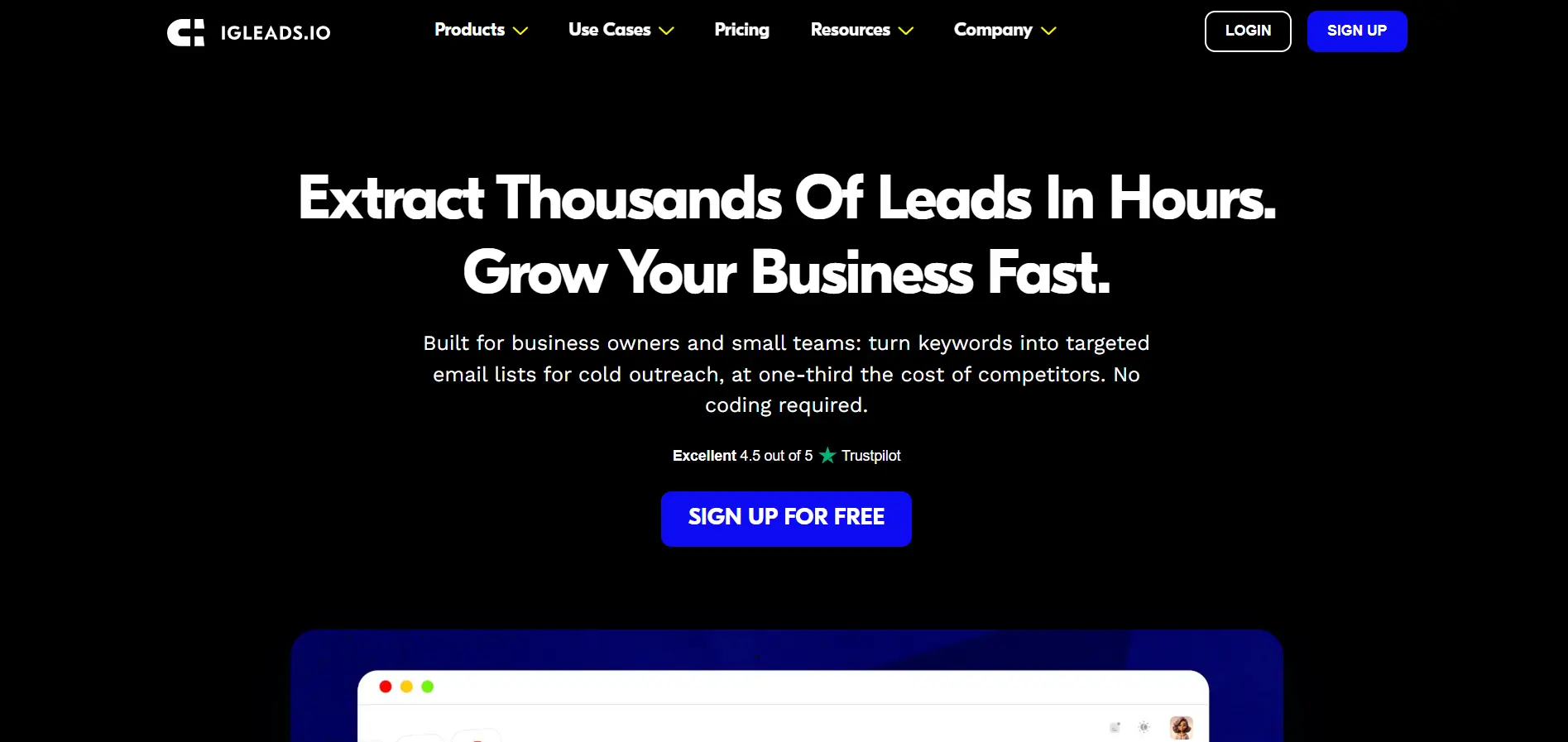
IGLeads is built for users who want a simple way to generate leads from Google Maps and other online sources.
You can search by keyword, niche, city, or country, then collect business contact details that can be used for local prospecting.
It is especially useful if you want a beginner-friendly Google Maps email scraper and do not want to deal with technical scraping setups.
IGLeads can also support multi-source lead generation, which makes it useful if your prospects are spread across Google Maps, websites, and social platforms.
Key Features
SpyLead is useful when you want to extract business emails and contact data from Google Maps with a simple workflow.
You can use it to collect local business information such as names, phone numbers, addresses, websites, categories, and available emails.
This makes it helpful for local outreach campaigns where you already know the type of businesses you want to target.
For example, you can search for dentists, restaurants, gyms, real estate agencies, or other local businesses in a specific area and turn those results into a prospecting list.
Key Features
BillionVerify is best for teams that care about email quality before sending campaigns.
It is not only about collecting emails. Its real value is helping you verify whether those emails are safe to use.
That matters because scraped emails can often be outdated, invalid, or risky for deliverability.
If you already have a list of leads from Google Maps or local business websites, BillionVerify can help clean that list before you upload it into your outreach tool.
So instead of sending emails blindly, you can reduce bounce rates and protect your sender reputation.
Key Features
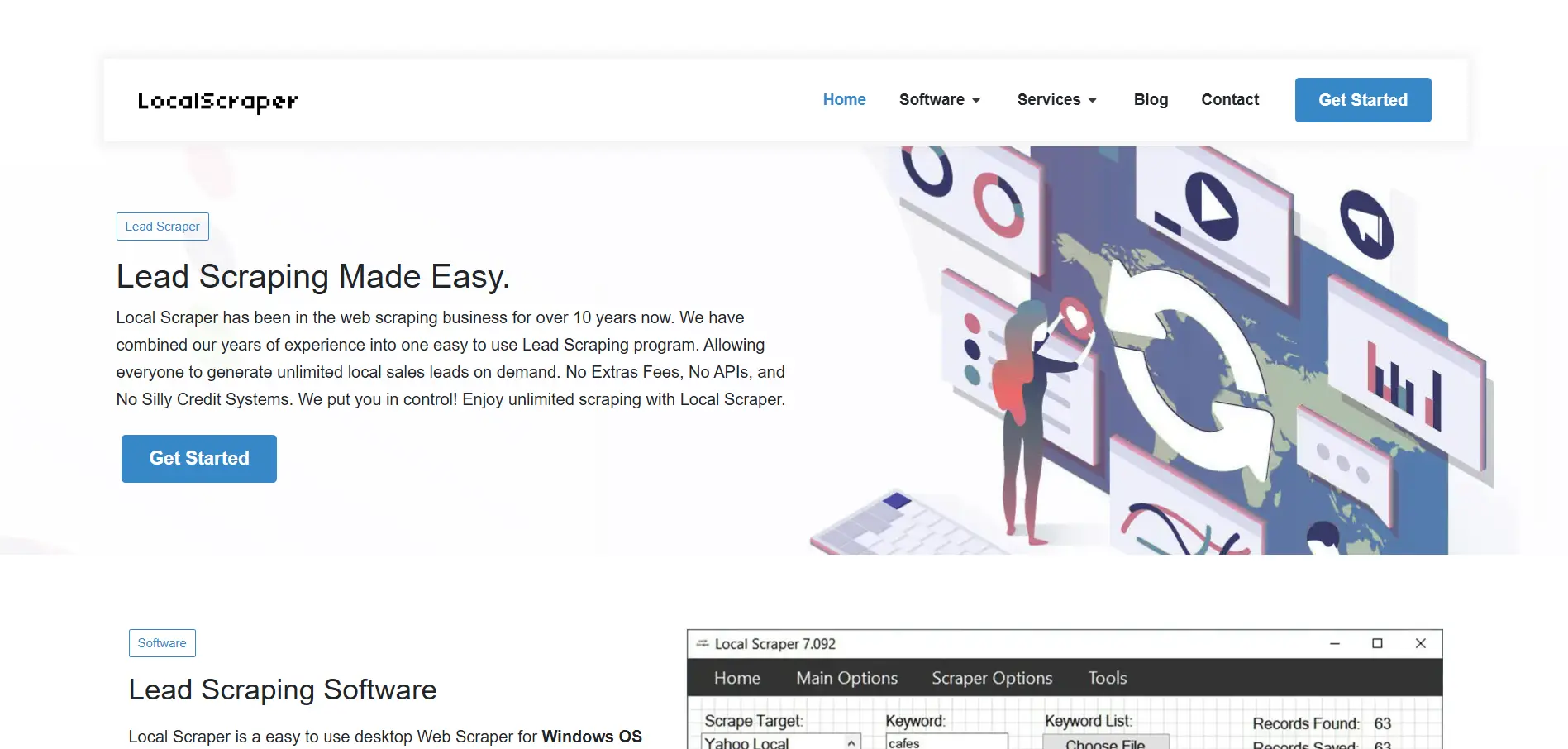
LocalScraper is a desktop-based Google Maps scraper for users who prefer software they can run from their own computer.
It helps you collect local business data from Google Maps and organize it for prospecting, SEO, or market research.
This can be useful if you do not want a fully cloud-based scraper and prefer more control over how your scraping process runs.
LocalScraper is especially practical for users who need repeated local searches and want to scrape business details without building a custom system.
Key Features
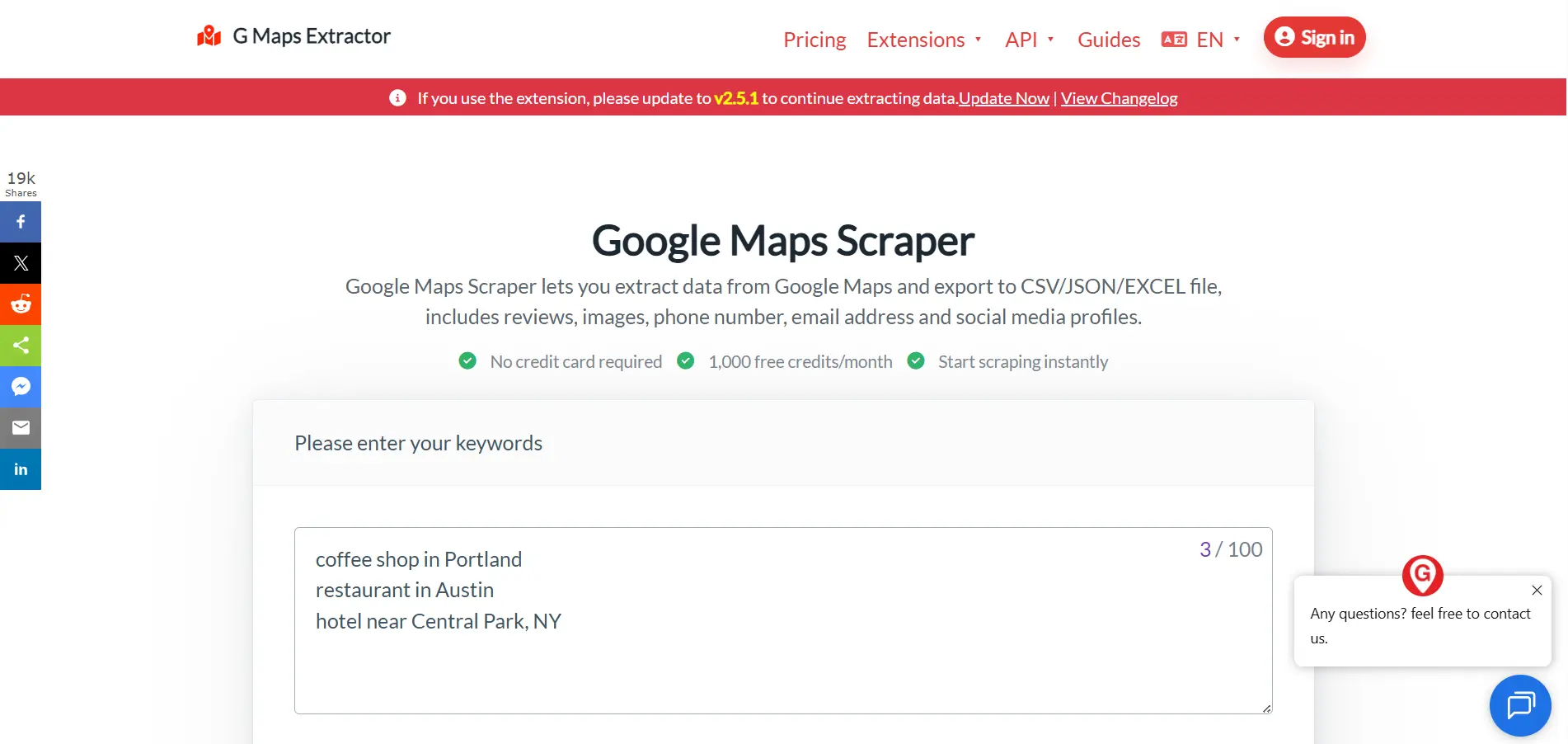
G Maps Extractor is another practical option for users who want to collect business data from Google Maps without a complex setup.
It focuses on extracting local business records and turning them into exportable lead lists.
You can use it to collect details like company names, addresses, phone numbers, websites, social links, and available emails.
It is a good fit if you want a straightforward Google Maps extractor for Windows-based prospecting workflows.
Key Features
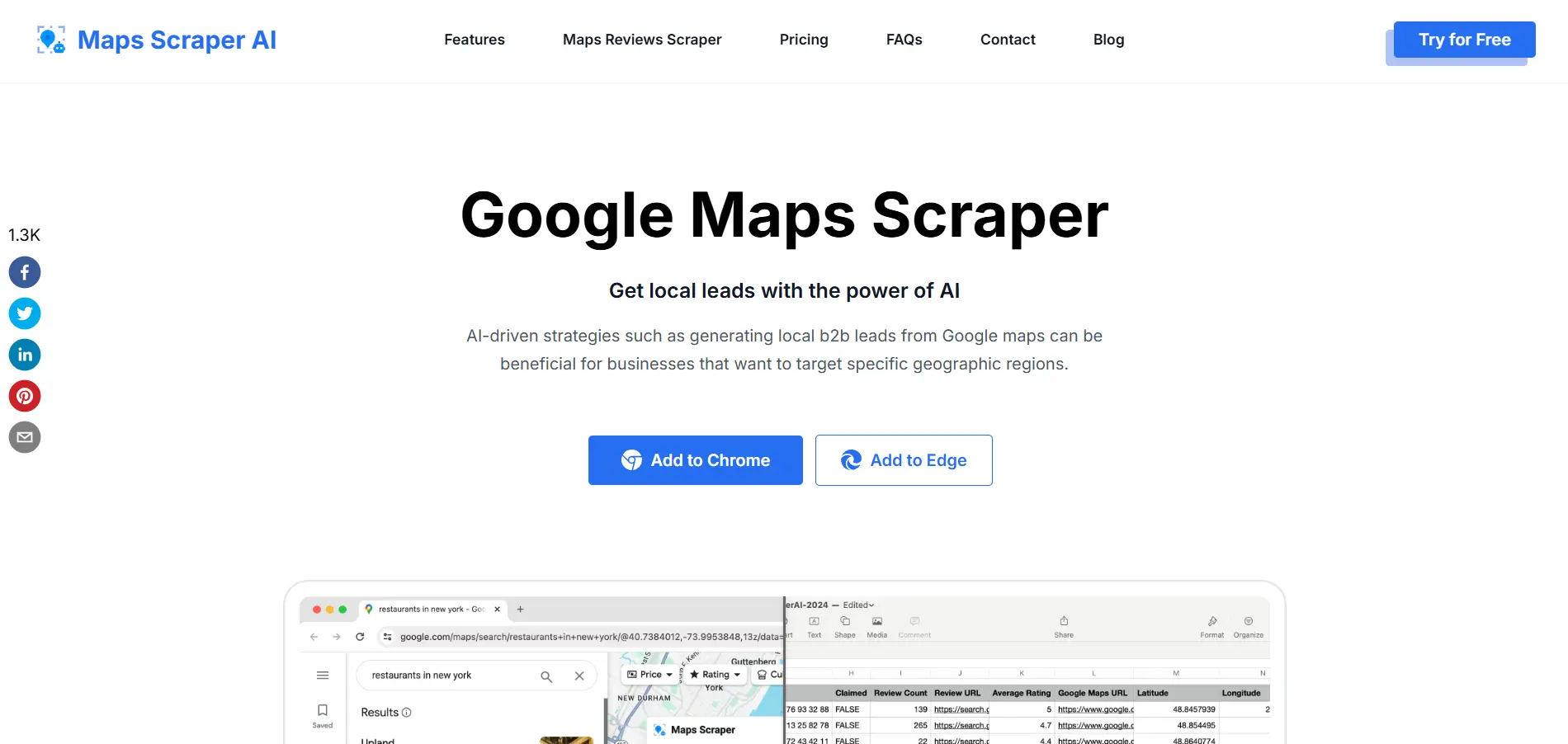
MapsScraper.ai is useful if you want a lightweight browser-based Google Maps scraping workflow.
Instead of installing heavy software or setting up technical automations, you can use it as a Chrome extension to collect business details while browsing Google Maps.
This makes it convenient for smaller campaigns, quick local research, or one-off lead generation projects.
It can help you extract business names, websites, phone numbers, addresses, categories, ratings, and available contact details from Google Maps results.
Key Features
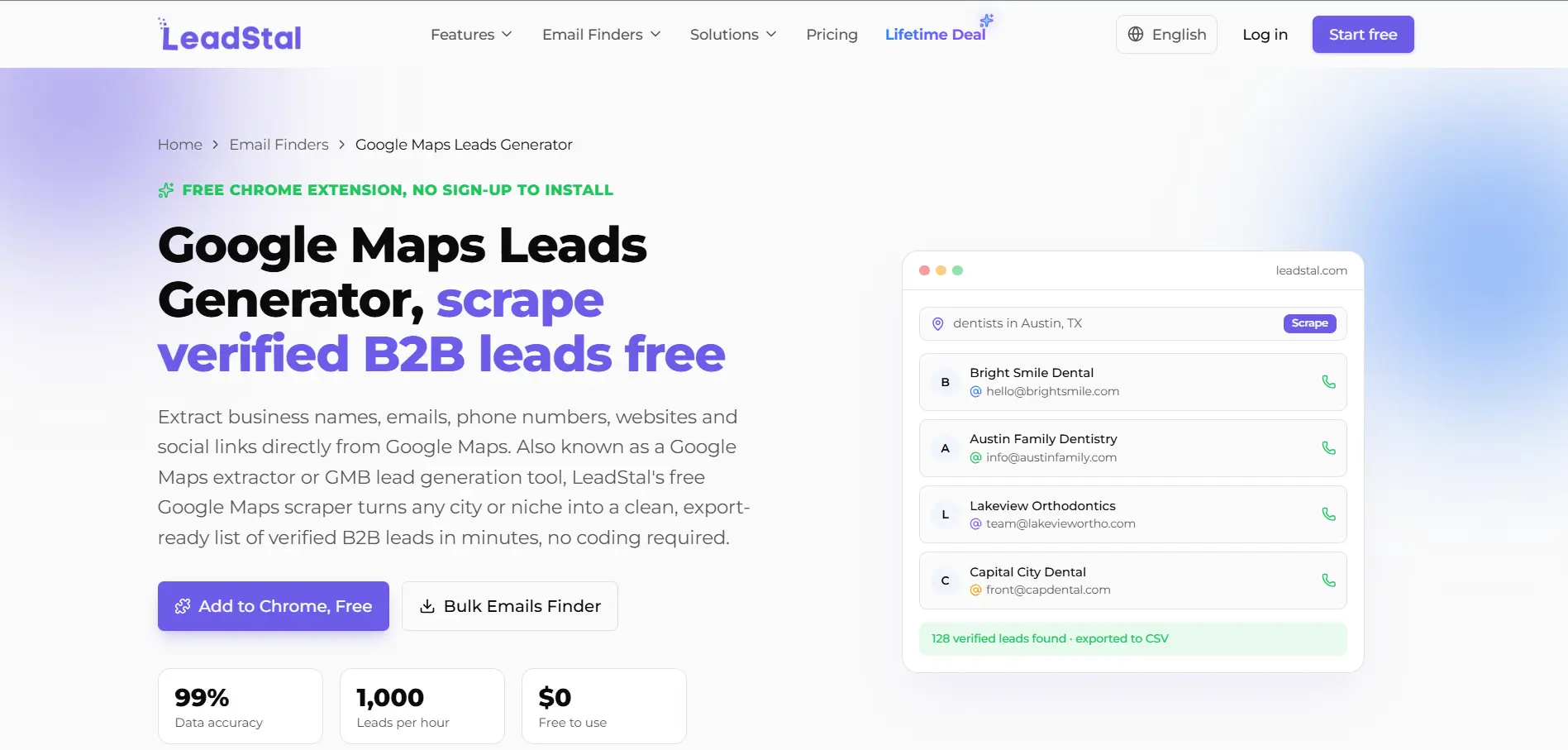
LeadStal Google Maps Scraper is designed for people who want to find local business leads and move them into outreach.
You can use it to search for businesses by location and category, then extract contact information from Google Maps listings.
It is helpful for agencies, freelancers, and small business owners who need fresh local leads without manually checking each business profile.
LeadStal also fits well when your focus is simple prospecting rather than advanced data engineering.
Key Features
PhantomBuster is different from basic Google Maps email scrapers because it focuses on automation.
You can use it to build repeatable workflows that collect data from Google Maps and connect that data with other prospecting steps.
This is useful when you do not want to run the same manual search again and again.
PhantomBuster can also support workflows across other platforms, which makes it helpful if your prospecting process includes Google Maps, LinkedIn, websites, or enrichment tools.
Key Features
Octoparse is a no-code web scraping tool that can be used for Google Maps and many other websites.
It is a good fit if you want more flexibility than a dedicated Google Maps scraper but do not want to write code.
With Octoparse, you can use scraping templates or create custom workflows to collect business data from Google Maps search results.
It is especially useful for teams that need data from multiple websites, not only Google Maps.
Key Features
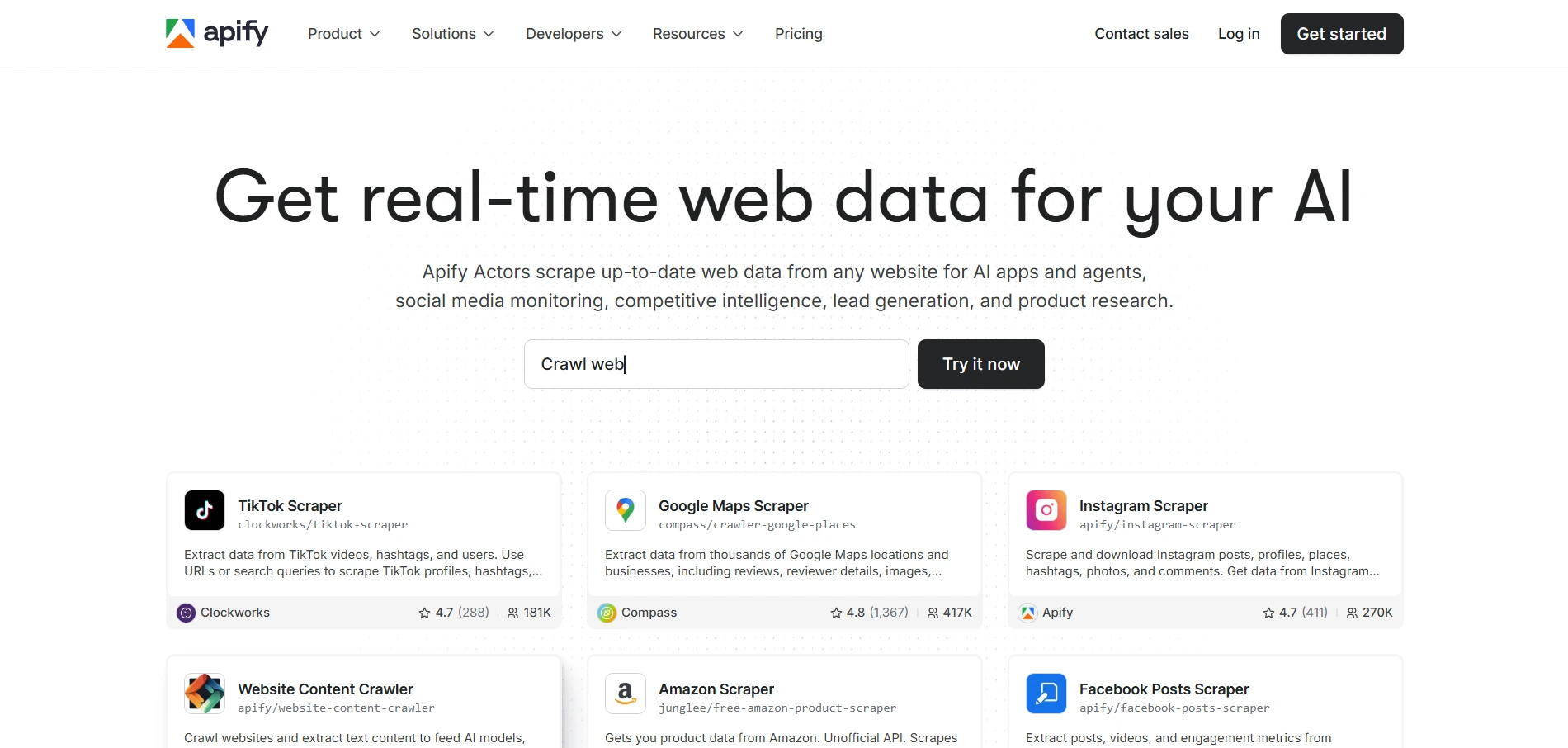
Apify Google Maps Scraper is a strong choice for developers, technical teams, and companies that need scalable scraping infrastructure.
Instead of using a simple browser extension, you can run Google Maps scraping tasks through cloud-based actors and connect the results with APIs, databases, or internal tools.
This makes Apify useful for larger scraping projects where automation, scheduling, and integrations matter.
It may feel too technical for beginners, but it gives advanced teams much more control over how Google Maps data is collected and processed.
Key Features
Suggested Reading:
11 Best LinkedIn Email Scrapers With Bulk Export & EnrichmentA good Google Maps email scraper should help you compare tools quickly, not force you to open ten tabs before making a decision.
Use this table to see which tools are better for verified emails, email verification, bulk exports, CRM-ready workflows, and free access.
Oppora.ai is the best fit if you want one workflow for finding local businesses, enriching contacts, verifying emails, and running outreach.
Tools like Outscraper, Apify, and Octoparse work better when scraping volume or technical flexibility matters more than outreach automation.
The best Google Maps email scraper depends on what you want to do after collecting the data.
If you only need raw business listings, a simple scraper may be enough. But if your goal is sales outreach, verified emails, follow-ups, and CRM tracking become much more important.
Here is a quick way to match the right tool with your use case.
If you are an agency or sales team, Oppora.ai gives you the strongest workflow because it connects discovery, verified contacts, outreach, replies, and CRM sync in one place.
If you are only collecting a large amount of Google Maps data, Outscraper or Apify may make more sense.
For marketers who want a simple lead generation tool, IGLeads can be useful. And if your main problem is email quality, BillionVerify works well as a verification layer after scraping.
So the right choice depends on whether you want a scraper, a verifier, or a complete sales workflow.
By now, you may already have a few tools in mind.
But the right choice is not always the tool with the longest feature list. It is the tool that helps you build cleaner lists, reach better prospects, and reduce manual work.
A large database sounds impressive, but accuracy is what affects your actual outreach results.
Before choosing a tool, check whether it can:
If the data is poor, your team will spend more time cleaning leads than contacting them.
Email verification should not be something you think about after scraping.
When verification is built into the workflow, you can:
This is especially important if you plan to use a Google Maps email scraper for cold email outreach.
A CSV export is useful, but it should not be the final step.
A better tool should help you move faster by allowing you to:
If every step requires manual upload, download, and cleanup, the tool may slow you down later.
Think beyond your first lead list.
Today, you may need 200 local businesses in one city. Next month, you may need thousands of prospects across multiple regions.
So choose a scraper that can support:
The right tool should work for your current needs and still support you when your outreach volume grows.
A Google Maps email scraper can help you find local businesses faster, but the real value comes from what happens after scraping.
You do not just need a list of company names, phone numbers, and websites. You need verified emails, clean lead data, useful filters, and a simple way to turn those leads into real conversations.
That is why the best tool depends on your workflow.
If you only need raw Google Maps data, tools like Outscraper, Octoparse, or Apify can work well. But if you want to discover local businesses, find verified decision-makers, verify emails, and launch outreach from one place, Oppora.ai gives you a more complete path.
Instead of stopping at lead extraction, Oppora.ai helps you move from Google Maps prospecting to AI-powered sales engagement without switching between multiple tools.
Oppora.ai is the best Google Maps email scraper if you want more than raw business listings, because it helps you discover Google Maps businesses, find verified decision-makers, verify emails, and launch outreach from one workflow.
Yes, you can scrape emails from Google Maps for free with some tools, but free plans usually limit exports, search volume, or verification, so they are better for testing than serious outreach.
Accuracy depends on how the tool collects and verifies data, because basic scrapers may only pull public listing details, while better tools enrich businesses with verified contacts and remove low-quality emails.
Some Google Maps email scrapers include email verification, but many only extract available data, which means you may need a separate verifier before sending cold emails.
Yes, most Google Maps email scraper tools let you export leads to CSV, and some also support Excel, JSON, API export, CRM sync, or direct outreach workflows.
Summarize with AI
Share