11 Best LinkedIn Email Scrapers With Bulk Export & Enrichment
Stephen Parker
Published May 16, 2026
21 min
Complete Agentic Email Outreach
AI agents find and enrich prospects, personalize emails, follow up, handle replies, and book meetings automatically.
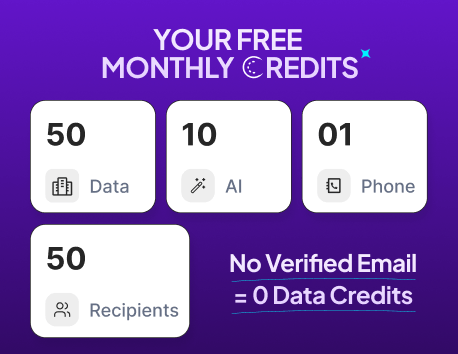
Claim Your FREE Credits
Finding leads on LinkedIn sounds simple until you start doing it manually.
You open profiles, check company pages, look for emails, copy details into a spreadsheet, and still end up with incomplete data.
That is where a LinkedIn email scraper can save hours of repetitive work.
The right tool does more than collect emails. It helps you find verified contacts, export leads in bulk, enrich profiles with useful data, and build a cleaner prospecting workflow.
In this guide, we’ll look at:
- What makes an email scraper for LinkedIn worth using
- The best LinkedIn email scraper tools available
- Which tool fits your prospecting use case best
What Makes a LinkedIn Email Scraper Actually Worth Using?
A LinkedIn email scraper should not just help you collect more contacts.
It should help you collect the right contacts, keep your list usable, and reduce the manual work that slows down prospecting.
Because when you are building lead lists from LinkedIn, volume alone is not enough. You need accuracy, export flexibility, enrichment, and a workflow that does not put your account or outreach quality at risk.
Verified Email Accuracy, Not Just Data Volume
A large list looks useful at first, but it can quickly become a problem if most emails are outdated, guessed, or unverified.
The best LinkedIn email scraper should help you find verified or confidence-scored emails, not just scrape whatever appears near a profile.
This matters because bad email data can lead to:
- Higher bounce rates
- Poor sender reputation
- Lower campaign performance
- Wasted time on the wrong prospects
So before choosing an email scraper from LinkedIn, check how it verifies emails and whether it can enrich missing contact details from reliable sources.
Bulk Export Without Manual Copy-Paste
Manual copy-paste defeats the purpose of using a scraper.
If you are prospecting at scale, your tool should let you export LinkedIn leads in bulk into a CSV, CRM, or outreach workflow.
This is especially important when you are working with Sales Navigator searches, saved lead lists, or company-based prospecting.
A good tool should help you move from search results to a clean export without jumping between ten tabs.
Lead Enrichment Beyond Basic Email Finding
An email address alone rarely gives you enough context to write a relevant message.
That is why enrichment matters.
A strong email scraper for LinkedIn should help you add useful details like job title, company name, industry, location, company size, website, and sometimes phone numbers.
This makes segmentation easier and helps you personalize outreach without researching every lead from scratch.
Suggested Reading:
What Is Lead Enrichment? Guide to Better Data & PipelineSafe and Controlled Prospecting Workflow
Scraping too aggressively can create problems.
You need a tool that supports controlled prospecting instead of pushing you toward risky automation.
Look for limits, verification, export controls, and workflows that help you review data before using it.
The goal is simple: build better lead lists without turning your LinkedIn activity into messy, low-quality outreach.
Quick Comparison of the Best LinkedIn Email Scraper Tools
Not every linkedin email scraper works the same way.
Some tools mainly pull data that is already visible on LinkedIn profiles or search results. Others combine LinkedIn prospecting with a separate B2B contact database, so they can still help you find emails even when the email is not publicly shown on LinkedIn.
That difference matters when you are comparing tools.
Here is a quick side-by-side view before we go deeper into each option.
A simple email scraper from LinkedIn is useful when you only need visible profile data, names, job titles, company details, and possible email matches.
But if your goal is to find verified emails at scale, a database-backed tool is usually more useful.
That is where platforms like Oppora.ai, Apollo.io, Lusha, and ContactOut stand out. They are not limited to what is publicly visible on LinkedIn. They can match LinkedIn leads against their own contact databases and enrich the record with additional business data.
So instead of asking, “Which tool scrapes the most LinkedIn data?” ask a better question:
Which tool helps you turn LinkedIn profiles into accurate, exportable, enriched leads?
11 Best LinkedIn Email Scrapers With Bulk Export & Enrichment
Now let’s look at each tool in more detail.
The best choice depends on whether you want a full prospecting system, a simple email scraper LinkedIn workflow, or a custom scraping setup.
1. Oppora.ai — Best LinkedIn Email Scraper for AI-Powered Prospecting
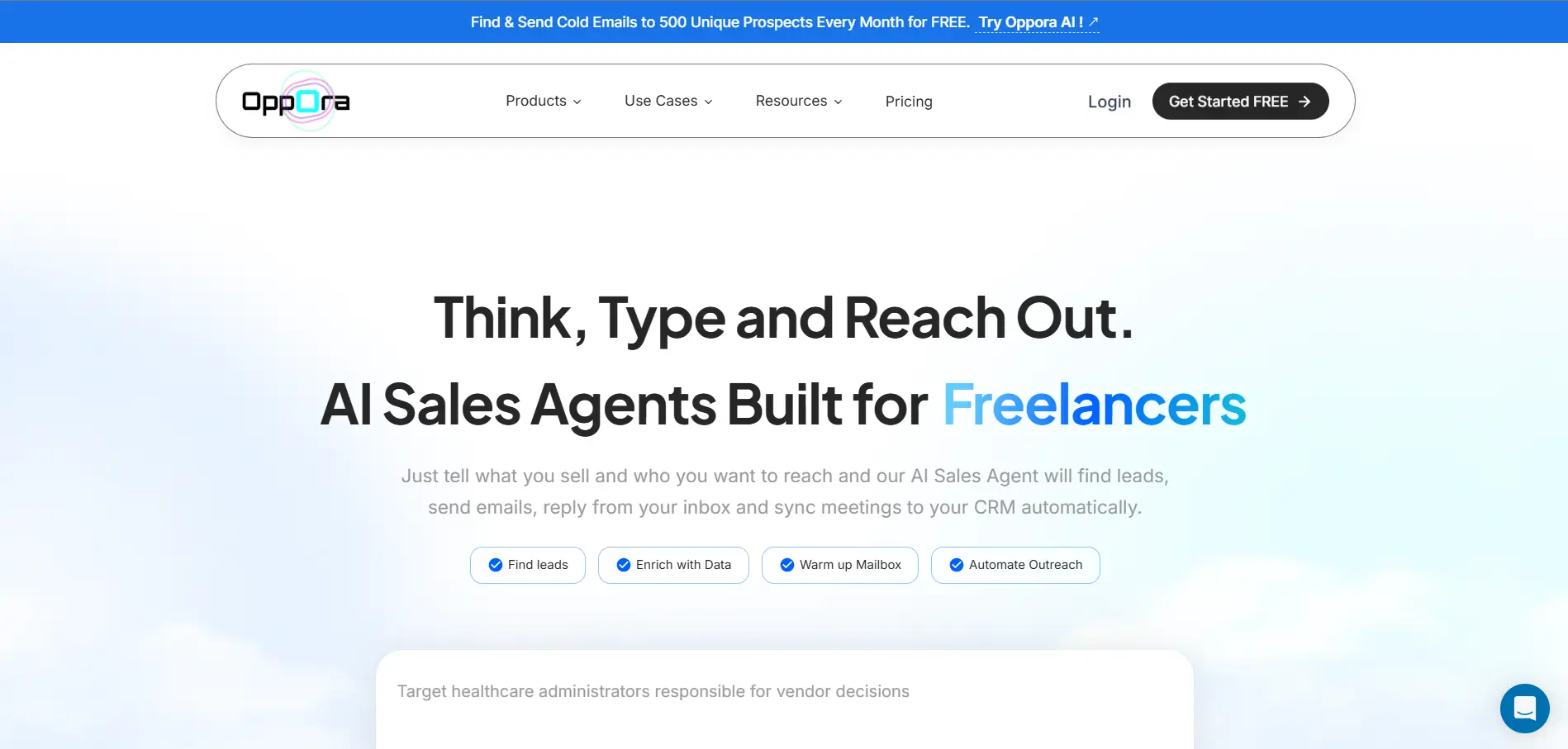
Oppora.ai is a good fit if you want more than a basic linkedin email scraper.
At core it is an AI Outbound Sales agent that automates your entire outreach process with agentic based workflows.
Instead of only pulling visible data from LinkedIn, Oppora helps you capture leads, find verified emails, enrich contact data, and manage outreach from one workflow.
And it also has a LinkedIn extension, that helps you capture leads while browsing LinkedIn and move them into your prospecting workflow without manual copy-paste.
Here is what you can do with Oppora.ai:
- Capture leads directly from LinkedIn using the Oppora.ai LinkedIn extension
- Find verified emails even when they are not publicly visible on LinkedIn
- Search across a 1B+ contact database to discover relevant B2B leads
- Enrich leads with useful business and contact data
- Run LinkedIn Search and bulk email search
- Verify emails before using them in outreach
- Export leads directly from LinkedIn Sales Navigator and enrich them
- Use AI agents to write emails, send outreach, manage replies with ai reply agent, and sync CRM activity
This makes Oppora useful when you want to turn LinkedIn profiles into complete prospect records, not just scrape names and job titles.
It also helps with outreach quality.
Oppora includes features like email verification, domain warmup, mailbox rotation, spam word checks, and sender-provider matching, so your workflow stays more controlled as you scale with its workflow automation.
2. Skrapp — Best for LinkedIn and Sales Navigator Email Extraction
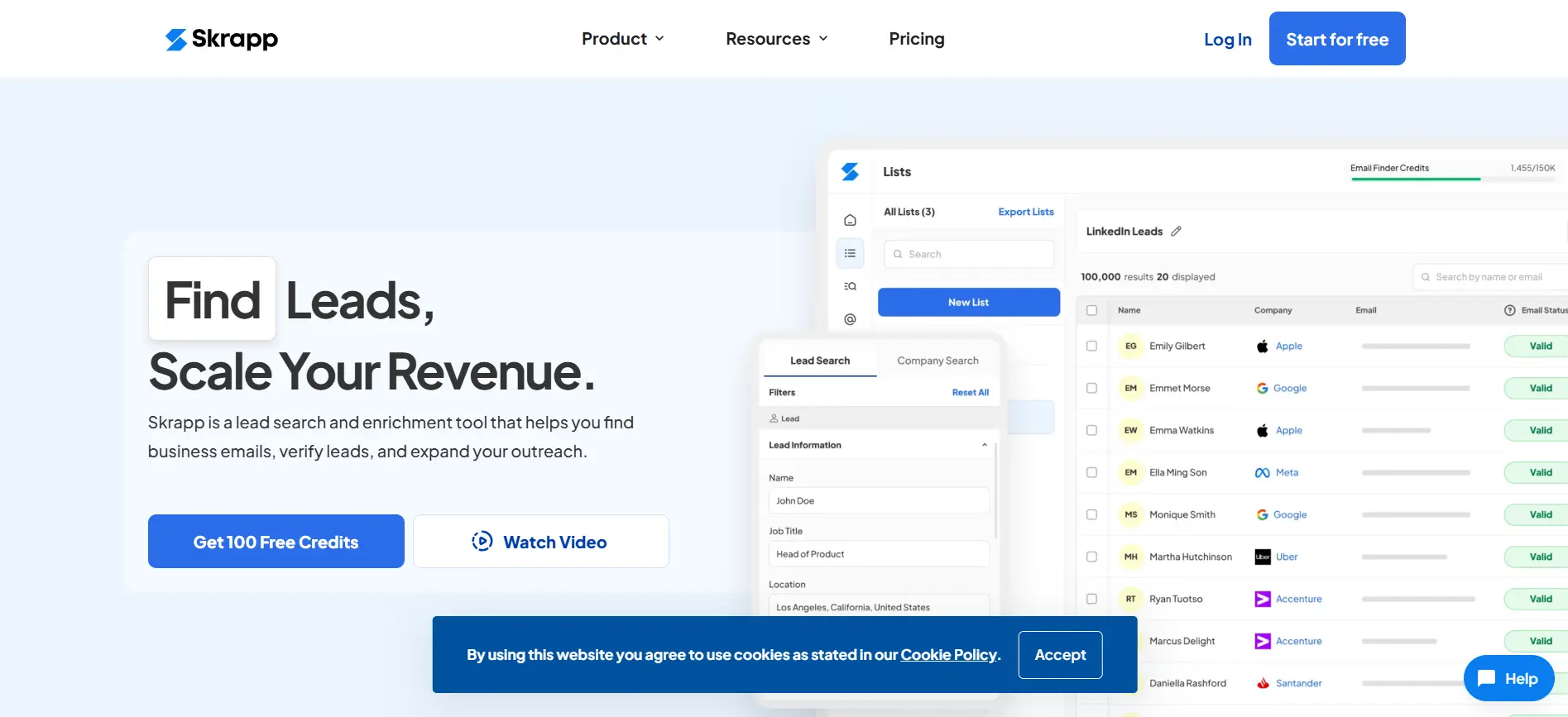
Skrapp is a strong option if your main goal is to extract emails from LinkedIn or Sales Navigator searches.
It works through a Chrome extension that lets you find business emails from LinkedIn profiles, search results, Sales Navigator pages, and saved lead lists.
You can select individual profiles or run bulk extraction across search pages, which makes it useful when you already have a clear LinkedIn prospecting workflow.
Here is what you can do with Skrapp:
- Find emails from LinkedIn profiles and Sales Navigator profiles
- Extract leads from LinkedIn and Sales Navigator search results
- Use auto-pagination to collect contacts across multiple result pages
- Enrich leads with verified emails and company data
- Save leads into Skrapp lists for easier management
- Export leads to CSV or Excel
- Sync collected leads with your CRM
Skrapp is especially useful when you already use Sales Navigator to build targeted lead searches.
You can search by job title, company, location, industry, or other filters, then use Skrapp to turn those search results into an email list without copying each profile manually.
That said, Skrapp is more focused on LinkedIn-based extraction than full AI prospecting.
So if you only need a simple email scraper for LinkedIn, it can work well. But if you want deeper enrichment, AI-led outreach, reply management, and CRM automation in the same workflow, you may need a broader platform.
3. Snov.io — Best for Email Finding Plus Cold Outreach
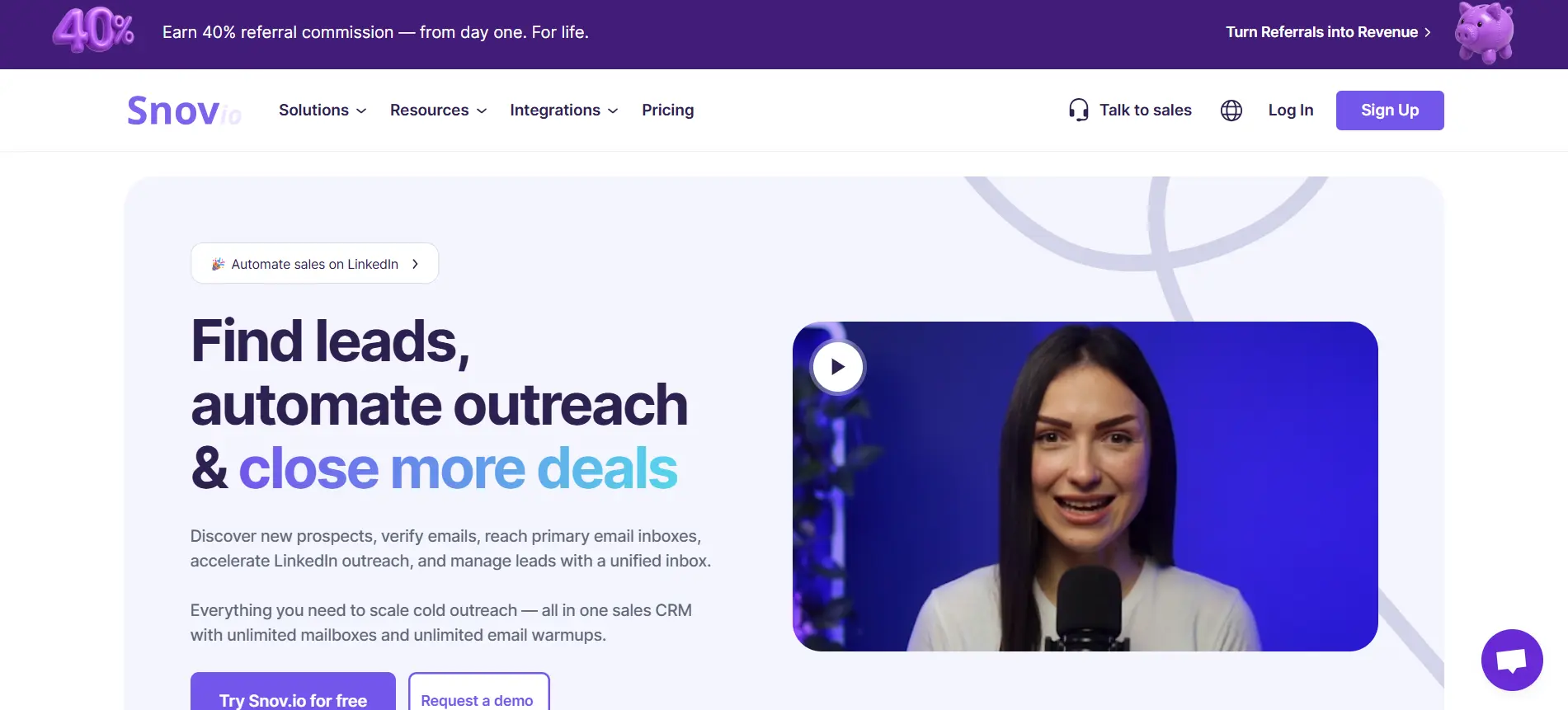
Snov.io is useful when you want an email scraper for LinkedIn that also connects with cold email outreach.
Its LinkedIn Email Finder lets you find professional emails from LinkedIn profiles, LinkedIn search results, Sales Navigator pages, and even LinkedIn event pages. You can save those leads into Snov.io and use them later for verification or outreach campaigns.
Here is what you can do with Snov.io:
- Find emails from LinkedIn profiles and Sales Navigator
- Capture leads from LinkedIn search results
- Save prospects into lead lists inside Snov.io
- Verify emails before outreach
- Export leads in formats like CSV, XLSX, or TXT
- Send leads to tools like HubSpot, Pipedrive, and Salesforce
- Run cold email sequences and multichannel outreach campaigns
Snov.io is not just a LinkedIn email scraper.
It also includes tools for email verification, bulk email finding, email warmup, drip campaigns, LinkedIn automation, and AI email writing. That makes it helpful if you want to find leads and contact them from the same platform.
The main thing to remember is that Snov.io works best when you want a mix of email discovery and outreach.
If you only need to scrape LinkedIn leads and export them, it may feel like more than you need. But if you want to find, verify, and email prospects from one place, it is a practical option.
4. Apollo.io — Best for Large B2B Database Prospecting
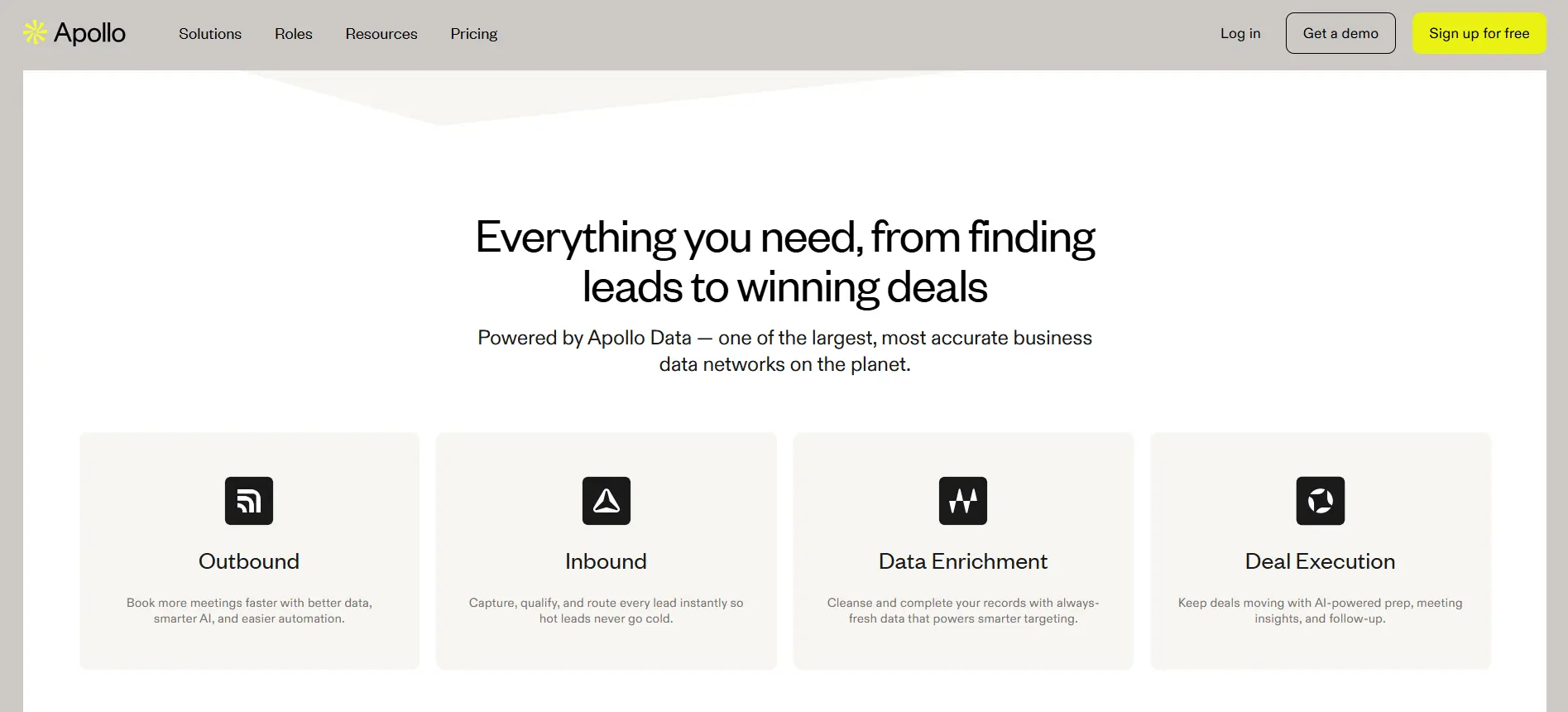
Apollo.io is a strong choice when you want a linkedin email scraper backed by a large B2B contact database.
Instead of relying only on public LinkedIn data, Apollo helps you find prospects, enrich contact records, verify emails, and run outreach from the same platform.
This makes it useful when LinkedIn is your starting point, but you also want deeper company and contact data before reaching out.
Here is what you can do with Apollo.io:
- Find B2B contacts using company, role, location, and industry filters
- Capture LinkedIn leads through its browser extension
- Find emails beyond what is publicly visible on LinkedIn
- Enrich leads with company and contact-level data
- Export lead lists in bulk
- Verify emails before adding them to campaigns
- Build email sequences and manage outbound sales workflows
- Sync lead data with CRM tools
Apollo works well for larger prospecting teams because it gives you both data and outreach tools.
You can search for decision-makers, enrich their profiles, segment them into lists, and start campaigns without moving everything manually between platforms.
That said, Apollo may feel heavier if you only need a simple free email scraper for LinkedIn or occasional email lookup.
Its biggest value comes when you need a bigger prospecting system with database search, enrichment, bulk export, and outreach in one place.
Suggested Reading:
Apollo io vs LinkedIn Sales Navigator: Pros, Cons, Verdict5. GetProspect — Best Free Email Scraper for LinkedIn Beginners
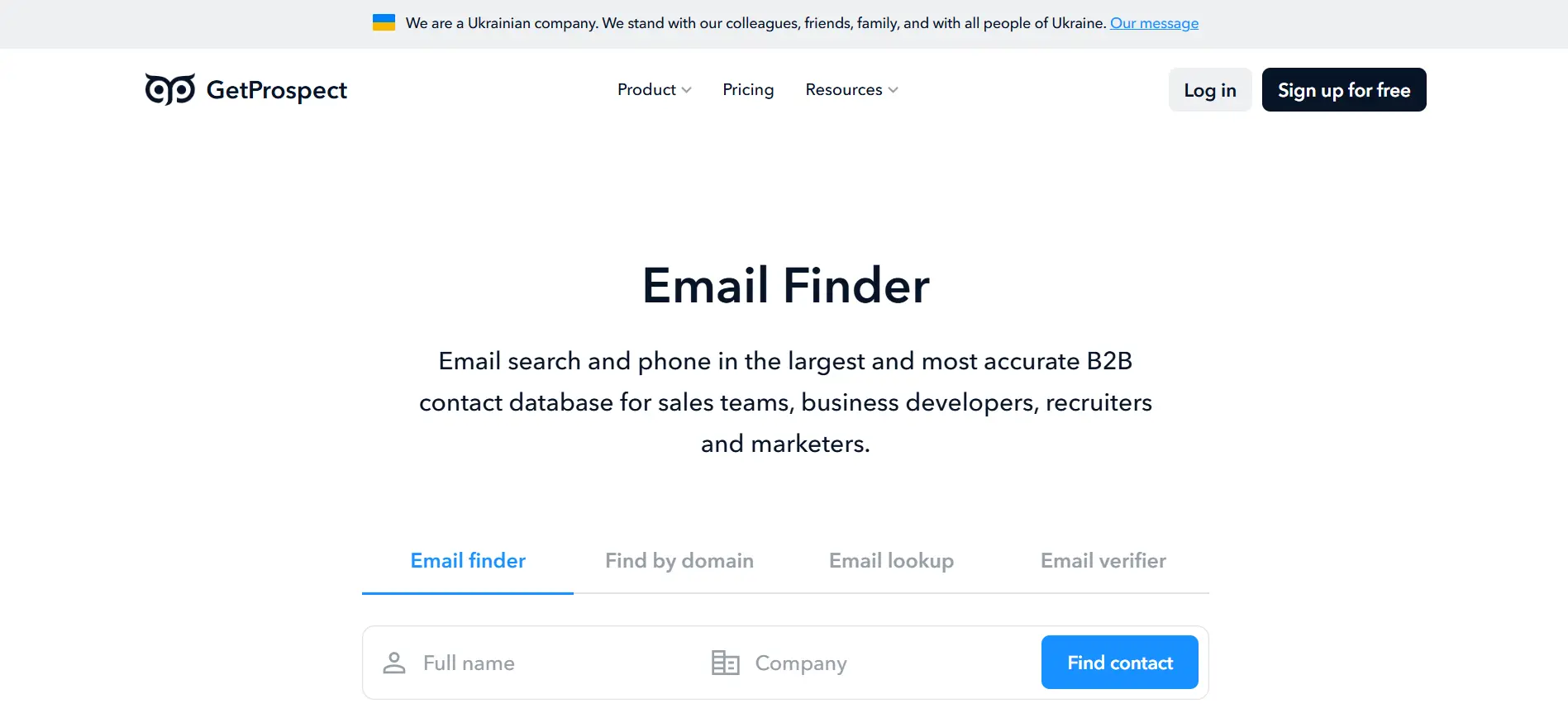
GetProspect is a simple option if you are looking for a beginner-friendly free email scraper for LinkedIn.
It helps you collect leads from LinkedIn and find business emails using profile, company, and domain data. You can use its Chrome extension while browsing LinkedIn, then save prospects into lists for export or further enrichment.
Here is what you can do with GetProspect:
- Find emails from LinkedIn profiles
- Capture leads from LinkedIn search results
- Use the Chrome extension for quick prospect collection
- Search for emails by name and company domain
- Enrich contacts with company and professional data
- Verify emails before outreach
- Export leads in bulk to CSV
- Organize prospects into lists
GetProspect works well when you want a cleaner step up from manual LinkedIn prospecting.
You can browse LinkedIn, collect relevant leads, find emails, and build a basic contact list without using a more complex sales intelligence platform.
It is especially useful for solo founders, freelancers, recruiters, and small teams that want to test LinkedIn email scraping before investing in a larger tool.
The main limitation is depth.
GetProspect is practical for simple email finding and list building, but it may not offer the same advanced AI prospecting, outreach automation, or large-scale enrichment workflows as bigger platforms.
6. Wiza — Best for Sales Navigator List Export
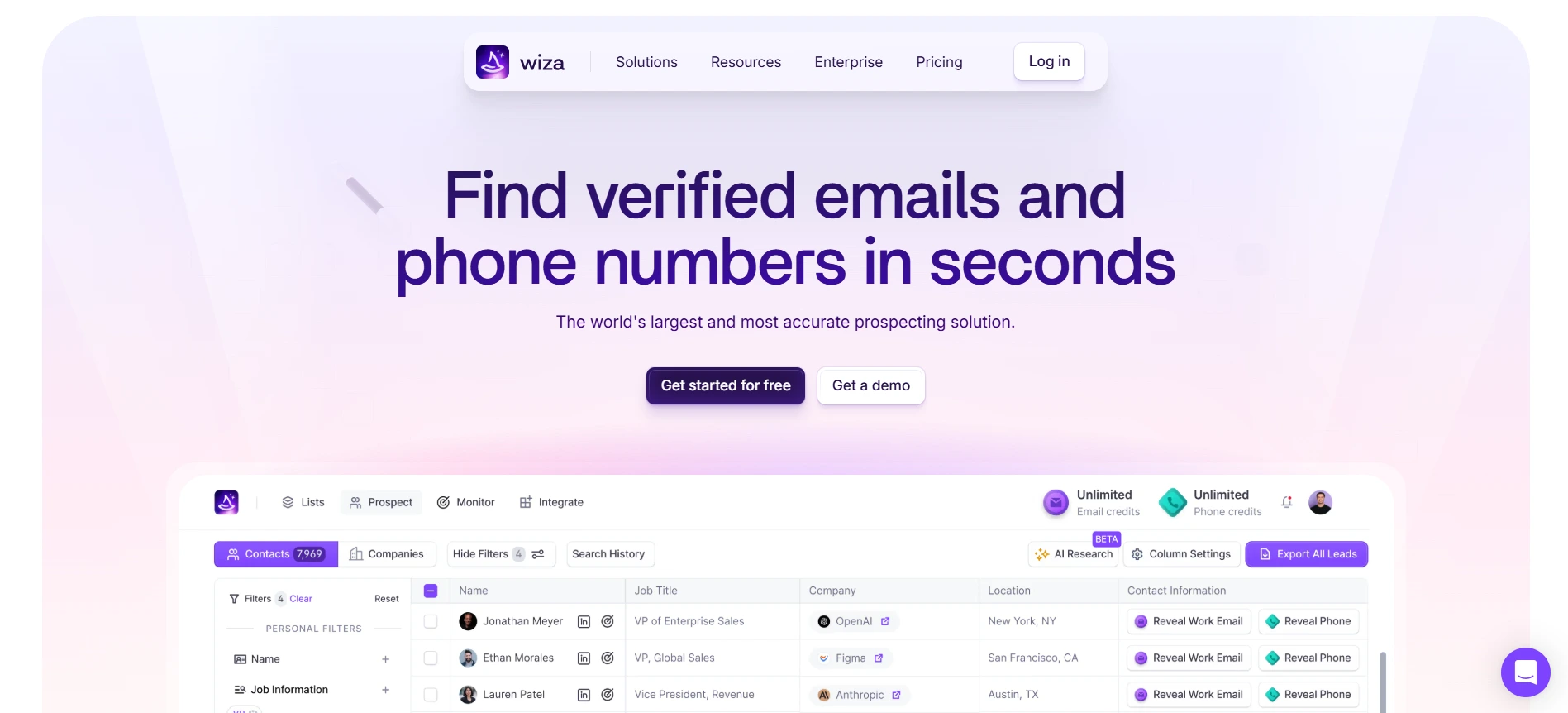
Wiza is a strong option if you already use LinkedIn Sales Navigator to build targeted lead lists.
It helps you export Sales Navigator searches and enrich those leads with verified emails, phone numbers, and company data. So instead of manually opening profiles one by one, you can turn a filtered Sales Navigator search into a usable prospecting list.
Here is what you can do with Wiza:
- Export leads from LinkedIn Sales Navigator
- Find verified business emails for exported leads
- Enrich contacts with job titles, company details, and phone numbers
- Clean and verify emails before outreach
- Export leads in bulk to CSV
- Push leads into CRM and sales tools
- Build prospect lists from targeted Sales Navigator searches
Wiza is especially useful when LinkedIn Sales Navigator is already your main lead source.
You can use Sales Navigator filters to define your audience, then use Wiza to pull those leads into a structured list with enriched contact details.
It is less of a general email scraper linkedin tool and more of a Sales Navigator export and enrichment platform.
That makes it a good fit for teams that care about search precision, bulk export, and verified emails more than full outreach automation.
7. Lusha — Best for B2B Contact Data Enrichment
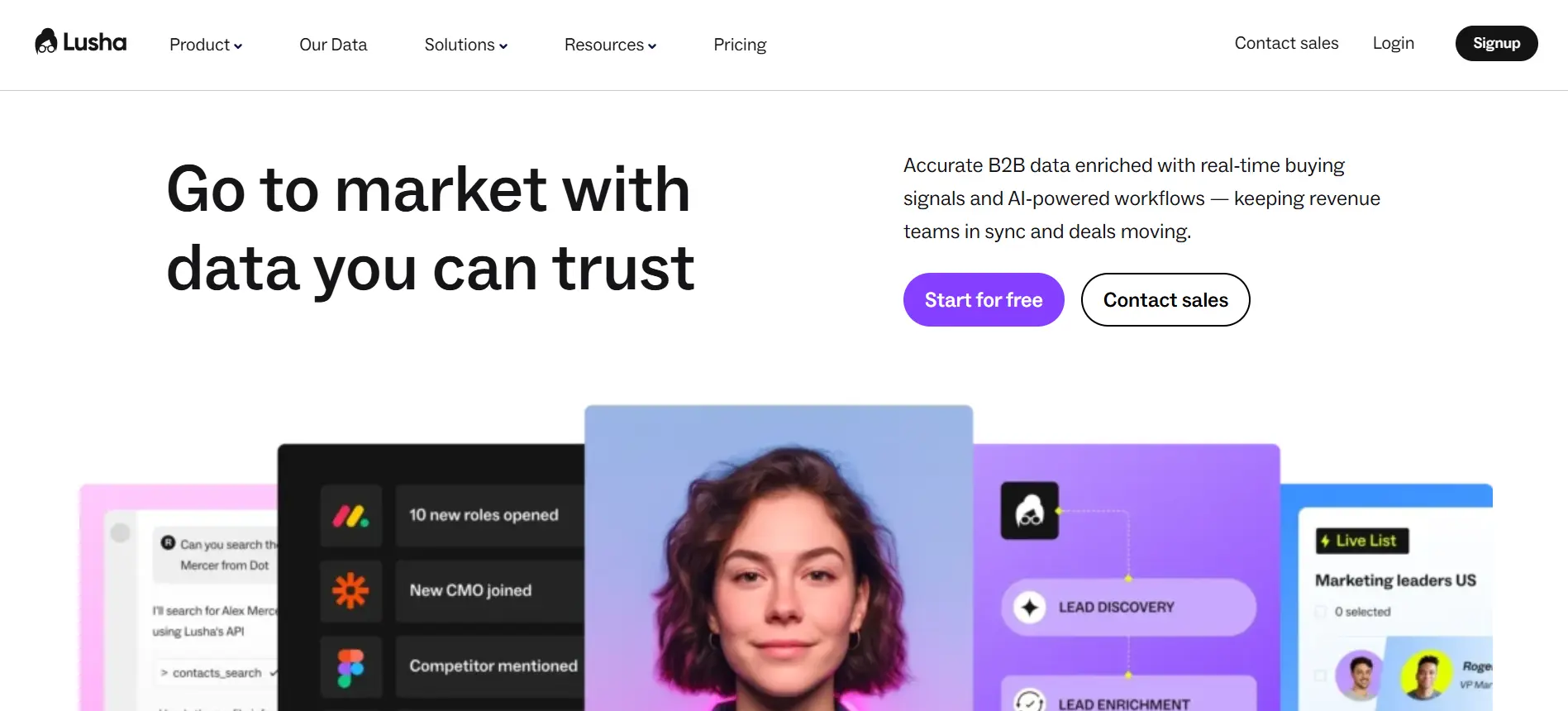
Lusha is useful when you want a LinkedIn prospecting workflow backed by a B2B contact database.
It helps you find emails, phone numbers, company details, and decision-maker data, so you can move beyond basic LinkedIn profile scraping.
This makes it helpful when your goal is not just to collect leads, but to enrich them with enough context for sales or recruiting outreach.
Here is what you can do with Lusha:
- Find emails and phone numbers from LinkedIn profiles
- Use its browser extension while prospecting on LinkedIn
- Search contacts through its B2B database
- Enrich leads with company and professional data
- Export leads in bulk
- Build prospect lists by role, company, industry, or location
- Sync lead data with CRM and sales tools
Lusha works well when LinkedIn gives you the starting point, but you need more contact details before reaching out.
You can identify a person on LinkedIn, then use Lusha to find verified contact information and enrich the record with company-level details.
It is a strong option for teams that care about phone numbers as much as email addresses.
But if you only need a lightweight email scraper from LinkedIn, Lusha may feel more database-heavy than necessary.
8. ContactOut — Best for Recruiters and Talent Sourcing
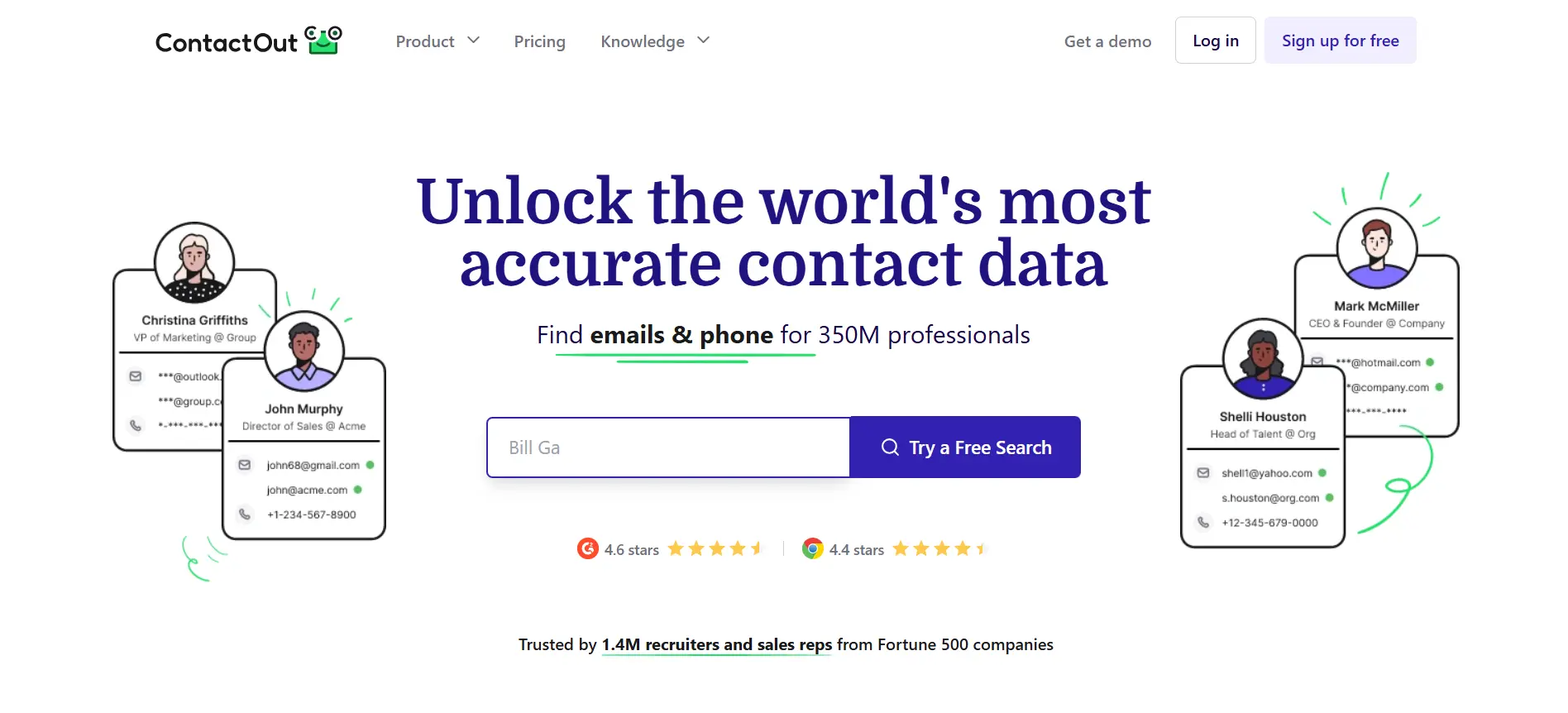
ContactOut is a strong option if your LinkedIn prospecting is focused on recruiting, hiring, or talent sourcing.
It helps you find candidate emails, phone numbers, work history, and professional details from LinkedIn profiles. This makes it useful when you are trying to reach candidates who may not have their contact details publicly visible.
Here is what you can do with ContactOut:
- Find candidate emails from LinkedIn profiles
- Use the Chrome extension while browsing LinkedIn
- Access personal and work email data where available
- Find phone numbers for candidate outreach
- Enrich profiles with professional and company details
- Save candidates into lists
- Export leads in bulk
- Sync data with recruiting and CRM workflows
ContactOut works especially well for recruiters because it is built around people search and candidate contact discovery.
You can use LinkedIn to identify the right profiles, then use ContactOut to find contact details and build sourcing lists faster.
It may also work for sales prospecting, but its strongest use case is recruiting.
So if you are looking for the best email scraper for LinkedIn specifically for hiring teams, ContactOut is worth considering.
9. Scravio — Best Cloud-Based LinkedIn Email Scraper
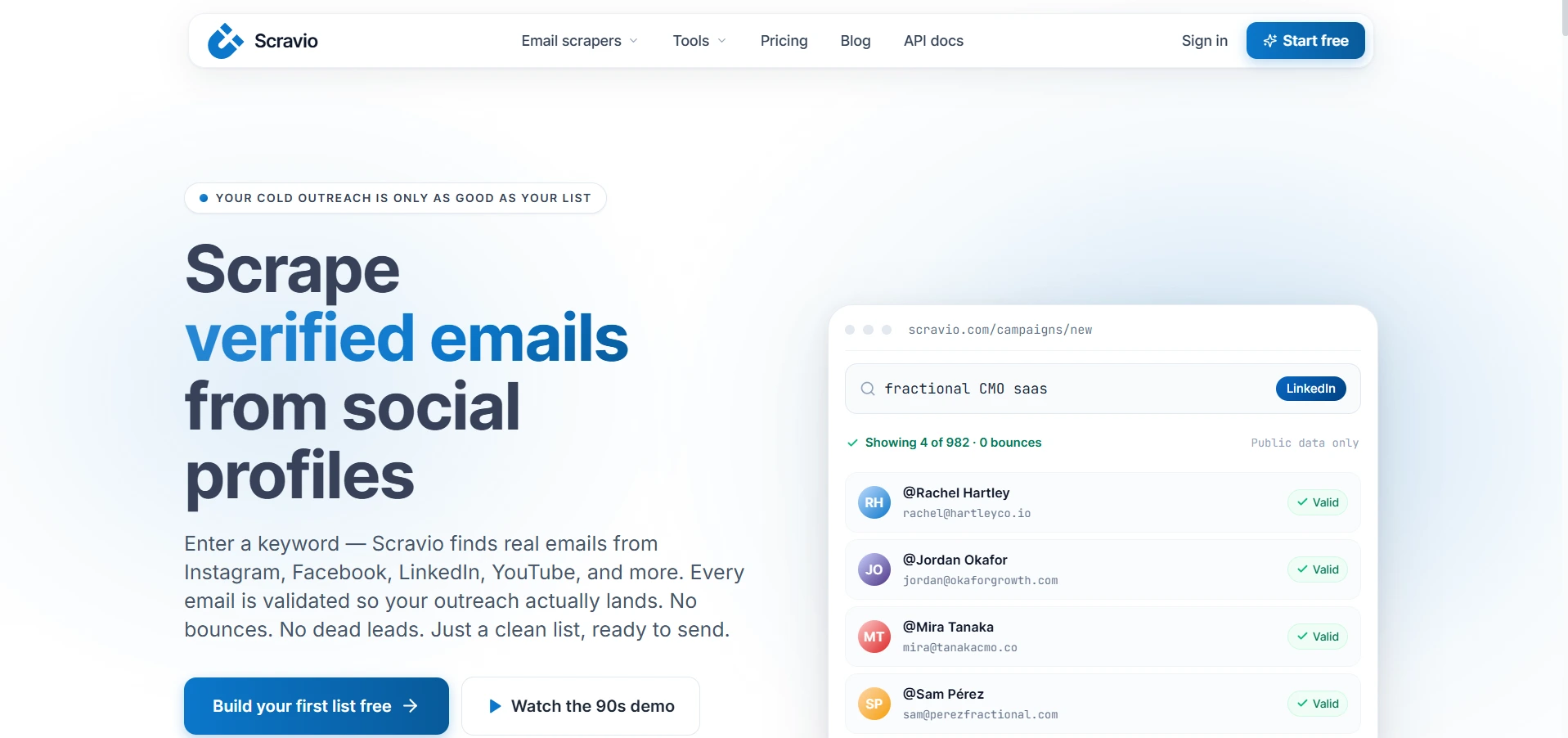
Scravio is useful if you want a cloud-based linkedin email scraper instead of a browser extension-heavy workflow.
It helps you collect LinkedIn-style lead data from search results and export that information without manually copying profile details one by one.
This can be helpful when you want a simpler way to build lead lists from public profile data and organize them for prospecting.
Here is what you can do with Scravio:
- Scrape publicly visible LinkedIn-style lead data
- Run cloud-based scraping workflows
- Collect names, job titles, company details, and profile URLs
- Export leads in bulk
- Enrich lead records with available business data
- Build prospect lists without relying fully on a Chrome extension
- Use scraped data for sales, recruiting, or research workflows
Scravio is a good fit when you care more about cloud-based lead collection than all-in-one outreach automation.
It can help you collect structured prospect data, especially when you do not want to manage everything from your browser.
But like most scraping-focused tools, it may be limited when the email is not publicly available or cannot be matched confidently.
So if you need verified emails beyond visible LinkedIn data, you may want to pair it with an email finder or database-backed platform.
10. Linked Helper — Best for LinkedIn Automation With Lead Export
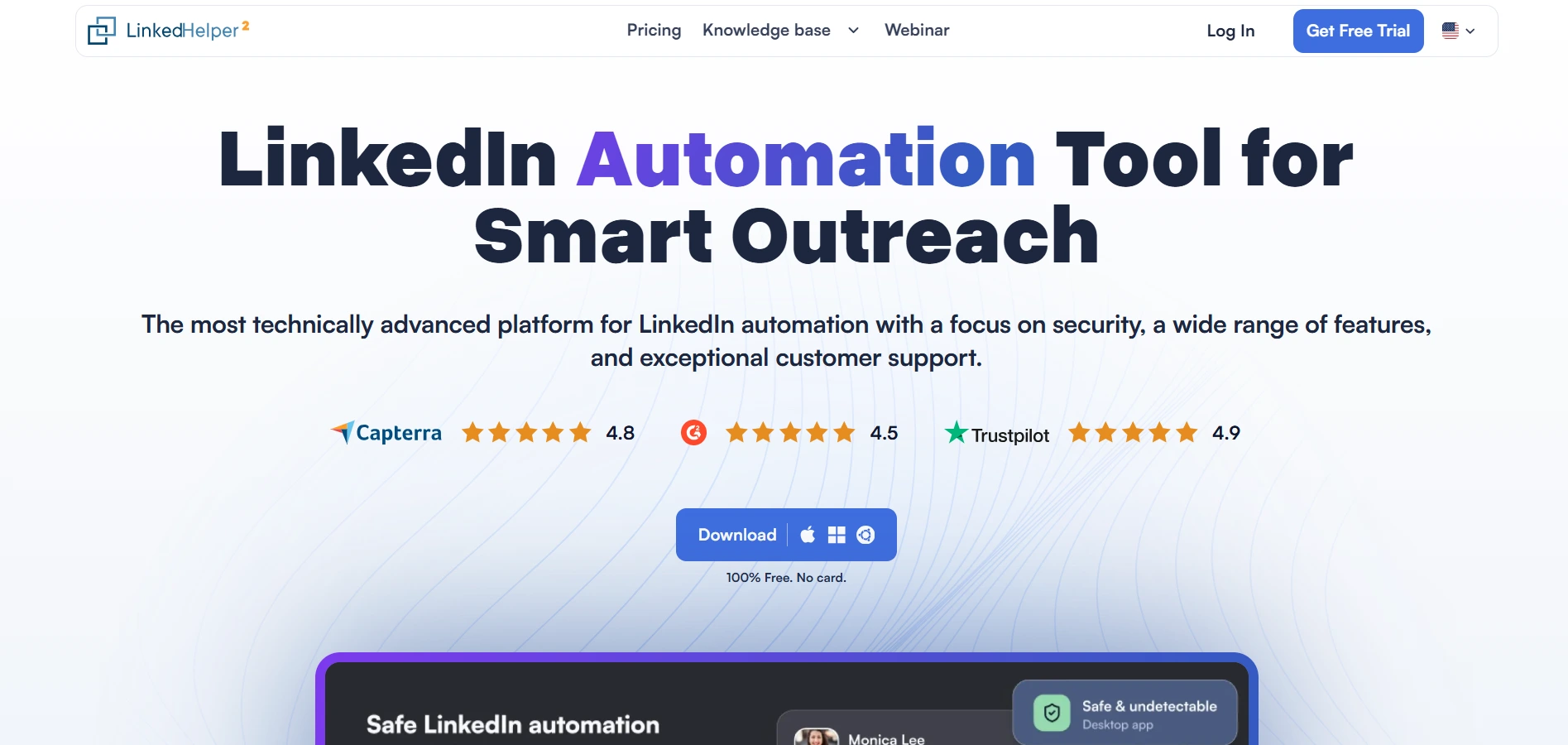
Linked Helper is different from a basic email scraper for LinkedIn.
It is mainly a LinkedIn automation tool, but it can also help you collect lead data, export prospects, and organize LinkedIn-based outreach workflows.
This makes it useful when you want to combine profile collection with actions like visiting profiles, sending connection requests, messaging prospects, and managing follow-ups.
Here is what you can do with Linked Helper:
- Collect leads from LinkedIn search pages
- Export profile data in bulk
- Build prospect lists from LinkedIn and Sales Navigator
- Automate profile visits, connection requests, and messages
- Tag and organize leads inside campaigns
- Export collected data to CSV
- Sync lead activity with CRM tools
- Run controlled LinkedIn outreach sequences
Linked Helper works best when LinkedIn outreach is part of your prospecting process.
You can build lists, automate parts of your workflow, and keep track of where each prospect sits in your campaign.
But it is not the best choice if your only goal is to find verified emails.
For email discovery, you may still need a dedicated email finder, enrichment tool, or B2B database alongside it.
11. Apify — Best for Custom LinkedIn Scraping Workflows
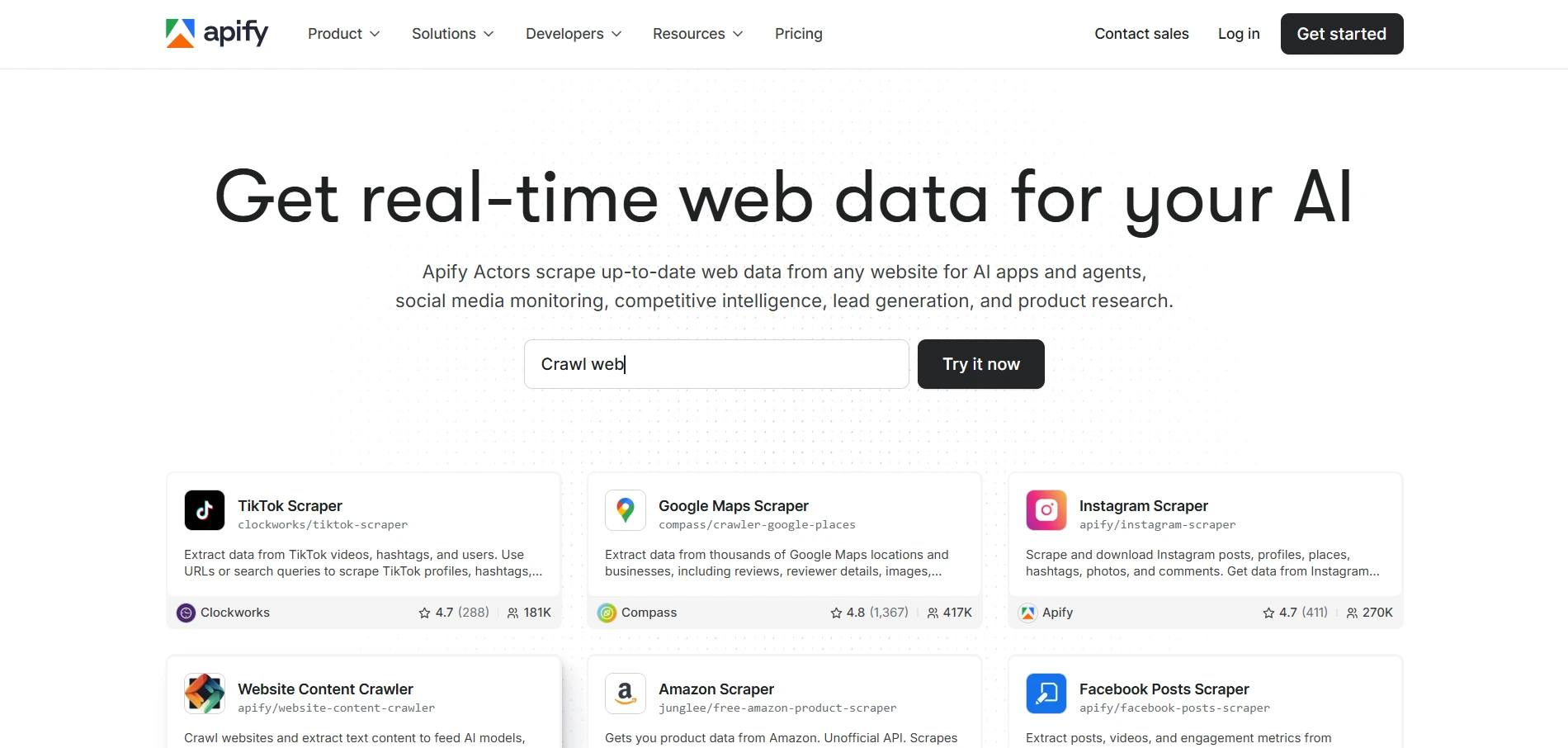
Apify is a better fit when you need a customizable scraping setup instead of a simple plug-and-play linkedin email scraper.
It works as a web scraping and automation platform where you can use ready-made scrapers, called Actors, or build custom workflows for collecting public web data.
For LinkedIn-style prospecting, this can be useful if your team has a more technical setup and wants control over how data is collected, processed, and exported.
Here is what you can do with Apify:
- Use ready-made scraping Actors for public web data collection
- Build custom scraping workflows for specific lead sources
- Collect publicly available profile, company, and search-style data
- Export scraped data in formats like CSV, JSON, or Excel
- Connect scraping workflows with APIs and internal tools
- Schedule scraping jobs in the cloud
- Process, clean, and structure lead data after collection
Apify gives you more flexibility than most standard LinkedIn email scraper tools.
But that flexibility also means it is not always the easiest option for beginners. You may need technical setup, careful workflow design, and a clear understanding of what data you are allowed to collect.
It is also not mainly an email finder.
So if you need verified emails, enrichment, and outreach workflows, you may need to connect Apify with separate email verification or B2B database tools.
LinkedIn Email Scraper vs LinkedIn Email Finder: What’s the Difference?
A LinkedIn email scraper and a LinkedIn email finder may sound similar, but they do not always work the same way.
A scraper usually pulls data that is publicly visible on LinkedIn, such as names, job titles, company names, profile URLs, and sometimes contact details if they are shown.
An email finder, on the other hand, often uses a person’s name, company domain, and database matching to find a likely or verified email address.
This difference matters because LinkedIn does not always show emails publicly.
So if you only use a scraper, you may collect profile data but still miss the actual email address.
Platforms like Oppora.ai, Apollo.io, Lusha, and ContactOut can go beyond visible LinkedIn data by matching leads against their own contact databases and enrichment systems.
When You Need a Simple Email Finder
A simple email finder is useful when your prospecting starts with a few known details.
Maybe you already have a person’s name, company name, website, or LinkedIn profile, and you only need to find the right business email.
But that does not mean email finders are only useful when you know the exact company.
Many modern tools let you search with filters that feel similar to LinkedIn search. You can filter by role, industry, location, seniority, company size, and other criteria to build a relevant lead list even when you do not have a specific company in mind.
This is especially helpful when you want to define your ideal customer profile first, then discover matching leads.
A simple email finder works well when you want to:
- Find emails from names, domains, or profile data
- Search leads using built-in filters
- Discover prospects without starting from a company list
- Verify emails before outreach
- Fill missing contact details in an existing spreadsheet
So the real difference is not just whether you know the company.
Suggested Reading:
9 Best B2B Email Finder Tools for Cold Outreach & ProspectingWhen You Need a Bulk LinkedIn Email Scraper
A bulk linkedin email scraper makes more sense when you are building lists from LinkedIn search results, Sales Navigator searches, or saved lead lists.
Instead of checking each profile manually, you can collect multiple leads at once and export them into a spreadsheet, CRM, or outreach tool.
A bulk scraper is useful when you want to:
- Pull many LinkedIn profiles into a lead list
- Export names, job titles, companies, and profile URLs
- Build lists from LinkedIn or Sales Navigator searches
- Reduce manual copy-paste
- Prepare leads for verification, enrichment, or outreach
But here is the important part.
A scraper can usually only pull what is publicly visible or technically accessible from LinkedIn. If the email is not visible on the profile, the scraper may not find it by itself.
That is why database-backed platforms often perform better for email discovery at scale.
When Enrichment Becomes More Important Than Scraping
Scraping helps you collect the starting data.
Enrichment helps you make that data useful.
Once you have names, job titles, company names, and LinkedIn URLs, you still need verified emails, company size, industry, location, seniority, phone numbers, and other details that help you decide who to contact and how to personalize your message.
This is where tools like Oppora.ai and Apollo.io can be more useful than a basic email scraper from LinkedIn.
They are not limited to public LinkedIn data only. They can use their contact databases and enrichment systems to find emails, complete missing fields, and turn a LinkedIn profile into a fuller prospect record.
Enrichment matters most when you want to:
- Find emails that are not publicly visible on LinkedIn
- Improve lead quality before outreach
- Segment prospects by company or role
- Personalize messages with better context
- Export cleaner lists for sales or recruiting
So the real question is not just whether a tool can scrape LinkedIn.
It is whether it can turn LinkedIn prospects into verified, enriched, outreach-ready leads.
Which LinkedIn Email Scraper Is Best for Your Use Case?
The best LinkedIn email scraper depends on how you build lead lists.
Some teams need AI prospecting and verified emails. Others only need Sales Navigator exports, small email lookups, cloud scraping, or candidate sourcing.
So instead of choosing the tool with the most features, choose the one that fits your workflow.
Best for AI Sales Prospecting: Oppora.ai
Oppora.ai is the best fit if you want LinkedIn prospecting, verified email discovery, enrichment, bulk export, and AI outreach in one place.
You can use the Oppora.ai LinkedIn extension to capture LinkedIn leads, then enrich them using Oppora’s 1B+ contact database and verification system.
That means you are not limited to emails that are publicly visible on LinkedIn.
Apollo.io and Lusha also fit this database-backed category because they can find emails beyond public LinkedIn data. But Oppora.ai is stronger if you want support for ai prospecting, outreach, follow-ups, and lead management.
Choose Oppora.ai if you want to:
- Capture LinkedIn leads with a browser extension
- Find emails beyond public LinkedIn data
- Enrich and verify contacts
- Export leads in bulk
- Use AI for outreach and follow-up workflows
Best for Sales Navigator Users: Oppora.ai, Skrapp, or Wiza
If Sales Navigator is your main lead source, Oppora.ai, Skrapp, and Wiza are all useful options.
You can build targeted searches inside Sales Navigator, then use these tools to pull, export, or enrich those leads without manual copy-paste.
Oppora.ai is a strong fit if you want to pull leads from Sales Navigator and then enrich them with verified emails, contact data, and AI-powered outreach workflows.
Skrapp works well if you need straightforward LinkedIn and Sales Navigator email extraction.
Wiza is useful when you want to export Sales Navigator lead lists and enrich them with emails, phone numbers, and company details.
Choose these tools if you want to:
- Build lists from Sales Navigator searches
- Pull leads from Sales Navigator into your prospecting workflow
- Export leads without manual copy-paste
- Find emails from LinkedIn-based prospect lists
- Enrich contacts with verified email and company data
- Keep LinkedIn or Sales Navigator as your main prospecting step
Best for Free Individual Lookup: Mailmeteor or GetProspect
Mailmeteor or GetProspect can work well when you only need to find a few emails.
GetProspect is useful if you want a simple free email scraper for LinkedIn with basic lead capture and export. Mailmeteor fits lighter email lookup workflows.
Choose them if you want to:
- Look up one contact at a time
- Build prospect lists
- Test email finding before using a paid platform
- Keep the workflow simple and low-cost
Best for Cloud-Based Scraping: Scravio
Scravio is a better fit if you want cloud-based scraping instead of a Chrome extension-heavy workflow.
It can help you collect publicly visible LinkedIn-style data and export it for sales, recruiting, or research.
Choose Scravio if you want to:
- Scrape public profile-style data
- Use a cloud-based workflow
- Export lead data in bulk
- Pair scraped data with another email finder
Best for Recruiters: ContactOut
ContactOut is one of the better options for recruiters and talent sourcing teams that mainly need candidate emails, phone numbers, and professional details from LinkedIn-style workflows.
Choose ContactOut if you want to:
- Find candidate emails and phone numbers
- Source talent from LinkedIn profiles
- Build candidate lists in bulk
- Support recruiting and staffing workflows
But if you need a more specialized tool that automates the entire recruiting workflow, you can also look at Leelu.AI.
Instead of only helping with contact discovery, Leelu AI can help you source candidates from various job boards, score profiles based on the job description, find personal contact details, run candidate outreach, handle replies, and book interviews.
So ContactOut works well when you mainly need recruiter contact discovery, while Leelu AI is a better fit when you want to automate more of the hiring process from sourcing to interview booking.
Conclusion
A LinkedIn email scraper can make prospecting much faster, but the best tool is not always the one that collects the most data.
The better choice is the tool that helps you find accurate emails, enrich lead records, export contacts in bulk, and keep your workflow organized.
If you only need visible LinkedIn profile data, a simple scraper may be enough.
But if you want verified emails beyond public LinkedIn data, look for database-backed tools like Oppora.ai, Apollo.io, Lusha, or ContactOut.
And if you want prospecting, enrichment, AI outreach, and lead management in one workflow, Oppora.ai is a strong option to consider.
The goal is not just to scrape LinkedIn.
The goal is to turn the right LinkedIn profiles into clean, verified, outreach-ready leads.
Frequently Asked Questions (FAQs)
What is a LinkedIn email scraper?
A LinkedIn email scraper is a tool that helps you collect lead data from LinkedIn profiles, searches, or Sales Navigator pages, including names, job titles, company names, profile URLs, and sometimes email addresses.
What is the best LinkedIn email scraper?
The best LinkedIn email scraper depends on your workflow, but Oppora.ai is a strong choice if you want LinkedIn lead capture, verified emails, enrichment, bulk export, and AI-powered prospecting in one place.
Is there a free email scraper for LinkedIn?
Yes, some tools offer free plans or limited free credits, and options like GetProspect, Skrapp, and Snov.io can work for small lists before you need paid bulk export or deeper enrichment.
Can I export LinkedIn emails in bulk?
Yes, many tools support bulk export, including Oppora.ai, Skrapp, Wiza, Apollo.io, Snov.io, and GetProspect, usually through CSV export, CRM sync, or direct list management.
Is LinkedIn email scraping safe?
LinkedIn email scraping can be risky if you use aggressive automation, so use controlled workflows, verify emails, respect privacy laws, and avoid spammy outreach behavior.
Summarize with AI
Share