11 Best Email Scraping Tools That Deliver Verified Emails Fast
Stephen Parker
Published May 18, 2026
19 min
Complete Agentic Email Outreach
AI agents find and enrich prospects, personalize emails, follow up, handle replies, and book meetings automatically.
Claim Your FREE Credits
Finding emails is easy. Finding verified emails you can actually use without hurting your sender reputation is the harder part.
That is where an email scraping tool becomes useful.
Instead of manually checking websites, LinkedIn profiles, company pages, and contact databases, these tools help you collect, verify, enrich, and organize prospect emails faster.
But not every tool works the same way.
Some are built for simple email lookup. Some focus on LinkedIn. Others help you manage the full outbound workflow after finding contacts.
In this guide, you’ll learn:
- What email scraping tools actually do
- The best tools to consider
- How to choose the right one for your workflow
What Email Scraping Tools Actually Help You Do
Email scraping tools help you find email addresses from public sources like websites, company domains, LinkedIn profiles, directories, and B2B databases.
But the useful ones do more than just collect emails.
They help you turn scattered prospect information into a cleaner lead list you can actually use for outreach.
A good email scraping tool can help you:
- Find emails linked to a person, company, or domain
- Collect leads from websites, LinkedIn, or search results
- Verify whether an email is valid before you send
- Enrich contacts with job titles, company details, and social profiles
- Export leads to your CRM or outreach platform
- Reduce bounce rates by removing risky or invalid emails
This matters because scraping without verification can create more problems than leads.
You may collect hundreds of emails, but if many are outdated or fake, your campaigns can bounce, your domain reputation can drop, and your emails may start landing in spam.
So the real value of email scraping tools is not just speed.
It is helping you find the right contacts, confirm they are safe to reach, and prepare them for better outbound campaigns.
Types of Email Scraping Tools You Should Know
Not every email scraping tool is built for the same job.
Some tools help you find emails from company websites. Some are better for LinkedIn prospecting. Others focus on bulk enrichment, verification, or outreach preparation.
Before choosing one, it helps to understand the main types you will come across.
Website and domain-based email scrapers
These tools help you find emails connected to a specific website or company domain.
You enter a domain like company.com, and the tool searches for public email addresses linked to that business.
This is useful when you already know the company you want to reach but need the right person’s contact details.
Website and domain-based scrapers are commonly used for:
- Finding sales, marketing, or support emails
- Discovering decision-makers at a company
- Collecting contact details from public web pages
- Building account-based prospect lists
They work best when your outreach starts with a target company list.
LinkedIn and social profile email finders
LinkedIn and social profile email finders help you move from a profile to a usable contact.
Instead of searching through websites manually, you can use these tools to find emails connected to LinkedIn profiles, job titles, company pages, or social bios.
This type of email scraping tool is helpful when you prospect based on people, not just companies.
You might use it when you want to reach:
- Founders
- Recruiters
- Marketing leaders
- Sales managers
- Creators or consultants
- Specific decision-makers in a niche
These tools are especially useful for sales teams, recruiters, agencies, and freelancers who spend a lot of time prospecting on LinkedIn.
Bulk email finder and enrichment tools
Bulk email finder tools are built for scale.
Instead of searching one contact at a time, you can upload a list of names, companies, domains, or LinkedIn URLs and let the tool find matching emails in bulk.
Many of these tools also enrich your list with extra details.
That can include:
- Job title
- Company size
- Industry
- Location
- LinkedIn profile
- Company website
- Seniority level
This helps when you already have a raw lead list but need to turn it into something ready for outreach.
Bulk enrichment tools save time because you do not have to clean, complete, and research every contact manually.
Email verification and deliverability tools
Finding an email is only the first step.
You also need to know whether that email is safe to contact.
Email verification tools check if an address is valid, active, and likely to receive messages without bouncing.
This matters because sending to bad emails can hurt your sender reputation.
A verification tool can help you detect:
- Invalid emails
- Disposable emails
- Catch-all domains
- Risky addresses
- Misspelled domains
- Inactive mailboxes
Some tools also help with deliverability checks, spam word detection, inbox placement, and domain health.
So if your goal is not just collecting emails but sending campaigns safely, verification should be part of your workflow.
Chrome extension-based prospecting tools
Chrome extension-based tools are useful when you want to collect emails while browsing.
You can visit a website, LinkedIn profile, company page, or search result, then use the extension to capture contact details directly from that page.
This feels more natural if your prospecting happens while researching leads manually.
You do not have to switch between tabs, copy details into spreadsheets, or search the same contact again inside another platform.
Chrome extensions are helpful for:
- Quick lead capture
- LinkedIn prospecting
- Website-based email discovery
- Saving contacts into lists
- Sending leads to CRM or outreach tools
They are best for people who want speed without giving up control over who gets added to their list.
Suggested Reading:
Stop Wasting Time: How an AI Lead Finder Chrome Extension Replaces Manual Prospecting11 Best Email Scraping Tools That Deliver Verified Emails Fast
Now that you know the main tool types, the next step is choosing one that fits how you actually prospect.
Some email scraping tools are great for quick email lookup.
Others are better when you want verified contacts, enrichment, outreach, replies, and CRM sync in one workflow.
Here are 11 tools worth considering.
Oppora.ai — AI-powered email finding, verification, and outreach automation
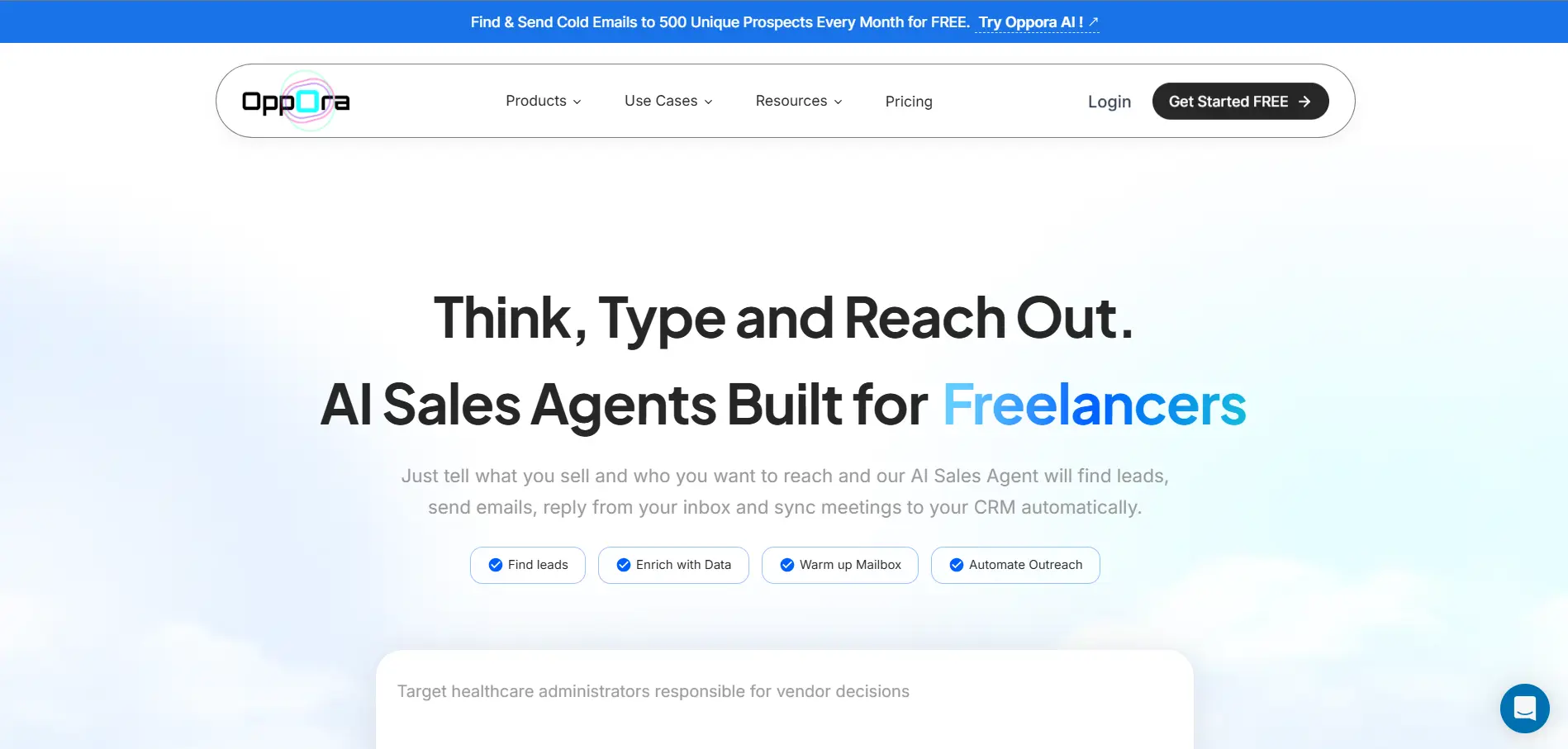
Oppora.ai is built for people who want email scraping to connect directly with outbound.
Instead of finding emails in one tool, verifying them in another, and sending campaigns somewhere else, you can manage the full workflow in one place.
You can use Oppora to find leads from a 1B+ contact database.
It can also verify emails, enrich contacts, personalize outreach, send campaigns, and manage replies.
Its AI sales agents help carry the workflow from prospect discovery to booked meetings and CRM updates.
Key email scraping features:
- Searches across a 1B+ contact database for prospect discovery
- Finds emails through lead and company searches
- Verifies emails before outreach to reduce bounce risk
- Enriches contacts with useful prospect and company data
- Supports LinkedIn lead capture through a Chrome LinkedIn extension
- Let's you import existing lead lists for cleaning and verification
- Runs email campaigns after contacts are verified
- Uses AI to personalize emails without generic spintext
- Handles replies and helps qualify interested prospects
- Syncs contacts, replies, meetings, and deals to your CRM
Oppora.ai also keeps pricing simple by combining lead generation, email finding, verification, enrichment, and outreach inside one platform.
That means you do not need separate tools or separate plans just to move from finding contacts to running campaigns.
If you only need one or two emails, Oppora may be more than enough.
But if you want verified leads, personalized outreach, AI replies with ai reply agent, and booked meetings in one workflow, it gives you more than a basic email finder.
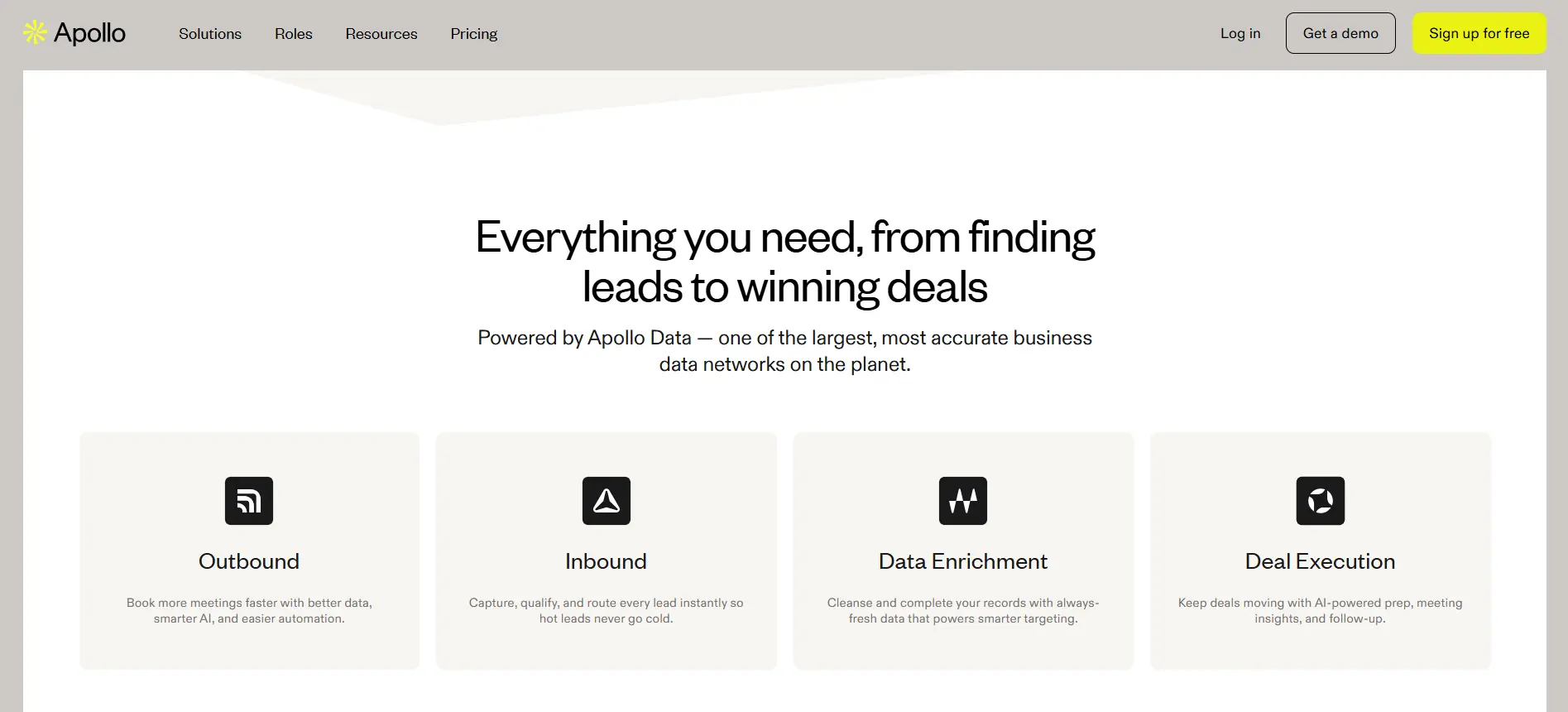
Apollo.io — Prospecting database with built-in email finder
Apollo.io is useful when you want to find verified B2B emails from a large prospecting database.
Instead of scraping random pages manually, you can search contacts by job title, company, industry, company size, and other filters.
Apollo gives access to a large B2B database with verified emails, phone numbers, and company data. Its platform lists 230M+ contacts and 30M+ companies, which makes it useful for building targeted prospect lists at scale.
Key email scraping features:
- Searches contacts by job title, industry, company, and other filters
- Finds verified business emails from Apollo’s B2B database
- Uses email verification to reduce bounce risk
- Offers CRM-ready contact exports
- Supports LinkedIn prospecting through a Chrome extension
- Provides phone numbers and company data along with emails
- Helps enrich existing contact and account records
- Supports outreach sequences inside the same platform
Apollo can work well when your email scraping workflow starts with database search.
You can find prospects, reveal verified emails, enrich records, and move contacts into outreach without building your list from scratch.
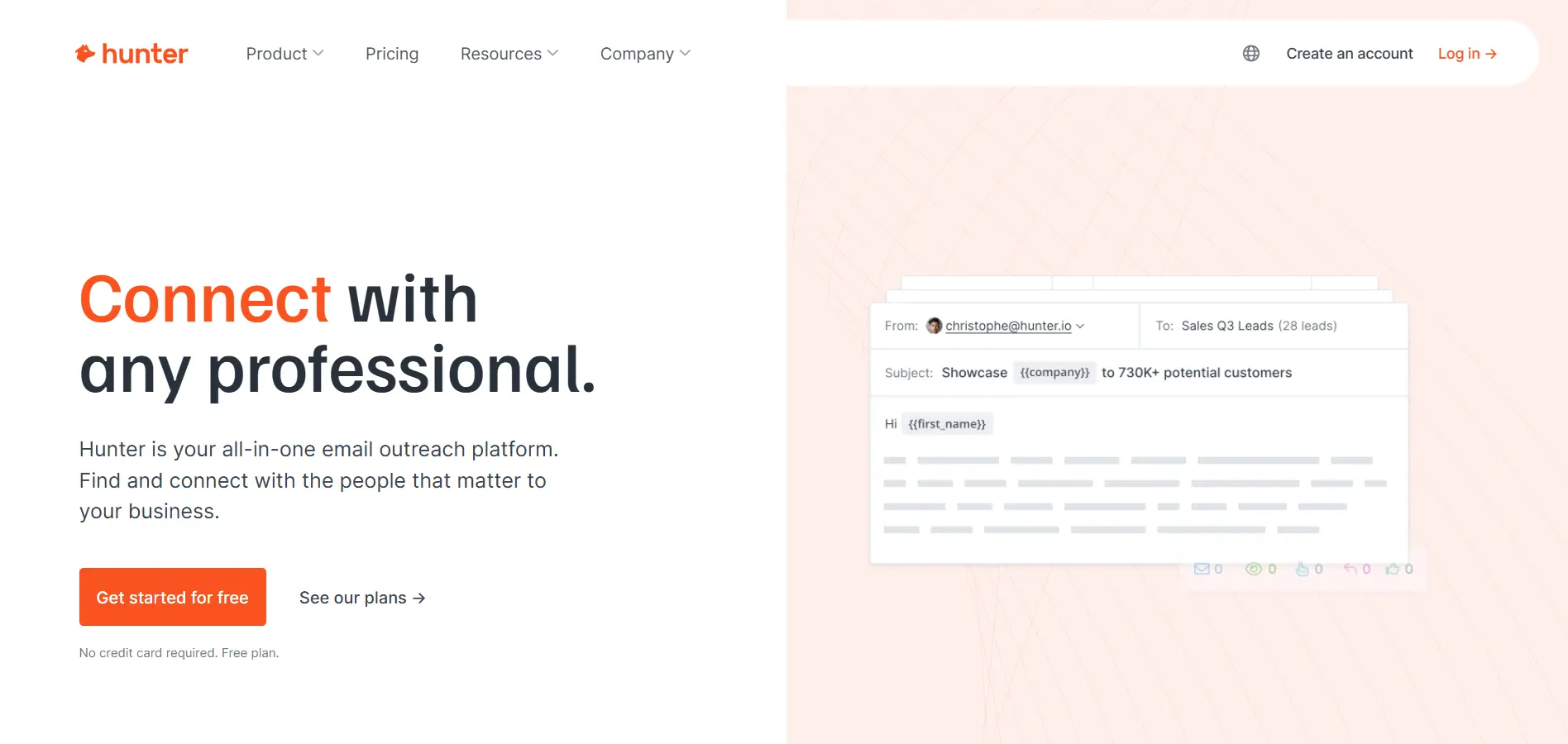
3. Hunter.io — Domain-based email discovery and verification
Hunter.io is useful when your email scraping workflow starts with a company website.
You can enter a domain, find publicly available email addresses connected to that company, and check confidence scores before adding contacts to your list.
It also helps when you know a person’s full name and company domain.
In that case, Hunter’s Email Finder can search for the most likely professional email address and verify it before you use it for outreach.
Key email scraping features:
- Finds emails connected to a company domain
- Shows public sources for discovered email addresses
- Provides confidence scores for email accuracy
- Finds emails by full name and company domain
- Verifies email syntax, domain details, and server response
- Checks for risky, fake, disposable, and catch-all emails
- Supports bulk email finding through CSV or TXT upload
- Supports bulk email verification before outreach
- Offers a Chrome extension for finding emails while browsing websites
Hunter works well when you already have a list of target companies.
You can search each domain, find relevant contacts, verify the emails, and export them into your prospecting workflow.
It is simple, focused, and especially useful for website-based email scraping where accuracy matters more than collecting huge unfiltered lists.
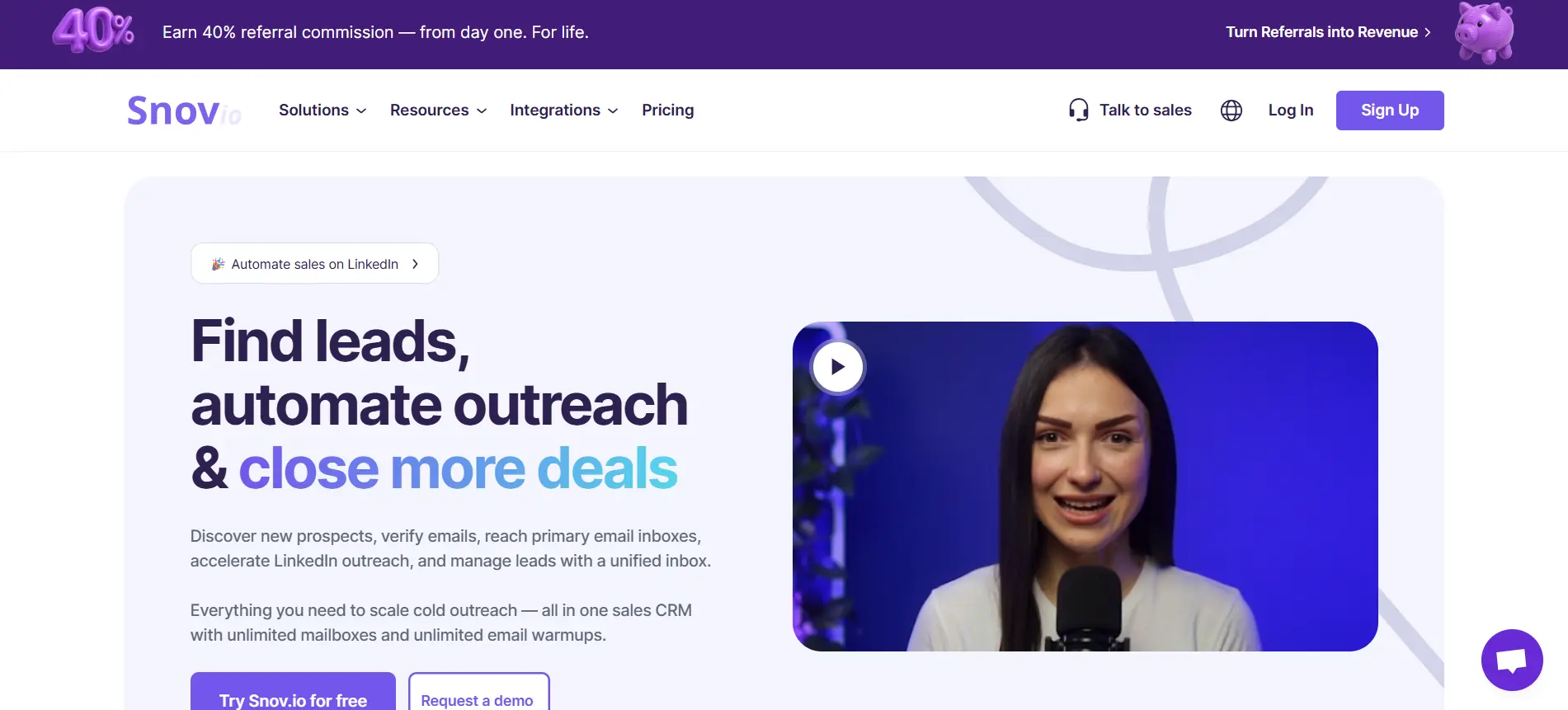
4. Snov.io — Email finder with outreach automation
Snov.io is useful when you want email scraping, verification, and email outreach in one platform.
You can search for emails by domain, company, prospect name, or social profile, then save those contacts into prospect lists.
It also supports Chrome extensions, so you can collect emails while browsing websites, LinkedIn, Google search results, or company pages.
Key email scraping features:
- Finds emails by domain, company, or prospect name
- Collects emails from websites using a Chrome extension
- Supports LinkedIn and Sales Navigator prospecting
- Offers bulk email search for larger lead lists
- Verifies emails before you add them to campaigns
- Enriches prospect records with useful contact data
- Lets you organize leads into prospect lists
- Supports email drip campaigns after finding contacts
- Includes tracking for opens, clicks, and replies
Snov.io works well when you want to move from finding emails to sending outreach without too much setup.
It is a practical option if you need an email scraping tool that also helps with verification and simple campaign automation.
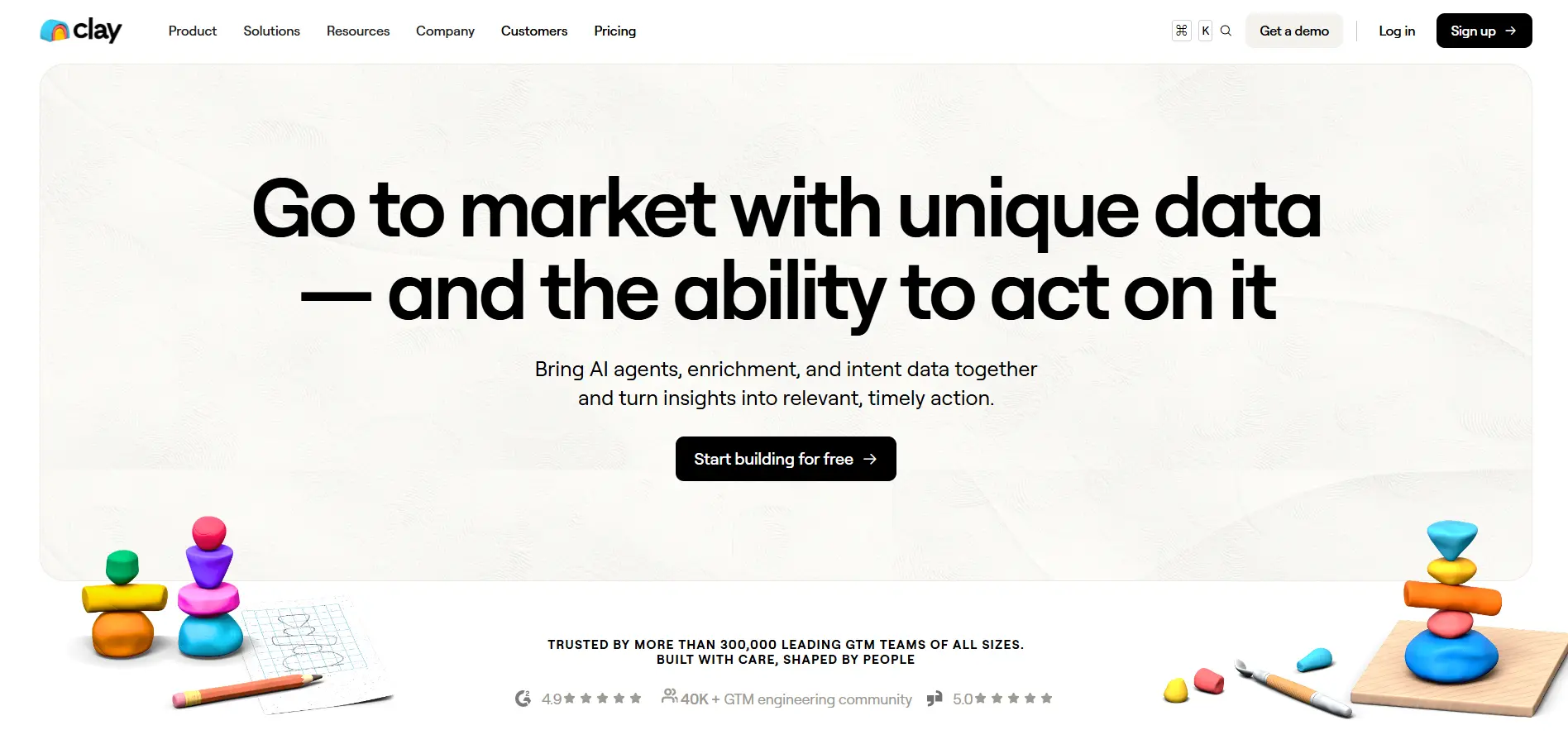
5. Clay — Lead enrichment and waterfall data workflows
Clay is useful when your email scraping workflow needs more than one data source.
Instead of relying on a single database, Clay lets you build enrichment workflows that pull contact data from multiple providers.
This helps you find more emails, fill missing fields, and improve list quality before sending outreach.
Key email scraping features:
- Finds emails using multiple enrichment providers
- Uses waterfall enrichment to improve data coverage
- Enriches leads with company, role, and contact details
- Supports bulk lead enrichment from uploaded lists
- Helps clean and complete messy prospect data
- Connects with CRMs and sales tools
- Uses workflow logic to automate prospecting steps
- Supports AI-assisted research and personalization
- Helps prepare lead lists for outbound campaigns
Clay works well when your lead data is incomplete.
You can upload a list, enrich it through multiple sources, find missing emails, and prepare a cleaner prospecting file for outreach.
It is powerful for advanced workflows, but it may feel more complex if you only need a quick email finder.
Suggested Reading:
10 Best Clay Alternative & Competitors for AI Outreach & Lead Enrichment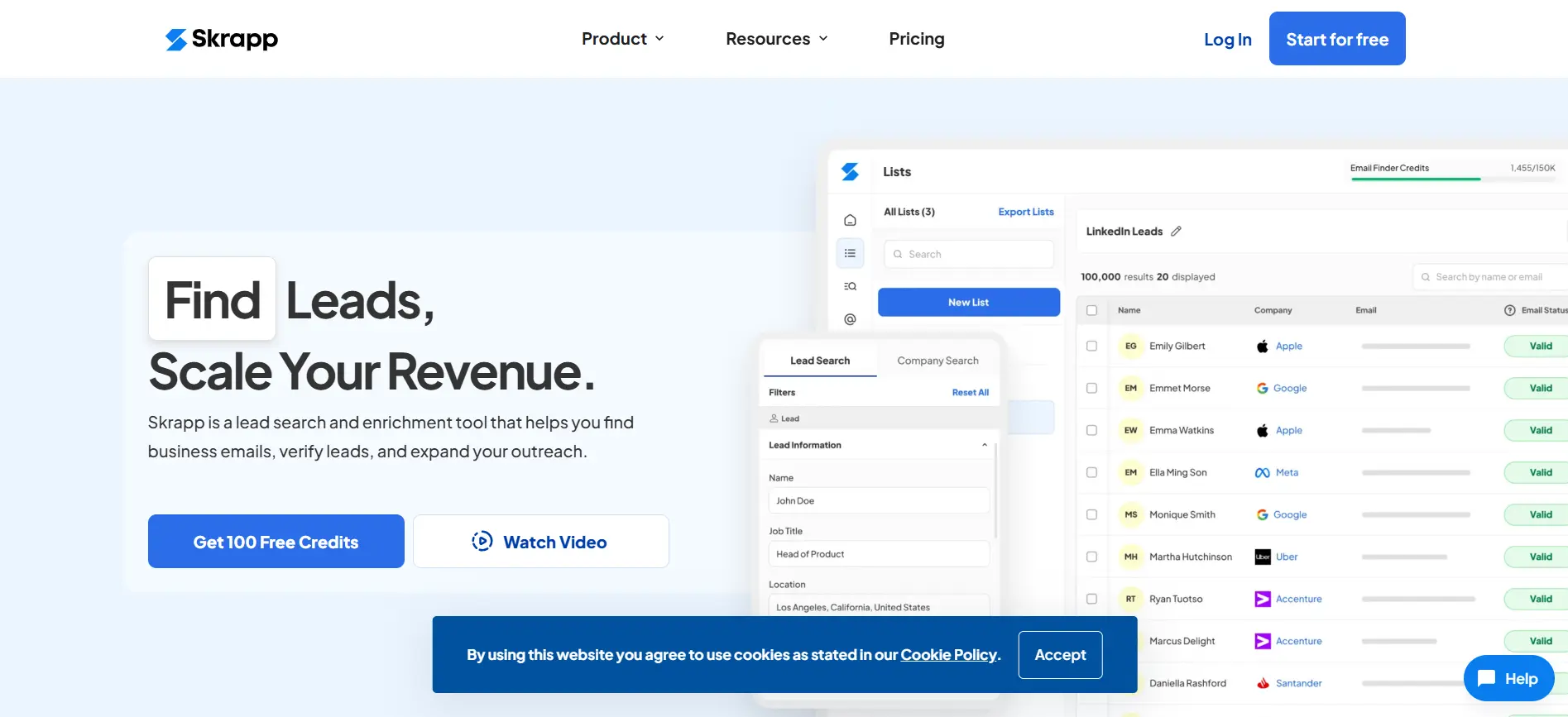
6. Skrapp — LinkedIn email scraping and prospecting
Skrapp is useful when most of your email scraping happens on LinkedIn.
You can use it to find business emails from LinkedIn profiles, Sales Navigator searches, company pages, and prospect lists.
It helps you turn LinkedIn research into a cleaner contact list for sales, recruiting, or outreach.
Key email scraping features:
- Finds emails from LinkedIn profiles
- Supports Sales Navigator prospecting
- Helps collect emails from company pages
- Offers bulk email finding for larger lists
- Verifies emails to reduce bounce risk
- Enriches leads with names, roles, and company details
- Supports CSV export for outreach or CRM use
- Provides a Chrome extension for faster prospecting
- Helps organize prospects into lead lists
Skrapp works well when LinkedIn is your main source of prospects.
You can research people, find their emails, verify contact details, and export leads without building everything manually in a spreadsheet.
7. FindThatLead — Email lookup and lead generation
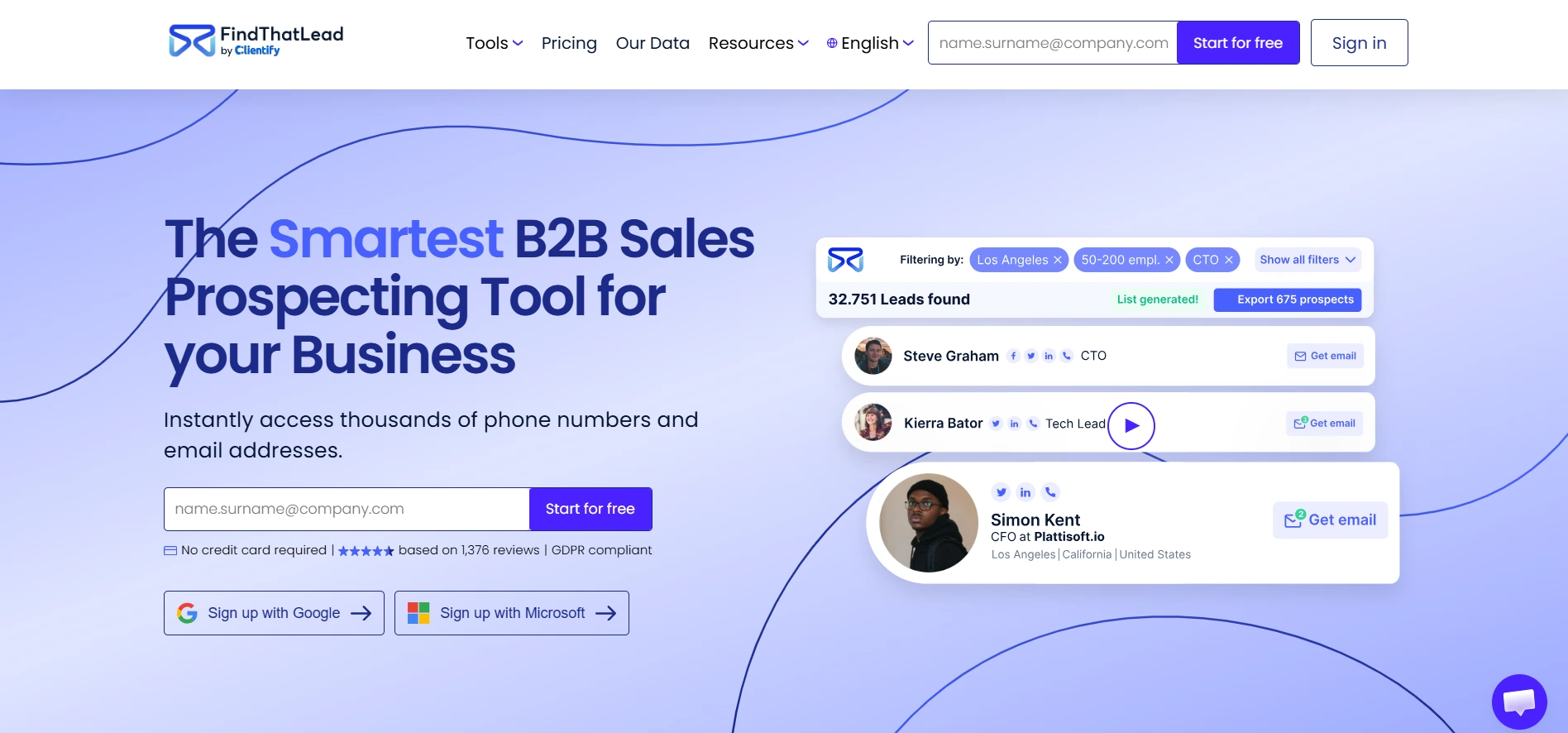
FindThatLead is useful when you want to search for business emails and build prospect lists from one place.
You can use it to find emails by name, company, domain, or target audience.
It also helps verify contacts before you use them in outreach.
Key email scraping features:
- Finds emails by name, company, or domain
- Searches for leads based on audience filters
- Verifies emails before outreach
- Supports bulk email lookup
- Helps collect B2B leads from different sources
- Lets you build targeted prospect lists
- Supports campaign sending from the platform
- Offers Chrome extension-based prospecting
- Allows lead export for CRM or outreach tools
FindThatLead works well when you need a simple way to find and verify B2B emails.
You can use it to build lists, check email validity, and move contacts into your outreach workflow without too much complexity.
8. Apify — Web scraping automation platform for lead collection
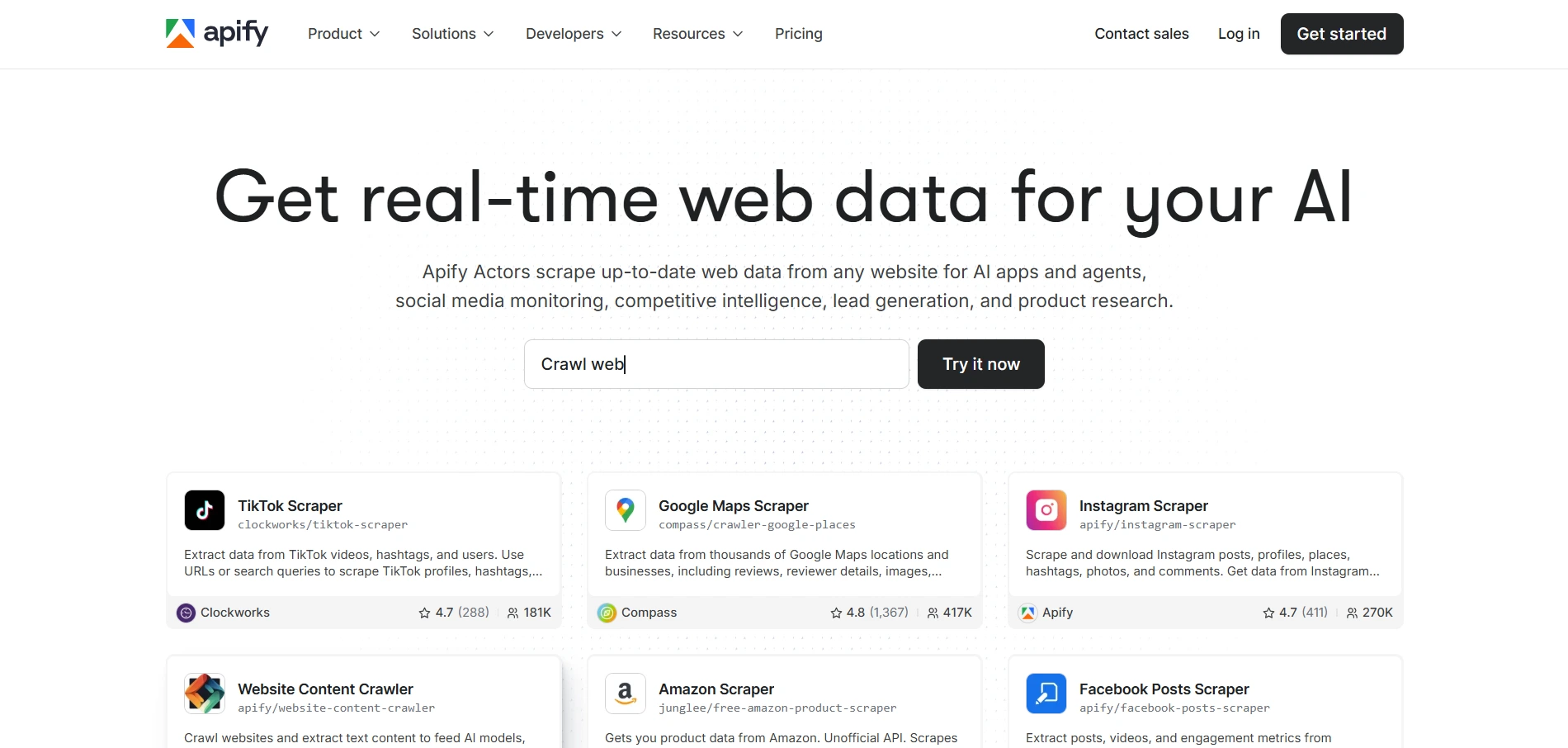
Apify is useful when you want more control over how you collect lead data from the web.
Instead of working like a simple email finder, Apify gives you access to ready-made scraping automations called Actors. These Actors can scrape websites, search engines, social platforms, maps, and other public sources for lead generation data.
This makes it helpful when your email scraping workflow starts with broader data collection.
You can scrape business websites, collect company details, extract public contact information, and send the data into tools like Google Sheets, Zapier, Make, or your CRM.
Key email scraping features:
- Scrapes public websites for contact and company data
- Uses ready-made Actors for lead generation workflows
- Collects public emails, phone numbers, names, and business details
- Supports Google Maps, search results, websites, and social data scraping
- Lets you schedule scraping tasks automatically
- Exports data to CSV, JSON, Excel, Google Sheets, or CRM tools
- Connects with automation tools like Zapier, Make, and n8n
- Supports custom scraping workflows through APIs
- Helps collect raw lead data before enrichment and verification
Apify works well when you need flexible web scraping instead of only email lookup.
But you should still verify any emails you collect before outreach, because scraped data can include outdated, generic, or risky addresses.
9. PhantomBuster — Automated scraping workflows for lead collection
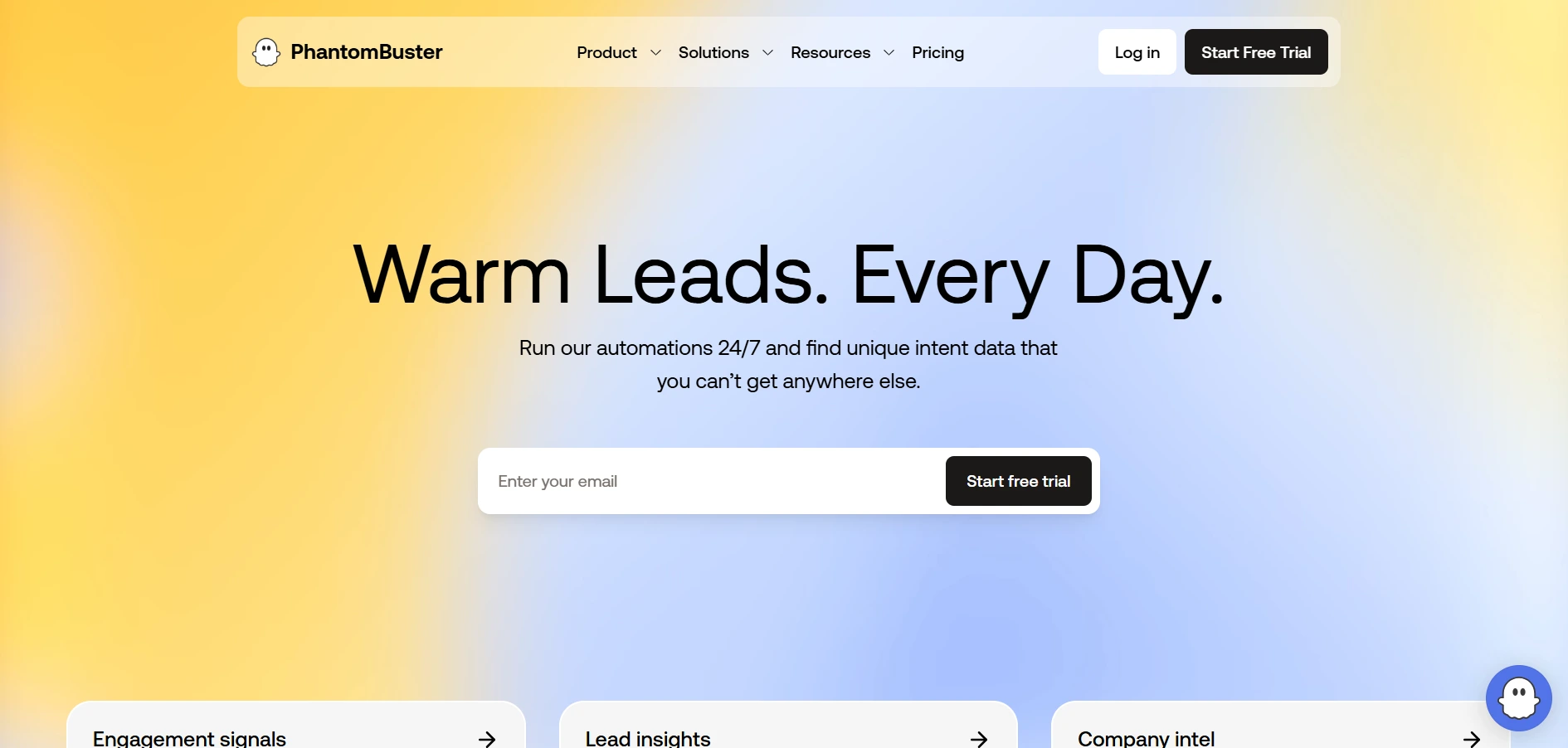
PhantomBuster is useful when you want to automate repetitive prospecting tasks.
Instead of collecting profile data manually, you can create automated workflows that pull lead information from public sources like LinkedIn, company pages, and search results.
It works more like a scraping automation platform than a simple email finder.
Key email scraping features:
- Automates lead collection from public web sources
- Extracts prospect data from LinkedIn profiles and searches
- Collects names, job titles, companies, and profile URLs
- Helps build lead lists from LinkedIn and other platforms
- Supports workflow-based scraping automations
- Sends collected data to Google Sheets or CRM tools
- Can enrich scraped leads with additional tools
- Helps reduce manual copy-paste prospecting work
- Supports scheduled automations for ongoing lead collection
PhantomBuster works well when you want to collect prospect data at scale.
But because it is automation-heavy, you need to use it carefully.
Always follow platform rules, avoid aggressive scraping, and verify emails before sending any outreach.
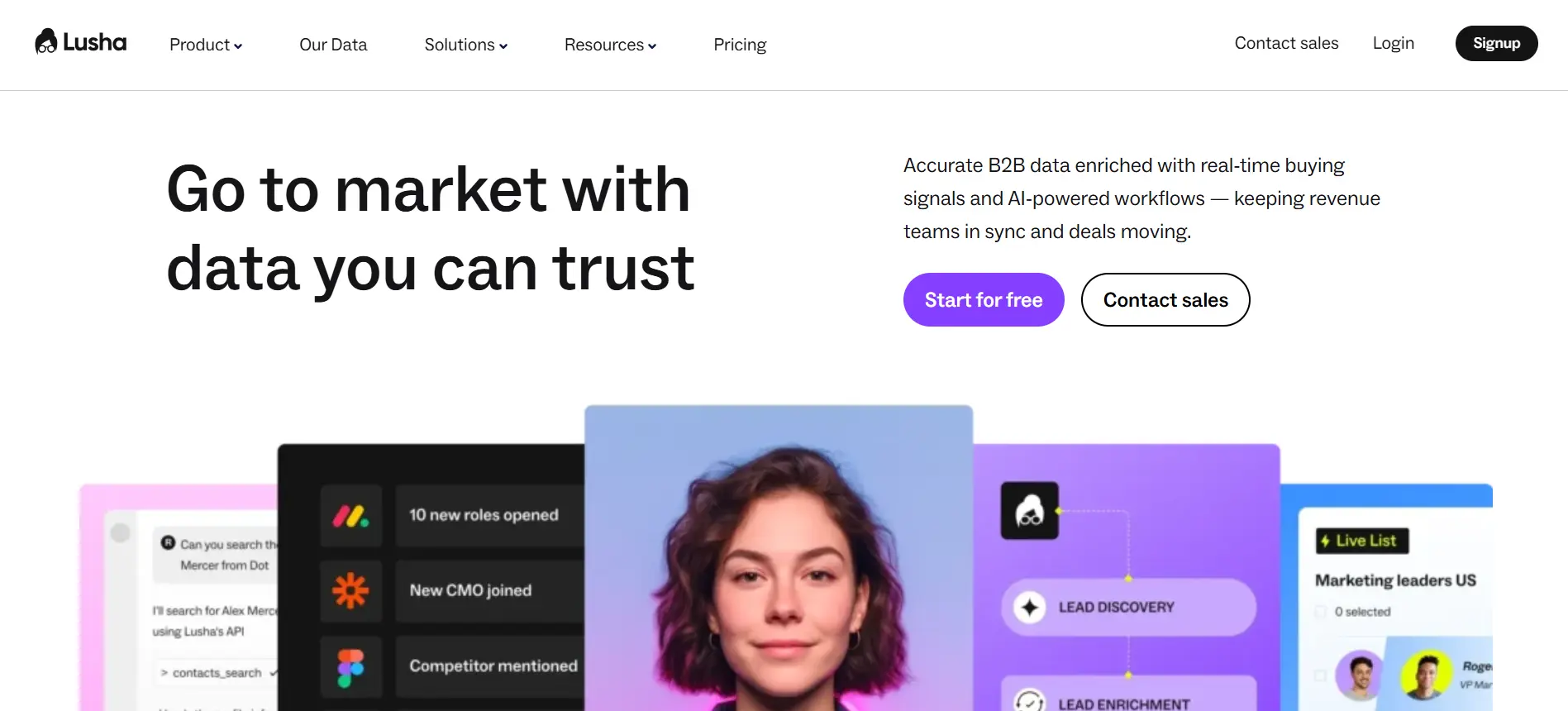
10. Lusha — B2B contact enrichment and direct dial data
Lusha is useful when you need more than email addresses from your prospecting workflow.
You can use it to find business emails, phone numbers, job titles, company details, and other contact data for B2B outreach.
This makes it helpful when your email scraping process also needs stronger lead enrichment.
Key email scraping features:
- Finds verified B2B email addresses
- Provides direct dial and phone number data
- Enriches contacts with job title and seniority
- Adds company details like industry, size, and location
- Supports LinkedIn prospecting through a browser extension
- Helps update and clean existing CRM records
- Supports prospect list building from B2B data
- Offers integrations with CRM and sales tools
- Helps sales teams reach prospects across email and phone
Lusha works well when you want richer contact data, not just scraped emails.
You can use it to find decision-makers, verify contact details, and prepare cleaner records for sales outreach.
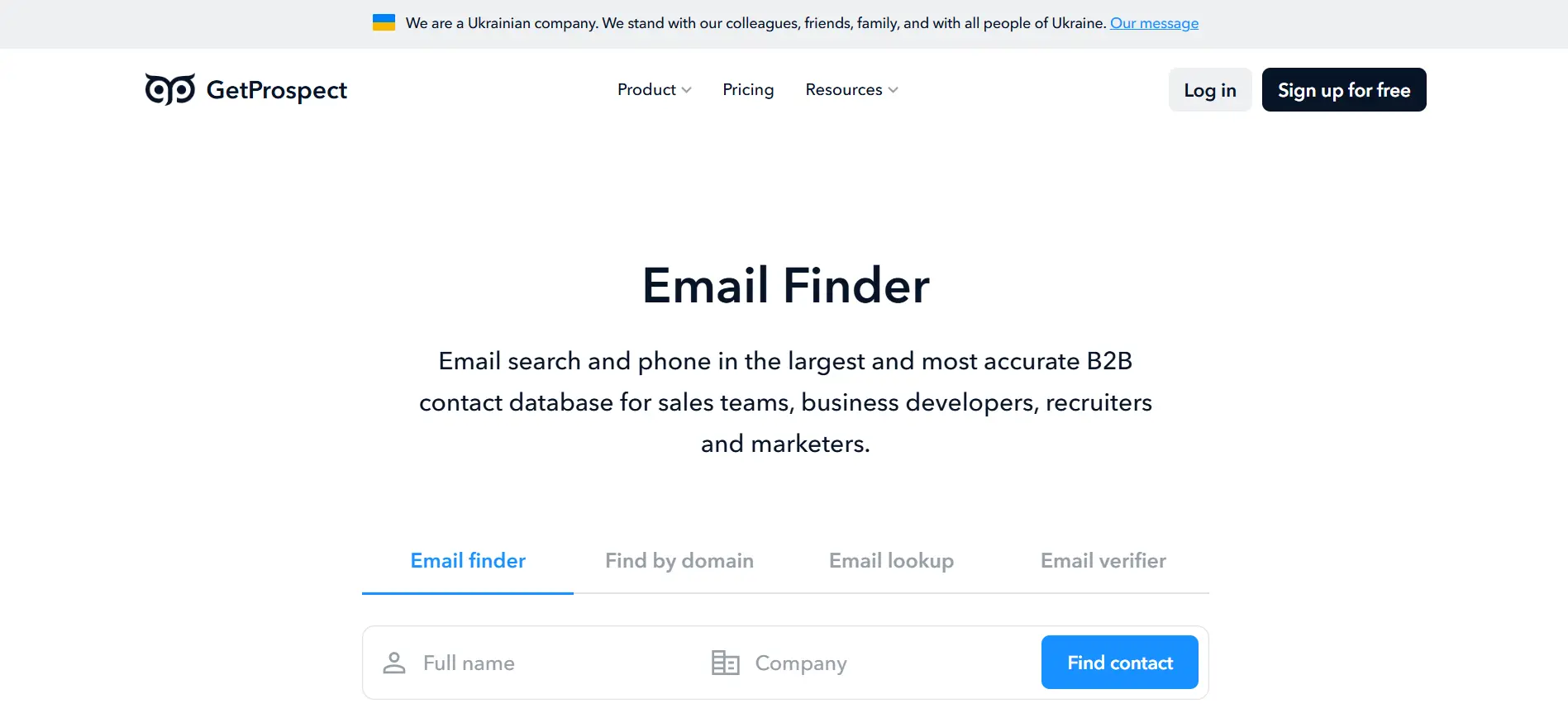
11. GetProspect — LinkedIn-focused email finder
GetProspect is useful when you want to find emails from LinkedIn and professional profiles.
You can use it to collect business emails, build lead lists, and enrich prospect records with company and role details.
It is especially helpful when your email scraping process starts with LinkedIn research.
Key email scraping features:
- Finds emails from LinkedIn profiles
- Supports LinkedIn-based prospect list building
- Offers a Chrome extension for faster prospecting
- Helps find business emails from names and companies
- Supports bulk email search
- Verifies emails to reduce bounce risk
- Enriches contacts with company and role data
- Lets you organize leads into lists
- Supports CSV export for outreach or CRM use
GetProspect works well when you regularly collect leads from LinkedIn.
You can find prospects, collect their emails, verify them, and export the list into your outreach work
Suggested Reading:
11 Best LinkedIn Email Scrapers With Bulk Export & EnrichmentWhat Makes an Email Scraping Tool Actually Useful
Most email scraping tools promise to help you find contacts.
But the real value is not just finding emails fast.
It is finding emails that are accurate, verified, and ready for outreach.
A useful email scraping tool should help you:
- Verify emails before sending
- Reduce bounce risk
- Enrich contacts with useful data
- Connect with your CRM or outreach tool
- Support the platforms you already use
- Make pricing and credits easy to understand
Email verification accuracy and bounce prevention
A good tool should help you check:
- Whether the email address exists
- Whether the domain is active
- Whether the mailbox can receive messages
- Whether the email is risky, fake, or disposable
- Whether the contact is safe enough for outreach
This helps you reduce bounces before they hurt your sender reputation.
Bulk scraping and enrichment capabilities
For larger campaigns, your tool should support bulk actions like:
- Uploading names and company domains
- Searching emails from company lists
- Finding emails from LinkedIn URLs
- Processing existing lead lists
- Exporting contacts in bulk
It should also enrich leads with:
- Job titles
- Company names
- Industries
- Locations
- LinkedIn profiles
- Company size
This helps you build cleaner lists for targeting and personalization.
CRM and outreach integrations
Your email scraping tool should connect with tools like:
- HubSpot
- Salesforce
- Pipedrive
- Gmail
- Outlook
- Email sequencing platforms
This makes it easier to send campaigns, manage replies, and track results without moving data manually.
LinkedIn and website scraping support
A useful tool should help you collect leads from sources like:
- LinkedIn profiles
- Sales Navigator searches
- Company websites
- Team pages
- Directories
- Google search results
- Public business pages
Chrome extensions are helpful here because they let you capture leads while you research.
Credit systems, pricing, and data limits
Before choosing a tool, check:
- How many emails you can find
- How many emails you can verify
- Whether enrichment uses separate credits
- Whether exports are limited
- Whether unused credits roll over
- Whether outreach costs extra
- Whether LinkedIn searches have separate limits
Clear pricing helps you avoid surprise limits after you start building lists.
How to Choose the Right Email Scraping Tool for Your Workflow
The right email scraping tool depends on how you find leads, how many contacts you need, and what happens after you collect those emails.
Some people only need verified emails.
Others need a full workflow that covers lead search, enrichment, outreach, replies, and CRM updates.
So instead of choosing the tool with the longest feature list, choose the one that matches your actual process.
If you only need verified emails
If your main goal is to find clean email addresses, keep the tool simple.
You do not need a full sales automation platform if you only want to search, verify, and export contacts.
Look for:
- Email finder by name and domain
- Domain-based email search
- Bulk email verification
- Confidence scores or validity status
- CSV export
- Simple credit usage
This works well when you already have a prospect list and only need missing emails filled in.
If you want lead generation plus outreach automation
If you want to go from lead discovery to sending emails, choose a tool that includes outreach features.
This saves you from moving leads between multiple platforms.
Look for:
- Lead search and email finding
- Built-in email verification
- Email sequence builder
- Follow-up automation
- Reply tracking
- Campaign analytics
- CRM integration
This is useful when you want to find prospects and contact them from the same place.
If you scrape leads from LinkedIn regularly
If LinkedIn is your main prospecting source, choose a tool with strong LinkedIn support.
A Chrome extension can save a lot of time here because you can capture leads while viewing profiles.
Look for:
- LinkedIn profile email finder
- Sales Navigator support
- Chrome extension
- Bulk LinkedIn URL processing
- Lead list saving
- Export to CRM or CSV
This workflow is helpful for SDRs, recruiters, agencies, and founders who prospect from LinkedIn every day.
If deliverability and inbox placement matter most
If you send cold emails regularly, do not choose a tool based only on how many emails it can scrape.
Bad data can create bounces, spam complaints, and domain reputation issues.
Look for:
- Real-time email verification
- Bounce risk detection
- Domain health checks
- Email warm-up
- Inbox rotation
- Spam word checks
- Sender reputation protection
This matters most when you are sending at scale and want your emails to land in the inbox, not spam.
If you need an all-in-one outbound workflow
If you want the full process handled in one place, choose a tool that connects email scraping with automation.
This means your workflow should not stop after finding emails.
Look for:
- Lead search
- Email verification
- Contact enrichment
- AI personalization
- Email campaign automation
- Reply management
- Meeting booking
- CRM sync
- Reporting and A/B testing
This setup works best when you want to build a repeatable outbound system instead of managing separate tools for every step.
Common Mistakes People Make With Email Scraping Tools
Email scraping tools can save you hours of manual work.
But if you use them the wrong way, they can also fill your pipeline with bad data, poor-fit leads, and risky email addresses.
The goal is not to scrape as many contacts as possible.
The goal is to build a clean list you can actually use for outreach.
Scraping emails without verification
This is one of the most common mistakes.
People scrape a list, export it, and start sending emails without checking if those addresses are valid.
That can lead to:
- High bounce rates
- Poor sender reputation
- More emails landing in spam
- Wasted credits and campaign effort
- Lower trust from email providers
Always verify scraped emails before adding them to a campaign.
A smaller verified list is usually better than a large risky one.
Using outdated databases with poor accuracy
Not every email scraping tool has fresh data.
Some databases include old job titles, inactive emails, or contacts who changed companies months ago.
Before trusting a tool, check for:
- Data freshness
- Verification process
- Update frequency
- Contact source quality
- Confidence scores
- Enrichment accuracy
Bad data creates bad outreach.
You may reach the wrong person, use the wrong personalization, or send to an address that no longer works.
Ignoring deliverability and domain warm-up
Finding emails is only one side of outbound.
You also need your emails to reach the inbox.
If you send cold emails from a new or unprepared domain, your campaigns can suffer quickly.
Watch out for:
- No domain warm-up
- Too many emails sent too fast
- No inbox rotation
- High bounce rates
- Spam-triggering words
- Poor sender reputation
If deliverability matters, choose tools that help with warm-up, verification, sender limits, and inbox protection.
Sending generic outreach after scraping contacts
Scraped contacts do not automatically turn into replies.
If your message feels generic, people will ignore it.
After scraping leads, use the data to personalize your outreach.
You can personalize based on:
- Job title
- Company
- Industry
- Recent activity
- Pain point
- Location
- LinkedIn profile
- Website context
Good email scraping gives you the raw data.
Good outreach turns that data into a relevant reason to start a conversation.
Relying on disconnected tools for prospecting and outreach
Many people use one tool to scrape emails, another to verify them, another to send campaigns, and another to track replies.
That works for a while.
But it often creates problems like:
- Duplicate contacts
- Messy spreadsheets
- Missed replies
- Manual CRM updates
- Broken follow-up sequences
- Poor campaign visibility
A connected workflow is easier to manage.
When lead search, verification, enrichment, outreach, replies, and CRM updates work together, your email scraping process becomes cleaner and more reliable.
Key Takeaways
Email scraping tools can help you find contacts faster, but speed alone is not enough.
The real goal is to build a verified, useful, and outreach-ready lead list.
Here are the main points to remember:
- Choose a tool that verifies emails before you send outreach
- Use bulk scraping when you need to build larger prospect lists
- Look for enrichment features so your leads are easier to segment
- Make sure the tool supports your main sources, like LinkedIn or websites
- Check pricing, credits, exports, and usage limits before committing
- Avoid sending emails from scraped lists without verification
- Do not ignore deliverability, domain warm-up, and sender reputation
- Personalize outreach using the data you collect from each prospect
- Use connected workflows if you want fewer spreadsheets and manual steps
If you only need a few verified emails, a simple email finder may be enough.
But if you want to move from email scraping to verified leads, personalized outreach, AI replies, and booked meetings, Oppora.ai can help you manage that full workflow in one place.
FAQs
What is an email scraping tool?
An email scraping tool helps you find email addresses from websites, company domains, LinkedIn profiles, directories, and B2B databases, often with verification and enrichment features.
Is email scraping legal?
Email scraping can be legal when you use publicly available business data responsibly, follow privacy laws, respect platform rules, and give recipients a clear way to opt out.
What should I look for in the best email scraping tool?
Look for email verification, bulk search, enrichment, LinkedIn and website scraping support, CRM integrations, clear pricing, and outreach automation if you need more than email lookup.
Why is email verification important after scraping emails?
Verification helps you remove fake, outdated, risky, or inactive emails before sending, which can reduce bounce rates and protect your sender reputation.
Which email scraping tool is best for outreach automation?
If you want email search, verification, enrichment, outreach, replies, and CRM sync in one workflow, an all-in-one platform like Oppora.ai can be a strong fit.
Summarize with AI
Share