How to Implement a Multi-Channel B2B Outreach Strategy for Sales
Manasa Goli
Published November 26, 2026
11 min
Complete Agentic Email Outreach
AI agents find and enrich prospects, personalize emails, follow up, and handle replies with your meeting link.
Start Free, No Card Needed
Reaching your ideal B2B customers through a single channel can limit your sales opportunities.
Some prospects respond to emails, while others are more active on LinkedIn or prefer a conversation after several interactions.
If you rely on only one touchpoint, you may miss opportunities to connect with the right decision-makers.
A multi-channel B2B outreach strategy helps you reach prospects across different platforms while keeping every interaction connected.
The key is to coordinate your channels instead of treating them as separate campaigns.
In this guide, you’ll learn:
- Why single-channel outreach may limit your sales results
- How to implement a multi-channel B2B outreach strategy with Oppora
- How to structure a practical 10-day outreach sequence
- Which performance metrics to track and improve
TL;DR
A multi-channel B2B outreach strategy helps businesses connect with decision-makers through coordinated touchpoints such as email and LinkedIn. Combining accurate prospect data, personalized messaging, and timely follow-ups can help turn outbound campaigns into meaningful sales conversations.
- Oppora simplifies multi-channel B2B outreach: Oppora is an AI-powered sales platform that helps businesses build and execute multi-channel outreach workflows. Its AI Sales Agents connect prospect discovery, contact enrichment, email and LinkedIn outreach, and follow-ups to help generate qualified sales opportunities.
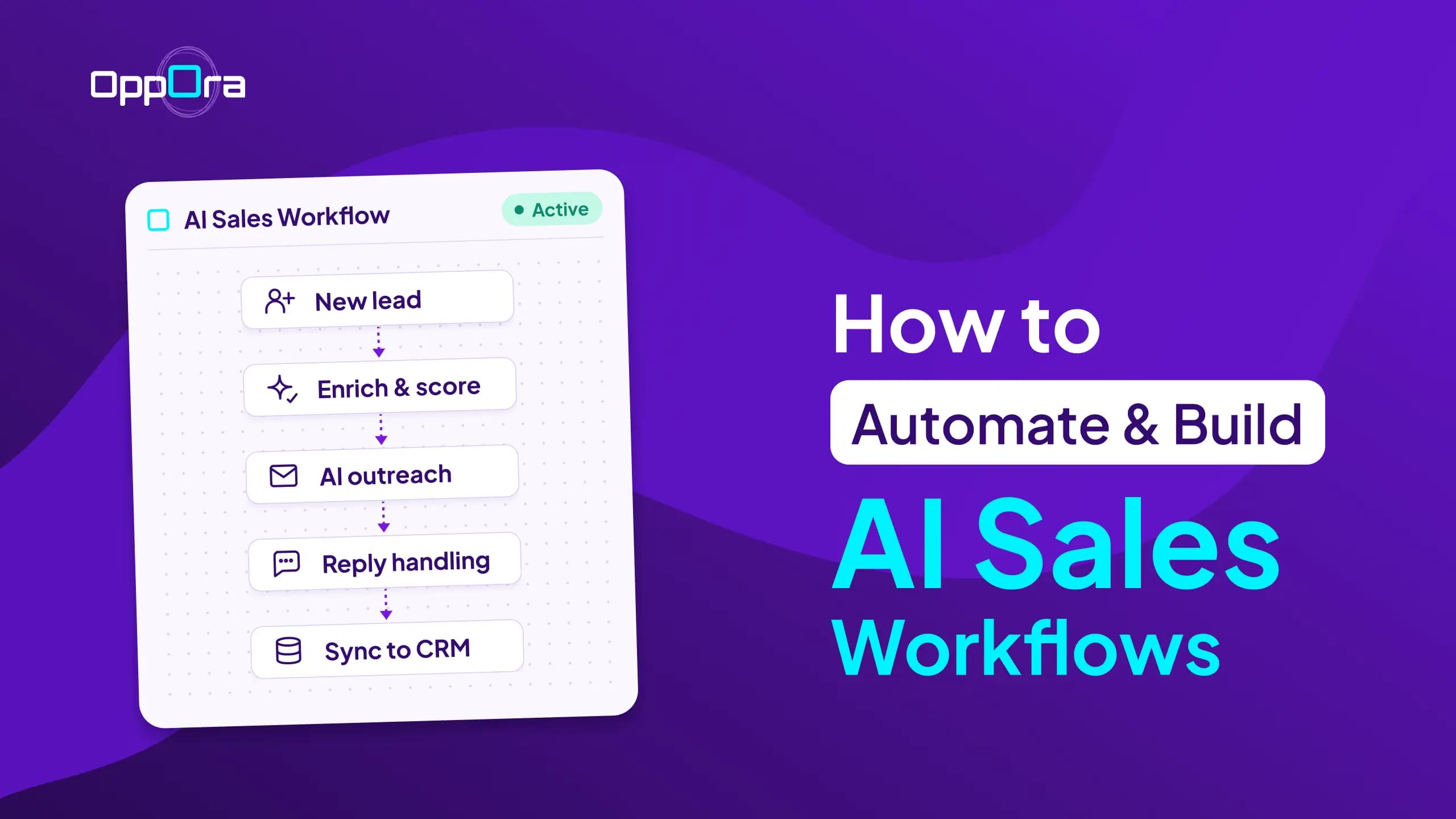
- Automate the complete outreach process: Use OraFlow, Oppora's AI Sales Planner, to define your target audience and create a sales plan. Its workflow builder connects prospect research, email verification, personalized messaging, automated follow-ups, AI-powered reply handling, and CRM synchronization.
- Coordinate email and LinkedIn touchpoints: Combine introductory emails, LinkedIn connection requests, personalized messages, and follow-ups into a structured sequence. Adjust the timing and messaging based on prospect engagement instead of sending repetitive messages.
- Track performance and improve conversions: Monitor email deliverability, reply rates, positive responses, meeting bookings, and channel performance. Use reporting and A/B testing insights to identify what works and optimize your outreach workflows.
Why Single-Channel Outreach Is Not Enough for B2B Sales
B2B prospects rarely make decisions after one interaction. They need time to evaluate your offer, compare alternatives, and discuss requirements internally. Relying on a single channel can limit your opportunities to connect with them.
A multi-channel approach helps you reach prospects through different touchpoints and understand how they engage with your outreach.
- Fewer opportunities to reach decision-makers: Some prospects prefer email, while others are more active on LinkedIn. Using both channels increases your chances of getting noticed.
- Follow-ups can get overlooked: A prospect may miss your email or forget to respond to your LinkedIn message. Another relevant touchpoint helps you maintain contact.
- Better insights into engagement: Email replies, LinkedIn interactions, and meeting bookings help you understand which channels and messages generate interest.
The goal is to create a connected experience across channels without overwhelming prospects with repetitive messages.
How to Implement a Multi-Channel B2B Outreach Strategy with Oppora
Once you have identified your target audience and selected the channels you want to use, you need a way to coordinate your outreach activities. Managing email and LinkedIn separately can make it difficult to track interactions, plan follow-ups, and decide what to do when a prospect responds.
Oppora’s Multichannel Sequences bring these activities into one sequence. You can combine emails, LinkedIn actions, delays, conditions, call tasks, and CRM updates, allowing prospects to follow different paths based on their engagement.
Here’s how you can set up and manage this process.
1. Define Your Ideal Customer Profile
Before building your sequence, get clear about the companies and decision-makers you want to reach. Your Ideal Customer Profile (ICP) helps you narrow down your audience and create more relevant outreach messages.
In Oppora, you can define details such as your target industries, company sizes, locations, buyer personas, job titles, pain points, and value proposition. This profile also supports company discovery, lead scoring, outreach copy, and reply handling across the platform.
For instance, if you sell cybersecurity software to mid-sized businesses, your ICP might include:
- Target companies: B2B companies with 200–1,000 employees.
- Industries: SaaS, financial services, and healthcare.
- Decision-makers: CTOs, IT Directors, and Heads of Security.
- Common pain points: Data security risks, compliance requirements, and increasing security costs.
A focused ICP helps you find relevant prospects instead of filling your outreach list with contacts who are unlikely to need your solution.
2. Find and Prepare Your Prospect List
Once your ICP is ready, the next step is to find companies and decision-makers who match it. The quality of your prospect list matters because even a well-designed sequence will struggle if you are contacting the wrong people.
With Oppora, you can use Company Finder to identify businesses that match your target criteria and People Finder to find relevant decision-makers within those companies.
You can then save your results to a list and enrich the contacts with missing information. Use email finding and verification to prepare the addresses you plan to contact.
Before moving to outreach, check that your list contains relevant prospects and the contact details required for your chosen channels. For instance, an email step needs an email address, while LinkedIn actions require a LinkedIn profile URL and a connected LinkedIn account.
This preparation helps you avoid building a sequence that reaches a dead end because a prospect is missing the information needed for the next action.
3. Connect Your Email and LinkedIn Accounts
With your prospect list ready, prepare the accounts you want to use for outreach. Connect the email mailboxes you plan to assign to email steps and the LinkedIn account you want to use for LinkedIn actions.
If you are using a new email mailbox, give it time to build its sending reputation before starting heavy outreach. Oppora’s Getting Started guide recommends warming up a new mailbox for at least 14 days, and up to 45 days for a completely new domain, before heavy sending.
You can use an email-only sequence without connecting LinkedIn. However, if you want to include LinkedIn actions, you need a connected LinkedIn account.
Having the required accounts ready makes it easier to assign the right sender to each step when you build your sequence.
4. Build Your Multichannel Sequence in Oppora
Now you can bring your outreach activities together. In Oppora, you can start a Multichannel Sequence from scratch or use a template, then organize your steps using the Simple list view or Visual canvas.
You can combine different types of steps within the same sequence:
- Email: Send personalized outreach emails and follow-ups.
- LinkedIn actions: Visit profiles, react to or comment on posts, send connection requests, follow prospects, send messages or InMail, and withdraw older invitations.
- Delays: Add waiting periods between actions.
- Conditions: Create Yes or No paths based on prospect activity.
- Call tasks: Create tasks for your sales team when personal follow-up is needed.
- CRM push: Send relevant prospect information into your CRM.
The key is to decide how these actions should work together. You do not need to contact every prospect through every channel. Instead, use conditions to determine which action makes sense based on the prospect's behaviour.
For instance, you could build a sequence like this:
- Visit the prospect's LinkedIn profile.
- Wait one day.
- Send a LinkedIn connection request.
- Check whether the prospect accepts the request.
- If they connect, send a LinkedIn message.
- If they do not connect within the specified waiting period, send an email instead.
This approach lets you coordinate LinkedIn and email outreach without forcing every prospect through the same set of actions.
Suggested Reading:
How to Use AI for Sales Prospecting and Cut Work to Minutes5. Add Conditions to Adapt Your Outreach
Once you have added your outreach steps, configure conditions to determine what happens next. This is what makes a multichannel sequence more flexible than a fixed series of emails and messages.
Oppora lets you create conditions based on prospect activity and available contact information, including:
- Whether a prospect opened a previous email.
- Whether they clicked a link.
- Whether they accepted your LinkedIn connection request.
- Their LinkedIn connection degree.
- Whether a call was answered.
- Whether they have an email address or LinkedIn profile URL.
- Whether they replied to your outreach.
Each condition creates a Yes or No path. The prospect moves down the Yes path when the selected condition happens, or down the No path when the configured waiting period expires. You can set a condition to check for up to seven days.
For instance, if a prospect accepts your connection request, the sequence can move them toward a LinkedIn message. If they do not accept within the waiting period, you can route them toward an email step instead.
You can also use reply conditions to identify responses such as Interested, Meeting booked, Not interested, Out of office, or Wrong person.
However, remember that a reply stops automated outreach for that prospect. A matching Replied condition can route them to supported next steps such as a call task or CRM push, rather than another automated outreach message.
Unsubscribe replies always stop the sequence.
6. Add Recipients and Senders, Then Launch
After building the sequence and configuring its conditions, add the prospect list you want to target. You can then assign the relevant email mailboxes to email steps and your connected LinkedIn account to LinkedIn steps.
Before launching, review the sequence to make sure each action has the right sender and each condition leads to the intended next step. Also check that your prospect list contains the contact information required for the actions you have included.
Once everything is ready, launch the sequence and monitor its progress through the Recipients tab.
Oppora shows each person's current step and status, including:
- Queued: The prospect is waiting to enter the next action.
- In progress: The prospect is moving through the sequence.
- Waiting on you: A manual action, such as a call task, needs attention.
- Completed: The prospect has finished the sequence.
You can also keep your sequence running as your prospect list changes. People added to an attached list after launch automatically join from the first step, while people removed from the list stop progressing.
As prospects respond, use Oppora's reply-handling tools to review conversations and identify people who need follow-up. Interested prospects can be routed toward a call task or CRM update, helping your sales team focus on conversations with the potential to become opportunities.
The goal is not simply to automate more messages. It is to build a connected outreach process where each interaction helps you decide the most appropriate next action.
A Practical 10-Day Multi-Channel B2B Outreach Sequence
Now that you understand how to build a multichannel sequence in Oppora, let's look at how email and LinkedIn touchpoints can work together in an actual campaign.
The following 10-day sequence is an illustrative starting point for a B2B campaign. It combines email and LinkedIn actions, with conditions that help you decide what should happen next based on prospect engagement.
The sequence should not run blindly for every prospect. Use conditions to determine which actions are relevant to each person. Someone who accepts your LinkedIn request can follow a different path from someone who does not, while prospects without a LinkedIn profile can follow an email-based path.
You should also account for replies. If someone responds on LinkedIn or email, Oppora stops automated outreach for that prospect.
You can use reply conditions to route the response toward a CRM update or a call task, depending on what action is needed.
For prospects who are not interested or have unsubscribed, do not continue sending campaign messages.
Make sure your outreach also respects applicable email, privacy, and LinkedIn platform rules.
The purpose of this sequence is to create a steady, relevant conversation across channels. You are not trying to maximize the number of messages sent.
You are trying to make each interaction useful enough to move the conversation forward.
Suggested Reading:
How to Automate Your Sales Process in 5 MinutesHow to Measure and Improve Your Multi-Channel Outreach Performance
Once your campaign is running, you need to understand whether your outreach is generating meaningful sales conversations. Looking only at the number of emails sent or LinkedIn requests made will not give you the complete picture.
You should evaluate performance across the entire outreach process, from email deliverability and prospect engagement to replies and meetings booked.
Consider this illustrative campaign of 100 prospects:
These figures are only an example to show how you can organize campaign reporting. They are not industry benchmarks or expected results.
The next step is to understand what these numbers are telling you.
If email deliverability is low, review your contact data, mailbox configuration, and sending practices. If emails are reaching prospects but generating few replies, revisit your targeting, subject lines, and message relevance.
If you are getting replies but few positive responses, your outreach may not be connecting your solution to the prospect's actual priorities. Revisit your value proposition and make your message more specific to the problems your audience faces.
Similarly, if positive replies are coming in but few meetings are being booked, look at how quickly you respond and whether your next step is clear. Make it easy for interested prospects to understand what happens after they reply.
You should also compare performance across channels and audience segments. This helps you understand whether email or LinkedIn is contributing more to prospect engagement and which combinations of touchpoints are creating better conversations.
With Oppora, you can review campaign reporting such as reply rates, email deliverability, and A/B test performance.
Use these insights to compare message variations and identify what is working. You can then make focused adjustments to your sequences instead of changing multiple elements at once.
A multi-channel outreach strategy improves through consistent measurement.
When you understand which audiences, messages, and touchpoints are generating meaningful responses, you can put more effort into the activities that create better sales conversations.
Conclusion
Implementing a multi-channel B2B outreach strategy is about creating connected conversations, not simply sending more messages across different platforms. You need a clear target audience, relevant prospect data, personalized communication, coordinated follow-ups, and consistent performance tracking.
Oppora brings these activities together through its AI Sales Planner, AI Sales Agents, workflow builder, email and LinkedIn outreach, reply handling, and CRM integrations. You can build a repeatable outreach process while keeping visibility into how your campaigns perform.
Start with a focused audience and a simple workflow. Review the results, improve your messaging, and expand your outreach as you learn what works.
Frequently Asked Questions
1. What is the ideal number of channels for a B2B outreach campaign?
There is no fixed number of channels for every campaign. Most businesses can start with two or three relevant channels, such as email, LinkedIn, and phone, based on where their target audience is most active.
2. How do you coordinate email and LinkedIn outreach without repeating messages?
Give each channel a different purpose. Use email to explain your offer, LinkedIn to build familiarity, and follow-ups to address a prospect's potential questions. Keep the conversation consistent across platforms.
3. How long should you wait between B2B outreach touchpoints?
A gap of one to three business days can be a useful starting point. However, adjust the timing based on your audience, engagement, and previous interactions. Avoid sending multiple messages too close together.
4. Should you continue outreach after a prospect opens an email?
An email open does not necessarily indicate buying interest. Consider other engagement signals, such as replies, link clicks, or LinkedIn interactions, before deciding on your next step.
5. How can you personalize outreach when contacting hundreds of prospects?
Segment prospects by industry, company size, job role, and business needs. Use verified prospect information and AI-powered personalization to create relevant messages at scale without making every email sound identical.
Summarize with AI
Share