13 Best MCP for Marketers That Save 10+ Hours Every Week
Stephen Parker
Published June 23, 2026
23 min
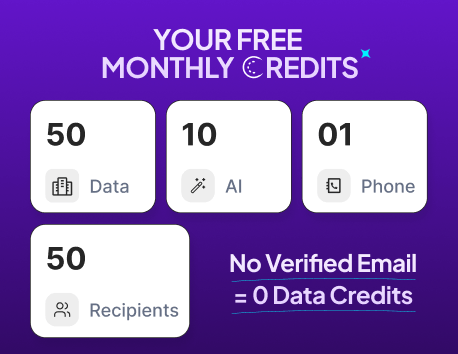
Complete Agentic Email Outreach
AI agents find and enrich prospects, personalize emails, follow up, handle replies, and book meetings automatically.
Claim Your FREE Credits
Marketing work has become faster, but also more scattered.
You jump between SEO tools, CRMs, ad platforms, content docs, analytics dashboards, and outreach tools just to finish one campaign. That is where MCPs can help.
Instead of asking AI to “give ideas” in isolation, MCPs let AI connect with your actual marketing tools, read useful data, and sometimes take action inside your workflow.
The real value is not just automation.
It is fewer tabs, fewer repeated tasks, and faster decisions.
In this guide, we will cover:
- Which type of marketer needs which MCP
- How we ranked the best MCPs
- The 13 best MCPs for marketers
- Which MCP stack can save you 10+ hours every week
Before You Pick an MCP, Know Which Type of Marketer You Are
Not every marketer needs the same MCP.
That is where many people make the wrong choice. They see a popular MCP, install it, and then realize it does not fit their daily workflow.
A content marketer does not need the same setup as a paid ads manager.
A demand generation team does not need the same tool stack as a designer.
So before you compare features, start with your role.
The goal is simple.
Pick the MCP that removes the most repetitive work from your week.
Once you know your marketing role, it becomes much easier to choose the right MCP instead of chasing every new tool.
How We Ranked These MCPs
A good MCP should not just look impressive on paper.
It should help you finish real marketing work faster.
So instead of ranking these MCPs only by popularity, we looked at how useful they are inside everyday marketing workflows.
That includes things like researching keywords, finding prospects, updating CRM records, creating campaign briefs, checking analytics, planning content, and automating follow-ups.
Here are the main factors we used:
The best MCPs are not always the most advanced.
They are the ones that quietly remove the most friction from your day.
13 Best MCPs for Marketers
Now that you know what to look for, let’s compare the best MCPs for real marketing work.
Some are better for SEO research.
Some are better for CRM, content, analytics, paid ads, or social media.
And some, like Oppora, are built for teams that want AI to handle prospecting, enrichment, outreach, and sales workflow automation from one place.
Below, you’ll find the 13 best MCPs for marketers, what each one is best for, key features, pros, cons, pricing, and why it deserves a place on this list.
#1 Oppora.ai ⭐ Best Overall MCP for Sales & Marketing Teams
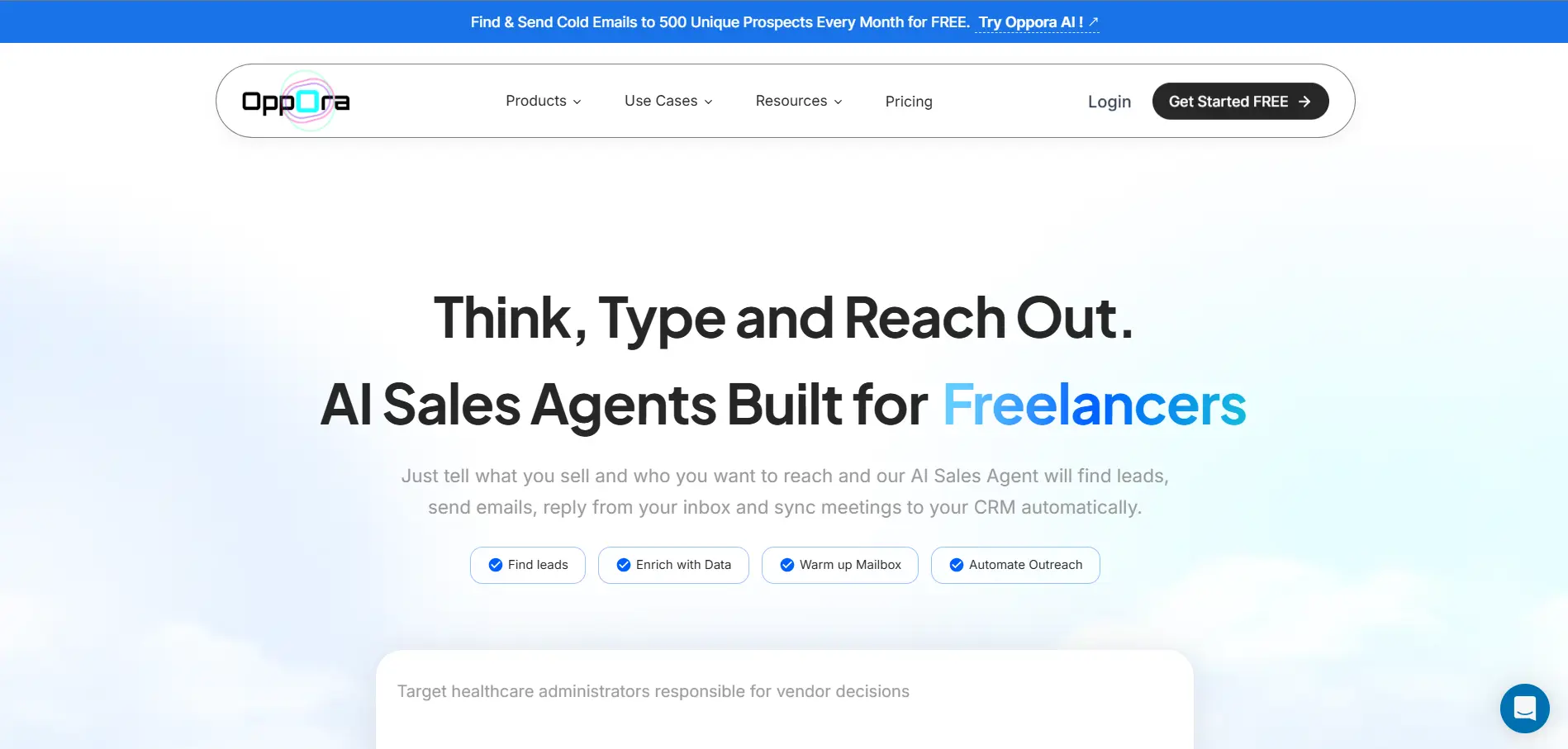
Oppora.ai is a strong MCP choice for marketers who want AI to handle prospecting, enrichment, outreach, replies, and CRM workflows from one place.
Instead of using one tool to find leads, another to verify emails, and another to send campaigns, Oppora.ai brings the full sales and marketing workflow into one connected system.
Best for:
- Outbound Marketing
- Founders and solopreneurs
- SDR and sales teams
- B2B agencies
- Freelancers
- Marketers running outbound campaigns
Why marketers love it:
- It helps you find relevant prospects faster.
- It enriches leads with useful contact details.
- It supports email finding and verification.
- It helps automate cold outreach workflows.
- It reduces manual CRM updates and repetitive campaign tasks.
- It works well when you want AI to execute tasks, not just suggest ideas.
Key features:
- AI Prospect Finder: Finds relevant companies and decision-makers based on your target audience.
- 1B+ contact database: Gives marketers access to a large lead pool for prospecting and outbound campaigns.
- 60M+ company database: Helps you discover target accounts by company type, market, and fit.
- Lead enrichment: Adds company, role, location, industry, and contact details to your leads.
- Email finder: Finds business emails so you do not have to check profiles manually.
- Phone number search: Helps you add another contact channel for high-value prospects.
- Chrome Extension: Lets you capture leads while browsing LinkedIn and other prospecting sources.
- CRM workflow automation: Syncs leads, replies, tasks, meetings, and pipeline activity.
- AI sales agent: Handles research, outreach, replies, qualification, and repetitive workflow tasks.
- Prospect research: Helps you understand each lead before writing personalized outreach.
- Cold outreach automation: Runs multi-step email campaigns and follow-ups automatically.
- Multi-step automation: Connects prospecting, enrichment, verification, outreach, replies, and CRM updates.
- AI reply handling: Answers questions, handles objections, qualifies interest, and helps book meetings with its AI reply agent.
Pros:
- Covers the full prospecting-to-outreach workflow.
- Useful for both marketing and sales teams.
- Helps reduce tool switching across outbound tasks.
- Good fit for repeatable demand generation workflows.
- Supports end-to-end sales workflow automation.
Cons:
- Works best when your ICP, offer, and campaign goal are clear.
- May feel advanced if you only need simple content or SEO tasks.
Pricing: Oppora has Free, Pro, Max, and Enterprise plans.
- Free: $0/month for individuals or teams testing outbound workflows.
- Pro: $34/month for founders and small teams scaling outbound faster.
- Max: $79/month for agencies and teams running higher-volume campaigns.
- Enterprise: Starts at $499/month for teams needing 50,000+ contacts per month.
- All plans include: Unlimited emails, campaigns, follow-ups, 60M+ companies, and 1B+ contacts.
- Best value: Pro is ideal for small teams, while Max is better for higher volume.
Suggested Reading:
How to Use MCP to Manage Email Marketing Workflows#2 HubSpot MCP — Best MCP for CRM Marketers
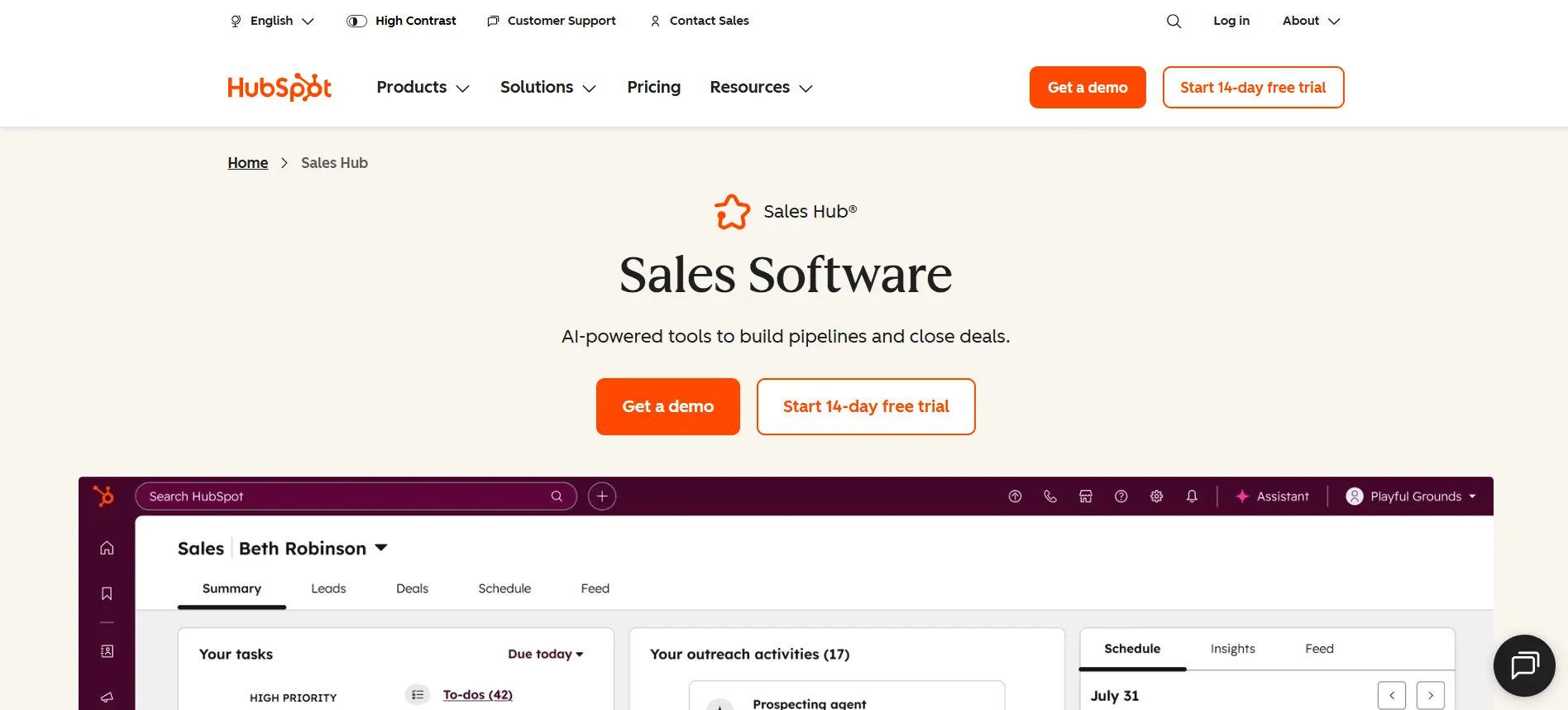
HubSpot MCP is a strong choice when your marketing team already uses HubSpot as the main CRM.
It lets MCP-compatible AI tools securely work with HubSpot CRM data, including contacts, deals, companies, and customer activity.
Best for:
- CRM marketers
- Lifecycle marketing teams
- RevOps teams
- B2B SaaS teams
- Sales and marketing teams using HubSpot
Why marketers love it:
- It helps you pull customer context faster.
- It reduces manual CRM searching.
- It can support contact and deal updates.
- It helps summarize customer activity.
- It makes CRM data easier to use inside AI workflows.
Key features:
- Contact access: Helps AI find and understand lead or customer records.
- Deal insights: Lets teams review pipeline activity without opening every record manually.
- Company data: Gives AI more context about target accounts and customer segments.
- Customer activity review: Helps summarize emails, notes, calls, meetings, and tasks.
- CRM updates: Supports read and write actions, so teams can update records from AI tools.
- Workflow support: Helps marketers connect CRM activity with campaigns and follow-ups.
- AI customer context: Makes customer data easier to use for segmentation and personalization.
Pros:
- Strong fit for teams already using HubSpot.
- Useful for CRM-heavy marketing workflows.
- Helps reduce manual contact and deal management.
- Good for lifecycle, RevOps, and sales-marketing alignment.
- Supports secure CRM access through HubSpot’s MCP setup.
Cons:
- Less useful if your CRM data is messy.
- Not ideal if your team does not use HubSpot.
- Some setup may need admin or technical support.
Pricing: HubSpot MCP access depends on your HubSpot setup, account permissions, and CRM plan.
#3 Ahrefs MCP — Best MCP for SEO Marketers
Ahrefs MCP connects live Ahrefs SEO data with AI assistants, so you can research keywords, competitors, backlinks, and content opportunities through natural language.
Ahrefs says its MCP connects Ahrefs data with AI assistants to automate SEO and marketing tasks without coding.
Best for:
- SEO marketers
- Content strategists
- Organic growth teams
- SEO agencies
- Digital PR teams
Why marketers love it:
- It speeds up keyword research.
- It helps compare competitors faster.
- It reduces manual SEO dashboard work.
- It supports backlink and content gap analysis.
- It helps turn SEO data into campaign ideas.
Key features:
- Keyword research: Finds search terms, difficulty, and traffic opportunities for content planning.
- Competitor analysis: Helps compare competing domains and find where they are winning.
- Backlink research: Reviews links pointing to a website, page, or competitor asset.
- Content gap analysis: Finds topics competitors rank for but your site does not cover well.
- Rank tracking insights: Helps monitor keyword movement and organic visibility changes.
- Site performance checks: Supports faster reviews of pages, traffic, and SEO opportunities.
- AI SEO workflows: Lets you ask SEO questions in plain English instead of manually filtering reports.
Pros:
- Strong fit for SEO-heavy marketing teams.
- Uses Ahrefs’ live SEO and marketing data.
- Helpful for keyword, backlink, and competitor research.
- Can save hours on weekly SEO research.
- Works with AI assistants like ChatGPT, Claude, and Copilot.
Cons:
- Best value comes if you already use Ahrefs.
- Not built for CRM, outreach, or social media workflows.
- Some outputs still need SEO judgment before action.
Pricing: Ahrefs MCP usually depends on your Ahrefs subscription and account access.
#4 Notion MCP — Best MCP for Content Operations
Notion MCP is a great fit when your marketing team runs content calendars, campaign briefs, meeting notes, and documentation inside Notion.
It gives AI tools secure access to your Notion workspace, so they can search, create, and manage content without you manually opening every page.
Best for:
- Content marketers
- Marketing managers
- Editorial teams
- Content operations teams
- Agencies managing multiple clients
Why marketers love it:
- It helps you find campaign notes faster.
- It turns scattered ideas into organized briefs.
- It keeps editorial calendars easier to manage.
- It reduces manual updates inside content databases.
- It helps AI understand your existing marketing docs.
Key features:
- Workspace search: Finds campaign pages, briefs, notes, and docs across your Notion workspace.
- Page creation: Helps create content briefs, outlines, meeting notes, and campaign docs.
- Database updates: Updates content calendars, task trackers, and project databases.
- Content organization: Helps structure messy notes into useful marketing workflows.
- Knowledge retrieval: Lets AI pull context from existing docs before creating new content.
- Read and write access: Allows AI tools to search information and update Notion pages.
- Multi-step workflows: Can search your workspace, create pages, and update properties from one prompt.
Pros:
- Great for content planning and documentation.
- Helps teams reduce manual workspace updates.
- Works well for campaign briefs and editorial calendars.
- Useful for turning internal knowledge into AI context.
- Strong fit for teams already using Notion daily.
Cons:
- Works best when your Notion workspace is well organized.
- Too many messy databases can reduce output quality.
- Not built for SEO data, outreach, or paid ads by itself.
Pricing: Notion MCP access depends on your Notion workspace, plan, and AI tool setup.
#5 Google Analytics MCP — Best MCP for Analytics Marketers
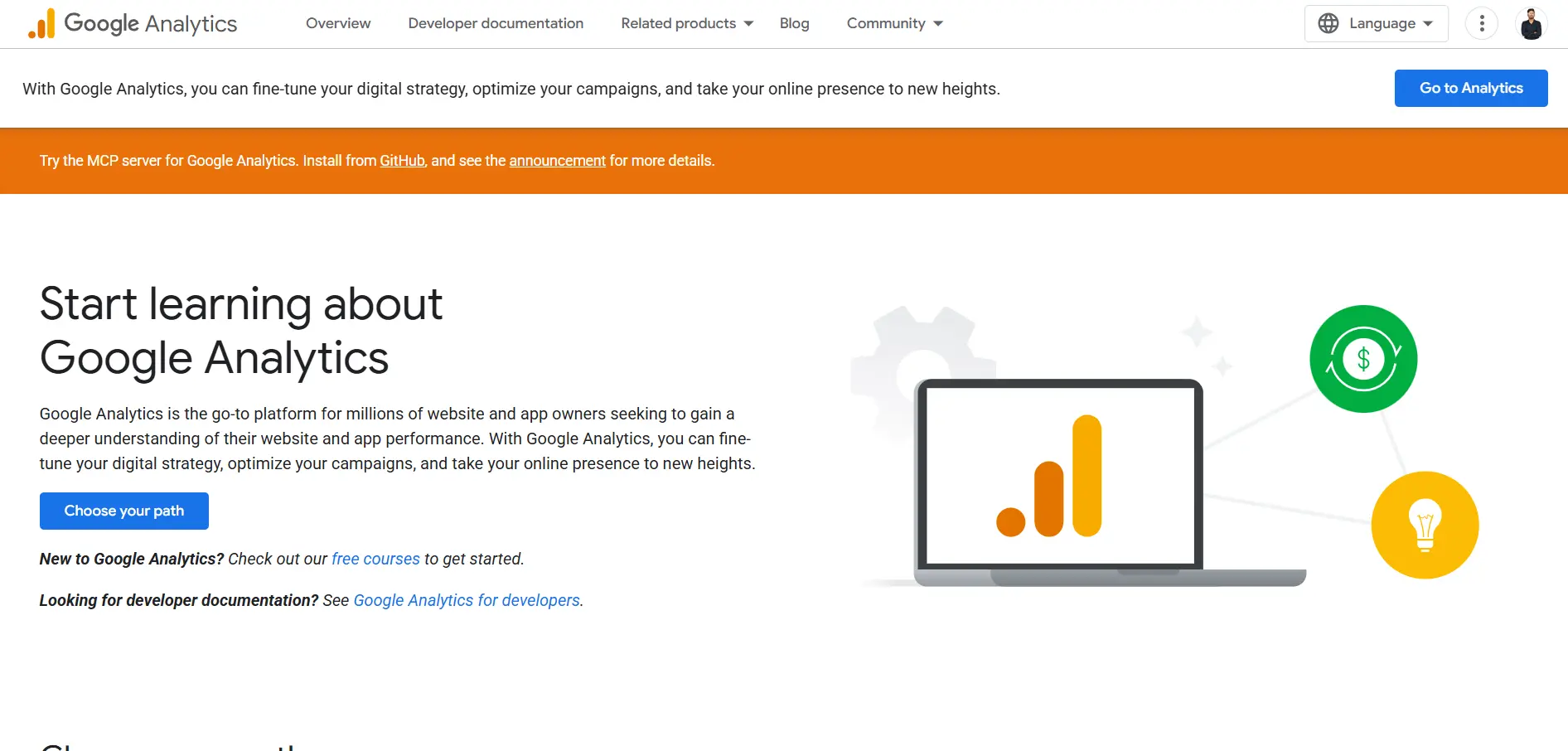
Google Analytics MCP helps you connect your analytics data with an AI assistant, so you can ask questions about traffic, conversions, landing pages, and audience behavior.
Instead of opening GA4 reports manually, you can use natural language to understand what is happening across your website and campaigns.
Google says its Analytics MCP server lets you connect Analytics data to an LLM and chat with your data.
Best for:
- Analytics marketers
- Growth marketers
- Website managers
- Performance teams
- Founders tracking campaign results
Why marketers love it:
- It makes GA4 data easier to understand.
- It reduces manual reporting time.
- It helps spot traffic and conversion changes faster.
- It turns analytics questions into AI-assisted answers.
- It helps teams make campaign decisions with real data.
Key features:
- Traffic analysis: Helps you understand where visitors come from and which channels perform best.
- Conversion insights: Shows how users move toward signups, demos, purchases, or other goals.
- Landing page review: Helps identify pages that bring traffic but may need better conversion paths.
- Audience analysis: Gives context on user behavior, segments, locations, and engagement patterns.
- Campaign performance checks: Helps compare marketing campaigns without manually building every report.
- Natural language reporting: Lets you ask analytics questions instead of digging through GA4 menus.
- AI data exploration: Helps uncover patterns, drops, spikes, and opportunities in your website data.
Pros:
- Great for weekly marketing reports.
- Useful for campaign performance reviews.
- Helps non-technical marketers understand GA4 faster.
- Reduces dashboard switching and manual report building.
- Strong fit for teams already using Google Analytics.
Cons:
- Works best when your GA4 setup is clean.
- Poor event tracking can lead to weak insights.
- It may need technical setup before marketers can use it smoothly.
Pricing: Google Analytics is free for many teams, but MCP setup and usage depend on your implementation and AI tool.
#6 Slack MCP — Best MCP for Team Communication
Slack MCP helps AI assistants connect with your Slack workspace, so you can search conversations, summarize threads, and pull useful context from team discussions.
For marketers, this is helpful because campaign updates, approvals, ideas, and decisions often get buried inside Slack channels.
Slack says its MCP server gives AI assistants secure access to workspace data and lets them interact with organizational information.
Best for:
- Marketing teams
- Agencies
- Campaign managers
- Remote teams
- Cross-functional growth teams
Why marketers love it:
- It helps find old campaign discussions faster.
- It turns long threads into quick summaries.
- It reduces repeated internal questions.
- It helps AI understand team context before creating work.
- It keeps campaign communication easier to track.
Key features:
- Conversation search: Finds useful messages, decisions, and campaign notes across Slack channels.
- Thread summaries: Turns long discussions into short, usable summaries for faster follow-up.
- Channel context: Helps AI understand what a team or campaign channel is focused on.
- Decision tracking: Pulls out approvals, blockers, and next steps from team conversations.
- Team updates: Helps create status summaries from active projects or marketing channels.
- Action support: Can help AI interact with Slack workflows depending on setup and permissions.
- Knowledge retrieval: Let marketers reuse information already shared in Slack instead of asking again.
Pros:
- Great for fast-moving marketing teams.
- Helps reduce time spent searching old messages.
- Useful for campaign summaries and internal updates.
- Good fit for remote or agency workflows.
- Connects communication context with AI-assisted work.
Cons:
- Needs careful permission control.
- Messy channels can reduce the quality of summaries.
- Not a replacement for project management or CRM tools.
Pricing: Slack MCP access depends on your Slack workspace, plan, partner app, and setup requirements.
#7 Figma MCP — Best MCP for Creative Workflow
Figma MCP helps connect your design workspace with AI tools, so marketers can use creative assets, design context, and campaign visuals more easily.
It is especially useful when your marketing work depends on landing pages, ads, product visuals, website sections, or branded campaign assets.
Figma says its MCP server can provide design context to AI agents and let agents write native Figma content back to the canvas.
Best for:
- Creative marketers
- Designers
- Product marketers
- Landing page teams
- Brand and campaign teams
Why marketers love it:
- It helps AI understand design context.
- It reduces back-and-forth between marketers and designers.
- It makes creative feedback easier to turn into action.
- It supports faster landing page and campaign asset workflows.
- It helps connect design work with execution.
Key features:
- Design context access: Lets AI understand frames, layouts, components, and creative assets.
- Canvas updates: Allows agents to create or modify native Figma content in supported setups.
- Asset review: Helps marketers review campaign visuals, landing pages, and creative concepts faster.
- Design-to-code support: Helps teams move from design files to development-ready context.
- Component awareness: Gives AI more context about reusable design elements and brand systems.
- Creative feedback support: Helps turn messy feedback into clearer design tasks.
- Campaign asset workflow: Supports smoother collaboration across ads, web pages, and product visuals.
Pros:
- Great for design-heavy marketing teams.
- Helps reduce creative review friction.
- Useful for landing pages, ads, and campaign assets.
- Supports read and write workflows in supported environments.
- Strong fit when design context matters before execution.
Cons:
- Less useful for marketers who do not work with design assets.
- Some features may depend on plan, beta access, or setup.
- You still need a clear creative brief for strong results.
Pricing: Figma MCP availability and limits depend on your Figma plan, permissions, and setup. Figma notes that the feature is currently free during beta, but may become usage-based later.
#8 Google Ads MCP — Best MCP for Paid Ads Marketers
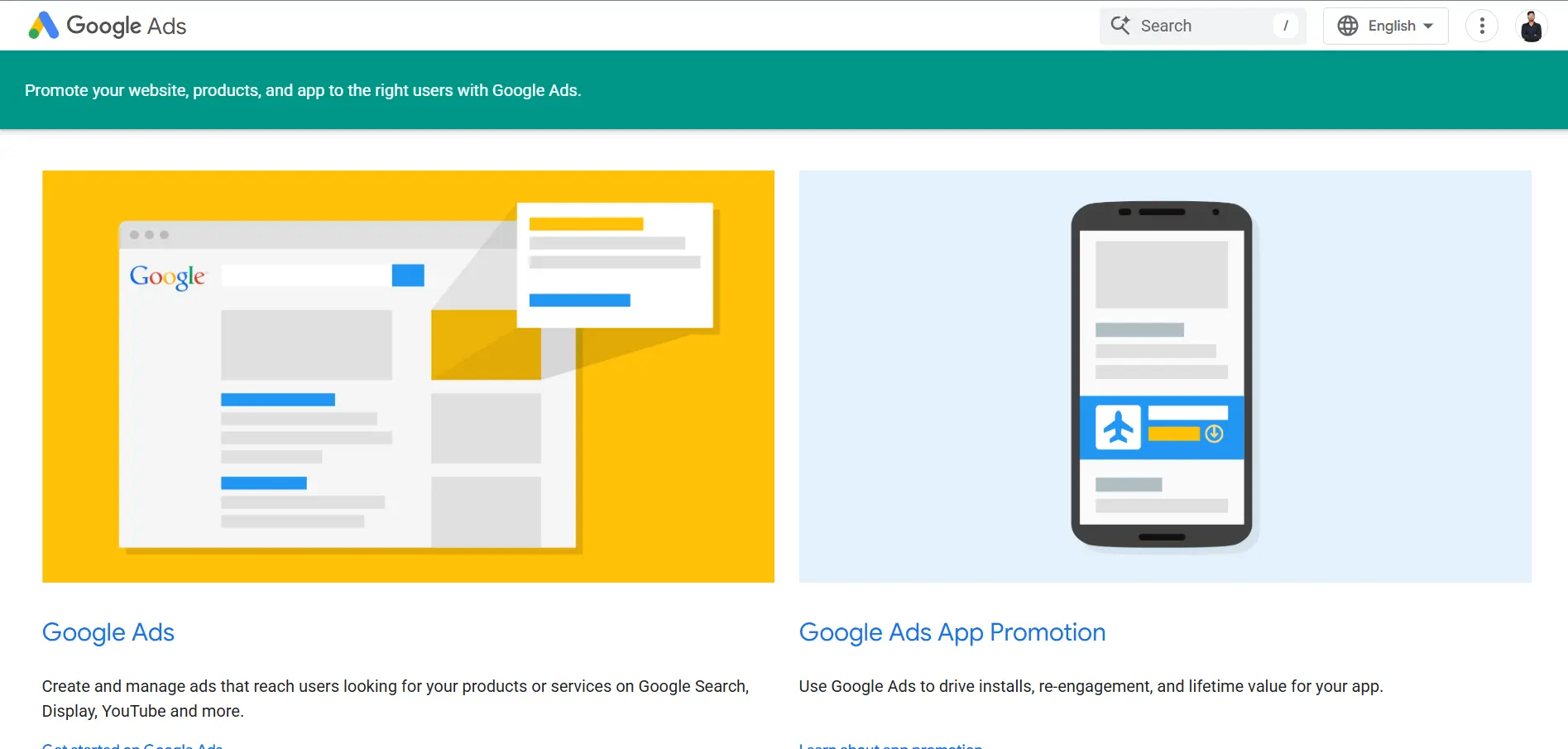
Google Ads MCP helps you connect Google Ads campaign data with AI tools, so you can review performance, keywords, budgets, and account insights faster.
Instead of manually opening reports for every campaign, you can ask natural-language questions and let AI pull useful paid ads context from the Google Ads API.
Google describes its MCP server as a bridge that lets AI agents analyze and retrieve campaign data through natural language.
Best for:
- Paid ads marketers
- PPC specialists
- Performance marketing teams
- Agencies managing Google Ads accounts
- Founders running search campaigns
Why marketers love it:
- It helps review campaign performance faster.
- It reduces manual reporting work.
- It helps spot budget and keyword issues.
- It makes Google Ads data easier to query.
- It supports faster campaign analysis before optimization.
Key features:
- Campaign analysis: Helps review campaign performance, spend, clicks, conversions, and trends.
- Keyword review: Lets you analyze keyword performance and find weak or high-potential terms.
- Budget insights: Helps check where budget is being used and where spend may need adjustment.
- Search query analysis: Helps review search terms for optimization and negative keyword ideas.
- Account-level reporting: Pulls useful performance context across campaigns and ad groups.
- Natural-language data access: Lets you ask Google Ads questions without building every report manually.
- Google Ads API connection: Uses Google Ads API access to retrieve campaign and account data.
Pros:
- Very useful for PPC reporting.
- Helps reduce time spent inside dashboards.
- Good fit for agencies managing multiple accounts.
- Strong for campaign audits and performance reviews.
- Makes paid ads data easier to use inside AI workflows.
Cons:
- Setup can be technical for non-developers.
- Best results still need PPC judgment before making changes.
- Some implementations may be experimental or not production-ready.
Pricing: Google Ads MCP itself depends on setup and implementation, while your ad spend and Google Ads API requirements are separate.
#9 Semrush MCP — Best MCP for SEO Research
Semrush MCP connects Semrush SEO, traffic, and competitor data with AI assistants, so marketers can research search opportunities without moving through every report manually.
It is especially useful when you want AI to pull keyword, domain, traffic, and competitive insights directly into your workflow.
Semrush says its MCP server gives AI agents secure access to Semrush public APIs.
Best for:
- SEO marketers
- Content strategists
- Competitive research teams
- Digital marketing agencies
- Growth marketers tracking search visibility
Why marketers love it:
- It helps you research keywords faster.
- It makes competitor analysis easier.
- It reduces manual SEO report checking.
- It connects SEO data with AI workflows.
- It helps turn search insights into content ideas.
Key features:
- Keyword data: Helps check search volume, difficulty, ranking positions, and related keyword ideas.
- Domain analytics: Lets you review website visibility, traffic estimates, and search performance.
- Competitor research: Helps compare competing domains and spot gaps in your SEO strategy.
- Organic search insights: Shows which keywords and pages drive visibility for a domain.
- Paid search data: Helps review CPC values, paid keywords, and ad copy insights.
- Traffic and market data: Gives broader context on audience behavior and market trends.
- AI tool compatibility: Works with tools like Claude, ChatGPT, Cursor, VS Code, Gemini, and Perplexity.
Pros:
- Strong fit for SEO and competitor research.
- Useful for both organic and paid search insights.
- Helps reduce time spent moving through dashboards.
- Good for agencies comparing multiple domains.
- Works well when you need SEO data inside AI prompts.
Cons:
- Best value depends on your Semrush subscription.
- Some data access may depend on API availability.
- Not built for CRM, outreach, or full campaign execution.
Pricing: Semrush MCP access depends on your Semrush subscription and API access. What you can query may vary by plan.
#10 Zapier MCP — Best MCP for Marketing Automation
Zapier MCP is a great choice when your marketing workflow depends on many different tools.
It connects AI assistants with Zapier’s app ecosystem, so you can move data, trigger actions, and automate repetitive tasks across your marketing stack.
Zapier says its MCP connects AI tools like Claude, ChatGPT, and Cursor with 9,000+ apps and 30,000+ actions.
Best for:
- Marketing operations teams
- Automation builders
- Small marketing teams
- Agencies
- Founders using many tools
Why marketers love it:
- It connects scattered marketing apps.
- It reduces manual copy-paste work.
- It helps AI take action, not just answer.
- It supports no-code marketing automation.
- It works across many sales, CRM, email, and project tools.
Key features:
- 9,000+ app connections: Connects your AI assistant with tools across CRM, email, forms, spreadsheets, ads, and more.
- 30,000+ actions: Lets AI perform tasks like sending emails, updating records, creating tasks, and posting messages.
- No-code setup: Helps marketers build automation without writing custom integrations.
- Cross-tool workflows: Moves data between marketing apps when campaigns, leads, or tasks change.
- AI action support: Allows AI assistants to do real work inside connected apps.
- Tool control: Lets teams choose which actions are available to an MCP server.
- Multi-stack flexibility: Works well when your team uses many tools instead of one all-in-one platform.
Pros:
- Huge app coverage for marketing workflows.
- Great for connecting tools that do not talk to each other.
- Useful for no-code automation.
- Works with multiple AI clients.
- Good fit for lean teams without engineering support.
Cons:
- Workflows can become messy without clear rules.
- Too many connected actions can create permission risk.
- Complex automations may still need careful testing.
Pricing: Zapier MCP pricing depends on your Zapier plan, usage, connected apps, and automation volume.
Suggested Reading:
9 Best Alternatives to n8n Workflow Automation Tools (2026 Guide)#11 Buffer MCP — Best MCP for Social Media Marketers
Buffer MCP is useful when your social media workflow depends on planning, scheduling, and publishing content across multiple channels.
It lets MCP-compatible AI tools connect with Buffer actions through Zapier, so you can move from content idea to scheduled post with less manual work.
Best for:
- Social media marketers
- Creators
- Brand teams
- Small marketing teams
- Agencies managing client social accounts
Why marketers love it:
- It helps schedule posts faster.
- It reduces manual copy-paste work.
- It turns campaign ideas into social updates.
- It helps keep content queues organized.
- It connects social publishing with broader automation workflows.
Key features:
- Post scheduling: Helps queue social posts without manually opening Buffer each time.
- Content publishing: Supports publishing updates through connected Buffer workflows.
- Queue management: Helps organize upcoming posts across social channels.
- Campaign repurposing: Turns blogs, newsletters, or campaign notes into social post drafts.
- Team notifications: Can notify teams when posts are queued, drafted, or published.
- Cross-tool automation: Connects Buffer with tools like forms, blogs, databases, and team apps.
- AI-assisted posting: Lets AI tools help prepare and trigger social publishing actions.
Pros:
- Great for repetitive social publishing tasks.
- Useful for lean teams and creators.
- Helps connect social media with campaign workflows.
- Easy to fit into a no-code automation stack.
- Good for teams already using Buffer and Zapier.
Cons:
- It is not a full social strategy tool by itself.
- Analytics depth may depend on your Buffer plan.
- MCP access may depend on Zapier setup and permissions.
Pricing: Buffer MCP access depends on your Buffer plan, Zapier account, connected actions, and task usage.
#12 Airtable MCP — Best MCP for Marketing Databases
Airtable MCP is useful when your marketing team uses Airtable to manage campaign trackers, content calendars, lead lists, influencer databases, event pipelines, or customer research.
It connects AI tools directly to your Airtable bases, so you can ask questions, create records, update data, and analyze information through natural conversation.
Best for:
- Marketing operations teams
- Content teams
- Campaign managers
- Agencies
- Teams managing custom marketing databases
Why marketers love it:
- It keeps campaign data easier to manage.
- It reduces spreadsheet-style manual updates.
- It helps AI work with structured marketing data.
- It makes custom databases easier to search.
- It supports planning, tracking, and reporting workflows.
Key features:
- Base access: Lets AI work with Airtable bases used for campaigns, leads, content, or events.
- Record search: Finds specific records inside marketing databases without manual filtering.
- Record creation: Helps add new campaign tasks, content ideas, leads, or research entries.
- Record updates: Lets AI update fields, statuses, owners, dates, and campaign information.
- Data analysis: Helps summarize records and spot patterns in your marketing database.
- Workflow tracking: Supports campaign calendars, content pipelines, and project trackers.
- AI database management: Turns structured marketing data into a more useful AI workflow.
Pros:
- Great for custom marketing systems.
- Useful when spreadsheets are becoming messy.
- Works well for campaign tracking and content operations.
- Supports both reading and updating records.
- Flexible for agencies and multi-client workflows.
Cons:
- Works best when your Airtable structure is clean.
- Poorly named fields can confuse AI outputs.
- Not a full CRM, outreach, or analytics platform by itself.
Pricing: Airtable MCP access depends on your Airtable plan, workspace permissions, and AI tool setup.
#13 Intercom MCP — Best MCP for Customer Insights
Overview: Intercom MCP helps AI tools connect with Intercom data, so marketers can understand customer conversations, contacts, and support context faster.
This is valuable because customer messages often reveal objections, buying intent, product confusion, feature requests, and language your marketing team can reuse. Intercom says MCP lets AI tools connect with Intercom data and services in a secure, standardized way.
Best for:
- Customer marketers
- Product marketers
- Lifecycle marketing teams
- SaaS growth teams
- Teams using Intercom for support and sales conversations
Why marketers love it:
- It helps uncover customer pain points.
- It turns support conversations into marketing insights.
- It helps find objections before they hurt conversions.
- It gives product marketers real customer language.
- It supports better lifecycle and retention messaging.
Key features:
- Conversation access: Helps AI review customer chats, questions, objections, and support themes.
- Contact data: Gives more context about users, leads, and customer segments.
- Customer insight retrieval: Pulls useful patterns from conversations for campaigns and positioning.
- Objection research: Helps identify repeated concerns that can improve sales pages and nurture emails.
- Feature request analysis: Shows what customers ask for, repeat, or struggle to understand.
- Lifecycle messaging support: Helps create better onboarding, retention, and reactivation messages.
- Workspace context: Helps AI maintain context about your Intercom workspace and customer activity.
Pros:
- Great for customer-led marketing.
- Useful for product positioning and messaging.
- Helps turn support data into campaign ideas.
- Strong fit for SaaS and customer-facing teams.
- Reduces time spent manually reading conversation threads.
Cons:
- Works best when your Intercom data is well tagged.
- Needs careful permission control because it can access customer data.
- Not a full SEO, CRM, or outreach automation tool by itself.
Pricing: Intercom MCP access depends on your Intercom workspace, plan, permissions, and implementation setup.
Which MCP Saves the Most Time? Real Weekly Breakdown
The biggest time saving does not come from using one MCP once.
It comes from connecting MCPs to the tasks you repeat every week.
Think about your normal marketing week. You research keywords, check reports, update CRM fields, find prospects, plan campaigns, and send internal updates.
Each task may look small alone.
But together, they quietly take hours from your calendar.
Here is a realistic weekly breakdown:
The fastest savings usually come from tasks where you already have data, but still spend time collecting, filtering, and formatting it manually.
That is why tools like Ahrefs MCP, Google Analytics MCP, HubSpot MCP, and Oppora MCP can save so much time.
They do not just help you think faster.
They help AI pull the right data, summarize it, and sometimes take the next action for you.
For most marketers, the average saving is around 10–15 hours per week when MCPs are used across research, reporting, outreach, CRM, and campaign planning.
How to Build Your First Marketing MCP Stack
Once you understand what each MCP does, the next step is not to install everything.
That usually creates more confusion.
A better approach is to build a small MCP stack around the work you repeat most often. Start with three or four tools that connect your research, execution, and communication.
The best MCP stack is not the biggest one.
It is the one that removes the most manual steps from your daily workflow.
Start with one workflow first, like prospecting, reporting, or content planning.
Once that feels smooth, you can add more MCPs without overwhelming your team.
Common Mistakes Marketers Make When Using MCPs
MCPs can save a lot of time, but only when you use them with a clear workflow.
If you add them randomly, they can create more noise instead of removing work.
Here are the most common mistakes to avoid:
- Installing too many MCPs at once: Start with one or two workflows before adding more tools.
- Using only read-only servers: Read-only access is useful, but write access is what helps AI update records, create tasks, and trigger actions.
- Ignoring permissions: Always review what data an MCP can access before connecting it to your CRM, analytics, inbox, or customer tools.
- Not having an automation strategy: Do not automate random tasks just because you can. Pick repeated tasks that actually slow your team down.
- Skipping workflow design: Map the steps first, then decide which MCP should handle each part.
- Trusting outputs without review: AI can speed up work, but campaign decisions still need human judgment.
- Connecting messy data sources: If your CRM, Notion, Airtable, or analytics setup is messy, the MCP output will also be weaker.
The best approach is simple.
Start small, test one workflow, review the results, then expand your MCP stack only when it clearly saves time.
Conclusion
MCPs are becoming useful because they help AI move beyond basic answers.
Instead of working like a separate chatbot, your AI can connect with the tools you already use every day.
That means faster SEO research, cleaner CRM updates, quicker reports, smoother content planning, and more automated prospecting.
But the best MCP is not the one with the most features.
It is the one that removes the most repeated work from your week.
If you are focused on SEO, start with Ahrefs or Semrush.
If you run content operations, Notion and Figma can help.
If you want to automate lead generation, enrichment, outreach, and sales workflows, Oppora.ai is the strongest place to start.
Begin with one clear workflow, test it, and then expand your MCP stack step by step.
That is how you save 10+ hours every week without making your marketing stack harder to manage.
Frequently Asked Questions
What is an MCP for marketers?
An MCP for marketers is a connection layer that lets AI work with your marketing tools, data, and workflows, so you do not have to copy information from your CRM, SEO tool, analytics dashboard, or content workspace manually.
Do MCPs work with ChatGPT and Claude?
Yes, MCPs can work with ChatGPT and Claude, depending on the supported app environment, the MCP server, and the tool permissions you connect.
Are MCPs secure?
MCPs can be secure, but you should use official or trusted servers where possible and review permissions before giving access to your CRM, inbox, analytics, or customer data.
Which MCP is best for SEO?
Ahrefs MCP and Semrush MCP are the best choices for SEO because they help with keyword research, backlink analysis, competitor research, domain insights, and content gap discovery.
Which MCP is best for lead generation?
Oppora is the best MCP for lead generation because it helps you find prospects, enrich leads, find emails and phone numbers, automate cold outreach, handle replies, and manage CRM workflows from one place.
Summarize with AI
Share