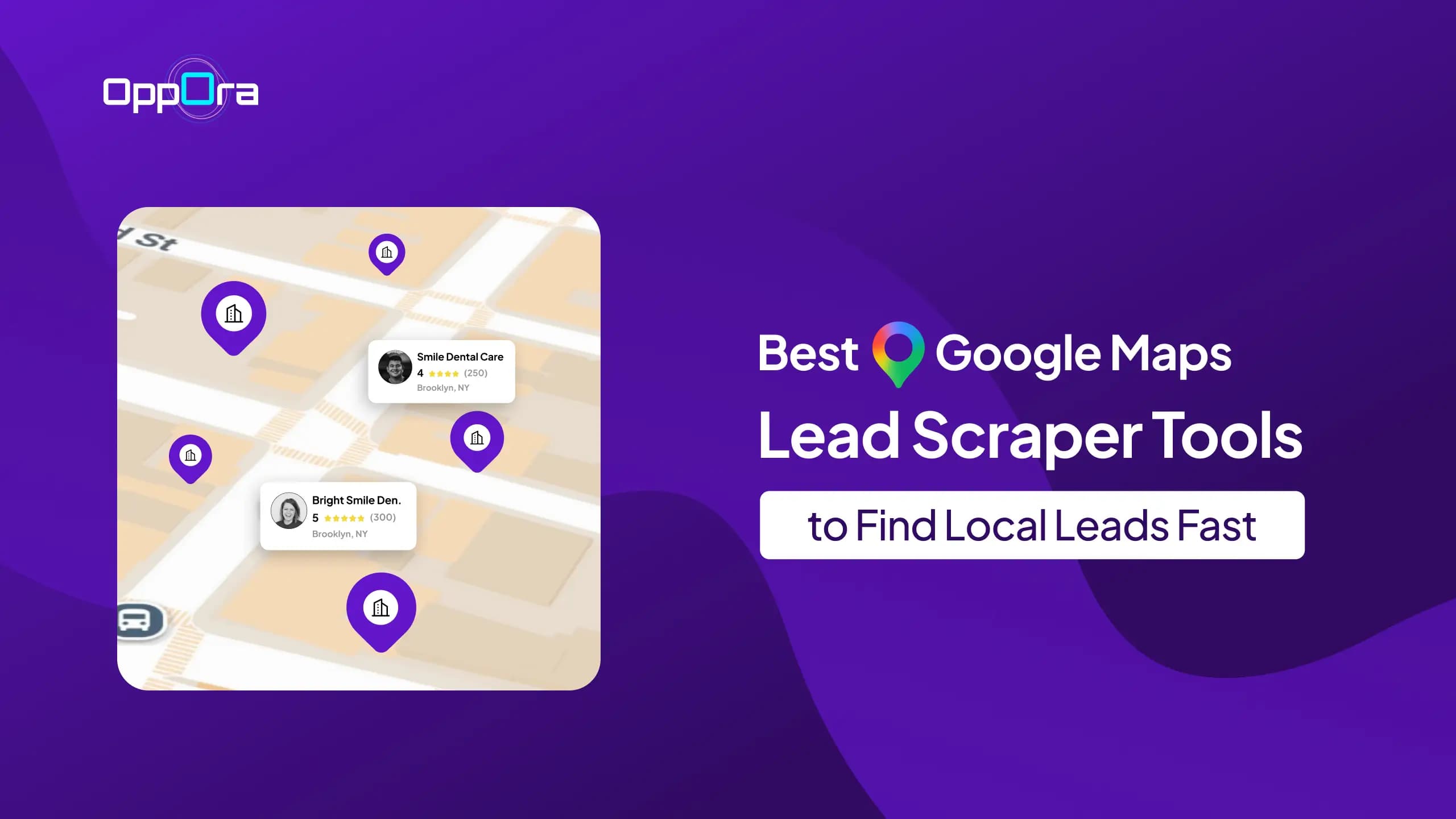
10 Best Google Maps Lead Scraper Tools to Find Local Leads Fast
Adam Hossain
Published July 1, 2026
17 min
Complete Agentic Email Outreach
AI agents find and enrich prospects, personalize emails, follow up, handle replies, and book meetings automatically.
Claim Your FREE Credits
Scrolling through hundreds of Google Maps listings to find the right local leads? That gets old fast.
Your sales team needs business names, phone numbers, and emails — not hours lost to copy-pasting.
The right scraper can pull all of this for you in minutes, turning Google Maps into a real lead generation engine.
In this guide, you'll learn:
- Why businesses rely on Google Maps for local prospecting
- The must-have features in a Google Maps lead scraper
- A side-by-side comparison of the 10 best tools available today
- How to pick the right one based on your team size and goals
Why Businesses Use Google Maps for Local Prospecting
Before you pick a tool, it helps to understand why Google Maps has become such a goldmine for local prospecting in the first place.
It's free, constantly updated, and packed with verified local business details.
That combination is hard to find anywhere else, which is exactly why so many sales teams build their entire prospecting workflow around it.
Google Maps contains millions of local business opportunities
Almost every local business — from cafes to clinics to contractors — has a Google Maps listing.
That listing usually comes packed with useful details, including:
- Business name and category
- Physical address and service area
- Phone number and website
- Customer ratings and review count
This makes Google Maps one of the richest, most accessible sources of local business data online.
Manual research limits sales productivity
Searching, scrolling, and copying details one listing at a time eats up hours your sales team could spend actually selling.
Even a small list of 100 leads can take days to build manually. Worse, manual entry often leads to typos, missed fields, or outdated information slipping into your CRM.
Location-based prospecting improves outreach relevance
When you target leads by location, your outreach naturally feels more relevant to the people receiving it.
A roofing company in Austin cares far more about a local supplier than a national one with no regional presence.
This kind of geo-targeted approach also helps you:
- Tailor messaging to local market needs
- Time outreach around regional events or seasons
- Build trust faster with location-specific context
Automated data collection accelerates lead generation
A Google Maps scraper removes the manual bottleneck entirely. Instead of hours of clicking and copying, you get structured, ready-to-use lead lists in minutes.
This lets your team shift focus from data collection to actual conversations — which is where deals are really won.
Automation doesn't just save time, it also keeps your data more consistent and accurate across every lead you pull.
Suggested Reading:
A Step-by-Step Guide to B2B Email Lead Generation [+7 Best Tactics]Key Features to Look for in a Google Maps Lead Scraper
Now that you know why Google Maps is worth mining, the next question is what actually makes a scraper good enough to rely on.
Not every tool delivers clean, usable data, and that gap shows up fast once you start outreach.
The features below separate scrapers that genuinely save you time from ones that just create extra cleanup work later..
Advanced location and business category filters
Not every lead on Google Maps fits your ideal customer profile. A strong scraper lets you narrow results by:
- City, state, or custom radius
- Business category or niche
- Rating, review count, or claimed status
This level of filtering means you spend less time sorting irrelevant listings and more time reaching out to leads that actually fit.
Accurate business data extraction
Filters only matter if the data behind them is reliable.
The best tools pull clean, structured details straight from each listing, so you're not left fixing broken fields later.
You should expect consistent accuracy across:
- Business name, address, and phone number
- Website links and operating hours
- Category tags and location coordinates
Inaccurate data quietly costs you deals, since a wrong number or outdated address can kill outreach before it even starts.
Contact enrichment and email discovery
Google Maps listings rarely include email addresses, which is where enrichment becomes essential. A good scraper goes beyond the listing itself to find verified emails tied to each business.
This typically involves:
- Cross-referencing business websites for contact pages
- Matching domains to likely email patterns
- Verifying deliverability before the lead reaches your list
Without enrichment, you're left with phone numbers alone, and that limits how many outreach channels your team can actually use.
Suggested Reading:
10 Best Data Enrichment Companies That Give You Free CreditsMulti-channel outreach and follow-up automation
Once you've enriched your leads with verified contact details, the next step is actually reaching them.
Some scrapers stop at data collection, but the better ones let you act on that data immediately.
Look for tools that support:
- Email and LinkedIn outreach sequences
- Automated follow-ups based on reply behavior
- Personalization fields pulled directly from scraped data
This turns your lead list into an active outreach campaign instead of a static spreadsheet sitting unused.
CSV, Excel, and CRM export options
However you plan to use your leads, getting them out of the tool should be effortless.
A reliable scraper offers flexible export formats, including:
- CSV and Excel downloads for quick analysis
- Direct CRM sync with platforms like HubSpot or Salesforce
- Bulk export options for large lead lists
This flexibility matters because your sales process probably already runs through specific tools, and your lead data needs to slot into that workflow without friction.
Automation, APIs, and workflow integrations
For teams scraping leads regularly, manual exports quickly become another bottleneck. APIs and integrations let you automate the entire pipeline from search to CRM.
This is especially valuable if you're pulling leads on a schedule or feeding them into other systems like email platforms or dialers.
Duplicate removal and data quality controls
Scraping the same area multiple times often creates overlapping or duplicate entries.
Without built-in deduplication, your team ends up contacting the same business twice, which looks unprofessional.
The strongest tools automatically flag duplicates and clean up inconsistent formatting, so your final list stays accurate and ready to use.
10 Best Google Maps Lead Scraper Tools Compared
With those features in mind, you're ready to see how the top tools actually stack up against each other.
Below, you'll find a breakdown of 10 popular Google Maps lead scrapers, covering what each one does best, how it helps you generate local leads, and what it costs.
This should make it easier to match a tool to your specific workflow and budget.
1. Oppora
Oppora isn't just a scraper, it's a full prospecting and outreach platform with a built-in Google Maps lead finder for local businesses.
You just need to select the region, filter by radius and type of business and it pulls all registered Google My Business profiles in that selected region with essential details.
It also combines AI-driven lead discovery, enrichment, and multi-channel outreach into one connected system, so you can go from finding a local business to messaging its decision-maker without switching tools.
Key Features
- Search businesses directly from Google Maps using keywords, industries, or locations
- Find local businesses at scale instead of manually browsing listing after listing
- Extract business information like website and phone number straight from each listing automatically
- Discover decision-makers associated with those businesses, not just the business itself
- Enrich leads with verified contact information like emails and phone numbers using Oppora's waterfall enrichment system
- Verify email addresses before outreach to protect deliverability
- Push leads directly into outreach campaigns or AI workflows without manual handoffs
- Combine Google Maps prospecting with email and LinkedIn outreach as part of one automated workflow instead of exporting CSVs between tools.
- Sync data with Oppora CRM or external CRMs like HubSpot, Salesforce, and Pipedrive
How It Helps Generate Local Leads
Once you pull local listings, Oppora's AI agents take over enrichment, verification, and outreach without you lifting a finger.
Your Google Maps prospecting, email outreach, and LinkedIn outreach all run as part of one connected workflow instead of separate disconnected steps.
For local lead gen at scale, that combination saves significant time over manually stitching together a scraper, an enrichment tool, and a CRM.
Pricing
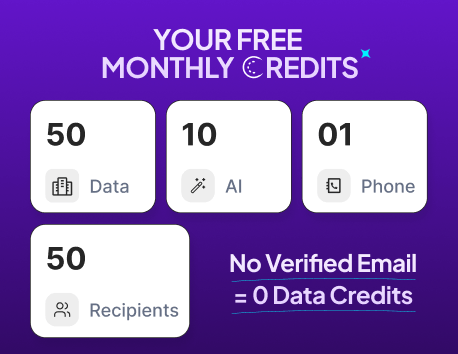
- Free — $0/month, with 50 data credits, 10 AI credits, and 1 phone credit
- Pro — $34/month, with 10,000 data credits, 500 AI credits, and 200 phone credits
- Max — $79/month, with 25,000 data credits, 1,000 AI credits, and 600 phone credits
- Enterprise — Custom pricing for larger teams with flexible credit allocations
If you ever need more than your plan covers, Oppora also offers add-on credit packs for email discovery, verification, enrichment, phone numbers, or recipient volume, so you're not forced into a full plan upgrade just to cover a temporary spike in usage.
2. Outscraper
Outscraper is a cloud-based scraping platform covering Google Maps, Google Search, reviews, and several other public data sources.
Key Features
- Extracts business name, address, phone, website, ratings, and categories from 100M+ listings across 249 countries
- Covers 5,490 recognized Google Maps categories for precise targeting
- Offers email and phone enrichment as separate add-on services
- Provides both a no-code dashboard and a developer-friendly REST API
How It Helps Generate Local Leads
You can query by category and location, then pull a full set of matching businesses in a single job instead of browsing listings manually.
Since enrichment runs as an add-on, you can layer in emails or phone data only when you actually need it for outreach.
Pricing
Outscraper runs on pay-as-you-go credits with no monthly subscription.
The first 500 Google Maps records are free, after which pricing starts around $3 per 1,000 records, dropping to $1 per 1,000 at higher volumes.
3. Bright Data
Bright Data is best known as a proxy infrastructure provider, but it also offers a dedicated Google Maps Scraper API built on top of that network.
Key Features
- Extracts business names, addresses, contact details, reviews, hours, and images from Google Maps
- Backed by a large residential, datacenter, ISP, and mobile proxy network across many countries
- Available as both a developer API and a no-code scraper option
- Bypasses Google's anti-bot measures with built-in CAPTCHA solving
How It Helps Generate Local Leads
You can pair Bright Data's proxy network with its own scraper or third-party tools to pull location-specific data without getting blocked mid-scrape.
This makes it especially useful if you're scraping at scale across multiple cities or countries and need consistent uptime, rather than running occasional small searches.
Pricing
Bright Data offers a free trial covering 1,000 requests.
Beyond that, pay-as-you-go pricing starts around $1.50 per 1,000 records, while the dedicated Scraper API typically starts at $500 per month for full access.
4. PhantomBuster
PhantomBuster is a cloud-based automation platform built around "Phantoms," pre-built bots that extract data and chain it into outreach workflows.
Key Features
- Scrapes business names, addresses, phone numbers, and reviews from Google Maps search results
- Chains Phantoms together, so scraped leads can flow into LinkedIn or email enrichment automatically
- Runs entirely in the cloud without needing your browser open
- Connects natively with HubSpot, Salesforce, and Pipedrive
How It Helps Generate Local Leads
You can pull a list of local businesses from Google Maps, then immediately pipe that data into another Phantom that finds owner contacts or LinkedIn profiles.
This chaining makes PhantomBuster especially useful for agencies running multi-step prospecting sequences rather than one-off scraping jobs.
The tradeoff is its execution-time pricing, which means large extractions need careful planning to avoid burning through hours quickly.
Pricing
PhantomBuster offers a 14-day free trial.
Paid plans start at $69/month for the Starter tier, $159/month for Pro, and $439/month for Team, all billed by execution time rather than per lead.
5. Apify
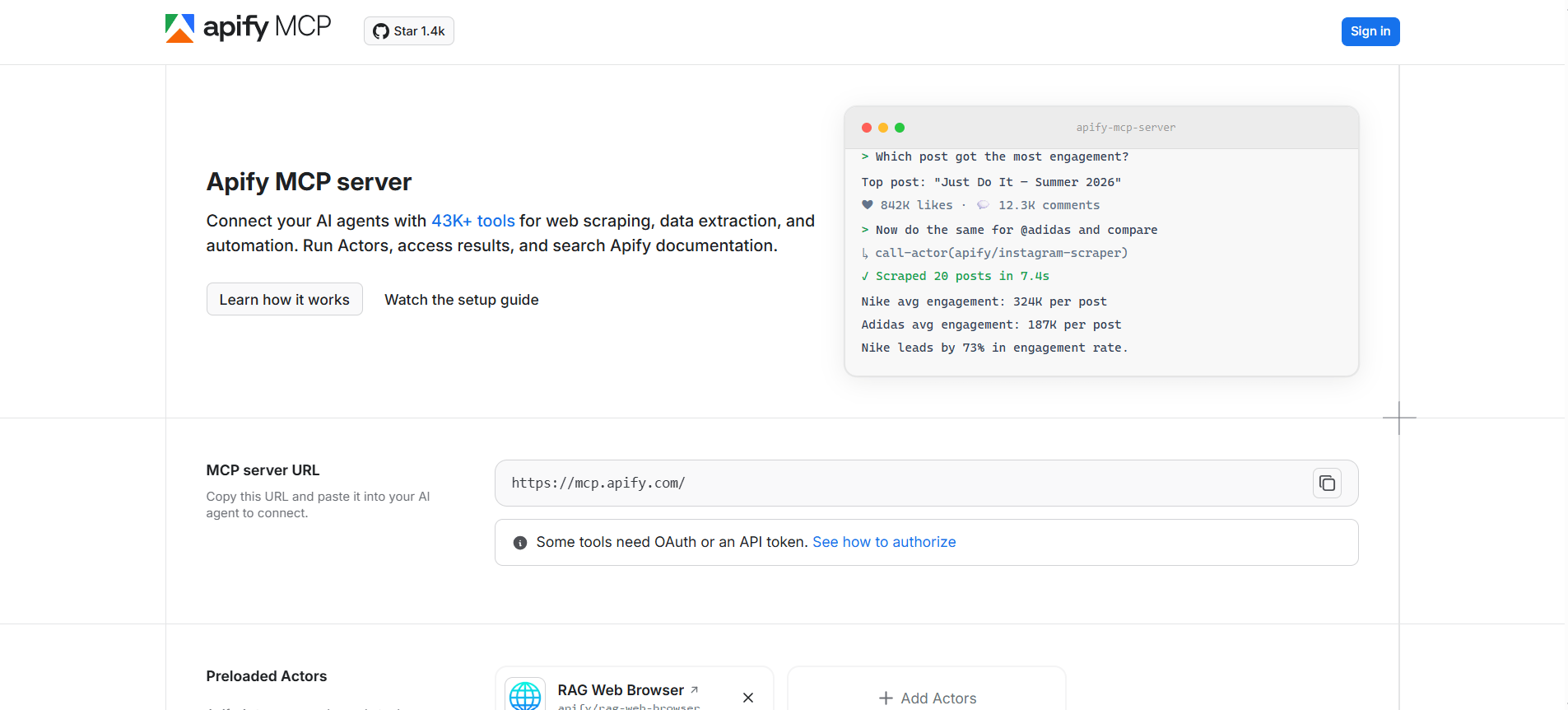
Apify is a developer-focused scraping marketplace offering thousands of pre-built "Actors," including a dedicated Google Maps scraper.
Key Features
- Extracts business names, addresses, ratings, and contact details using geographic grid splitting for deeper coverage
- Offers 8,000+ pre-built Actors covering Google Maps and many other data sources
- Supports residential proxies to avoid getting blocked during large extractions
- Provides full API access for custom integrations and automated pipelines
How It Helps Generate Local Leads
You can configure the Google Maps Actor with specific categories and locations, then export structured, ready-to-use business data straight into your workflow.
Since Apify is built for developers, it's especially useful if your team wants to customize extraction logic or feed leads directly into an existing tech stack via API.
This level of control comes with a steeper learning curve than no-code alternatives, so it works best when you have engineering resources available.
Pricing
Apify offers a free tier to start. Paid plans run $29 to $999 per month, plus compute unit charges, with the Google Maps scraper starting around $1.50 to $4 per 1,000 places.
6. Octoparse
Octoparse is a no-code visual scraping platform with pre-built templates that include a dedicated Google Maps extractor.
Key Features
- Point-and-click interface lets you build a scraper without writing any code
- Pre-built Google Maps templates pull business names, addresses, phones, ratings, and reviews
- Automatic zooming algorithm captures more listings than the standard map view shows
- Cloud scheduling runs extractions automatically on a daily or weekly basis
How It Helps Generate Local Leads
You can enter a keyword and location into the Google Maps template, hit run, and get structured results without touching a line of code.
This makes Octoparse a solid fit if you're a non-technical user who still wants recurring, high-volume scraping without relying on a developer.
Since it's a general-purpose tool, you'll likely need a separate step to clean, dedupe, and verify the data before it's truly outreach-ready.
Pricing
Octoparse offers a free plan with limited exports. Paid plans start around $75/month for Standard and go up to $209/month for Professional, with cloud extraction included on paid tiers.
7. ScrapeHero Cloud
ScrapeHero Cloud is a pre-built scraper marketplace owned by ScrapeHero, an enterprise web scraping company founded in 2014.
Key Features
- Ready-made Google Maps scraper accessible through a simple web interface, no coding needed
- Lets you search by query, such as a business type and city, and download results to Excel
- Backed by ScrapeHero's broader managed scraping service for more complex enterprise needs
- Delivers structured data directly to spreadsheets or cloud storage like Dropbox
How It Helps Generate Local Leads
You simply enter a search query and the maximum number of records you want, then download a clean spreadsheet once the job finishes.
This makes ScrapeHero Cloud a practical option if you want a no-code, ready-to-use alternative to the Google Maps API without setup or maintenance.
For larger or more customized scraping needs, you can also escalate to ScrapeHero's fully managed service backed by their team.
Pricing
ScrapeHero Cloud starts with a free tier requiring no credit card, with paid Cloud plans beginning around $5/month.
Their fully managed enterprise service starts at $550 and scales based on complexity.
8. Oxylabs
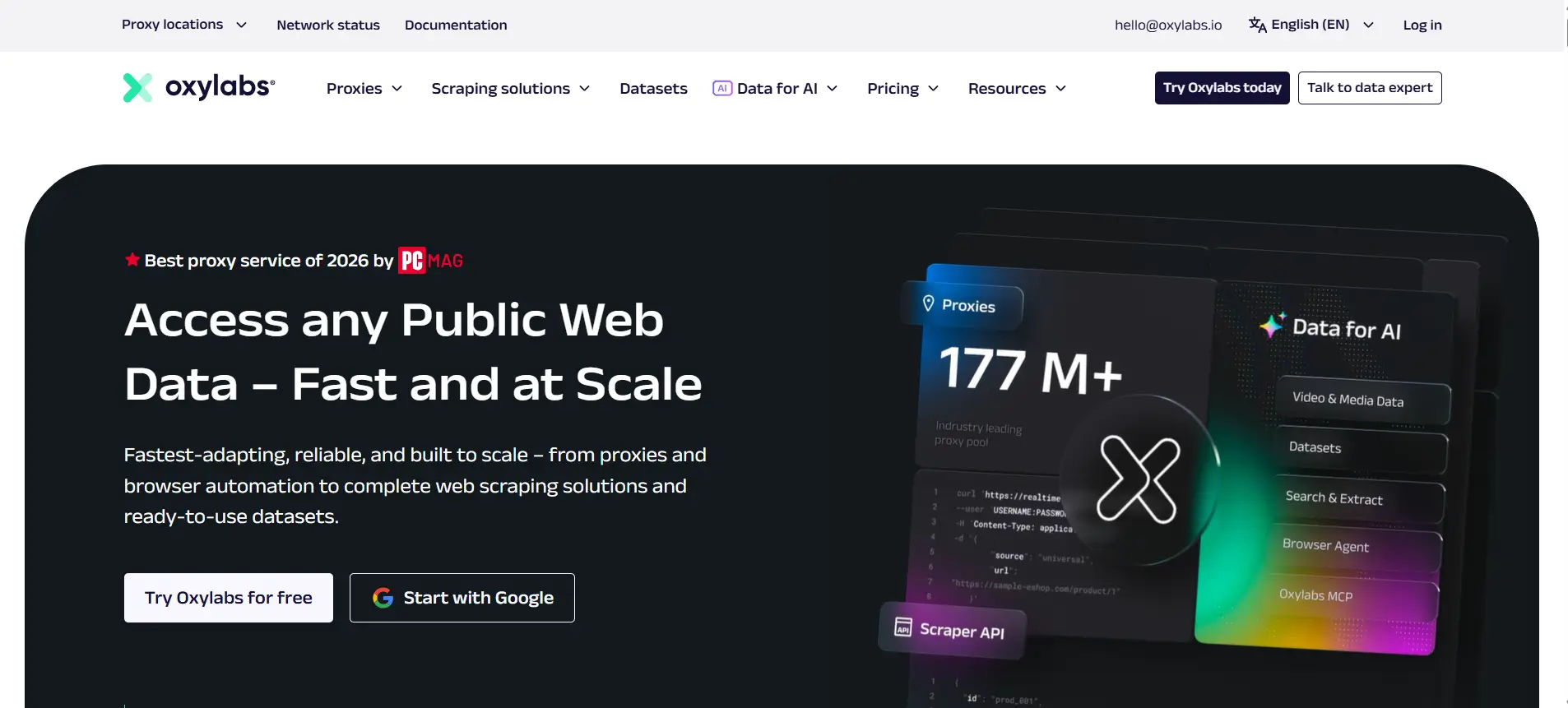
Oxylabs is a premium proxy and scraping infrastructure provider that also offers a Google Maps scraping endpoint within its Web Scraper API.
Key Features
- Targets any location down to coordinate level for precise geographic scraping
- Delivers data directly to Amazon S3, Google Cloud Storage, or via webhook batches
- Supports custom parsing instructions to receive structured, ready-to-use data
- Backed by detailed documentation, an AI-assistant, and responsive customer support
How It Helps Generate Local Leads
You can extract up to 5,000 URLs per batch, making it efficient for pulling business listings across a defined area in one run.
Since results land directly in your cloud storage, this works well if your team already has data pipelines built to ingest and process leads automatically.
It's best suited to developers comfortable working with APIs rather than teams looking for a simple point-and-click interface.
Pricing
Oxylabs runs on usage-based pricing, with monthly plans starting around $49, which includes platform credits and a set number of shared datacenter proxies. Residential IP usage is billed separately.
9. ParseHub
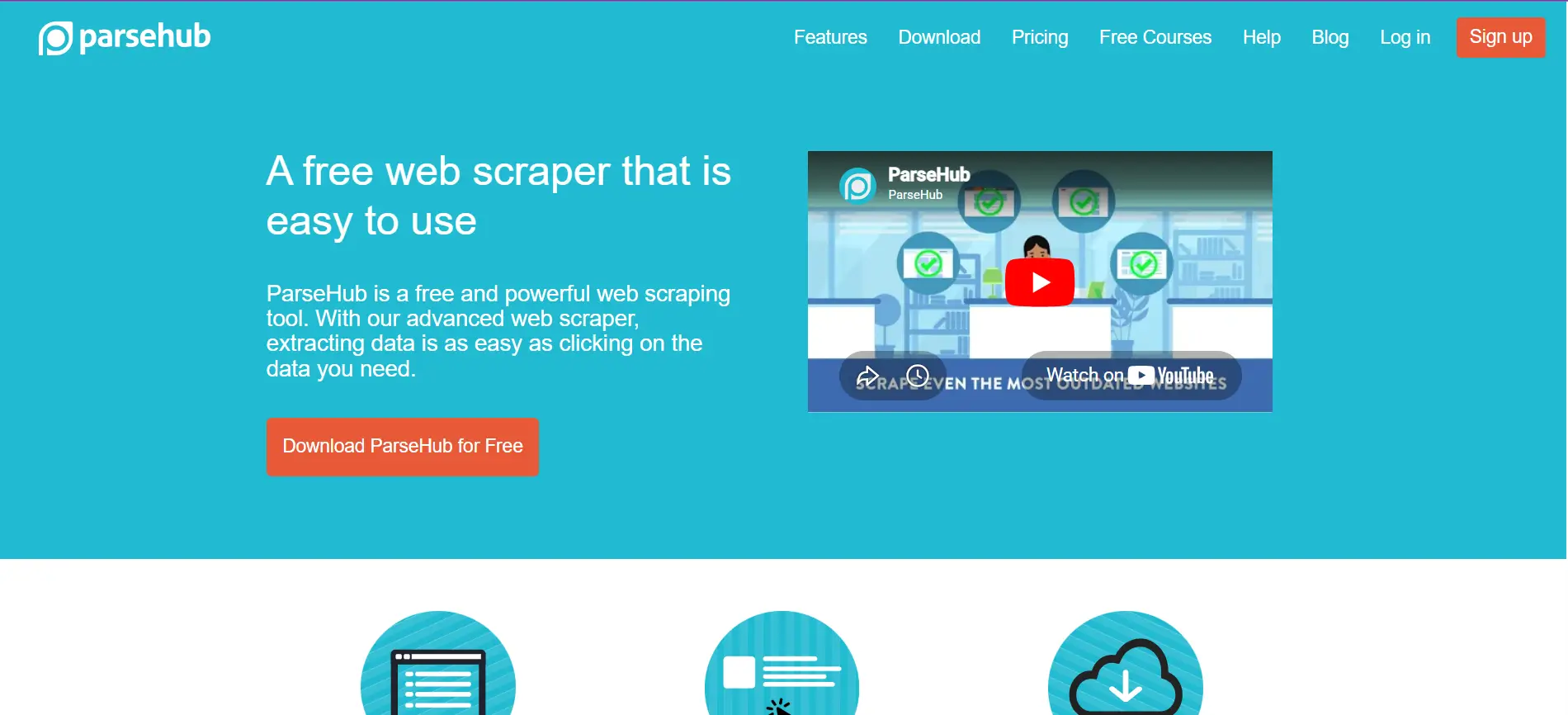
ParseHub is a visual, point-and-click web scraper available on Windows, Mac, and Linux, with a generous free tier for testing.
Key Features
- Handles JavaScript-heavy pages like maps, dropdowns, infinite scroll, and login forms
- Uses machine learning to detect page layout and data relationships automatically
- Lets you input thousands of URLs or keywords for large-scale extraction runs
- Exports data to Excel, JSON, CSV, or directly into Google Sheets and Tableau
How It Helps Generate Local Leads
You can build a scraper for Google Maps listings using the visual builder, then run it in the cloud with rotating IPs to avoid getting blocked.
This makes ParseHub a reasonable fit for prototyping or smaller, one-off local lead lists, especially if your target search results involve dynamic or JavaScript-rendered content.
For ongoing lead generation at scale, you'll likely still need a separate step to clean and enrich the raw data before outreach.
Pricing
ParseHub offers a free plan limited to 200 pages per run and 5 public projects.
Paid plans start at $189/month for private projects, parallel runs, and IP rotation.
10. WebHarvy
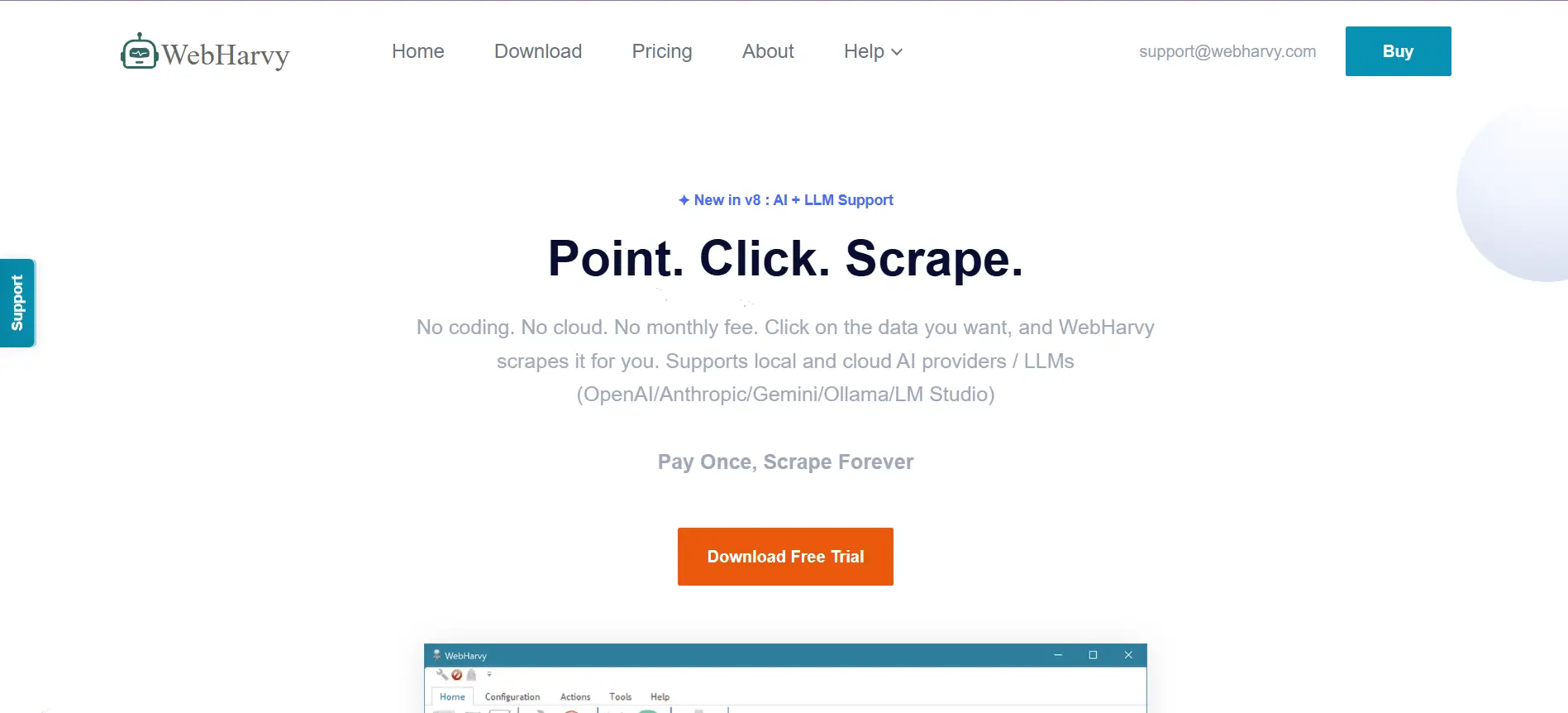
WebHarvy is a desktop-based, point-and-click scraper with a dedicated Google Maps tool for pulling local business leads.
Key Features
- Extracts business names, addresses, phone numbers, and website URLs through simple keyword searches
- Automatically visits each scraped website afterward to find email addresses
- Supports scheduled, periodic scraping to keep your lead lists refreshed automatically
- Runs entirely on your computer, keeping data private without uploading to third-party servers
How It Helps Generate Local Leads
You search something like "plumbers in Austin," click search, and export thousands of leads straight to a spreadsheet without needing any technical skills.
Since it runs locally with a one-time payment, this works well if you want a budget-friendly tool without recurring subscription costs.
The tradeoff is no built-in proxy rotation, so very large or frequent extractions may need extra setup to avoid getting blocked.
Pricing
WebHarvy is sold as a one-time purchase at $139 per license, which includes a year of free updates and support, with no recurring monthly fees.
How to Choose the Right Google Maps Lead Scraper for Your Business
With ten tools on the table, the right pick really comes down to who you are and how you plan to use the data.
Here's how each persona tends to find the best fit.
Best for freelancers and small businesses
If you're working solo or running a small team, budget and simplicity usually matter more than raw scale.
WebHarvy's one-time payment and no-code interface make it easy to pull a few hundred local leads without committing to a monthly subscription.
ScrapeHero Cloud is another solid option here, since its free tier and low entry price let you test things out before spending anything.
Best for agencies managing multiple clients
Agencies juggling several local clients need a tool that can switch between locations and verticals quickly, without breaking the bank per project.
Octoparse fits well here, since its visual templates and cloud scheduling let you run recurring extractions across different cities and niches.
Oppora is also worth considering for agencies, since its Google Maps lead finder pairs directly with enrichment and outreach, meaning you can move from prospecting to client campaigns inside one platform instead of stitching together separate tools for each client.
Best for outbound sales teams
Sales teams care less about raw scraping and more about how fast a lead turns into a real conversation.
This is where Oppora stands out, since it combines Google Maps prospecting, waterfall enrichment, and multi-channel outreach into a single connected workflow.
Rather than exporting CSVs and uploading them elsewhere, your team can go from finding a local business to actually messaging its decision-maker, all without leaving the platform.
Suggested Reading:
10 Best Outbound Lead Generation Tools Tested for Real ResultsBest for developers and API users
If your team has engineering resources and wants full control over extraction logic, API-first tools give you the most flexibility.
Apify and Bright Data both offer robust developer APIs, residential proxy networks, and custom parsing options that fit neatly into existing data pipelines.
Oxylabs is also a strong choice here, particularly if you need fast, structured delivery straight to cloud storage like S3 or Google Cloud.
Best for enterprise-scale prospecting
At enterprise scale, reliability, support, and volume matter more than per-record pricing.
Bright Data's large proxy network makes it dependable for scraping across many countries and categories simultaneously.
ScrapeHero's fully managed service is another strong fit, since their team handles setup and maintenance entirely, which frees up internal resources for teams running scraping at massive scale.
For enterprises that also need outreach built in, Oppora's Enterprise plan offers unlimited workflows and dedicated support, making it possible to run prospecting and outbound campaigns together at volume.
Conclusion
Picking the right Google Maps lead scraper really comes down to how much of the workflow you want automated.
If you just need raw business data, a dedicated scraper like Outscraper or Apify gets the job done.
But if you want to skip the CSV exports and go straight from finding local businesses to actually messaging their decision-makers, that's where Oppora fits in.
Its built-in Google Maps lead finder, enrichment, and outreach all run together, so you spend less time stitching tools and more time closing local deals.
Try Oppora's free plan and see how much faster local prospecting can feel.
Frequently Asked Questions (FAQs)
Is it legal to scrape business data from Google Maps?
Scraping publicly available business data like names, addresses, and phone numbers is generally legal in the US and EU. However, automated access violates Google's Terms of Service, which could get your IP blocked. Avoid scraping personal data, and stick to publicly listed business information.
How often should I refresh my scraped Google Maps lead lists?
Local business data changes regularly, with new listings, closures, and updated contact details. Refreshing your lead lists every 30 to 60 days helps keep your outreach accurate and reduces wasted effort contacting outdated or inactive businesses.
Can I scrape Google Maps data for free?
Most tools offer limited free tiers, typically capped at a few hundred records. These work fine for testing or small local lists, but scaling beyond that almost always requires a paid plan, credits, or subscription depending on the tool.
What's the difference between scraping Google Maps and using the official Places API?
The Places API is quota-based and capped around 60 results per query, limiting full market coverage. Scrapers bypass this cap, often retrieving emails and social profiles the API doesn't provide, making them more practical for serious lead generation.
Do I need coding skills to use a Google Maps scraper?
No. Most modern scrapers, including Oppora, Outscraper, and Octoparse, offer no-code interfaces where you simply enter keywords and locations. Coding skills only become useful if you're using API-first tools like Apify for custom data pipelines.
Summarize with AI
Share