How to Find a CEO or Founder Email Address in 2026
Adam Hossain
Published January 8, 2026
16 min


Complete Agentic Email Outreach
AI agents find and enrich prospects, personalize emails, follow up, handle replies, and book meetings automatically.
Claim Your FREE Credits
Finding publicly available CEO or founder contact information involves two separate tasks: confirming the company’s current leader and matching that person to a valid business email address.
The most reliable approach is to begin with the company's own website and other recent public sources. Confirm the person's name, role, and company domain. Then use an email finder or the company's established email pattern to locate the likely address, and verify it before outreach.
If you already know the executive's name and company, the process can take only a few minutes. If you have a list of companies but no contacts, use a people finder or a prospecting workflow to identify and enrich the right leaders at scale.
Quick answer: Confirm the current CEO or founder on the official company website, identify the company's email domain, check public leadership profiles and company documents, use an email finder when no address is published, and verify the result before contacting the person. Never rely on an unconfirmed name or an unverified email guess.
First, Confirm the Current CEO or Founder
Many unsuccessful searches begin with the wrong person. Leadership changes, founders step away from daily operations, and small businesses may use titles such as owner, president, managing director, or managing partner instead of CEO.
When you start with only a business name or domain, use this sequence:
- Open the company's official website and check its About, Team, Leadership, Management, or Company page.
- Look for an individual leadership bio that states the person's current title.
- Check recent company press releases for an appointment, succession, acquisition, or departure.
- Compare the result with the person's LinkedIn profile and the company's LinkedIn employee list.
- For a public company, review its latest investor-relations materials or regulatory filings.
- Record the source and publication date before searching for the email.
If two sources disagree, prioritize the most recent first-party announcement. A search result, directory entry, or AI-generated answer can point you in the right direction, but it should not be your only confirmation. Do not guess a person's name simply because a company appears to have no public CEO.
When a Company Does Not Use the Title “CEO”
The correct leadership title depends on the organization. At a founder-led startup, the founder or co-founder may still control the buying decision.
A private local business may use an owner, proprietor, president, or managing partner. A regional company may use a managing director. In a larger organization, the CEO may delegate the problem you solve to a vice president, department head, or functional leader.
Your goal is not to collect the most senior name possible. It is to identify the current person who owns the decision relevant to your offer.
If you are unsure, use the process in How to Find the Decision-Maker in a Company before looking for contact data.
10 Ways to Find CEO and Founder Email Addresses
The best way to find a CEO or founder email depends on the information you already have, the number of companies involved, and the confidence required.
How to Choose the Best Way to Find a CEO Email
Use this quick comparison to identify the most appropriate starting point before exploring each email-finding method in detail.
1. Check the Company's Leadership and Contact Pages
The official company website should be your first public source because it helps establish both identity and domain ownership.
Check these locations:
- About Us
- Leadership or Executive Team
- Team or Management
- Contact Us
- Newsroom or Press
- Investor Relations
- Author or contributor pages
- Partnership, media, or speaker pages
A leadership page may publish a direct email, but more often it gives you the executive's full name, exact title, biography, and the official company domain. That is still valuable: a name plus a verified domain is enough to run a more accurate email lookup.
Pay attention to what kind of address is displayed. A media, investor-relations, or partnership inbox may be the intended route for that request even when it is not the CEO's personal inbox. Do not relabel a shared address as a direct CEO email.
If the site has no obvious leadership page, use its search function or search Google for:
site:company.com CEO
site:company.com founder
site:company.com leadership
site:company.com "First Last"
2. Use a CEO Email Finder or Lead Database
A CEO email finder or B2B lead database is often the fastest option when you know the company, or even the executive’s name, but cannot find a published email address. These tools let you search for current CEOs and founders, narrow the results to relevant companies, and enrich missing business contact information.
Look for a platform that allows you to:
- Search by executive name, job title, company, or domain
- Filter by industry, location, seniority, and company size
- Confirm that the person still holds the relevant position
- Find missing business email addresses
- Verify existing or newly found emails
- Save qualified contacts to a list for further review
For example, you can use Oppora to find and verify CEO email addresses through the following process:

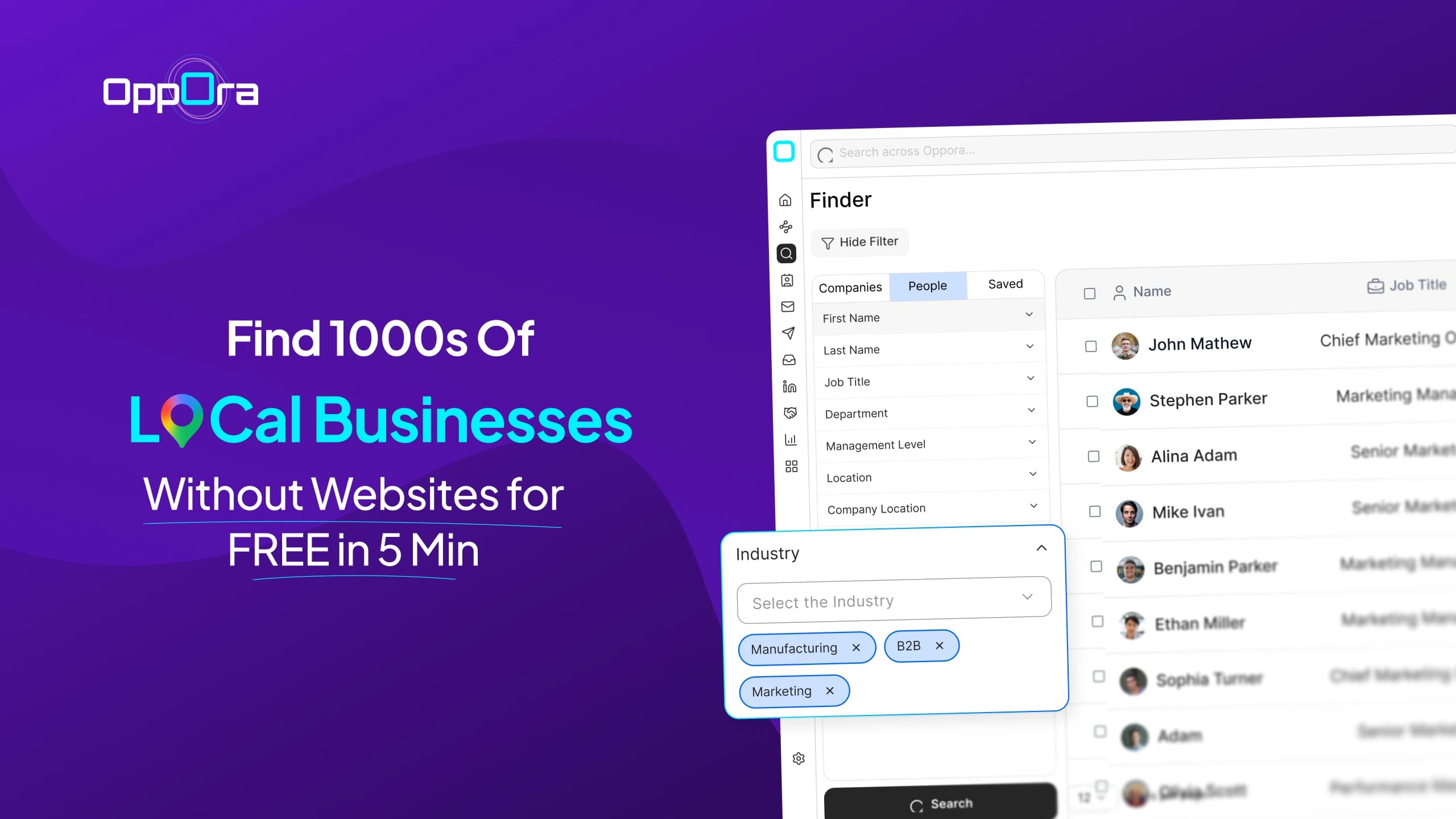
- Open Finder > People.
- Select AI Search to describe your target in plain language, or use Manual Filters to choose each criterion directly.

3.Add relevant titles such as CEO, Chief Executive Officer, Founder, or Co-founder.
4.Narrow the search by company, industry, seniority, location, employee count, or other ICP criteria.

5.Review each person’s current company and role.
6.Save the relevant people to a new or existing list.
7.Inside the list, use Find Email when an address is missing or Verify Email when an existing address needs to be checked.

For AI Search, you could use a prompt such as:
Find founders and CEOs at B2B SaaS companies in the United States with 11–200 employees.
Oppora maps the prompt to the relevant people and company filters. Finder only discovers and lists matching prospects; it does not contact them automatically. You retain control over which contacts are saved, enriched, verified, exported, or added to an outreach campaign.
Regardless of which CEO email finder or lead database you use, confirm the executive’s current role and company domain before relying on the result. An address marked as verified has a lower risk of being invalid, but verification cannot guarantee delivery or a response.
3. Check LinkedIn and Professional Profiles
LinkedIn is especially useful for confirming whether the person still works at the company. Start with the company's page, open its employee list, and search for CEO, founder, president, owner, or managing director. Then open the individual's profile and review the current Experience section.
If the executive has chosen to share an email, it may appear under Contact info. It may also appear in the About section, a recent article, a featured link, or a post inviting business inquiries.
When no email is visible, a contact-finder extension can connect the professional profile to business contact data. Oppora's LinkedIn lead-generation extension can help bring relevant LinkedIn prospects into the wider prospecting workflow.
Treat every third-party profile as a confirmation source, not absolute proof. Compare the profile with the company's official site, especially when the profile has not been updated recently.
4. Use Google Search Operators
Search operators help you look for a specific person, domain, or document instead of scanning broad results. Replace the examples below with the executive's real name and company.
"First Last" "@company.com"
"First Last" email
"First Last" contact
site:company.com "First Last"
site:company.com "@company.com"
site:company.com filetype:pdf "First Last"
"First Last" (CEO OR Founder) "Company Name"
The first searches may surface a biography, press release, conference page, PDF, newsletter, or professional association page. Even when the executive's address is not present, another employee's public email can reveal the company's naming convention.
Use quotation marks for exact names and phrases. Use site: to restrict the search to the official company domain. Use filetype:pdf when annual reports, event brochures, media kits, or regulatory documents are likely to contain leadership information.
Do not trust an address simply because it appears in a search result. Open the underlying page, check its date and context, and verify the mailbox separately.
5. Identify the Company's Email Pattern
Companies often use a consistent structure for employee email addresses. Common examples include:
To identify the pattern, find two or more recently published employee emails on the same corporate domain. Suitable sources include the contact page, press releases, recruiting pages, event bios, or professional directories. If both addresses follow the same structure, apply that pattern to the CEO or founder's name.
An email permutator can generate possible combinations, but generation is not discovery. It tells you what the address could be, not whether the mailbox exists. Verify the final candidate before saving or using it.
This method also fails when executives use an alias, abbreviated name, legacy domain, acquired-company domain, or assistant-managed inbox. If the pattern produces several plausible addresses, use an email finder rather than sending test messages to every variation.
6. Search Press Releases and Newsroom Pages
Press releases are designed to support follow-up from journalists, investors, partners, and other stakeholders. Search the company's newsroom as well as recent releases about funding, acquisitions, leadership appointments, partnerships, or product launches.
The contact block at the bottom may include:
- A direct executive email
- A founder-managed inbox at a small company
- A press or communications contact
- An external public-relations agency
- A shared media address
Read the label before using the address. A PR contact can route a relevant media request, but it should not be represented as the CEO's direct email. The release can still confirm the executive's name, role, domain, and current involvement.
Prefer recent releases. An address attached to an announcement from several years ago may belong to a former employee or an agency the company no longer uses.
7. Review Public Filings and Company Documents
Annual reports, investor presentations, proxy statements, regulatory filings, governance pages, and downloadable company PDFs can confirm current leadership and official communication channels.
For a publicly traded company, start with the company's Investor Relations section and the relevant official filing database. For private companies, look for downloadable brochures, media kits, association profiles, grant announcements, or corporate registrations made available through legitimate public sources.
These documents more often confirm identity and title than reveal a direct inbox. That still prevents a costly mistake: searching for the email of someone who no longer leads the company.
Check the document date, reporting period, and contact label. Do not assume that a registered-office address, legal contact, or investor-relations inbox belongs personally to the CEO.
8. Check Founder-Owned Channels
Founders are often easier to research than hired executives because they publish under their own names. Check whether the founder maintains:
- A personal website or portfolio
- A newsletter
- A blog or author page
- A podcast or community page
- An advisory or investment profile
- A speaker or press page
A personal site may provide a direct business email or a contact form that the founder actively monitors. A newsletter's reply-to address can also offer an appropriate route when the founder invites responses.
Use the channel as intended. If a page says the address is for media, investment, partnership, or speaking inquiries, make sure your message fits that purpose. Avoid personal addresses that were leaked, scraped from private records, or published without a clear professional context.
9. Search Startup Databases, Associations, and Directories
Startup databases and professional directories help verify who founded or currently leads a company. Useful sources include company profiles, accelerator portfolios, chamber-of-commerce directories, trade associations, alumni networks, and board or advisory pages.
These sources may provide a direct email, but their greater value is usually confirmation:
- Full name and spelling
- Current role
- Company relationship
- Location
- Personal website
- LinkedIn or social profile
- Board and professional affiliations
Cross-check the information with a current first-party source. Directory records can become stale, and a founder listed in the company's history may no longer be the operating decision-maker.
Avoid buying an unexplained “CEO list” simply because it contains a large number of records. If the seller cannot explain its sources, verification process, recency, and update policy, you cannot reliably assess the data.
10. Review Event, Podcast, and Social Profiles
Event organizers and podcast hosts often publish executive biographies, company links, and approved contact channels. Search recent conference agendas, webinar pages, podcast show notes, guest profiles, and recorded-session descriptions.
Social profiles can also reveal a professional contact path through a bio, pinned post, featured link, or business inquiry button. This is most common among active founders, creators, technical executives, and leaders of smaller companies.
These sources work best as a final public-source check, not your only source of truth. Confirm the person's current company and verify any email before using it. A speaker-booking address or podcast contact may be managed by an assistant or agency and should be treated accordingly.
How to Verify a CEO or Founder Email Address
Finding an address and verifying it are different tasks. Verification reduces the risk of using a malformed, inactive, or mismatched address, but it cannot guarantee that a message will be delivered, reach the primary inbox, or receive a response.
Use this checklist before outreach:
- Confirm the person: Make sure the individual still holds the role at the company.
- Confirm the domain: The domain should belong to the person's current company or to a professional property they clearly control.
- Check the pattern: Compare the address with other confirmed employee emails.
- Validate the structure and domain: Check the email syntax and whether the domain has active mail exchange records.
- Check the mailbox: Use a verifier that evaluates whether the mailbox appears able to receive email without sending a message.
- Identify catch-all domains: A catch-all server may accept every address, so an “accepted” result does not prove the individual mailbox exists.
Suggested Reading:
Catch-All Email Verification: What is it & How It Works7.Review recency and source: Prefer an address found or rechecked recently and keep a record of where it came from.
Important: “Verified” is a risk signal, not a delivery guarantee. Delivery can still fail because the mailbox is full, the recipient blocks external mail, forwarding is restricted, the address changes, or the sender's authentication, reputation, volume, or content triggers a filter.
If you import your own contacts into Oppora, use the list's verification action before using them in outreach. The list's Verified Emails count helps you distinguish total contacts from the contacts that currently have a usable verification result.
How to Find CEO Emails at Scale With Oppora
Manual research makes sense when you have a handful of strategic accounts. It becomes slow and inconsistent when you need executives from dozens or hundreds of companies.
Oppora can turn the process into a controlled prospecting workflow:
- Define the target companies. Use Company Finder with industry, size, location, company type, keywords, technologies, or other ICP criteria.
- Save qualified companies to a list. Finder results are not saved automatically, so select only the accounts you actually want to pursue.
- Find the right leaders. From the company list, run Find People using CEO, founder, co-founder, president, or another relevant title. Use per-company limits and fallback title sets when the exact title varies across accounts.
- Find and verify business emails. Enrich only the people who match your ICP rather than spending resources on every result.
- Review the list. Check the person's company, role, email status, and the list's verified-email count before exporting or starting outreach.
- Score or prioritize the contacts. Use ICP fit and relevant buying signals to decide which executives deserve individual research and personalization.
For a repeatable motion, build an AI Workflow in Oppora using connected agents such as:
Company Finder > People Finder > Email Finder > Email Verifier > Lead Scoring
The workflow can run immediately, once at a chosen time, or on a recurring schedule. Results can write into an existing list or a new one, depending on where the workflow begins. Keep an explicit result cap on early runs so a broad prompt does not create an unnecessarily large data job.
For a broader treatment of cost and coverage,
Read How to Scale Contact Discovery for B2B Sales Without Breaking Your Budget.
What to Do When You Cannot Find a Verified Direct Email
Some CEOs deliberately keep their inbox private. Large organizations may route all external communication through assistants, department leaders, or formal request channels. When a direct address cannot be verified, do not cycle through guesses until one stops bouncing.
Use the most appropriate alternative:
- Executive assistant: Explain your reason for contacting the executive and ask for the correct route.
- Generic company inbox: Use info@, contact@, partnerships, media, or another clearly labeled address and name the intended recipient in the subject and opening line.
- LinkedIn message: Ask whether email is the right channel for a relevant conversation instead of sending a full pitch immediately.
- Company phone line: Ask where a particular category of business correspondence should be directed.
- Mutual connection: Request an introduction when the connection has a genuine relationship with both parties.
- Contact form: Use it when the company explicitly routes partnerships, vendor requests, or media inquiries through the form.
A managed or shared inbox is not automatically inferior. It may be the channel the executive has chosen for screening relevant requests.
If your goal is a direct telephone number rather than an email, use How to Find the Direct Phone Number of a Decision-Maker instead of stretching this email workflow into phone-data research.
Using Public Executive Emails Responsibly
An email appearing on a public page does not create unlimited permission to collect, store, or use it. Use business contact information for a clear, relevant professional purpose; collect only what you need; keep source and recency records; and respect objections and opt-outs.
Rules vary by country and by the type of recipient. In the United States, the FTC states that CAN-SPAM applies to commercial email, including business-to-business messages, and requires accurate sender information, non-deceptive subject lines, a valid postal address, a clear opt-out method, and timely handling of opt-out requests.
Review the FTC's CAN-SPAM compliance guide.
For UK and European outreach, assess the applicable data-protection and electronic-communications rules before processing or contacting an individual. The UK's Information Commissioner's Office advises organizations to establish a lawful basis, collect information fairly, explain its intended use, and respect the person's right to object.
See the ICO direct marketing guidance.
This article provides general operational guidance, not legal advice. Consult qualified counsel when your campaign crosses jurisdictions or involves sensitive data, consumers, regulated industries, or uncertain consent requirements.
Turn a Verified Contact Into Relevant Outreach
A correct email gives you access, not attention. Before contacting a CEO or founder, check whether that person is actually responsible for the problem you solve and whether you have a specific reason to reach out now.
Use the research you already collected:
- Mention a relevant company change, priority, or trigger rather than a generic compliment.
- Explain the business problem in the executive's terms.
- Keep the first message concise.
- Make one clear, low-friction request.
- Avoid misleading subject lines or pretending that a cold message is a continuation of an earlier conversation.
For larger campaigns, protect deliverability by using verified lists, properly configured sending domains, warmed mailboxes, controlled volume, and relevant personalization. The complete sending process is covered in How to Do Cold Email Outreach Without Hitting Spam.
Find the Right Executive Without Guessing
The best CEO-email workflow is a repeatable way to confirm the right leader, find the appropriate business contact, and understand how confident you should be in the result.
For one account, combine the official company website, recent public sources, LinkedIn, search operators, and verification. For a larger target list, use Oppora to find the relevant executives, save them to a focused list, enrich missing business emails, verify imported data, and automate the repeatable steps.
Start with Oppora to find CEOs and founders who match your ICP and move verified contacts into a controlled prospecting workflow.
Frequently Asked Questions
How can I find a CEO's email address for free?
Start with the company's About, Team, Leadership, Contact, Newsroom, and Investor Relations pages. Then check the CEO's LinkedIn Contact info, personal website, recent press releases, event bios, and public company documents. Use Google searches such as "First Last" "@company.com" and site:company.com "First Last". If you infer an address from the company's pattern, verify it before use.
How do I find the CEO or founder of a company first?
Check the official leadership or About page, followed by recent company announcements and the company's LinkedIn employee list. For public companies, review current investor-relations material or filings. If sources disagree, use the newest first-party announcement and do not guess.
What if the leadership page shows the CEO's name but no email?
Confirm the official company domain, look for other employee emails to identify the naming pattern, and enter the CEO's name and company into an email finder. A leadership page can establish identity even when it does not publish contact data.
Can I find a CEO email using only the company website or domain?
Often, yes. Search the site's leadership, contact, press, investor-relations, author, and PDF pages. If you find only a name, use the domain with an email finder or compare confirmed employee addresses to determine the likely pattern. Some companies do not publish or expose direct executive emails, so no method can guarantee a result for every domain.
Should I guess a CEO's email address?
You may use a confirmed company pattern to create a candidate address, but do not treat it as a real mailbox until it has been verified. Sending to several guessed variations increases bounce risk and can harm sender reputation.
Does a verified email always deliver?
No. Verification reduces the probability that the address is invalid, but it cannot guarantee delivery or inbox placement. Mailbox state, recipient policies, catch-all configuration, sender authentication, reputation, sending volume, and message content can still affect delivery.
Should I contact the CEO, founder, owner, or another decision-maker?
Contact the person who owns the relevant decision. At a small founder-led company, that may be the founder or CEO. At a larger organization, a vice president or department head may be more appropriate. Confirm responsibilities before enriching or contacting the most senior person by default.
Is it legal to find and email a CEO using public information?
The answer depends on the jurisdiction, how the information was obtained, why it is being processed, and how the outreach is conducted. Public availability does not remove privacy or direct-marketing obligations. Use a lawful, relevant purpose; be transparent where required; secure the data; and provide and respect opt-outs. Consult legal counsel for campaign-specific advice.
Summarize with AI
Share