9 Best Email Workflow Tools That Automate Outreach at Scale
Adam Hossain
Published May 14, 2026
16 min

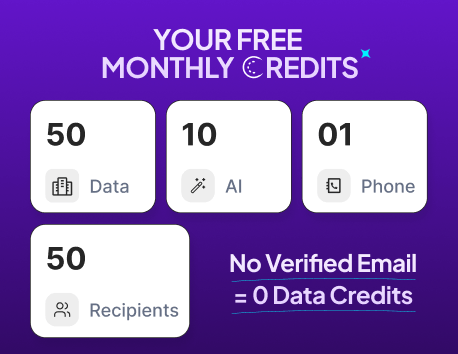
Complete Agentic Email Outreach
AI agents find and enrich prospects, personalize emails, follow up, handle replies, and book meetings automatically.
Claim Your FREE Credits
Scaling outreach sounds simple until your team starts juggling follow-ups, personalization, inbox management, and lead tracking manually.
What begins as a few campaigns quickly turns into hours of repetitive work, missed replies, and inconsistent communication.
That’s where an email workflow tool makes a huge difference.
It helps you automate outreach, streamline follow-ups, and run personalized campaigns at scale without adding extra manual effort.
In this guide, you’ll discover:
- What an email workflow tool is
- Key features you should look for
- The 9 best email workflow tools for scaling outreach
- How to choose the right platform for your business
What Is an Email Workflow Tool?
An email workflow tool helps you automate and manage outreach without handling every email manually.
Instead of sending follow-ups one by one, you can create automated workflows that trigger emails based on user actions, schedules, or campaign stages.
These tools simplify repetitive tasks like lead nurturing, cold outreach, follow-ups, and response tracking.
Most platforms also include personalization, analytics, and CRM integrations to keep your outreach organized and scalable.
Whether you are running sales campaigns, partnerships, or customer engagement initiatives, an email automation tool helps you maintain consistent communication while saving time and improving overall outreach efficiency.
Key Features to Look for in an Email Workflow Tool
Not every email workflow tool is built for scalable outreach.
Some only handle basic automation, while others help you manage personalization, deliverability, reporting, and multi-channel communication from one place.
Before choosing a platform, focus on features that reduce manual work while helping your campaigns stay organized and effective.
Automated Email Sequences
Automated email sequences help you send emails based on timing, triggers, or user actions without manually following up every time.
This keeps outreach consistent and prevents leads from slipping through the cracks.
A good email workflow tool should let you:
- Build drip campaigns easily
- Schedule follow-ups automatically
- Pause sequences when someone replies
- Create workflows for different lead stages
This becomes especially important when your outreach volume starts growing.
Suggested Reading:
11 Cold Email AI Tools Compared for Faster OutreachPersonalization and Dynamic Content
Sending the same generic email to everyone rarely works anymore. Modern outreach depends heavily on relevance and timing.
The best tools allow you to personalize emails using lead data like company name, role, industry, or recent activity.
Some platforms also support dynamic content that changes automatically for different recipients.
This makes campaigns feel more human while improving open and reply rates at scale.
Suggested Reading:
Spintax Cold Email: What It Is & How to Use It to Scale OutreachAnalytics and Performance Tracking
Without performance tracking, it becomes difficult to understand what is actually working in your campaigns.
Strong analytics features help you monitor:
- Open rates
- Click-through rates
- Reply rates
- Bounce rates
- Conversion trends
These insights help you optimize subject lines, messaging, and workflow timing over time instead of relying on guesswork.
CRM and App Integrations
As outreach scales, switching between disconnected tools creates unnecessary delays and messy data management.
An effective email workflow tool should integrate with CRMs, calendars, lead databases, and communication platforms.
This keeps your contacts, conversations, and pipeline updates synced automatically across your workflow.
It also reduces manual data entry and improves team collaboration.
Suggested Reading:
5 Best CRM With LinkedIn Integration + How To UseMulti-Channel Outreach Capabilities
Email alone is not always enough to capture attention, especially in competitive industries.
Many modern outreach tools now support channels beyond email, including LinkedIn, SMS, and calls.
Multi-channel workflows help you stay visible across platforms while creating more touchpoints with prospects.
This approach improves engagement rates and helps outreach feel more natural instead of repetitive.
9 Best Email Workflow Tools for Outreach at Scale
Now that you know which features matter most, the next step is choosing a platform that actually fits your outreach goals and workflow style.
Some tools focus on cold email automation, while others specialize in AI personalization, deliverability, or multi-channel engagement.
The right choice depends on your team size, campaign volume, and automation needs.
Below are the best email workflow tools that help businesses automate outreach, manage follow-ups efficiently, and scale communication without increasing manual workload.
1. Oppora.ai
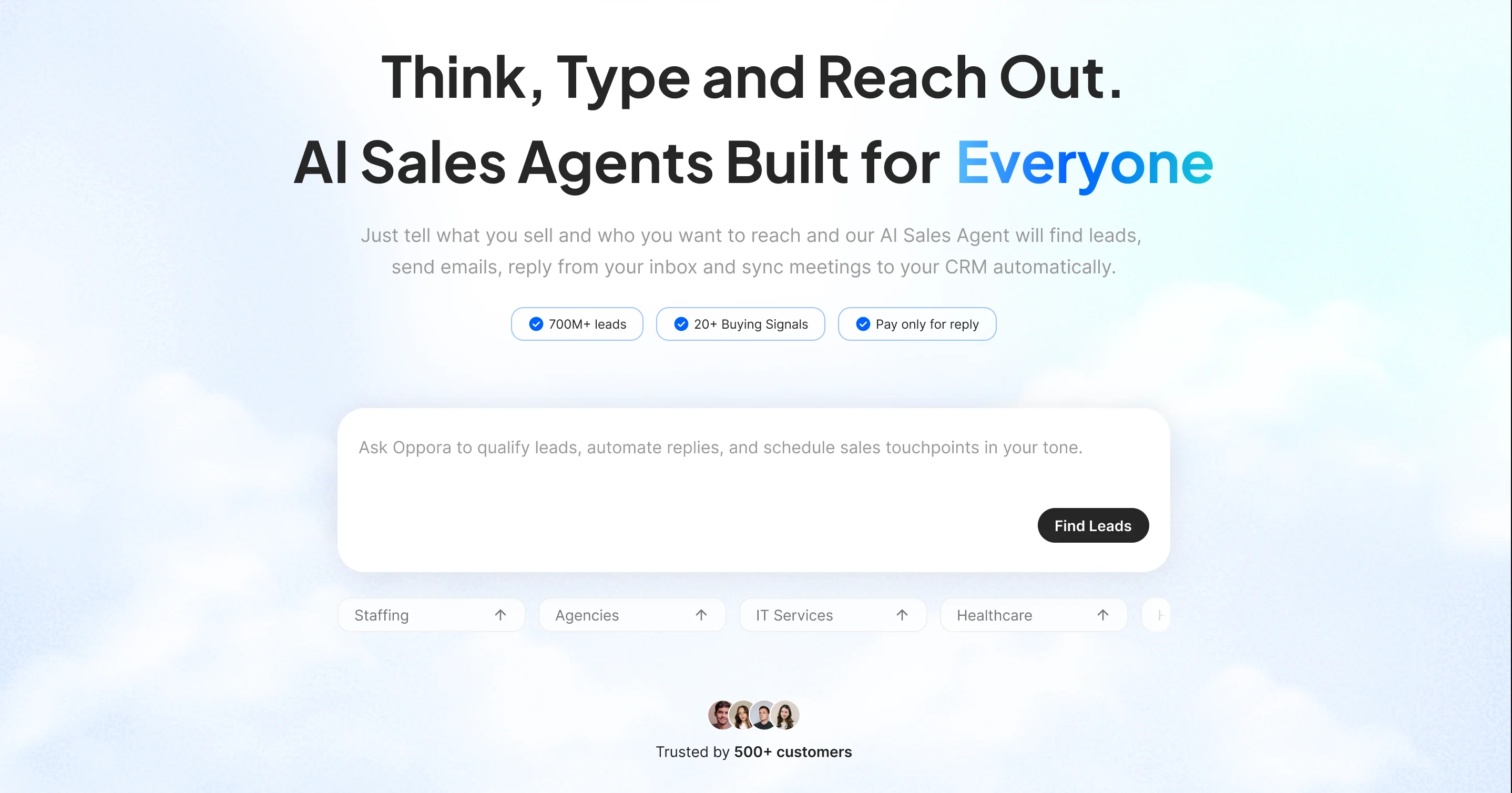
If your current email workflow tool still requires multiple platforms to manage prospecting, outreach, follow-ups, and replies, Oppora.ai is designed to simplify that entire process.
Unlike traditional email automation tools that mainly focus on sending sequences, Oppora works as a complete AI-powered outreach system built for scaling outbound campaigns with less manual effort.
You still get the core features expected from a modern email workflow tool, including:
- access to 1B+ verified contacts
- automated email sequences
- AI-powered personalization
- email verification and enrichment
- CRM syncing and pipeline tracking
- LinkedIn and email outreach workflows
But the biggest advantage comes from how Oppora connects everything into one automated workflow.
Instead of manually managing prospecting tools, email platforms, inbox rotation tools, and follow-up systems separately, Oppora’s AI agents work together to automate the entire outreach process from lead discovery to meeting booking.
Some standout features include:
- AI workflow builder
- automated reply handling
- inbox rotation across multiple mailboxes
- built-in email warm-up
- Gmail-to-Gmail and Outlook-to-Outlook matching
- shared inbox management
- AI meeting scheduling workflows
Pricing is another area where Oppora stands out compared to many email automation platforms.
The platform offers a free plan, while paid plans start at $34/month for Pro and $79/month for Max.
It also provides smaller credit-based add-ons, allowing teams to scale outreach without upgrading to expensive enterprise plans too early.
For businesses looking for more than basic email automation, Oppora helps create a complete outreach workflow that runs with minimal manual involvement.
2. Apollo.io
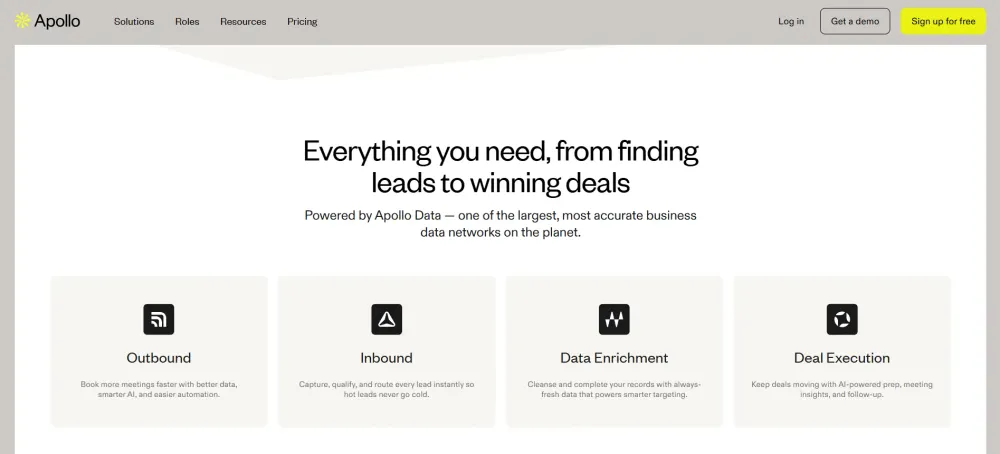
Apollo.io is one of the most widely used platforms for teams that want lead generation and email outreach in a single workflow.
It combines a large B2B contact database with outbound automation features, making it useful for sales teams running high-volume prospecting campaigns.
The platform helps users discover leads, build prospect lists, and launch automated email sequences without relying heavily on separate prospecting tools.
Its targeting filters are especially useful for narrowing down prospects by company size, industry, job title, technologies used, hiring activity, and buying intent signals.
Apollo also includes built-in engagement tracking and workflow automation features that help teams manage outreach more efficiently.
Some notable features include:
- B2B lead database and prospect search
- automated email sequences and follow-ups
- intent and buying signal filters
- CRM integrations
- analytics and engagement tracking
- Chrome extension for lead capture
One of Apollo.io’s biggest advantages is convenience.
Instead of switching between lead databases and outreach tools, users can manage prospecting and email automation from one platform.
However, many teams still pair Apollo with additional tools for inbox rotation, advanced deliverability management, or AI-driven reply automation when scaling outreach aggressively.
For businesses looking for a combined lead generation and email workflow tool, Apollo.io remains a strong option for managing outbound campaigns at scale.
3. Mailshake
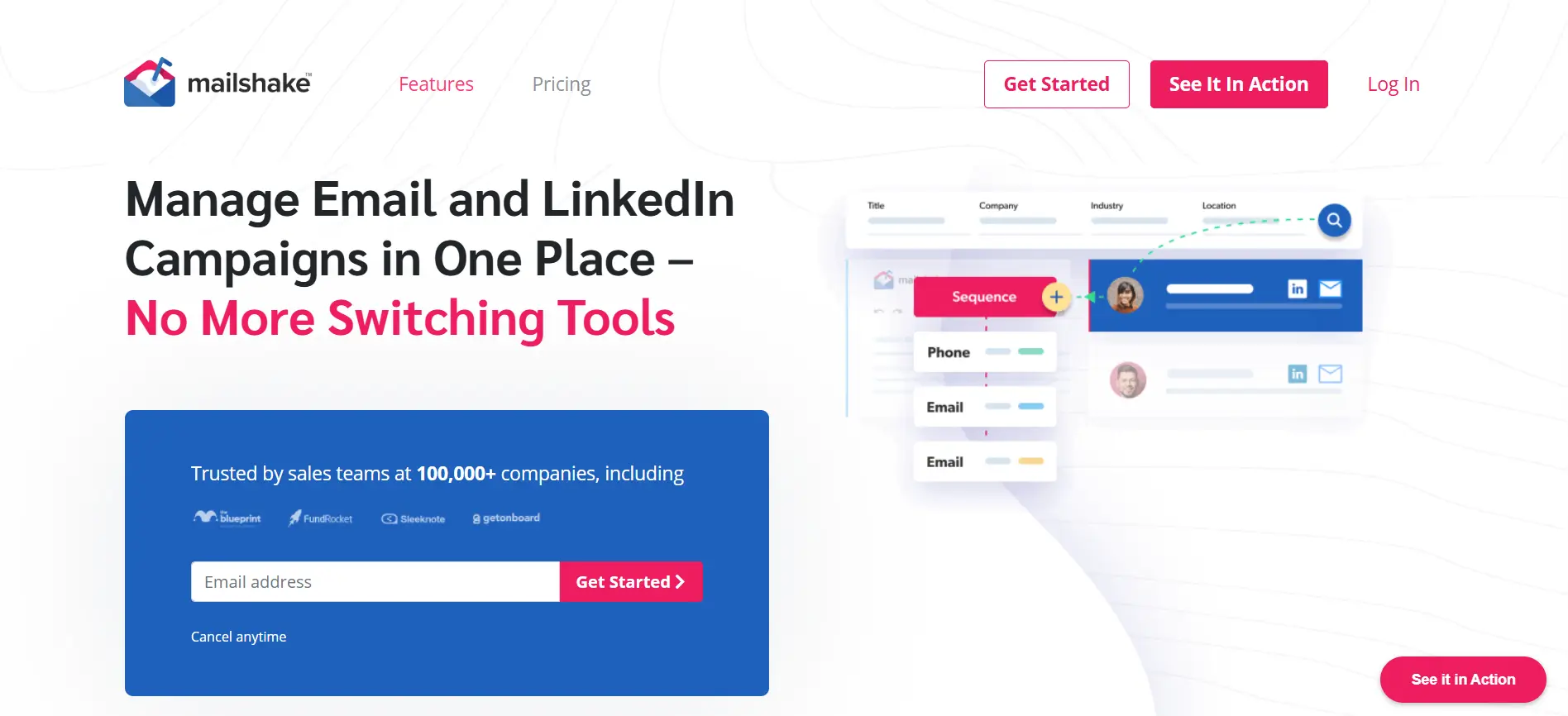
Mailshake is a simple and beginner-friendly email workflow tool built mainly for cold outreach and automated follow-ups.
It is especially popular among small sales teams, agencies, and founders who want to launch outreach campaigns quickly without dealing with overly complex workflows.
The platform focuses heavily on making email automation easy to manage.
Users can create sequences, schedule follow-ups, and track engagement from a clean and straightforward interface.
Mailshake also supports basic multi-channel outreach, allowing teams to combine email with LinkedIn touches and phone calls for better engagement.
Some key features include:
- automated cold email sequences
- follow-up automation
- personalization variables
- engagement and reply tracking
- CRM integrations
- LinkedIn and phone outreach support
One of Mailshake’s biggest strengths is usability. Teams can set up campaigns quickly without spending weeks learning advanced automation systems.
This makes it a good option for businesses that prioritize simplicity over highly customized workflows.
However, compared to newer AI-focused outreach platforms, Mailshake offers more traditional automation capabilities and fewer advanced AI workflow features.
Pricing starts at around $29/month per user for basic outreach features, while advanced sales engagement plans cost more depending on automation and collaboration needs.
For teams looking for a lightweight email workflow tool with simple campaign management, Mailshake remains a reliable option.
4. Lemlist
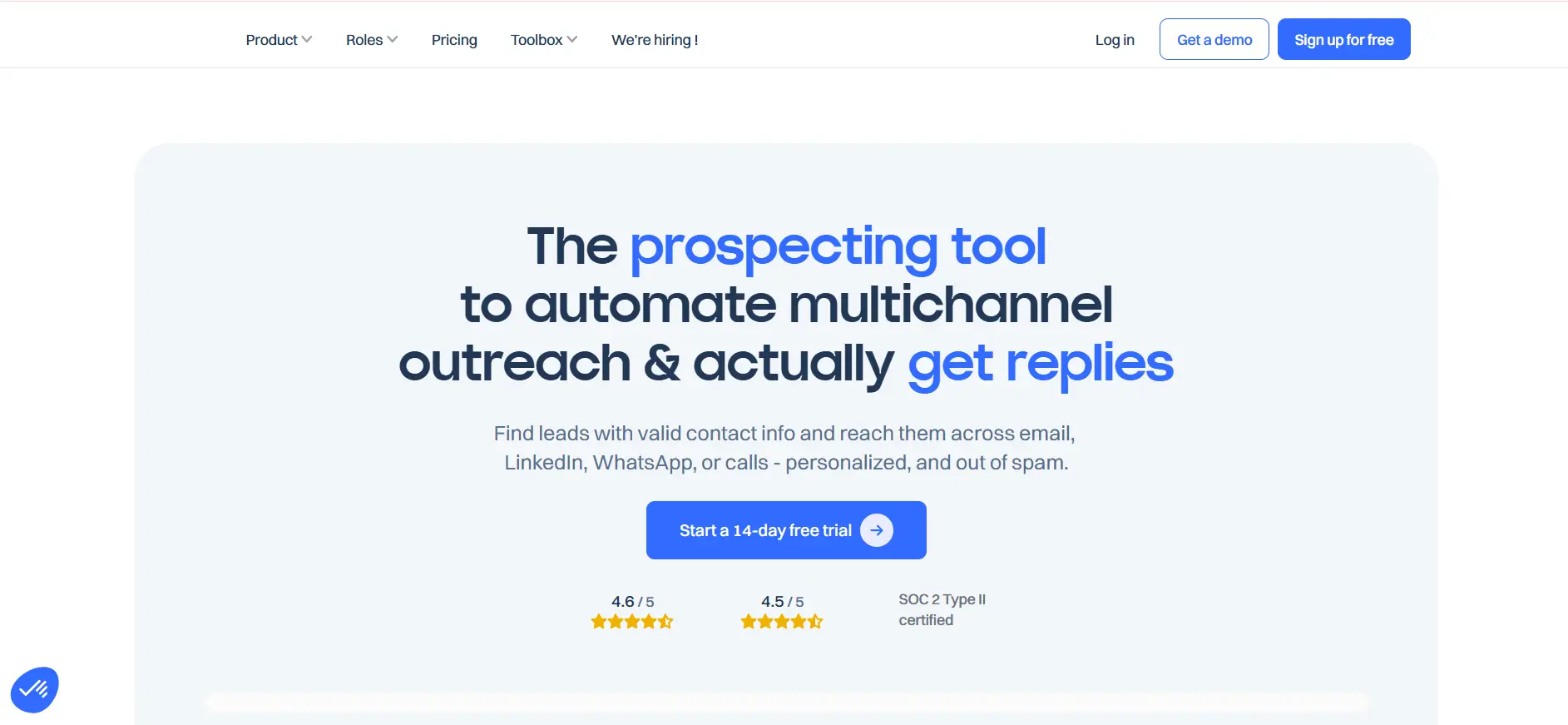
Lemlist is an email workflow tool built for teams that want outreach campaigns to feel more personal and engaging.
Unlike many traditional cold email platforms, Lemlist focuses heavily on visual personalization and multi-channel outreach.
The platform allows users to create automated workflows with personalized images, videos, and dynamic landing pages that help emails stand out in crowded inboxes.
This approach is especially useful for agencies, recruiters, and outbound sales teams trying to improve reply rates through more human-looking communication.
Along with personalization, Lemlist also includes automation and deliverability features designed for scaling outreach campaigns efficiently.
Some key features include:
- personalized images and videos
- automated email sequences
- LinkedIn outreach automation
- email warm-up functionality
- A/B testing and campaign analytics
- dynamic personalization variables
One of Lemlist’s biggest strengths is helping teams avoid generic outreach.
Personalized visuals and custom messaging make campaigns feel less automated, which can improve engagement in competitive outbound environments.
The platform also supports multi-channel workflows, allowing users to combine email and LinkedIn outreach inside a single sequence.
Pricing starts at around $59/month for basic outreach features, while higher-tier plans unlock advanced automation, collaboration, and scaling capabilities.
For businesses that prioritize personalization and creative outreach over purely high-volume automation, Lemlist remains one of the most effective email workflow tools available today.
5. Reply.io
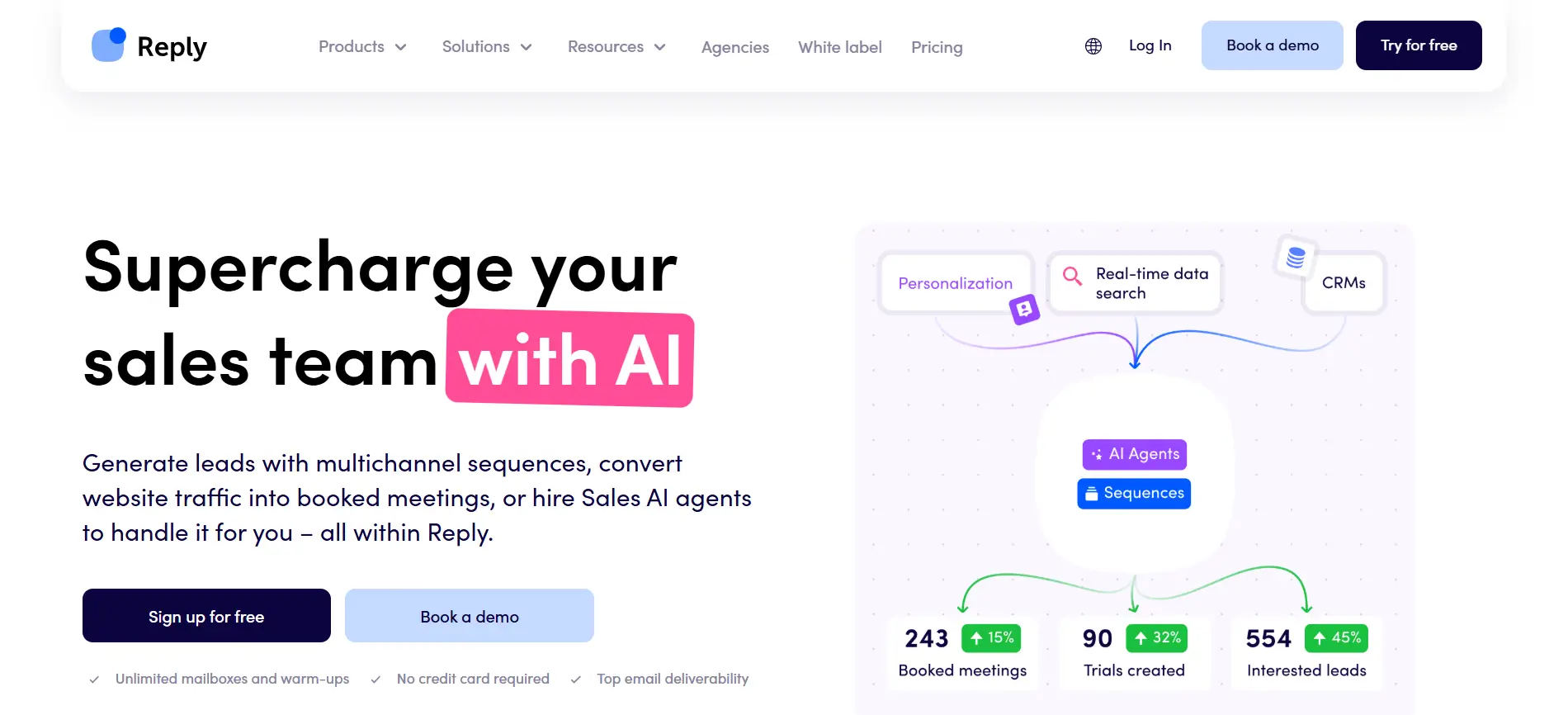
Reply.io is a multi-channel email workflow tool designed to help sales teams automate outreach across different communication channels from one platform.
Instead of managing emails, LinkedIn messages, calls, and follow-ups separately, Reply.io combines them into unified outreach workflows.
The platform is built mainly for outbound sales teams that want structured automation while still maintaining personalized communication with prospects.
Users can create automated sequences that trigger actions based on replies, engagement, or prospect behavior.
Reply.io also includes AI-assisted features that help improve email writing and response management during campaigns.
Some notable features include:
- automated email sequences
- LinkedIn and call outreach workflows
- AI email assistance
- meeting scheduling automation
- CRM integrations
- analytics and performance tracking
One of Reply.io’s biggest strengths is its multi-channel approach. Teams can create workflows that move naturally between email, LinkedIn, and calls instead of relying only on cold email campaigns.
The platform also offers strong workflow customization options, making it suitable for teams with more advanced outbound processes.
Pricing starts at around $60/month per user for basic outreach functionality, while larger teams may require higher-tier plans for advanced automation and collaboration features.
For businesses looking for a flexible email workflow tool with strong multi-channel capabilities, Reply.io remains a reliable option for scaling outbound communication efficiently.
6. Instantly.ai
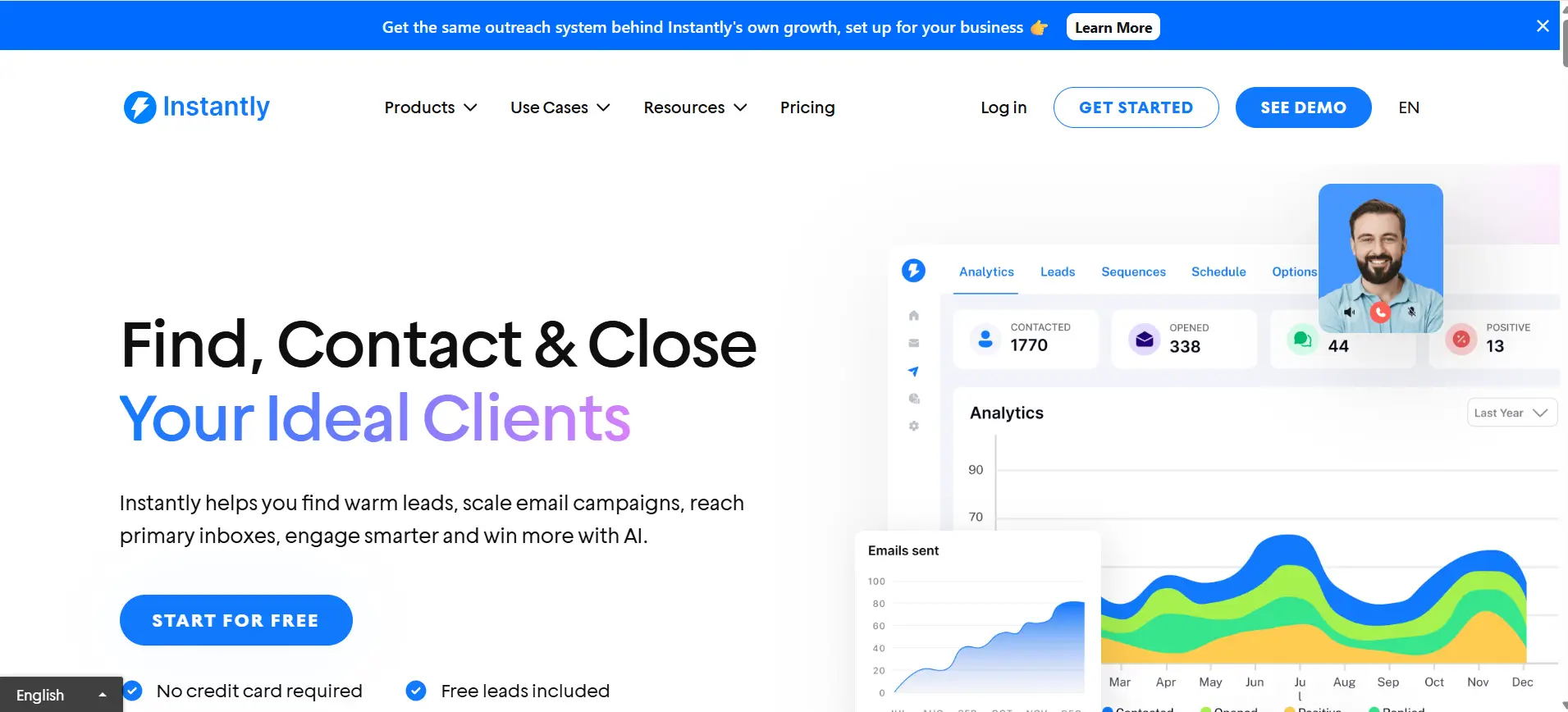
Instantly.ai is an email workflow tool built mainly for high-volume cold email outreach and inbox scaling.
It is especially popular among agencies, lead generation teams, and businesses that need to manage large outreach campaigns while maintaining strong deliverability.
The platform focuses heavily on inbox rotation, email sending infrastructure, and campaign automation.
Instead of managing a few inboxes manually, users can connect multiple mailboxes and distribute sending activity automatically to reduce spam risks and improve outreach performance.
Instantly also simplifies campaign setup, making it easier for teams to launch and manage cold email workflows at scale.
Some key features include:
- unlimited email account connections
- automated cold email sequences
- inbox rotation and warm-up
- deliverability optimization
- campaign analytics and tracking
- lead management workflows
One of Instantly.ai’s biggest strengths is scalability.
Teams running large outbound campaigns can manage high sending volumes without relying heavily on multiple external deliverability tools.
The platform is also relatively beginner-friendly compared to some advanced outbound systems, making it suitable for businesses scaling cold outreach quickly.
Pricing starts at around $37/month for basic plans, while larger outreach operations typically require higher-tier plans for advanced inbox scaling and campaign management features.
For businesses focused on scaling cold email outreach efficiently while protecting deliverability, Instantly.ai remains one of the most widely used email workflow tools available today.
7. Smartlead.ai
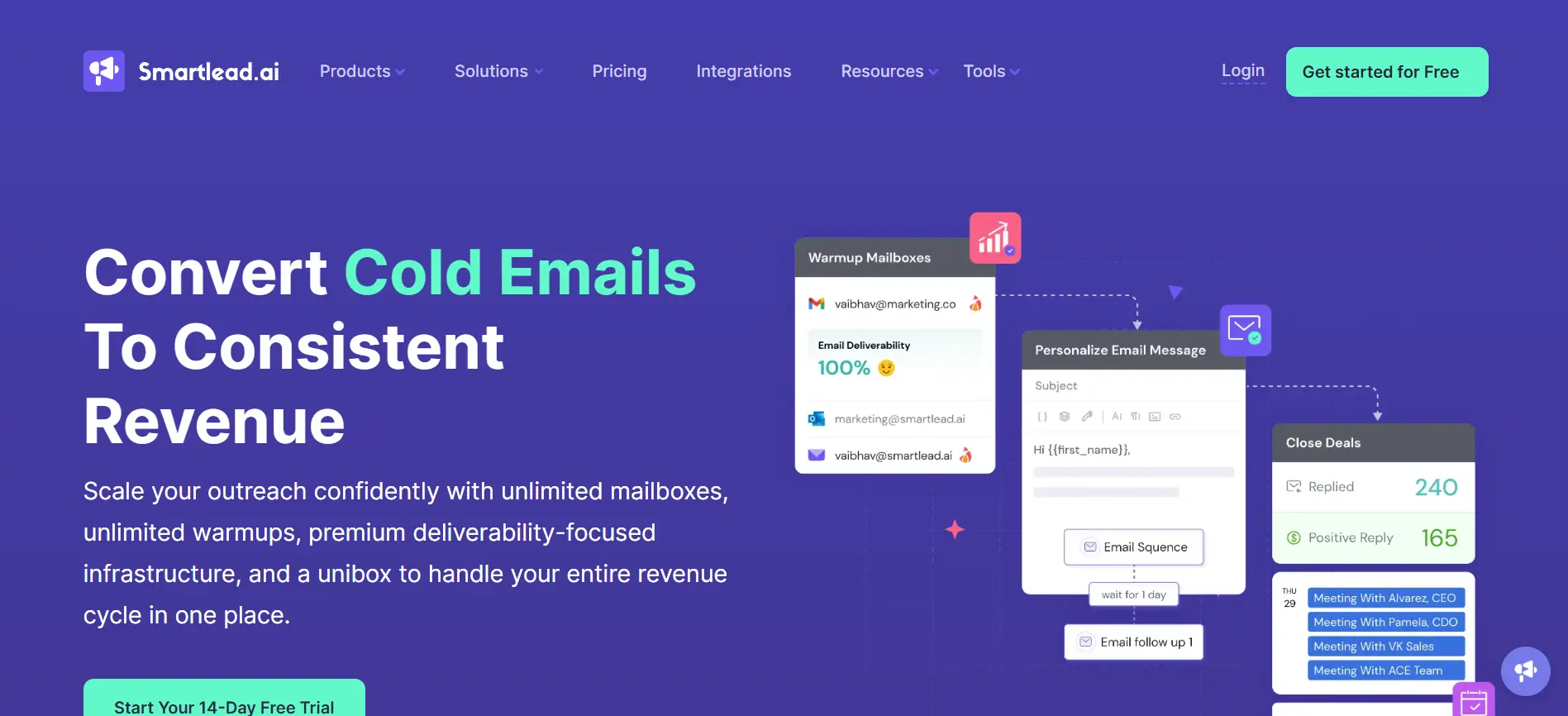
Smartlead.ai is an email workflow tool designed for businesses running large-scale cold outreach campaigns with a strong focus on deliverability and automation.\
It is commonly used by agencies, SDR teams, and lead generation businesses that manage multiple clients or high outbound volumes.
The platform helps automate email workflows while protecting sender reputation through advanced inbox management and warm-up capabilities.
Users can connect multiple mailboxes, rotate sending activity, and manage campaigns from a centralized dashboard.
Smartlead also supports AI-driven outreach optimization, helping teams improve campaign performance without manually adjusting every workflow.
Some standout features include:
- unlimited mailbox connections
- automated email sequences
- inbox warm-up and rotation
- AI-powered campaign optimization
- centralized inbox management
- analytics and deliverability tracking
One of Smartlead.ai’s biggest strengths is scalability. Teams managing thousands of outreach emails daily can distribute campaigns across multiple inboxes while maintaining healthier sending patterns.
The platform also supports collaborative workflows, making it useful for agencies handling outreach campaigns for multiple clients at the same time.
Pricing starts at around $39/month for basic outreach functionality, while higher-tier plans provide more mailboxes, advanced scaling capabilities, and team management features.
For businesses prioritizing deliverability, inbox infrastructure, and scalable cold outreach automation, Smartlead.ai remains one of the strongest email workflow tools available for high-volume outbound campaigns.
Suggested Reading:
12 SmartLead Alternatives Compared: Features, Pricing & Support8. Woodpecker
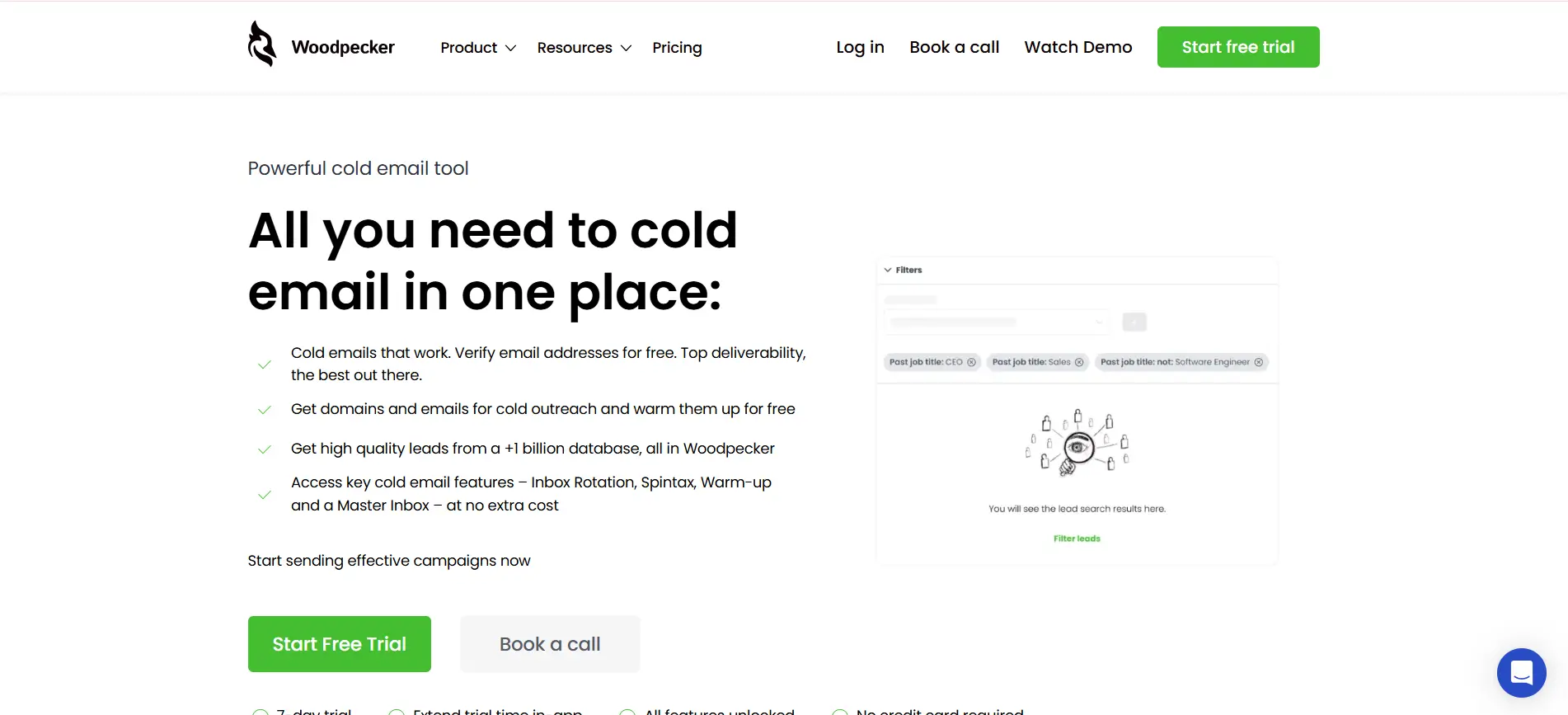
Woodpecker is a B2B-focused email workflow tool built for small sales teams, agencies, and businesses that want simple but reliable cold email automation.
The platform is known for its clean interface, strong deliverability focus, and easy-to-manage follow-up workflows.
Unlike overly complex sales engagement platforms, Woodpecker keeps outreach management straightforward.
Users can create automated email sequences, schedule follow-ups, and manage prospect conversations without spending too much time configuring workflows.
The platform also includes condition-based automation that stops campaigns automatically when recipients reply, helping outreach feel more natural and less spammy.
Some key features include:
- automated cold email sequences
- condition-based follow-ups
- email personalization variables
- deliverability monitoring
- CRM and app integrations
- team collaboration features
One of Woodpecker’s biggest strengths is simplicity combined with reliability.
It works well for teams that want stable outreach automation without managing highly technical deliverability systems or advanced workflow builders.
Woodpecker also integrates with popular CRMs and lead generation tools, making it easier to centralize outreach activities across sales workflows.
Pricing starts at around $29/month for basic outreach features, while advanced plans include additional automation, integrations, and team collaboration options.
For businesses looking for a lightweight and dependable email workflow tool for B2B outreach, Woodpecker remains a practical and easy-to-use option.
9. Mailmeteor
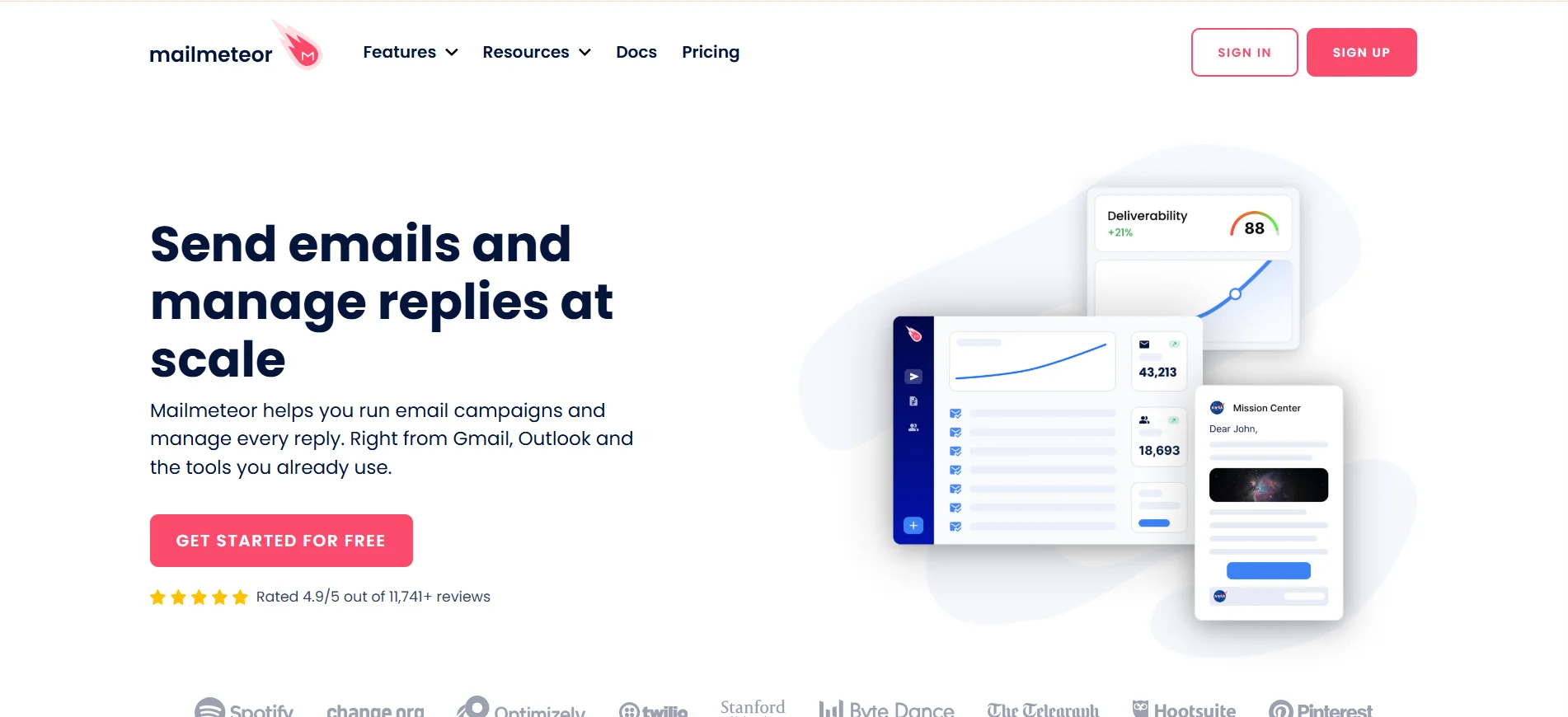
Mailmeteor is a Gmail-based email workflow tool designed for users who want simple email automation directly inside Google Workspace.
It is especially useful for freelancers, educators, startups, and small businesses that prefer managing campaigns from their Gmail environment instead of learning a separate outreach platform.
The platform allows users to send personalized bulk emails, automate follow-ups, and track campaign performance without leaving Gmail.
Its lightweight setup and familiar interface make it easy for non-technical users to launch outreach campaigns quickly.
Unlike many advanced cold outreach platforms, Mailmeteor focuses more on simplicity and accessibility than complex workflow automation.
Some key features include:
- Gmail email automation
- personalized bulk email sending
- automated follow-ups
- Google Sheets integration
- email tracking and analytics
- Google Workspace compatibility
One of Mailmeteor’s biggest strengths is ease of use. Since it works directly with Gmail, teams can start sending campaigns without managing external inbox systems or complicated onboarding processes.
The platform also supports mail merge functionality, making it useful for personalized outreach at moderate scale.
Pricing starts with a free plan for basic usage, while paid plans begin at around $9.99/month depending on sending limits and advanced features.
For businesses looking for a simple Google Workspace email tool with lightweight automation capabilities, Mailmeteor remains a practical and beginner-friendly option.
How to Choose the Right Email Workflow Tool
After comparing different platforms, the real challenge is choosing a tool that actually fits your outreach process.
Some businesses need advanced automation, while others care more about deliverability, pricing, or workflow simplicity.
The right email workflow tool should help you scale outreach without creating more operational complexity.
Check Automation Depth and Flexibility
Not all automation tools offer the same level of workflow control.
Some platforms only support basic sequences, while others allow advanced automation across multiple stages of outreach.
Look for tools that support:
- trigger-based workflows
- automated follow-ups
- reply detection
- workflow customization
- multi-channel automation
Flexible automation becomes more important as your outreach volume and team size grow.
Look at Deliverability and Inbox Management
Even the best outreach campaigns fail if emails land in spam folders.
That’s why deliverability should be a major factor when choosing an email automation platform.
Features like inbox warm-up, email rotation, sending limits, and domain health monitoring help maintain inbox reputation over time.
If you plan to run high-volume campaigns, strong inbox management tools become essential for protecting campaign performance and response rates.
Suggested Reading:
How to Increase Cold Email Deliverability the Right WayEvaluate Pricing and Scalability
Pricing should match both your current needs and future growth plans.
Some tools appear affordable initially but become expensive once you add users, inboxes, or automation features.
Before choosing a platform, evaluate:
- monthly pricing structure
- feature limitations
- mailbox or user restrictions
- scalability for growing campaigns
- extra costs for credits or integrations
A scalable email workflow tool should support larger outreach operations without forcing constant platform changes later.
How Oppora Helps You Scale Email Outreach with Less Effort
Managing outreach at scale usually means juggling multiple tools for lead generation, email automation, inbox management, follow-ups, and CRM updates.
As campaigns grow, that workflow becomes difficult to manage manually.
Oppora simplifies this process by bringing outreach automation, AI workflows, and lead management into one platform.
Automated Lead Discovery and Enrichment
Finding and verifying leads manually takes a significant amount of time, especially when running outbound campaigns at scale.
Oppora helps automate this process with access to a large B2B contact database and real-time enrichment workflows.
Instead of switching between prospecting and verification tools, teams can discover, qualify, and organize leads from one system.
The platform supports:
- verified contact discovery
- real-time lead enrichment
- advanced targeting filters with 20+ buying signals
- automated prospect workflows
This helps sales teams spend more time on conversations instead of manual research.
Multi-Channel Outreach with One Platform
Modern outreach rarely happens through email alone. Prospects often engage across different channels before responding.
Oppora combines email and LinkedIn outreach into unified workflows, helping teams manage campaigns from one dashboard instead of coordinating multiple platforms separately.
This creates a more consistent outreach process while reducing operational complexity for growing teams.
AI-Powered Personalization at Scale
Personalization becomes difficult when campaigns start scaling across hundreds or thousands of prospects.
Oppora uses AI-powered workflows to generate personalized messaging dynamically using lead and company data.
Instead of manually writing every follow-up, teams can automate personalization while still keeping outreach relevant and human-focused.
This helps improve engagement without increasing manual workload.
CRM Integration for Streamlined Pipeline Management
Keeping outreach data synced manually between platforms often creates messy pipelines and missed follow-ups.
Oppora integrates directly with CRM systems to automatically sync leads, conversations, meetings, and campaign activity.
This keeps sales workflows organized while helping teams track outreach performance more efficiently from one centralized workflow.
Conclusion
Choosing the right email workflow tool can completely change how your team handles outreach.
Instead of manually managing follow-ups, tracking replies, and switching between multiple platforms, you can automate large parts of the process while keeping communication personalized and consistent.
The best tools help you improve deliverability, save time, and scale campaigns without creating extra operational complexity.
The right choice ultimately depends on your outreach volume, workflow needs, and the level of automation you want.
If you want a platform that combines lead discovery, AI-powered personalization, multi-channel outreach, and automated follow-ups in one workflow, Oppora is worth exploring for scaling outbound with less manual effort.
Frequently Asked Questions (FAQs)
Can email workflow tools help improve reply rates?
Yes. Email workflow tools improve reply rates by automating timely follow-ups, personalizing outreach, and helping you maintain consistent communication. Many tools also provide A/B testing and analytics, allowing you to optimize subject lines, messaging, and sending schedules based on performance data.
What is the difference between email automation and email workflow automation?
Email automation usually focuses on sending scheduled emails or sequences. Email workflow automation goes further by connecting actions, triggers, lead management, CRM updates, follow-ups, and multi-step outreach processes into one automated system that runs with minimal manual involvement.
Are email workflow tools suitable for small businesses?
Absolutely. Small businesses and startups often benefit the most because these tools reduce manual work and help smaller teams scale outreach efficiently. Many platforms also offer affordable plans, making automation accessible even for businesses with limited budgets or smaller sales teams.
How important is inbox rotation in cold email outreach?
Inbox rotation is important for maintaining deliverability during high-volume outreach. It spreads email activity across multiple mailboxes, reducing the chances of domains being flagged for spam. This helps protect sender reputation and improves the likelihood of emails reaching primary inboxes.
Can AI improve email workflow automation?
Yes. AI helps automate personalization, lead scoring, reply handling, and campaign optimization. Instead of relying on static templates, AI-powered tools can generate more relevant messaging, identify better prospects, and improve outreach efficiency while reducing repetitive manual work for sales teams.
Summarize with AI
Share