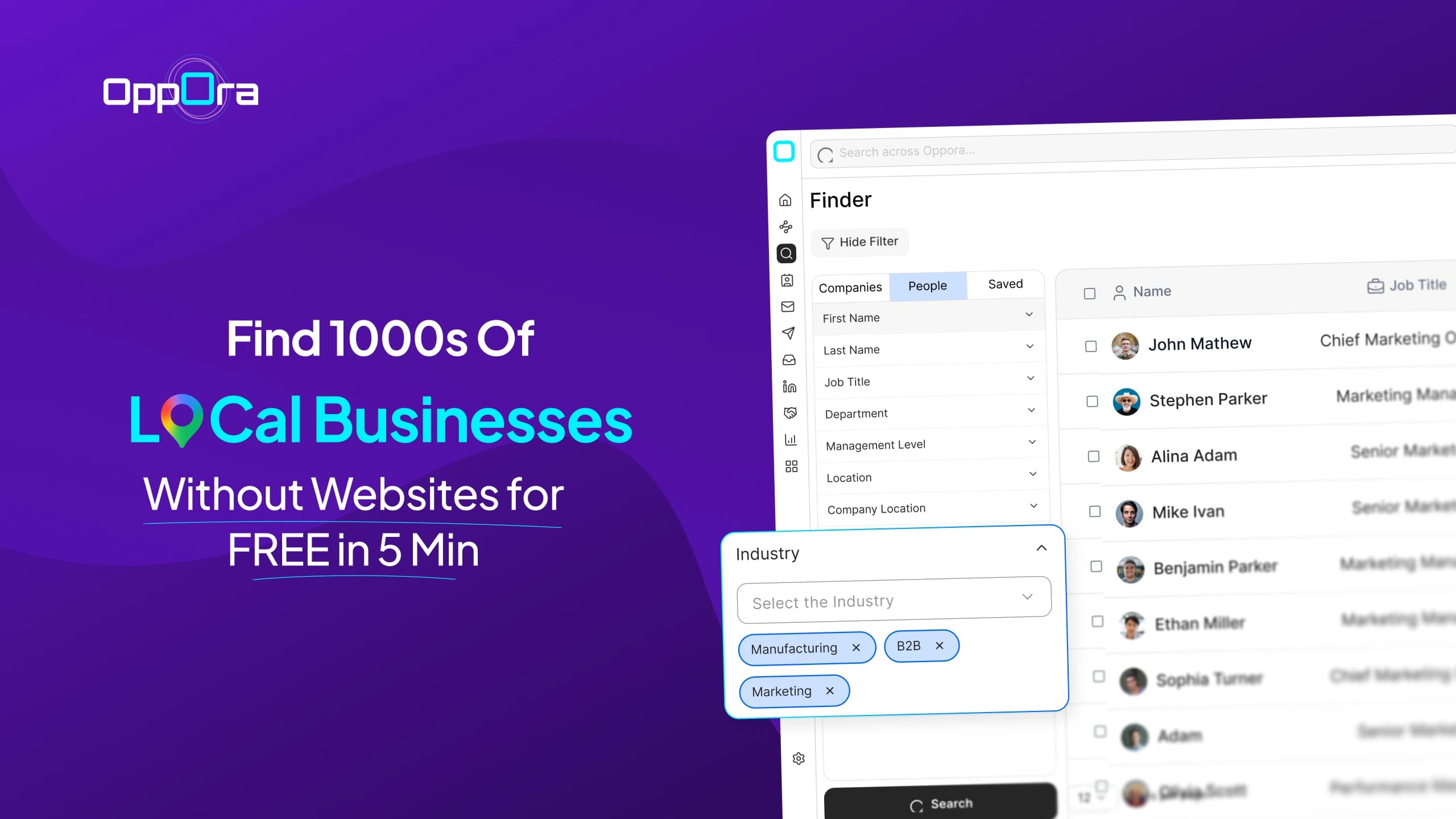
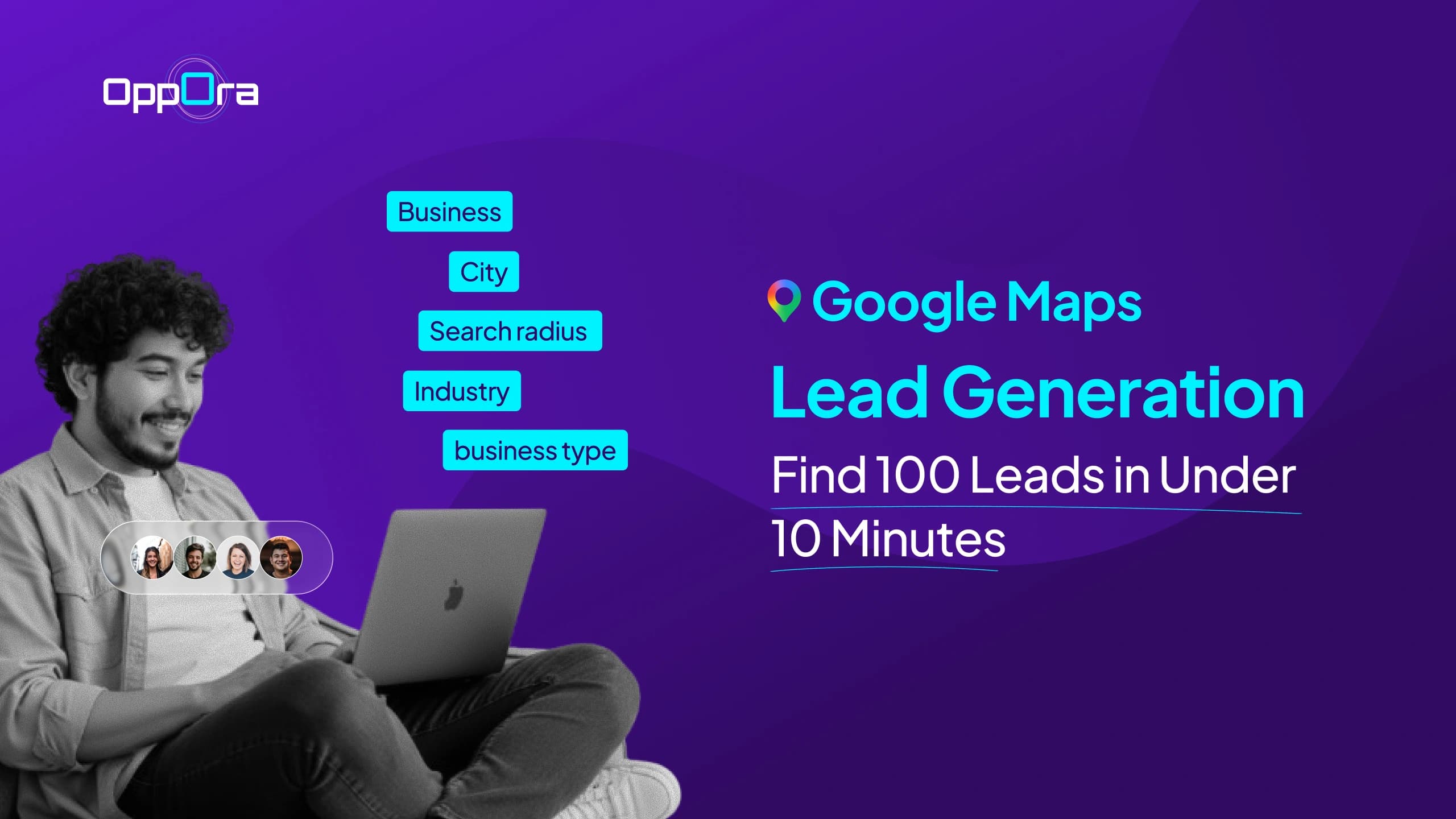
Google Maps Lead Generation: Find 100 Leads in Under 10 Minutes
Stephen Parker
Published July 7, 2026
10 min

Complete Agentic Email Outreach
AI agents find and enrich prospects, personalize emails, follow up, handle replies, and book meetings automatically.
Claim Your FREE Credits
Google Maps is full of businesses that could become your next customers.
But finding them, checking if they fit, collecting contact details, and reaching out one by one can quickly become messy and time-consuming.
That is where Oppora.ai helps you turn local business discovery into a cleaner outreach system.
Instead of manually copying names, websites, emails, and phone numbers, you can build a qualified Google Maps lead list and move straight into personalized outreach.
In this guide, you will see how to:
- Find relevant Google Maps leads
- Enrich them with contact data
- Launch outreach across email, LinkedIn, and calls
Build a Qualified Google Map Lead List in Minutes With Oppora AI
Once you know who you want to reach, the next step is building a lead list that is actually worth contacting.
Google Maps gives you access to thousands of local businesses, but raw business data is not enough. You still need to find the right companies, check if they fit your offer, and collect the right contact details before outreach begins.
Oppora AI helps you move through that process faster, so you are not stuck copying business names and websites manually.
Search Businesses by Location, Industry, and Radius
You can start by telling Oppora what type of businesses you want to find and where you want to find them.
This could be dental clinics in Austin, restaurants within 10 miles of Miami, IT companies in New York, or staffing agencies across multiple cities.
Instead of searching one location at a time, Oppora helps you narrow the market with smart filters by:
- Business category
- City or region
- Search radius
- Industry or niche
- Local business type
This gives you a focused starting point instead of a random list of businesses.
You are not just collecting Google Maps leads. You are building a list around a specific market you already want to sell to.
Filter Out Businesses That Match Your Ideal Customer Profile
Not every business on Google Maps is a good fit for your offer.
Some may be too small. Some may not match your service area. Some may not have the right online presence, team size, or business need.
That is why filtering matters before you start outreach.
With Oppora AI, you can refine your list based on the kind of customers you actually want. You can remove poor-fit businesses and keep the ones that look closer to your ideal customer profile
This helps you avoid wasting time on leads that were never likely to respond.
A cleaner list also makes your outreach feel more relevant, because every business you contact has a stronger reason to care about what you offer.
Save Your Best Prospects Into Organized Lead Lists
Once you find businesses that match your target, you need a simple way to keep everything organized.
Oppora lets you save your best prospects into lead lists so you can separate campaigns by location, industry, service type, or priority.
You might create one list for high-value local businesses, another for a specific city, and another for a niche campaign you want to test later.
This keeps your prospecting clean from the start.
Instead of mixing every Google Maps lead into one messy spreadsheet, you can build organized prospect lists that are ready for enrichment, outreach, and follow-up.
Suggested Reading:
How to Build a Prospect List Without Manual Research — Try Oppora.ai in LiveFind Owners, Founders, Managers, and Other Decision-Makers
A business listing is only the first layer.
To actually start a sales conversation, you need to reach the person who can say yes, review your offer, or send you to the right team member.
Oppora AI helps you move beyond the business name and find relevant decision-makers connected to that company.
Depending on the business type, that could include:
- Owners
- Founders
- General managers
- Marketing managers
- Operations managers
- Partnership leads
This is where your Google Maps lead list becomes much more useful.
You are no longer reaching out blindly to a generic business profile. You are finding people who are more likely to understand the problem, evaluate your offer, and respond with context.
Enrich Every Lead With Verified Emails, Phone Numbers, and LinkedIn Profiles
After you find the right businesses and decision-makers, the next step is contact enrichment.
Oppora can enrich your leads with verified emails, phone numbers, and LinkedIn profiles, so your list becomes ready for multi-channel outreach.
This means you do not have to jump between tools just to complete one prospect record.
You can turn a basic Google Maps business lead into a fuller contact profile with:
- Verified email addresses
- Phone numbers
- LinkedIn profiles
- Company details
- Decision-maker information
This gives you more ways to reach the same prospect.
You can send an email, add a LinkedIn touchpoint, or prepare a call list without rebuilding your data from scratch.
By the end of this step, you have more than a list of businesses.
You have a qualified, enriched Google Maps lead list that is ready for outreach.
Turn Your Lead List Into Outreach That Actually Gets Replies
A qualified Google Maps lead list is only useful when you know how to reach those businesses properly.
After you find and enrich your prospects, Oppora AI helps you move them into outreach without switching between spreadsheets, inboxes, LinkedIn, calling tools, and your CRM.
Connect Multiple Inboxes Without Hurting Deliverability
Sending too many emails from one inbox can damage your sender reputation.
Oppora helps you avoid this by letting you connect and rotate multiple mailboxes across your outreach campaigns.
This helps you:
- Spread email volume across different inboxes
- Reduce pressure on one sender account
- Protect your domain reputation
- Scale outreach more safely
- Keep campaigns running without manual inbox switching
You can also warm up your mailboxes before increasing volume, so your outreach has a stronger deliverability foundation.
Match Gmail-to-Gmail or Outlook-to-Outlook Automatically
Deliverability is not only about how many emails you send.
It also depends on how natural your sending pattern looks.
Oppora can automatically match the sender’s mail provider with the lead’s mail provider.
This means:
- Gmail leads can receive emails from Gmail inboxes
- Outlook leads can receive emails from Outlook inboxes
- Your emails look more natural to the recipient’s inbox
- You build more trust before the prospect even opens your message
This small detail can make your outreach feel less random and more familiar.
Suggested Reading:
How to Send Mass Emails in Gmail (Step-by-Step + Limits)Create Personalized Multi-Step Email Sequences at Scale
Most cold emails fail because they sound generic.
Oppora helps you create personalized email sequences where each message feels more relevant to the business you are contacting.
You can personalize emails based on:
- Business type
- Location
- Industry
- Website details
- Decision-maker role
- Pain points connected to your offer
You can also create multi-step follow-ups, so your campaign does not stop after the first email.
This is helpful because many local business owners, founders, and managers miss the first message.
A relevant follow-up gives you another chance to start the conversation.
Add LinkedIn Touchpoints Without Leaving Your Campaign
Email works better when it is not the only touchpoint.
With Oppora, you can add LinkedIn outreach into the same campaign flow.
This helps you:
- Send LinkedIn connection requests
- Add LinkedIn follow-up messages
- Support email outreach with social touchpoints
- Stay visible across more than one channel
- Build familiarity before asking for a meeting
So when a prospect sees your name in their inbox and on LinkedIn, your outreach feels more connected.
Manage Conversations From One Unified Inbox
Once replies start coming in, managing them across multiple inboxes can get confusing.
Oppora gives you one unified inbox where you can view and manage replies from all connected mailboxes.
This helps you:
- See every reply in one place
- Avoid missing interested leads
- Track conversations across campaigns
- Collaborate with your team
- Respond faster when a lead shows interest
Instead of checking every inbox manually, you get a clearer view of who replied and what needs to happen next.
Keep Your CRM Updated Automatically as Leads Progress
Outreach creates a lot of small tasks.
You need to track replies, update lead status, save meeting details, and move prospects through your sales pipeline
Oppora helps by syncing your outreach activity with your CRM.
This can include:
- Contacts
- Replies
- Meetings
- Tasks
- Deals
- Lead status updates
You can sync data with tools like HubSpot, Salesforce, Pipedrive, or Oppora CRM.
This keeps your pipeline clean without forcing you to enter every update manually.
Perform Cold Calls by Importing Contact List
Some Google Maps leads respond better to calls than emails
This is especially true for local businesses where owners or managers are easier to reach by phone.
With Oppora, you can import your contact list and use enriched phone numbers to prepare your cold calling workflow.
This helps you:
- Build a cleaner business phone number list
- Organize contacts before calling
- Reach businesses through phone when email is not enough
- Use business and decision-maker details during the call
- Follow up later through email or LinkedIn
So instead of calling from a messy spreadsheet, you can work from a more complete lead profile.
You know who you are calling, why they fit your offer, and what to say when the conversation starts.
Want Fresh Google Maps Leads Showing Up Every Day Instead?
Building one Google Maps lead list is useful.
But if your business depends on consistent outbound, you need more than a one-time list. You need a system that keeps finding, enriching, and moving new prospects into outreach without making you repeat the same work every day.
That is where Oppora’s AI workflow helps you turn lead generation into an ongoing process.
Suggested Reading:
11 Best Google Maps Email Scraper That Provide Verified EmailsCreate an AI Workflow That Finds New Businesses Automatically
Instead of manually searching Google Maps every time you need more leads, you can create an AI workflow that keeps finding new businesses for you.
You can set your targeting rules once, such as:
- Location
- Business category
- Industry
- Search radius
- Ideal customer profile
- Lead qualification criteria
Then Oppora’s AI agents can keep running the workflow based on that setup.
This helps you build a repeatable prospecting system instead of starting from zero whenever your pipeline slows down.
Let AI Enrich Contacts and Launch Outreach Without Manual Work
Finding a business is only the first step.
You still need to identify the right decision-makers, find their contact details, verify emails, and prepare outreach.
Oppora can connect these steps inside one workflow, so your lead generation does not stop at business discovery.
The workflow can help you:
- Find relevant businesses
- Identify owners, founders, managers, or decision-makers
- Enrich leads with emails, phone numbers, and LinkedIn profiles
- Verify email addresses before outreach
- Add leads into the right campaign
- Launch personalized email and LinkedIn touchpoints
This makes the whole process feel less like manual data collection and more like a system that keeps feeding your pipeline.
Qualify Interested Leads and Book Meetings While You Focus on Sales
Once outreach starts, you should not have to manage every reply manually.
Oppora’s AI can help handle replies, qualify interest, answer common questions, and move warm leads toward a meeting.
This means your workflow can support tasks like:
- Reading and understanding lead replies
- Answering simple questions
- Handling basic objections
- Sending relevant information or attachments
- Sharing your meeting link
- Booking meetings
- Syncing activity back to your CRM
So instead of spending your day chasing every response, you can focus on the conversations that actually need you.
Fresh Google Maps leads come in, outreach goes out, interested prospects are qualified, and your calendar starts filling with better sales conversations.
Conclusion
Google Maps can be one of the simplest places to find local businesses that match your target market.
But the real challenge starts after discovery. You still need to qualify each business, find the right decision-makers, enrich contact details, verify emails, and reach out in a way that feels personal.
Doing all of that manually can slow you down fast.
With Oppora AI, you can turn that entire process into a cleaner system. You can find Google Maps leads, organize them into lists, enrich them with verified contact data, and launch outreach across email, LinkedIn, and calls from one place.
And if you want fresh leads coming in every day, you can build AI workflows that keep prospecting and outreach moving for you.
So if you want to spend less time collecting leads and more time closing conversations, Oppora.ai is worth exploring.
FAQs
What are Google Maps leads?
Google Maps leads are business prospects you find from Google Maps listings, usually including business names, locations, websites, phone numbers, categories, and other public business details.
How do I build a Google Map lead list?
You can build a Google Map lead list by searching businesses by location, industry, and radius, then filtering the results, finding decision-makers, and enriching each lead with verified contact details.
Can I automate Google Maps lead generation?
Yes, with Oppora AI, you can create workflows that find new businesses, enrich contacts, verify emails, and move qualified Google Maps leads into outreach without doing everything manually.
How can I contact Google Maps leads effectively?
The best way to contact Google Maps leads is to use personalized email, LinkedIn touchpoints, and calls together, instead of relying on one generic message across every prospect.
Can I use Oppora AI as a Google Maps lead finder?
Yes, Oppora AI can help you find Google Maps leads, organize them into lists, enrich them with verified contact data, and prepare them for outreach from one place.
Summarize with AI
Share