10 Best LinkedIn Extensions for Job Seekers to Land More Interviews
Adam Hossain
Published June 21, 2026
15 min
Complete Agentic Email Outreach
AI agents find and enrich prospects, personalize emails, follow up, handle replies, and book meetings automatically.
Claim Your FREE Credits
Job searching today isn't just about submitting applications. You're competing against hundreds of candidates, each optimizing their approach with the right tools.
The difference between landing an interview and getting lost in the pile often comes down to one thing: efficiency and personalization.
That's where LinkedIn extensions come in.
They automate the grunt work—finding recruiters, tailoring your resume, tracking applications while you focus on what matters: making genuine connections.
In this guide, we'll cover:
- Types of extensions that solve different job-search problems
- 10 best tools tested for real job seekers
- How to combine them into one cohesive system
Types of LinkedIn Extensions for Job Seekers
Not all job-search extensions do the same thing. Understanding what each category solves helps you pick the right combination for your workflow.
Think of these five categories as different roles in your job-search team.
Each handles a specific part of the process, and together, they cover everything from research to landing the interview.
Recruiter and HR Contact Finders
You find a job posting that's perfect. But who's actually hiring?
These extensions pull recruiter and HR contact details directly from LinkedIn profiles or company pages.
Instead of sending your application into a void, you can reach out to the person who reviews resumes.
This matters because:
- Direct contact gets noticed faster than the application portal
- Recruiters can walk your resume through internal screening
- You build a relationship, not just submit an application
Resume and Profile Optimizers That Beat the ATS
Before a human sees your resume, it gets scanned by Applicant Tracking System (ATS) software.
If your keywords don't match the job description, you're filtered out instantly.
These extensions analyze the job posting and compare it to your resume or LinkedIn profile.
They highlight which keywords are missing and where you should lean harder into your experience.
The payoff is straightforward: better keyword alignment means you actually get in front of hiring managers.
Application Autofill and Job Trackers
Applying to jobs shouldn't eat three hours of your day.
These extensions automatically fill out application forms using your saved information—name, email, work history, skills.
Then they track every application in one place so you know which roles you've applied to, when you applied, and what stage each one is in.
Without tracking, you lose context. With it, you can follow up strategically.
Company Research and Hiring-Signal Tools
Not every job posting is real. Some companies post roles they're not actively hiring for.
These extensions show you hiring signals: Is the company actively recruiting?
Are they posting multiple roles? Have they hired someone recently in that department?
This saves you time and emotional energy by filtering out long-shot applications early.
Interview Prep and Outreach Helpers
Once you land an interview, you need to prepare. And before you apply, you might want to research the hiring manager.
These tools help you practice common interview questions, study the interviewer's background, and craft personalized outreach messages that actually get responses.
They turn cold applications into warm introductions.
10 Best LinkedIn Extensions for Job Seekers
You now know what each category does. But which tools actually work and won't waste your valuable time?
These 10 extensions are purpose-built for job seekers just like you.
Each one solves a specific problem—from finding recruiters to beating the ATS to tracking applications.
They've been tested in real job searches and consistently help candidates move much faster through the entire hiring process.
Here are the tools that matter:
1. Oppora — find recruiters, hiring teams, and hidden networking opportunities
Most job seekers use LinkedIn to find jobs.
The challenge is figuring out who posted the role, who is involved in hiring, and who you should actually connect with inside the company.
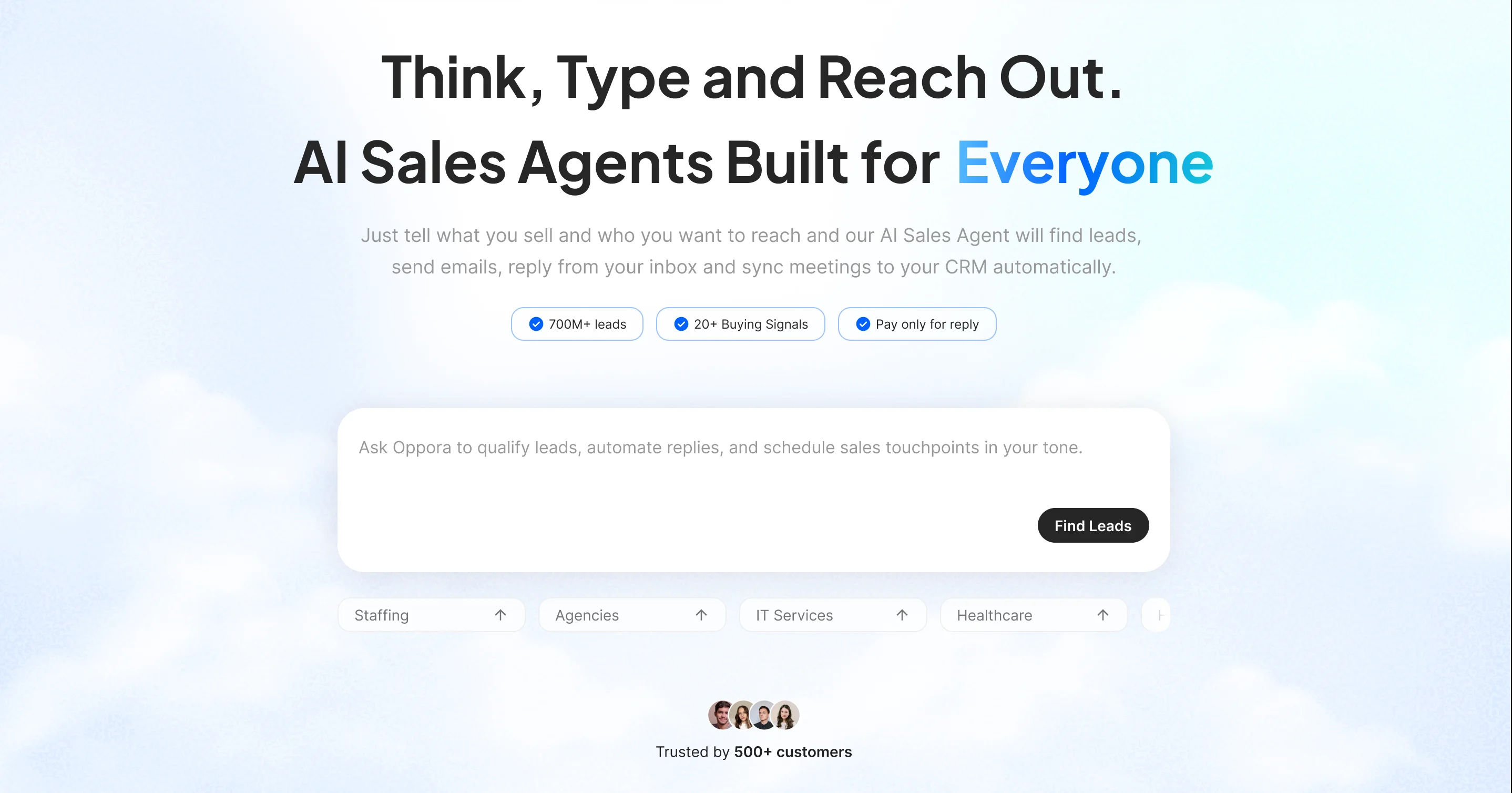
While Oppora is primarily built as an AI outbound sales agent, many candidates use the same prospecting capabilities to reverse engineer their job search.
Instead of only applying through job boards, you can identify companies actively hiring and uncover the people behind those opportunities.
Oppora helps you search for companies hiring specific roles and discover businesses that have posted jobs within a chosen timeframe.
It also shows who posted those jobs, giving you strong signals about the recruiter, HR professional, or hiring team responsible for the opening.
This context helps you personalize outreach instead of sending generic applications into crowded applicant pools.
Key capabilities include:
- Finding companies currently hiring for specific job titles
- Discovering organizations that posted jobs in the last X days
- Identifying recruiters, HR professionals, or hiring teams behind job listings
- Finding employees within target departments for networking and referrals
- Accessing verified professional contact information for outreach
This can be especially useful when you're targeting competitive positions where networking often matters as much as submitting a strong application.
Instead of relying solely on the "Apply" button, you can build relationships with recruiters, connect with employees in relevant departments, and gain better visibility into how hiring decisions are being made.
Suggested Reading:
15 Prospecting Tools for Recruitment Agencies to Win More Clients2. Huntr — save jobs and autofill applications in one click
Finding good job opportunities is only half the battle.
Keeping track of every application, deadline, interview, and follow-up can quickly become overwhelming, especially when you're applying across multiple job boards.
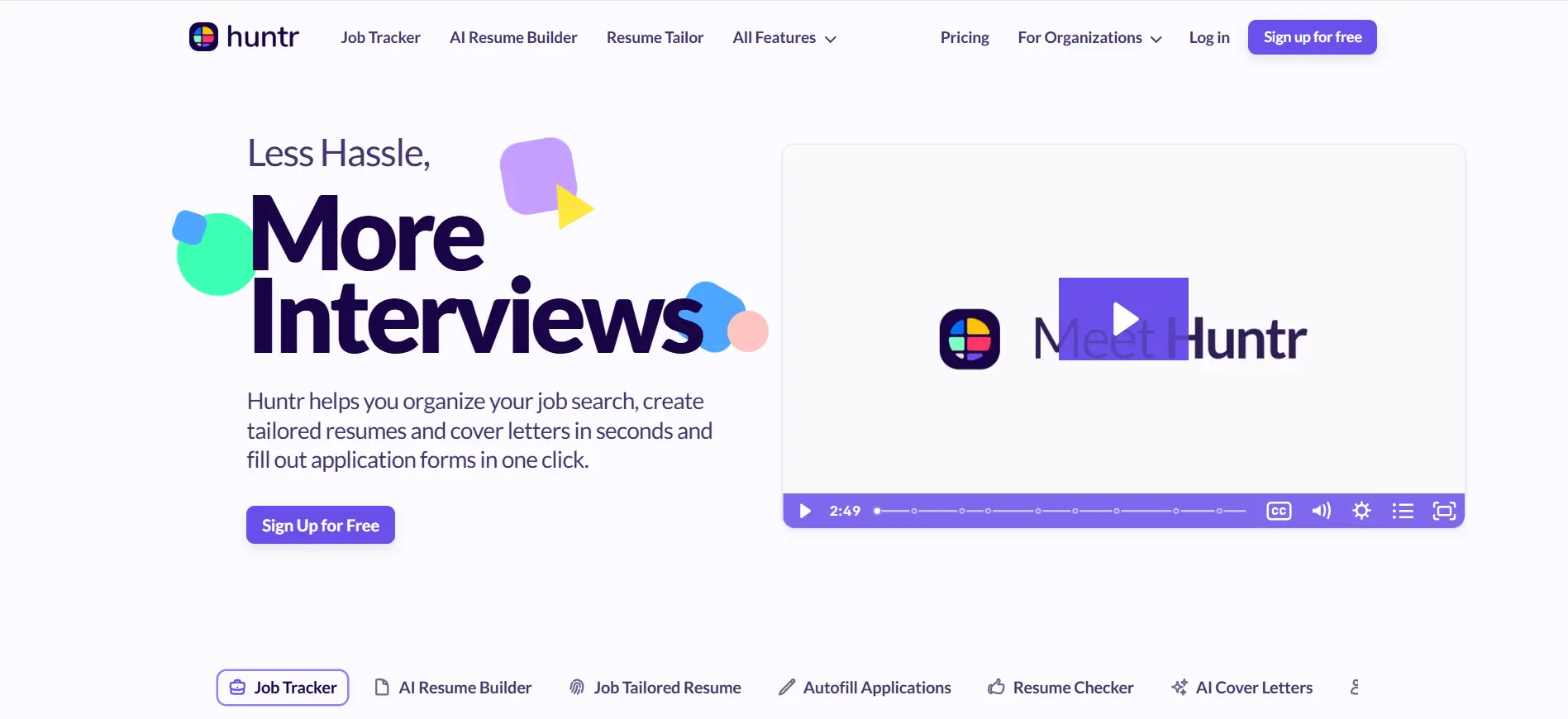
Huntr is designed to make that process easier.
The extension lets you save jobs as you browse and organize them in a centralized dashboard, so you always know where each application stands.
One of its most useful features is application autofill.
Instead of entering the same information repeatedly, you can complete applications much faster and focus your time on customizing resumes and preparing for interviews.
With Huntr, you can:
- Save jobs from different platforms in one place
- Autofill application forms to reduce repetitive work
- Track application status throughout the hiring process
- Manage interview schedules, notes, and follow-ups
If you're applying to several roles each week, Huntr can help you stay organized and avoid missing opportunities simply because your job search became difficult to manage.
3. Careerflow AI — profile optimization, autofill, and tracking in one place
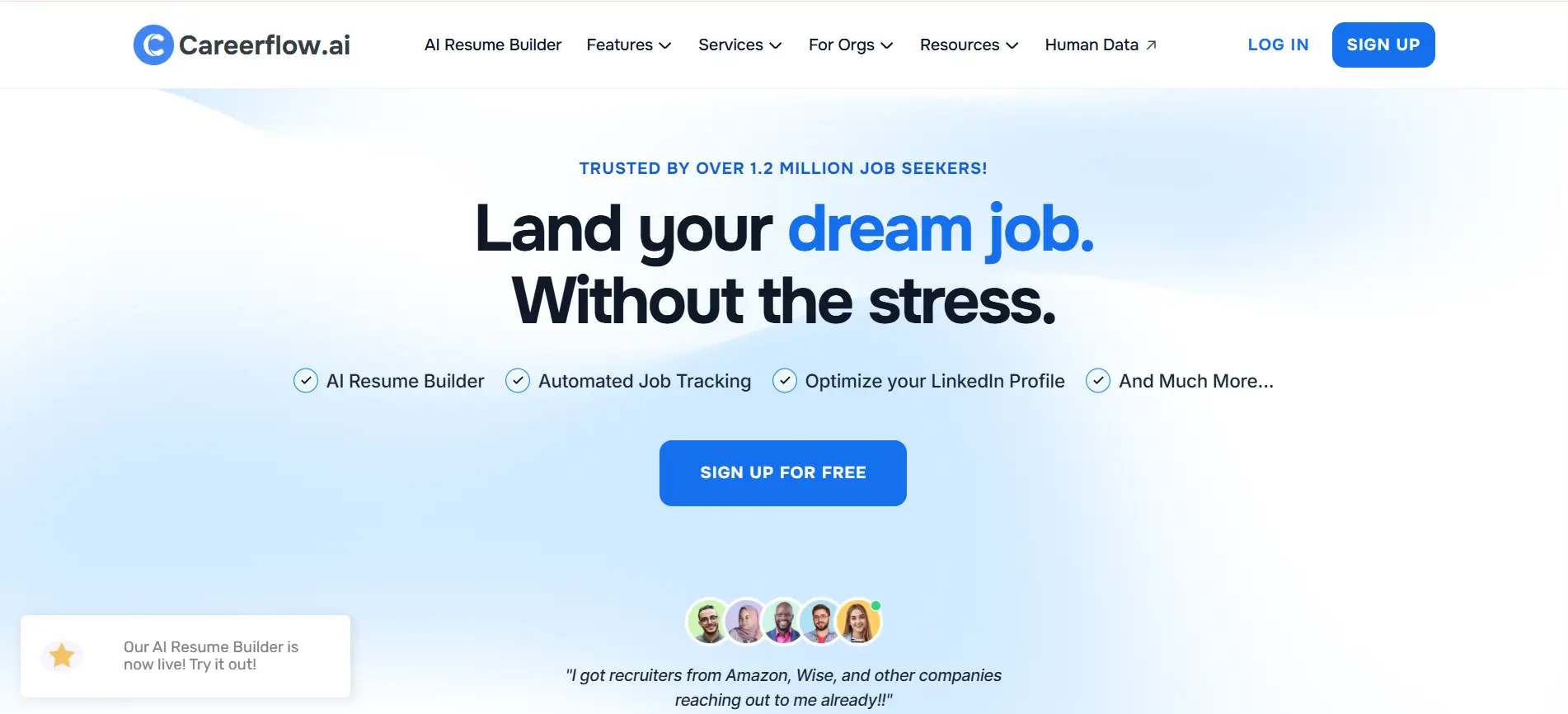
A successful job search requires more than sending applications. You also need a strong LinkedIn profile, a tailored resume, and a system for keeping track of every opportunity.
Careerflow AI brings these tasks together in a single platform.
Instead of juggling multiple tools, you can optimize your professional presence and manage your applications from one place.
The platform helps identify gaps in your LinkedIn profile and provides recommendations that can improve your visibility to recruiters.
It also simplifies the application process with autofill features and built-in tracking tools.
Some of its most valuable capabilities include:
- LinkedIn profile analysis and optimization suggestions
- Resume improvement recommendations
- Application autofill to save time
- Job application tracking and organization
- Progress monitoring throughout your job search
If you're looking for an all-in-one productivity tool, Careerflow AI can help you stay organized while ensuring your profile and application materials are ready for the opportunities you want most.
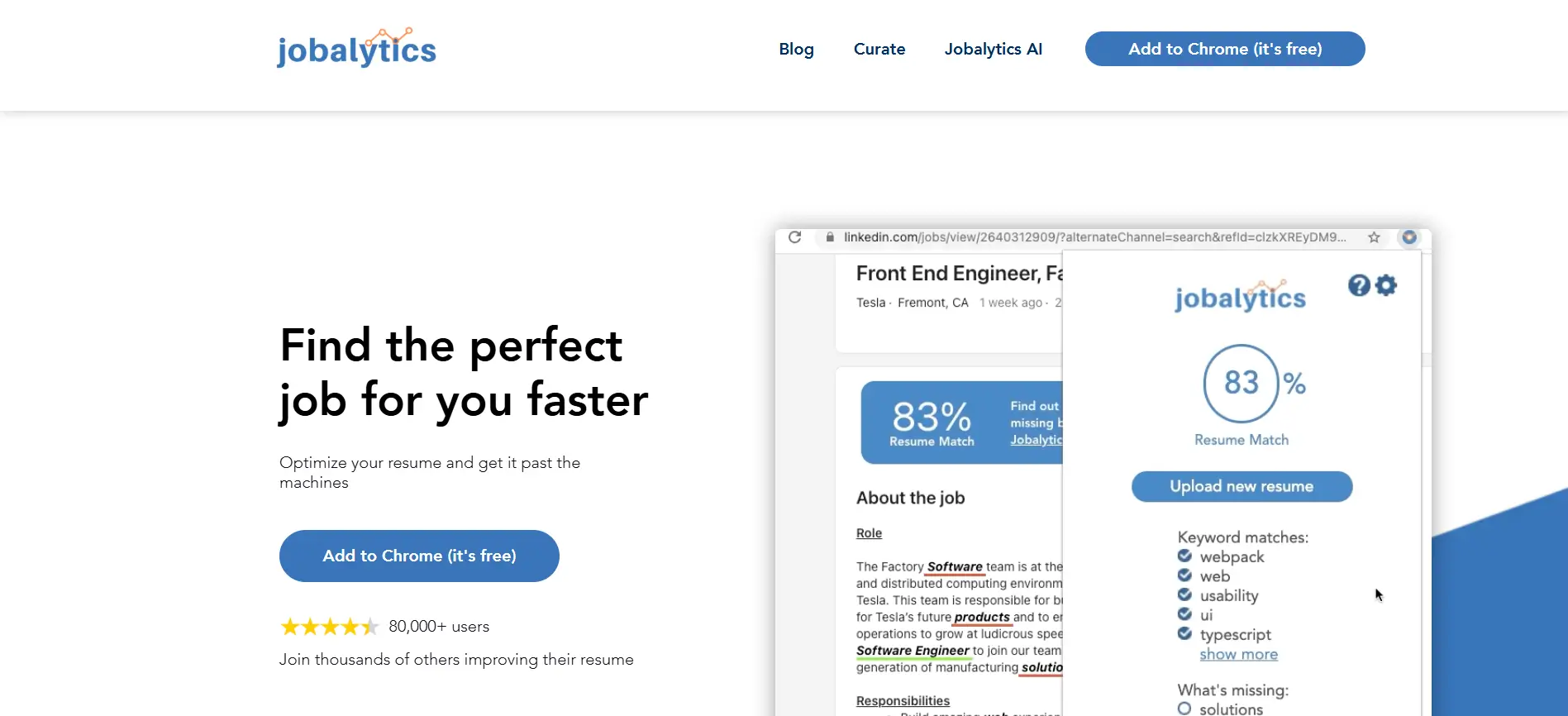
4. Jobalytics — match your resume keywords to the job before you apply
Many qualified candidates get rejected before a recruiter ever sees their application. In many cases, the problem is not experience or skills.
It's that their resume doesn't include the keywords the employer's applicant tracking system (ATS) is looking for.
Jobalytics helps you identify that gap before you apply.
The extension analyzes a job description and compares it with your resume, showing how closely your qualifications align with the role.
This allows you to make targeted improvements instead of guessing what recruiters want to see.
By aligning your resume with the language used in the job posting, you can increase your chances of passing ATS screening.
Key features include:
- Resume-to-job description keyword matching
- ATS-focused optimization recommendations
- Skill gap identification
- Keyword relevance scoring
- Quick resume improvement insights
If you regularly apply for competitive positions, Jobalytics can help ensure your resume speaks the same language as the employer, giving you a better chance of reaching the interview stage.
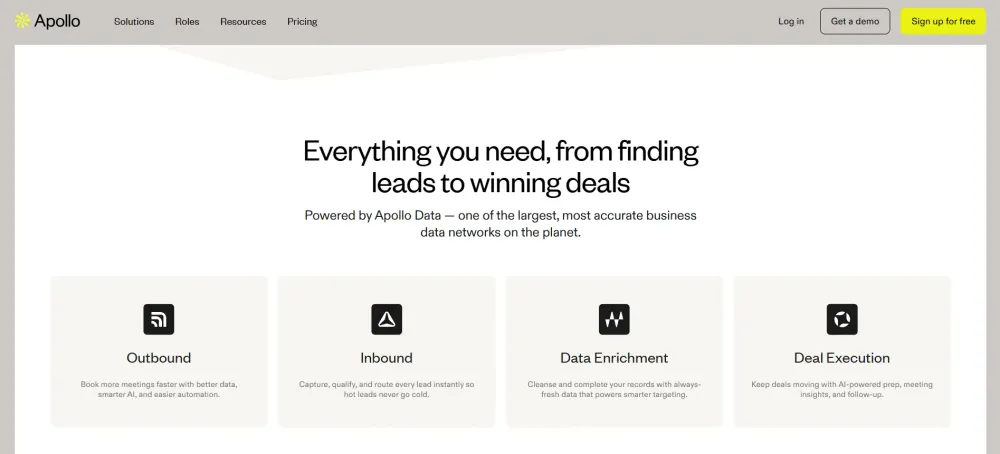
5. Apollo — pull verified recruiter and hiring-manager contact details
Sometimes the biggest challenge isn't finding a job opening. It's finding the right person to contact after you apply.
Apollo is widely known as a sales prospecting tool, but many job seekers use it to identify recruiters, hiring managers, and other decision-makers at target companies.
Instead of waiting for an application update, you can often find the people involved in the hiring process and build a more direct connection.
The platform provides access to professional contact information and company data, making it easier to understand who you should reach out to and when.
With Apollo, you can:
- Find recruiter and hiring-manager contact details
- Access verified professional email addresses
- Research company teams and decision-makers
- Filter contacts by role, department, and company
- Build outreach lists for networking and follow-ups
When used thoughtfully, Apollo can help you move beyond the standard application process.
A personalized message to the right recruiter or hiring manager can sometimes create opportunities that would otherwise get lost in a crowded applicant pool.
Suggested Reading:
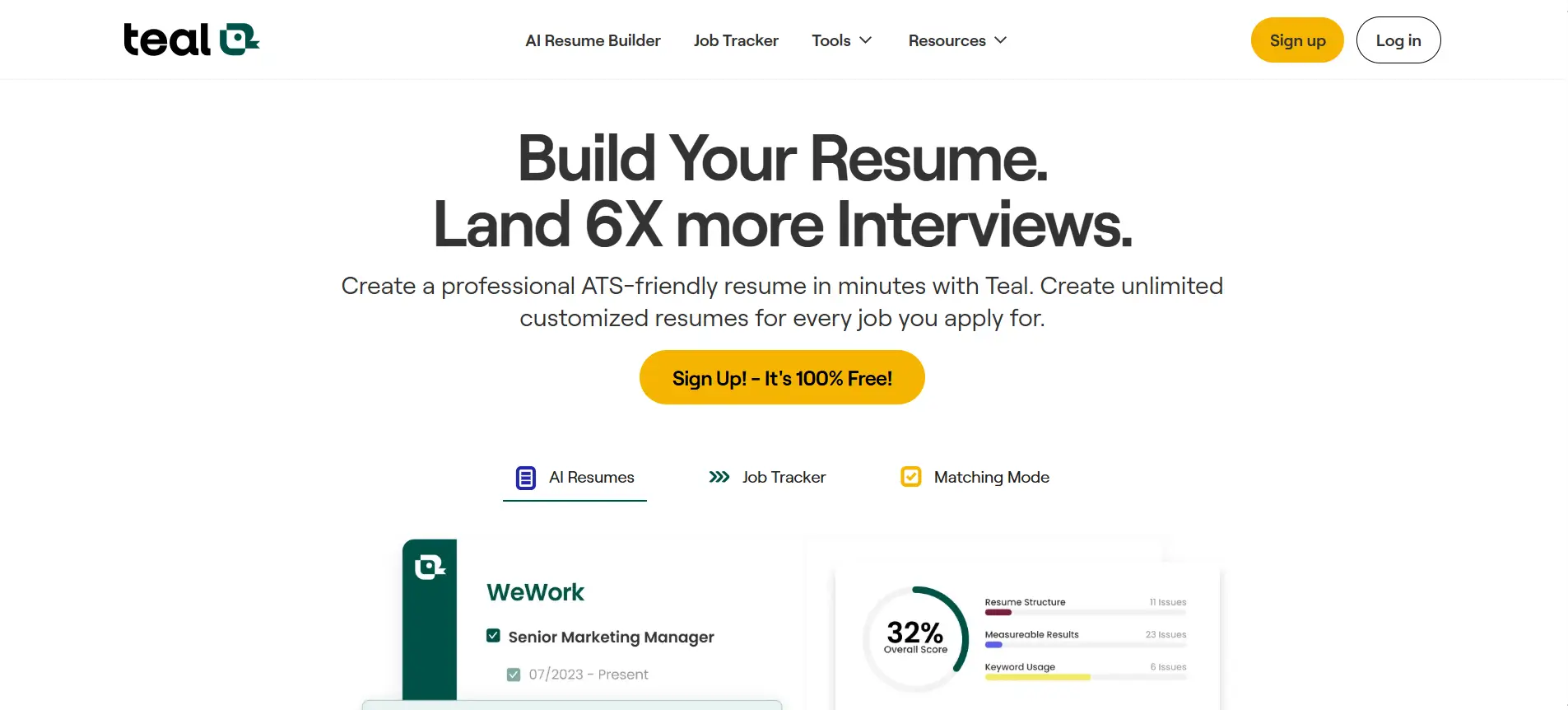
5 Best Apollo.io Alternatives for B2B Lead Generation6. Teal — analyze your resume against any job posting
Submitting the same resume for every application rarely produces the best results.
Different employers prioritize different skills, experiences, and qualifications, which means your resume should be adjusted for each role whenever possible.
Teal helps simplify that process by comparing your resume directly against a specific job posting.
Instead of manually reviewing every requirement, you can quickly see how well your resume aligns with the position and where improvements may be needed.
The platform highlights missing keywords, relevant skills, and areas that could be strengthened before you submit an application.
This makes it easier to create a more targeted resume without spending hours editing each version from scratch.
Some of Teal's most useful features include:
- Resume-to-job description analysis
- Keyword and skill gap identification
- ATS optimization recommendations
- Resume customization guidance
- Job application tracking tools
If you want to improve the quality of your applications rather than simply increase the number you send, Teal can help you create resumes that are more relevant to each opportunity.
7. Jobright AI — match your profile to live roles where you have an edge
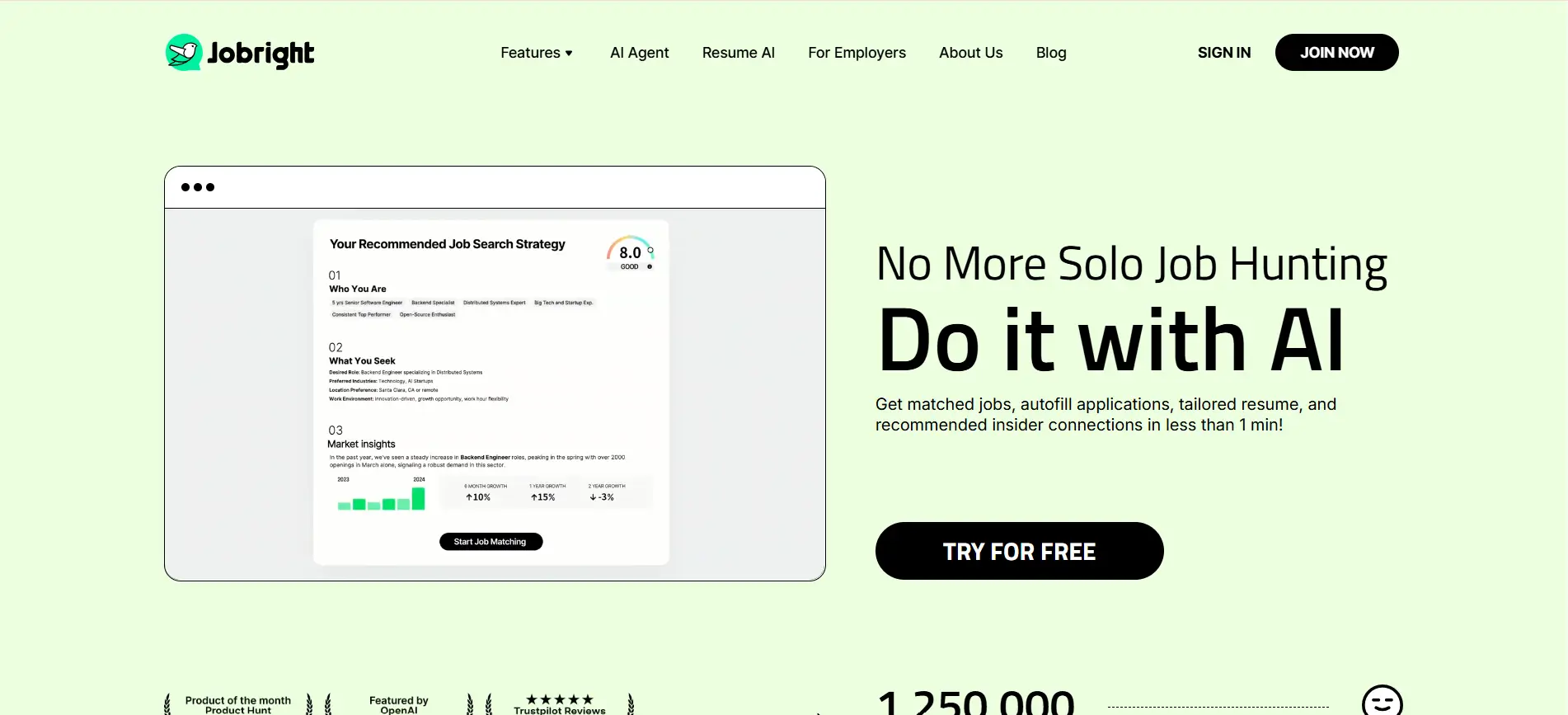
Searching through hundreds of job listings can be frustrating, especially when many roles are not a strong match for your background.
Applying to every opportunity you find often leads to wasted time and lower response rates.
Jobright AI takes a different approach by helping you focus on roles where your skills, experience, and qualifications already align with what employers need.
Instead of manually evaluating every listing, the platform uses AI to identify opportunities that fit your profile.
This can help you spend less time searching and more time applying to positions where you have a realistic chance of standing out.
Key features include:
- AI-powered job matching based on your profile
- Personalized role recommendations
- Skills and experience alignment analysis
- Discovery of relevant live job openings
- Insights into why a role may be a strong fit
For job seekers who feel overwhelmed by endless job boards, Jobright AI can act like a filtering system.
By prioritizing opportunities where you already have an advantage, you can build a more focused job search strategy and improve your chances of getting interviews.
8. LinkedIn Insight — check whether a company is actually hiring
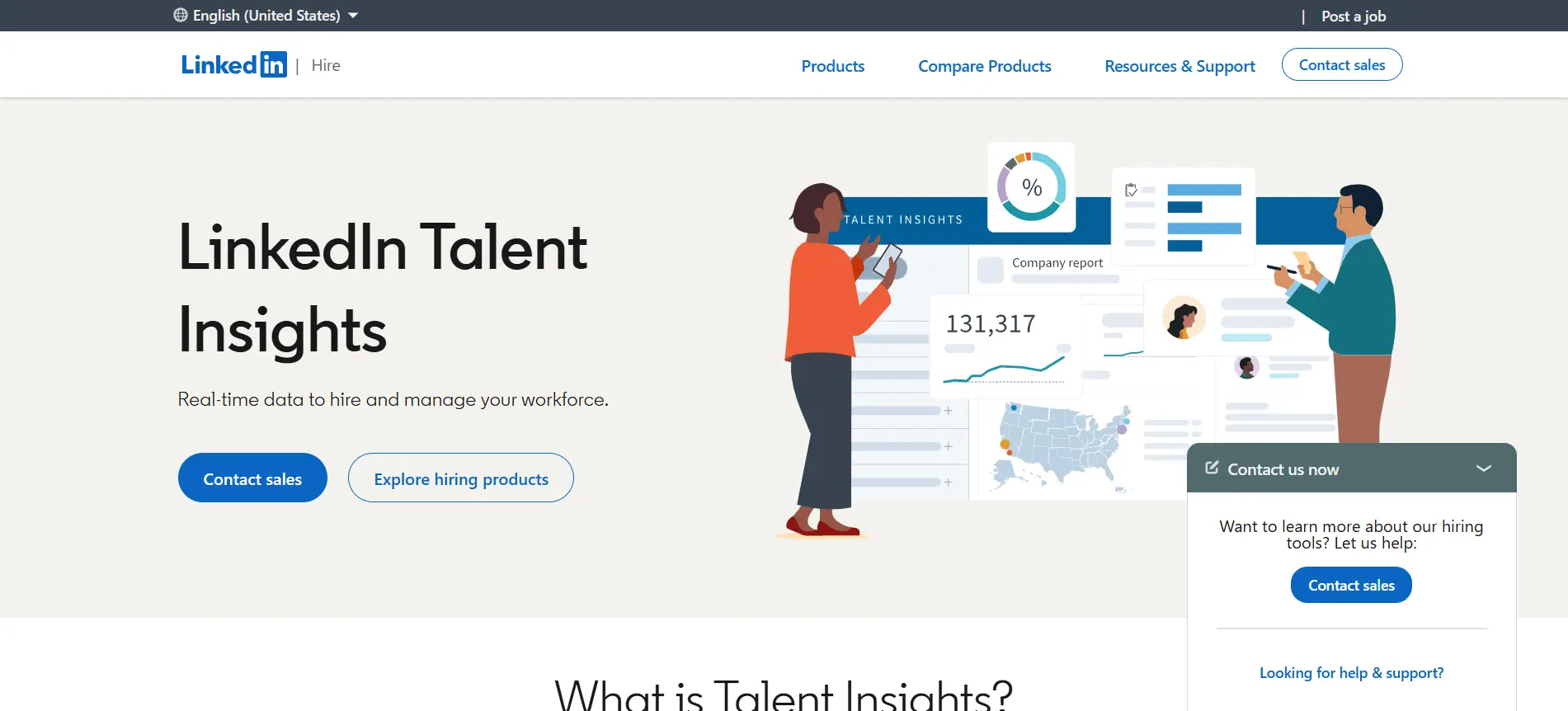
Not every job posting tells the full story.
A company may have open positions listed online, but that doesn't always mean hiring is actively happening or that the role is a current priority.
LinkedIn Insight helps you gather additional context before investing time in an application.
By analyzing hiring activity and company signals, it can help you understand whether an organization is genuinely growing and recruiting.
This information can be valuable when you're deciding where to focus your efforts. Instead of applying blindly, you can prioritize companies that show clear signs of active hiring and employee growth.
Useful insights often include:
- Recent hiring activity across departments
- Employee growth trends
- New job openings and recruitment patterns
- Company expansion signals
- Workforce and organizational changes
These signals won't guarantee that you'll get an interview, but they can help you make smarter decisions about where to spend your time.
When you're applying to dozens of positions, focusing on companies that are actively investing in talent can improve the efficiency of your job search and lead to better opportunities.
9. Final Round AI — prep for interviews with real-time question help
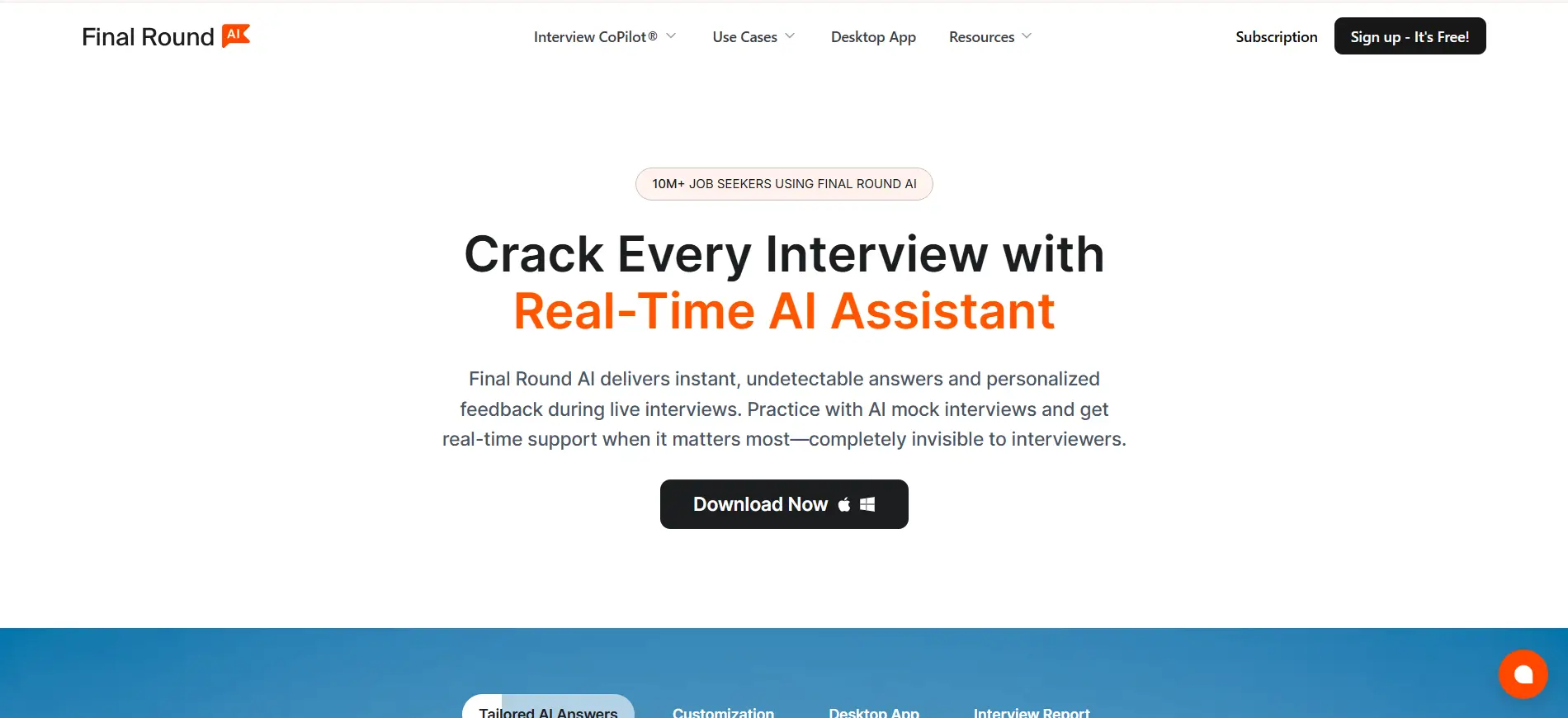
Getting an interview is a major milestone, but preparing for it is often the most stressful part of the job search.
Many candidates know their experience well but struggle to answer questions clearly under pressure.
Final Round AI is designed to help you practice and improve your interview performance before the real conversation happens.
The platform uses AI to simulate interview scenarios and provide guidance based on the questions being asked.
This can help you build confidence, structure stronger answers, and identify areas that need improvement before meeting with recruiters or hiring managers.
Some of its standout features include:
- AI-powered mock interview sessions
- Real-time interview assistance and guidance
- Practice questions tailored to different roles
- Feedback on answer quality and communication
- Interview preparation resources and coaching tools
Whether you're preparing for your first interview or targeting a highly competitive role, Final Round AI can help you feel more prepared.
Consistent practice often makes the difference between giving average answers and delivering responses that leave a lasting impression on employers.
10. Loom — send a short video intro that stands out from a cover letter
Recruiters often receive hundreds of applications for a single role. When every candidate submits a resume and cover letter, it can be difficult to stand out from the crowd.
Loom offers a different approach. Instead of relying only on written communication, you can record a short video introduction that highlights your personality, communication skills, and enthusiasm for the role.
A well-crafted video can help recruiters put a face to your application and remember you long after reviewing your resume.
It also gives you an opportunity to explain why you're interested in the position in a more natural and engaging way.
Loom can help you:
- Record personalized video introductions in minutes
- Share videos through a simple link
- Demonstrate communication and presentation skills
- Add a personal touch to job applications
- Follow up with recruiters in a memorable way
While a video won't replace a strong resume, it can complement your application.
For roles that value communication, creativity, or relationship-building, a short Loom video may help you make a stronger first impression than a traditional cover letter alone.
How to Combine These Extensions Into One Job-Search System
Using a single extension can improve part of your job search, but combining several tools creates a much more effective system.
You can use LinkedIn Insight to evaluate companies, Oppora or Apollo to find recruiters, Jobalytics and Teal to optimize your resume, and Huntr to manage applications.
Then, use Final Round AI and Loom to strengthen your interviews and outreach.
Together, these tools help you move from job discovery to interview preparation with a more organized and strategic approach.
Research the company and confirm the role is real
Before applying, spend a few minutes researching the company. Many job seekers focus only on the job title and miss important signals about whether a company is actively hiring.
Tools like LinkedIn Insight can help you review hiring activity, company growth, and workforce trends.
If a business is expanding and posting new roles consistently, it's usually a stronger opportunity than a listing that has shown little activity.
Find the recruiter or HR contact behind the listing
Once you've identified a promising role, try to find the person responsible for hiring.
A direct connection can often be more effective than relying solely on an application submission.
Tools such as Oppora and Apollo can help you:
- Identify recruiters and HR professionals
- Find verified contact information
- Discover hiring managers within a company
A short, professional message can help you get noticed in a crowded applicant pool.
Suggested Reading:
10 Best LinkedIn Connection Automation Tool [Free + Paid Options]Tailor your resume and profile to the keywords that matter
After finding the right opportunity, make sure your application aligns with the job requirements.
Sending a generic resume reduces your chances of passing ATS screening.
Use tools like Jobalytics, Teal, or Careerflow AI to compare your resume with the job description, identify missing keywords, and optimize both your resume and LinkedIn profile before applying.
Apply faster with autofill and track every application
Once your resume is optimized, speed becomes important.
The best opportunities often attract applicants quickly, so reducing manual work can help you apply before the competition grows.
Tools like Huntr and Careerflow AI let you autofill application forms and keep every opportunity organized in one place.
This helps you track application status, interview dates, and follow-up tasks without relying on spreadsheets or memory.
Reach out, prep, and follow up at the right time
Submitting an application shouldn't be the final step. Strategic outreach and interview preparation can significantly improve your chances of getting noticed.
A simple workflow can look like this:
- Send a personalized message to the recruiter
- Practice interviews with Final Round AI
- Use Loom for a short video introduction when appropriate
- Follow up professionally after applying or interviewing
Small actions at the right time can often make your application stand out from candidates who only click the "Apply" button and wait.
Conclusion
The right LinkedIn extension won't guarantee you a job, but it can make every stage of your job search more efficient.
From researching companies and finding recruiters to optimizing your resume, tracking applications, and preparing for interviews, these tools help you work smarter instead of harder.
The key is not using every extension available. It's building a simple system that supports your workflow and helps you stay consistent throughout your search.
If connecting with recruiters and hiring managers is part of your strategy, tools like Oppora can help you identify the right contacts and find verified email addresses while you browse LinkedIn.
Combined with a strong resume and thoughtful outreach, that can help you create more meaningful opportunities and stand out in a competitive job market.
Frequently Asked Questions (FAQs)
Do LinkedIn extensions work on all job boards or only LinkedIn?
It depends on the extension. Some tools are built specifically for LinkedIn, while others work across platforms like Indeed, Glassdoor, ZipRecruiter, and company career pages. Always check the extension's supported websites before installing it.
Can recruiters see which LinkedIn extensions I use?
No. Recruiters cannot see the browser extensions installed on your device. These tools operate within your browser and do not notify recruiters or employers when you use them during your job search.
Are LinkedIn extensions safe to use for job searching?
Most reputable extensions are safe, but you should review permissions carefully before installing them. Choose tools from trusted providers, read user reviews, and avoid extensions that request unnecessary access to your personal information.
Should I use multiple LinkedIn extensions at the same time?
Yes, but only if they serve different purposes. For example, you might use one tool for recruiter discovery, another for resume optimization, and a third for application tracking. Too many overlapping tools can create unnecessary complexity.
Do LinkedIn extensions help people with little or no work experience?
Yes. Many extensions help with profile optimization, resume improvements, interview preparation, and networking. These features can be especially valuable for students, recent graduates, and career changers trying to improve their visibility to recruiters.
Summarize with AI
Share